


















Press Me GPT
What is Press Me GPT?
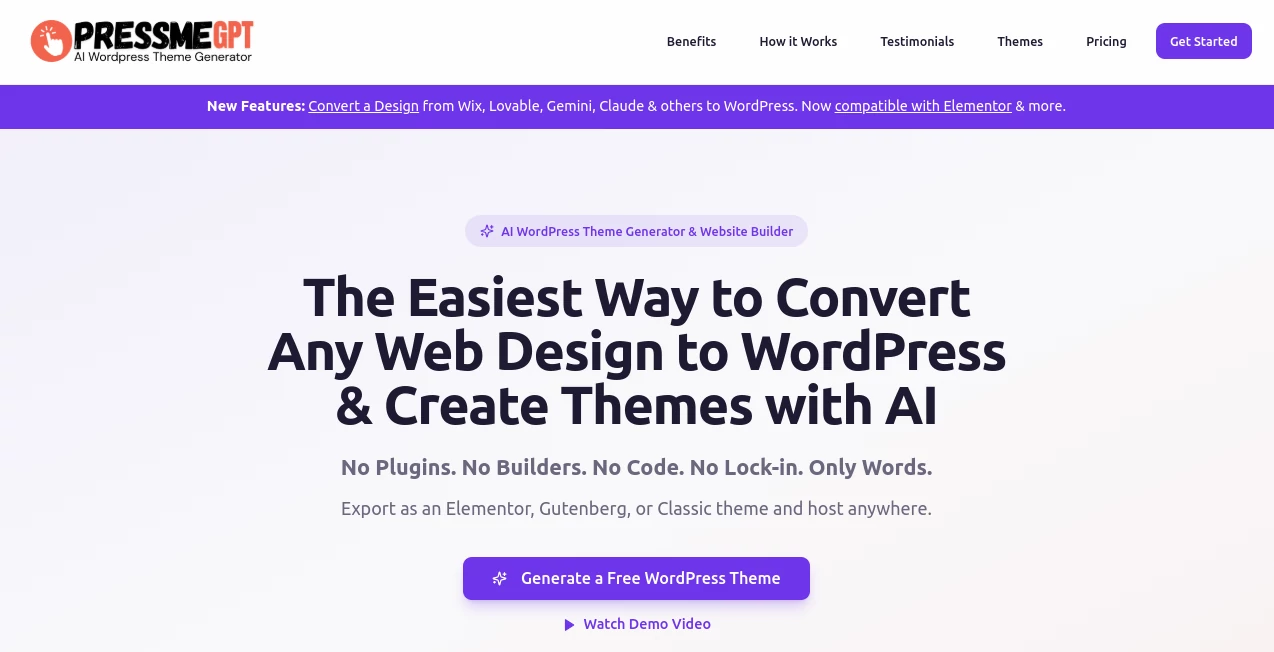
Building a WordPress website from scratch can take much longer than expected. Choosing a suitable theme, adjusting layouts, fixing spacing, making pages responsive, and repeating the same changes across projects can quickly turn a simple website into an all-day task. PressMeGPT takes a different approach by letting users describe the website they want and then turning that idea into a real WordPress theme.
The platform is designed for people who want more control over the final website without being tied to a particular hosted website builder. Instead of producing only a visual mockup, it creates installable WordPress themes that can be downloaded and used on a WordPress website. This makes it particularly interesting for freelancers, developers, agencies, marketers, and business owners who regularly need custom websites.
Another practical advantage is the ability to refine a generated design with additional prompts. Rather than starting over whenever something feels wrong, users can request changes to sections, colors, fonts, images, and other design elements. That makes the workflow feel closer to working with a designer who can respond to instructions than simply selecting a pre-built template.
Key Features
- AI-powered WordPress theme generation from natural-language prompts
- Generation of complete, installable WordPress themes
- Conversion of existing HTML websites into WordPress themes
- Support for Gutenberg and the WordPress Full Site Editor
- Elementor-compatible theme exports on supported plans
- Classic WordPress theme exports
- AI-powered theme customization through follow-up prompts
- Multi-page website building and page conversion
- Media migration using credits
- Theme preview before exporting
- Helper plugins for supported workflows
- Option to keep generated themes private on paid plans
- Downloadable themes that can be installed on WordPress websites
User Interface
The workflow is built around a straightforward idea: describe the website, review the generated designs, and refine the result. This removes much of the initial friction associated with opening a blank WordPress project and manually constructing every section.
For someone creating a portfolio, company website, landing page, blog, or client project, the prompt-based workflow can provide a useful starting point within minutes. The ability to continue making requests after the first generation is especially useful because the first version of a website rarely gets everything right.
The preview-oriented workflow also gives users an opportunity to evaluate the visual direction before committing to an export. That can make experimentation considerably easier when several design ideas need to be tested.
Accuracy & Performance
The biggest strength of the platform is not simply producing attractive layouts. Its more practical advantage is turning those layouts into actual WordPress themes that can be installed and edited. This distinction matters for users who need a working website rather than a screenshot of one.
Generated themes are intended to remain close to the design shown during creation, reducing the common frustration of installing a theme that looks noticeably different from its promotional preview. The platform also focuses on lightweight theme output without requiring a separate page-builder plugin for the core theme-generation workflow.
Results will naturally depend on the quality and specificity of the prompt. A clear request describing the business, page structure, visual direction, sections, and desired functionality is more likely to produce a useful first version than a vague instruction such as “make me a website.”
Capabilities
The platform goes beyond generating a homepage. Users can create themes from prompts, modify existing designs, add pages, and convert existing web designs into WordPress themes. This makes it suitable for both new projects and situations where an existing design needs to move into the WordPress ecosystem.
It also supports different WordPress editing approaches. Depending on the plan and export option, users can work with Gutenberg, Elementor, or the Classic Editor. This flexibility is valuable for developers and agencies because different clients often have different preferences for managing their websites.
Another useful capability is media migration. When converting an existing website or building a new theme, moving visual assets can otherwise become a tedious manual process. Credit-based media migration gives users a more structured way to handle that part of the workflow.
Security & Privacy
The service is designed around downloadable WordPress themes rather than forcing users to keep their finished websites inside a proprietary hosted builder. Once a theme has been exported, it can be installed on a WordPress website and hosted wherever the user chooses.
Users should still review the content, assets, integrations, and permissions of any generated website before publishing it. The platform's terms also explain that free-plan themes may be displayed publicly, while paid-plan users retain rights to themes they generate subject to the applicable licensing terms. For projects containing confidential material, reviewing the current terms and choosing the appropriate plan is important.
Use Cases
Freelance Web Development: Freelancers can use AI-generated themes as a faster starting point for client websites. Instead of spending hours assembling the first version, they can establish the overall design and then spend more time refining the details that matter to the client.
Agency Projects: Agencies handling multiple websites can benefit from a repeatable theme-generation workflow. A new project can begin with a prompt tailored to the client's industry, branding, content structure, and target audience.
Business Websites: Small businesses can create a professional WordPress foundation without having to select a generic theme and heavily modify it. A restaurant, consultancy, startup, local service provider, or online publication can start with a design built around its own requirements.
HTML to WordPress Conversion: Developers who already have an HTML design can use the conversion functionality to move an existing website concept into WordPress rather than rebuilding the entire structure manually.
Rapid Prototyping: Designers and founders can experiment with several website concepts quickly. This is useful when the visual direction is not yet finalized and multiple approaches need to be compared before development begins.
Client Website Redesigns: Existing websites can provide inspiration or a starting point for a new WordPress implementation. This can shorten the distance between an approved visual concept and an editable WordPress theme.
Pros and Cons
Pros
- Creates real WordPress themes rather than only static visual concepts
- Natural-language prompts make the initial design process accessible
- Supports Gutenberg and Full Site Editing workflows
- Available Elementor and Classic exports expand compatibility
- Existing HTML designs can be converted into WordPress themes
- AI prompts can be used for subsequent design changes
- Exported themes can be installed on WordPress hosting of the user's choice
- No required third-party page builder for the core generated theme
- Free plan available for testing the workflow
Cons
- AI-generated designs may still require human refinement before launch
- Credit usage depends on the type and complexity of the requested work
- Some advanced capabilities are restricted to higher-tier plans
- Users working with highly complex WordPress functionality may still need conventional development
- Free-plan themes may be publicly shared according to the service terms
Pricing Plans
A free option is available with 5 credits per month and one test theme, making it possible to explore the basic workflow without an upfront payment. Paid plans increase the available credits and unlock additional capabilities.
- Free: $0 with 5 credits per month and one test theme.
- Creator: $5.75 per month when billed annually, with 120 credits per year issued monthly.
- Freelance: $8.25 per month when billed annually, with 360 credits per year and additional export options.
- Pro: $16.58 per month when billed annually, with 840 credits per year and support for larger project workloads.
- Agency: $33.25 per month when billed annually, with 1,800 credits per year and features aimed at teams and agencies.
Credit consumption varies by task. A new theme generation uses 3 credits, while AI customization requests use at least 1 credit. Website conversion generally uses 2 to 3 credits, and additional pages can use between 0.5 and 0.75 credits depending on the task. A 30-day money-back guarantee is also available under the conditions described in the service's current refund policy.
How to Use It
- Create an account and open the theme-generation workflow.
- Describe the website you want, including the business type, visual style, pages, sections, colors, and other important requirements.
- Review the generated theme options and select the direction that best matches your project.
- Use additional prompts to adjust the design, content areas, typography, imagery, colors, or layout.
- Add or convert additional pages when the project requires a larger website structure.
- Preview the result and make any final adjustments.
- Choose the appropriate WordPress export format for your workflow.
- Download the generated theme and install it on your WordPress website.
A useful prompt can be quite specific. For example, instead of asking for “a modern business website,” describe the company, its audience, the required pages, preferred visual style, main call to action, and the sections that should appear on the homepage. More context gives the generation process a better design brief to work with.
Comparison with Similar Tools
The main difference between this approach and traditional WordPress page builders is where the work happens. A conventional builder usually gives you a visual interface and a collection of widgets or templates that you assemble manually. Here, the initial design is produced from a natural-language description and exported as a WordPress theme.
This can be particularly appealing to users who do not want their finished website to depend on a heavy page-builder stack. Gutenberg users can work with native WordPress editing, while supported workflows can also use Elementor or Classic exports.
Compared with traditional theme marketplaces, the advantage is customization. Instead of searching through hundreds of pre-designed themes and modifying one that is “close enough,” users can describe the type of website they actually want and generate a starting point around that description.
It is not necessarily a replacement for every professional WordPress workflow. Complex WooCommerce stores, highly customized applications, advanced dynamic systems, or projects requiring extensive custom development can still need experienced developers. For standard business websites and rapid design work, however, the AI-first approach can remove a substantial amount of repetitive setup.
Conclusion
For WordPress users who are tired of choosing a theme first and customizing it for hours afterward, an AI-generated theme workflow is a refreshing alternative. The strongest part of the experience is the combination of prompt-based design, iterative customization, and actual WordPress theme export.
The ability to work with Gutenberg, Elementor, and Classic WordPress workflows also makes the platform more flexible than a solution that locks users into one proprietary editor. Freelancers and agencies can use it to accelerate client projects, while individual website owners can experiment with custom designs without needing to begin with a blank theme.
It is still worth treating AI generation as a starting point rather than a substitute for final human review. Branding, accessibility, content accuracy, responsive behavior, SEO, and project-specific functionality should all be checked before a website goes live. Used in that way, this tool can be a practical shortcut for turning an idea into a usable WordPress foundation much faster.
Frequently Asked Questions (FAQ)
What does this tool create?
It creates real, installable WordPress themes from AI prompts. The generated themes are designed to work with native WordPress workflows rather than existing only as static visual designs.
Can I edit a generated theme?
Yes. Generated themes can be customized using additional AI prompts and, after export, edited through supported WordPress editing workflows such as Gutenberg and the Full Site Editor.
Can I convert an existing HTML website?
Yes. The platform includes a feature for converting existing HTML websites into WordPress themes, making it useful when an existing design needs to become editable inside WordPress.
Do I need to know how to code?
No coding is required for the basic generation workflow. You describe the desired website, review the generated design, refine it with prompts, and export the result. Developers can still work with the generated theme when more advanced customization is needed.
Can I use the exported theme on another WordPress website?
Yes. Exported themes can be downloaded as files and installed on WordPress websites. The service is designed so users can host the finished theme wherever they choose rather than keeping the website locked into a hosted builder.
Is there a free plan?
Yes. The free plan currently provides 5 credits per month and allows users to test the theme-generation workflow before choosing a paid plan.
AI Design Assistant , AI Website Builder , AI No-Code & Low-Code , AI Website Designer .
These classifications represent its core capabilities and areas of application. For related tools, explore the linked categories above.

Press Me GPT Alternatives Product

PromptCoder

Perchance AI

Color-Analys…

SparkIconAI

Screenshot t…

IMAGE 2

Verne

HTMLSlides

Simplified
