

















PropertyPhotoVideo
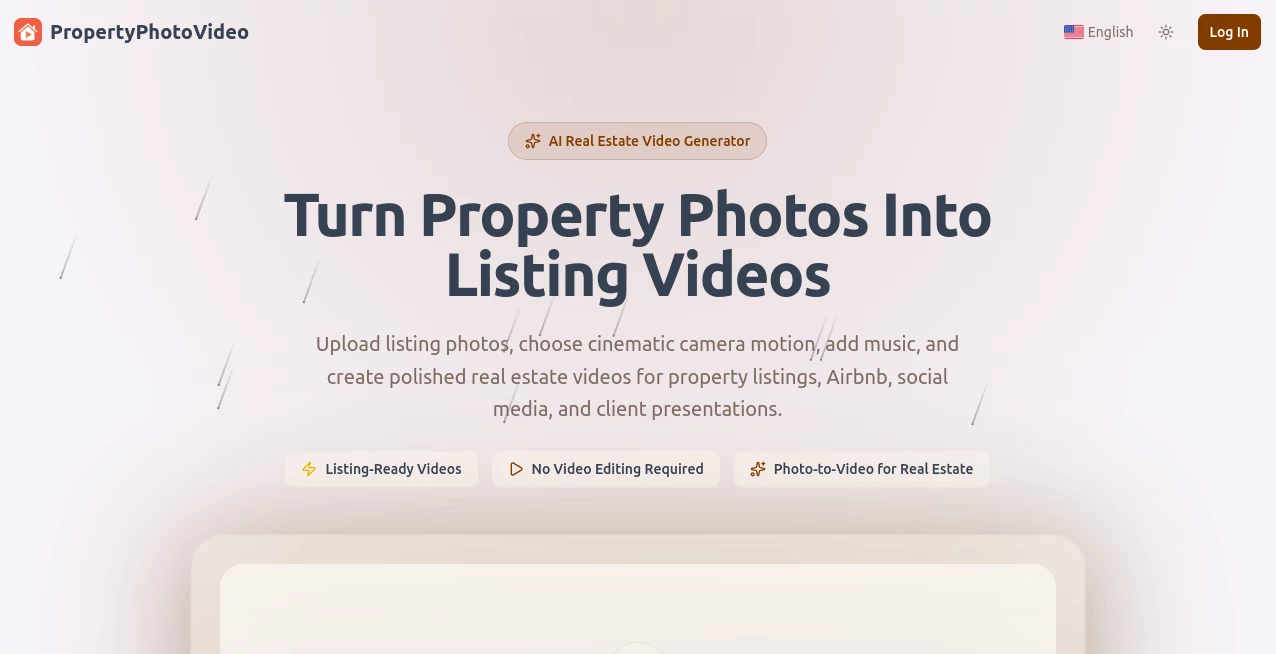
What is PropertyPhotoVideo?
Real estate agents and hosts know the struggle: great photos, but buyers still can’t picture themselves in the space. This tool changes that. Upload a handful of listing photos, pick cinematic camera movements, and in minutes you have a polished, professional walkthrough video ready for MLS, social media, or client presentations. No camera crew, no editing software, no long hours. I’ve seen listings that sat quietly suddenly get more inquiries once they had a short, flowing video—people connect with motion in a way static images rarely achieve.
Introduction
Creating real estate videos used to mean booking a videographer, spending half a day on site, and then hours editing. This platform removes all that friction. It takes your existing high-quality photos and brings them to life with smooth camera motions like push-ins, pans, rotates, and drone-style rises. The result feels like a thoughtful tour rather than a gimmicky animation. Real estate professionals, Airbnb hosts, and property marketers are using it to stand out in a crowded market without adding extra cost or time to their workflow. It’s simple enough for beginners yet powerful enough for daily use by busy agents.
Key Features
User Interface
The process is delightfully straightforward. You drag and drop up to six photos from the same property, choose a camera motion for each (push in, pull out, pan, rotate, etc.), set durations, and hit generate. Everything happens in one clean workspace with clear previews. No complicated timelines or steep learning curve—just logical steps that guide you from upload to finished video.
Accuracy & Performance
The AI understands real estate spaces well. It creates natural-feeling camera movement that respects room proportions and architectural flow. Transitions between photos are smooth, and the output looks professional rather than artificial. Generation speed is impressive—most videos are ready in under a couple of minutes—letting you create multiple versions quickly if needed.
Capabilities
You can create full property walkthroughs, highlight individual rooms, focus on curb appeal, or build short social media clips. Choose from various cinematic motions, adjust clip order and length, and merge everything into one cohesive MP4. It works beautifully for residential homes, apartments, villas, commercial spaces, and vacation rentals. The final videos are ready for MLS listings, Instagram Reels, YouTube, Facebook, or direct client sharing.
Security & Privacy
Your property photos are processed securely and not stored longer than necessary. The platform respects the sensitive nature of real estate imagery and client data, giving you confidence when uploading listings that may not be public yet.
Use Cases
Busy listing agents create compelling videos for new properties in minutes instead of waiting days for a videographer. Airbnb hosts produce engaging walkthroughs that help their listings stand out and book faster. Marketing teams generate consistent property videos across dozens of listings without blowing their budget. Even developers use it to showcase upcoming units with lifestyle-style footage before construction finishes. In every case, the video helps buyers emotionally connect with the property faster.
Pros and Cons
Pros:
- Turns existing photos into professional videos—no new shooting required.
- Extremely fast workflow from upload to finished MP4.
- Multiple cinematic motion styles give creative control.
- Perfect for social media, MLS, and client presentations.
- Significant time and cost savings compared to traditional video shoots.
Cons:
- Best results come from good quality source photos with proper lighting.
- Maximum length is focused on short-to-medium videos rather than full 5-minute tours.
- Some highly custom creative directions may still need traditional production.
Pricing Plans
The platform offers flexible options starting with a free or low-commitment tier for occasional use, scaling up to monthly plans for agents and teams who create videos regularly. Credit-based or subscription models let you pay for what you need, making it accessible for solo agents and larger brokerages alike.
How to Use PropertyPhotoVideo
Upload 4–6 photos from the same listing. For each photo, choose a camera motion style and duration. Arrange the order of clips to create a natural flow through the property. Click generate and review the result. Make small adjustments if needed (regenerate individual clips), then export the final polished video. The entire process can be completed in under 10 minutes for most properties.
Comparison with Similar Tools
Unlike generic AI video tools that often produce unnatural motion or poor real estate feel, this one is purpose-built for property marketing. It offers better camera intelligence for architecture and spaces compared to general-purpose generators, while being far faster and cheaper than hiring a videographer. The balance of quality, speed, and ease makes it stand out for real-world real estate use.
Conclusion
In today’s market, a good video can be the difference between a listing that sits and one that sells quickly. This tool makes high-quality property videos accessible to every agent and host without the usual headaches or expense. It respects your existing photos, adds cinematic life to them, and helps buyers fall in love with a space before they even schedule a viewing. For anyone serious about modern real estate marketing, it’s quickly becoming an essential part of the toolkit.
Frequently Asked Questions (FAQ)
How many photos do I need?
Best results come from 4–6 well-lit photos covering key areas of the property.
Do I need video editing experience?
Not at all. The entire process is designed for users with zero editing background.
Can I use the videos for social media?
Yes — vertical and horizontal formats work great for Instagram, TikTok, Facebook, and YouTube.
How long are the generated videos?
Typically 30–90 seconds, perfect for listings and social sharing.
Are the videos watermark-free?
Paid plans provide clean, watermark-free videos ready for professional use.