
Remotion
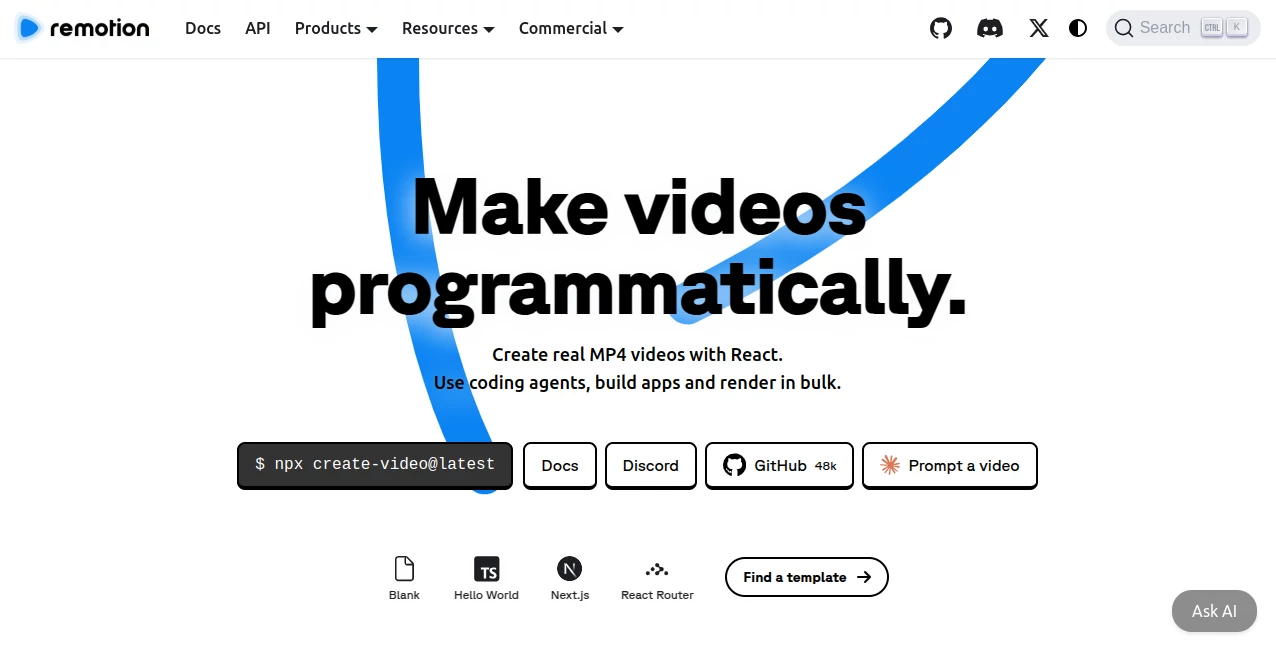
What is Remotion?
In a world where video content dominates almost every digital platform, having a flexible and developer-friendly way to produce videos is a huge advantage. This tool brings a completely different approach to video creation by allowing developers to build videos using code. Instead of relying on traditional video editing timelines, it turns video production into a modern development workflow.
It is designed for creators, developers, and teams who want full control over motion graphics, animations, and dynamic video content. Whether you’re building automated social media videos or complex animated explainers, this platform makes it possible to treat video like a software project.
Key Features
User Interface
Rather than a typical drag-and-drop editor, the interface is built around a development environment. Users work with components, preview renders in real time, and adjust animations using familiar coding patterns. This makes it especially powerful for those already comfortable with modern web development.
Accuracy & Performance
The rendering engine is optimized for high-quality output, ensuring that animations remain smooth and consistent across different formats. Since videos are generated from code, every frame is predictable and reproducible, which is essential for scalable content production.
Capabilities
The platform supports dynamic data integration, meaning videos can be generated automatically from APIs, spreadsheets, or user inputs. It also allows advanced animation control, layered compositions, and reusable components, making it ideal for automated video generation systems.
Security & Privacy
Because everything runs in a controlled rendering environment, projects remain secure and isolated. Developers can safely generate videos without exposing sensitive data to third-party editing tools.
Use Cases
- Automated social media video generation
- Data-driven marketing videos and dashboards
- Personalized video messages at scale
- Animated product explainers and demos
- Content creation pipelines for agencies and startups
Pros and Cons
Pros
- Full control using code-based video creation
- Highly scalable for automated workflows
- Reusable components for consistent branding
- Excellent for dynamic, data-driven content
Cons
- Requires programming knowledge
- Not suitable for beginners looking for simple drag-and-drop editing
- Steeper learning curve compared to traditional editors
Pricing Plans
The platform offers flexible pricing depending on usage and rendering needs. There is typically a free tier for experimentation and development, while advanced features and higher rendering capacity are available in paid plans designed for professionals and teams.
How to Use the Tool
Getting started begins with installing the environment and setting up a project structure similar to a modern web application. Users define video scenes as components, apply animations, and configure timelines through code. Once the structure is ready, the video can be rendered into high-quality output formats.
The workflow feels natural for developers: build components, preview changes instantly, and render final videos when everything is ready. This approach removes many of the limitations found in traditional editing software.
Comparison with Similar Tools
Compared to traditional video editing platforms, this solution offers far more flexibility for automation and scalability. While conventional tools focus on manual editing, this platform is built for programmatic generation.
Unlike no-code video makers, it requires technical knowledge but rewards users with complete creative and structural control. It is especially powerful when compared to template-based editors, as it allows infinite customization through code.
Conclusion
This platform represents a shift in how video content can be created. Instead of manually editing each frame, developers can design reusable systems that generate videos automatically. For teams focused on scalability, automation, and creative control, it offers a powerful alternative to traditional video editing tools.
Frequently Asked Questions (FAQ)
- Is it suitable for beginners?
It is better suited for developers or users familiar with coding concepts. - Can it be used for marketing videos?
Yes, it is widely used for automated marketing and social media content. - Does it support animations?
Yes, it provides full support for advanced motion graphics and animations. - Is it scalable for large projects?
Yes, it is designed specifically for scalable, programmatic video generation.
AI Animated Video , AI Video Generator , AI Video Editor , AI Developer Tools .
These classifications represent its core capabilities and areas of application. For related tools, explore the linked categories above.

Remotion Alternatives Product

Mimo AI

Geekflare AI

Wan AI Video…

KKV AI

Blinkly AI

happyhorsevi…

Flow Veo 3

Happy Horse

TokenCalcula…