

















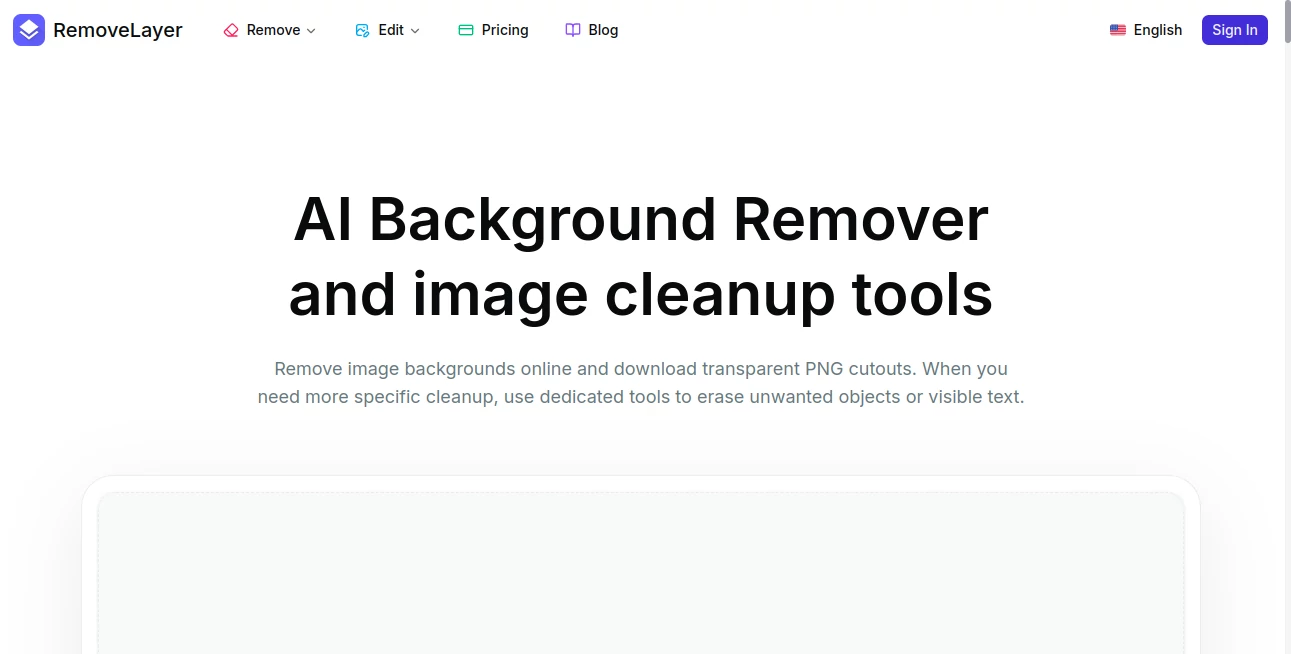
What is RemoveLayer?
Modern digital editing often requires precision, speed, and simplicity all at once. This tool is designed to help users remove unwanted layers from images without complicated software or technical learning curves. Whether you're a designer, content creator, or just someone working with visuals, it offers a smooth and intuitive way to clean up images and focus on what truly matters.
Instead of spending hours masking, erasing, or manually reconstructing visuals, users can achieve professional results in seconds. The experience feels lightweight yet powerful, making it suitable for both beginners and professionals who need reliable editing support.
Key Features
User Interface
The interface is clean, minimal, and designed for fast interaction. Users can upload an image, select layers, and process edits without navigating through complex menus. Everything is structured to reduce friction and improve workflow efficiency.
Accuracy & Performance
The system is built to detect and isolate image layers with high precision. Even in complex visuals, it maintains edge accuracy and avoids unnecessary distortion. Processing speed remains consistent even with high-resolution files.
Capabilities
- Automatic detection of image layers
- Precise removal without affecting background quality
- Support for multiple image formats
- Smart reconstruction of missing visual areas
- Batch processing for multiple files
Security & Privacy
User files are processed securely, with a focus on protecting uploaded content. Temporary processing ensures that images are not stored longer than necessary, providing peace of mind for sensitive projects.
Use Cases
- Cleaning up product photos for e-commerce listings
- Removing unwanted design elements from marketing visuals
- Editing social media content for a more polished look
- Improving presentation slides with cleaner graphics
Pros and Cons
Pros
- Fast and intuitive editing process
- No advanced design skills required
- High accuracy in layer detection
- Works well with complex images
Cons
- Advanced manual control options are limited
- Requires stable internet connection
Pricing Plans
The tool typically follows a freemium model. Basic features are available for free, allowing users to test core functionality. Premium plans may include higher resolution processing, batch exports, and faster rendering times for professional workflows.
How to Use This Tool
Getting started is simple and requires no technical background. Users begin by uploading an image, selecting the layer or area they want to remove, and letting the system process the request. Within moments, the edited image is ready for download.
For more refined results, users can adjust selection sensitivity or apply additional refinements before exporting the final version.
Comparison with Similar Tools
Compared to traditional photo editing software, this solution removes the need for manual masking and complex layer management. While other tools may offer broader editing suites, this one focuses specifically on speed and precision in layer removal, making it more efficient for targeted tasks.
It stands out for its simplicity, especially when compared to heavier desktop applications that require steep learning curves.
Conclusion
For anyone working with digital images, this tool provides a practical and efficient way to remove unwanted layers without compromising quality. Its balance of automation and precision makes it a valuable addition to any creative workflow. Whether used occasionally or as part of a daily editing process, it consistently delivers clean and professional results.
Frequently Asked Questions (FAQ)
Is it suitable for beginners?
Yes, the interface is designed to be intuitive and requires no prior editing experience.
Does it support high-resolution images?
Yes, it can process high-resolution files while maintaining quality and detail.
Can I use it for commercial projects?
Yes, it is suitable for both personal and professional use cases.
Do I need to install any software?
No installation is required as it works directly through a web-based interface.
Is my data safe?
Yes, uploaded files are processed securely and are not stored longer than necessary.