

















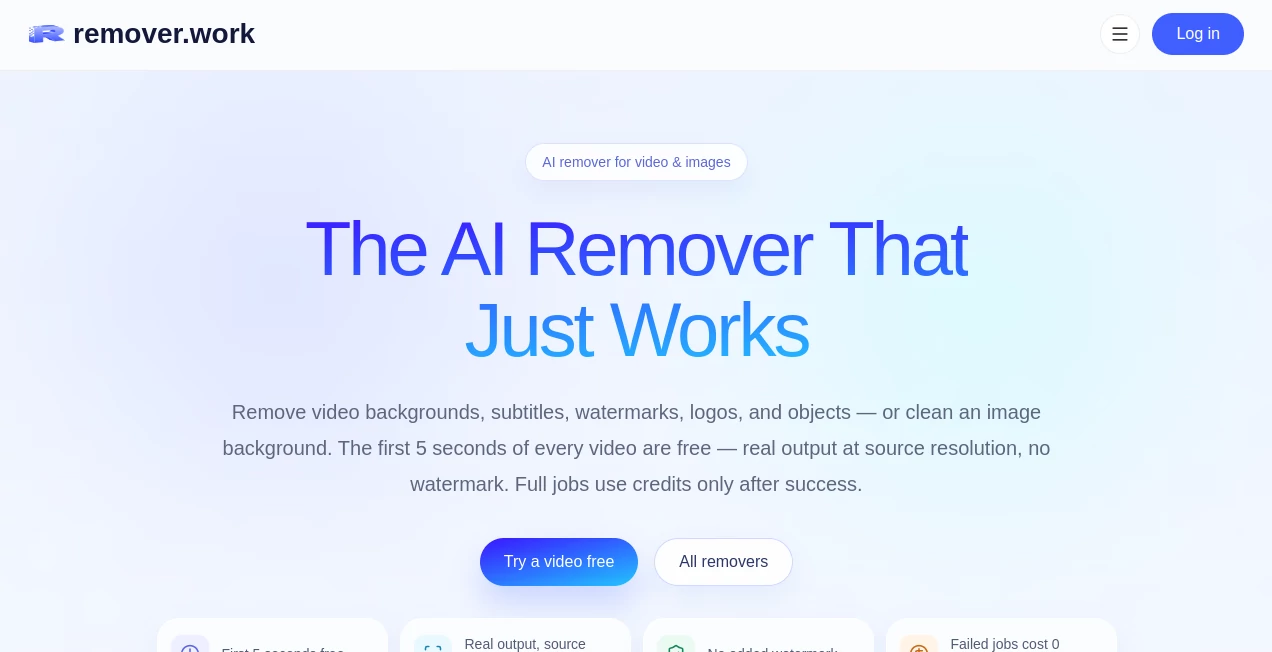
What is remover.work?
Removing an unwanted background, subtitle, watermark, logo, or object from media used to mean jumping between several different editing tools. This platform brings those cleanup tasks together in one straightforward workspace, covering both images and videos.
Its main appeal is simplicity. You upload your media, choose what needs to disappear, review the result, and export it. There is no need for a green screen when removing a video background, and the system is designed to preserve details such as hair, fur, and other soft edges in image cutouts.
For someone working on product photos, social media clips, short-form videos, presentations, or marketing material, having several removal functions available in one place can save a surprising amount of time.
Key Features
- AI-powered image background removal with transparent-background output.
- Video background removal without requiring a green screen.
- Removal of hardcoded subtitles from video.
- Removal of watermarks and logos from video footage.
- Prompt-based removal of unwanted objects.
- Support for common image and video formats.
- Free video processing for the first five seconds at source resolution.
- No added watermark on the free video output.
- Credits are charged only after a successful paid job.
User Interface
The workflow is deliberately uncomplicated. Instead of presenting users with a crowded editing environment, the process revolves around three simple actions: upload the media, select the removal tool and identify what should disappear, then review and export the result.
This approach is particularly useful for people who want to solve a specific editing problem without learning a full professional video or image editor. The interface keeps the focus on the actual cleanup task rather than filling the screen with controls that may never be needed.
Accuracy & Performance
One of the stronger aspects of the platform is its attention to difficult visual details. Image background removal is designed to preserve hair, fur, and soft edges instead of producing an obviously cut-out subject.
Video processing is also designed for ordinary footage rather than requiring a carefully prepared green-screen recording. Subtitle removal reconstructs the area behind hardcoded text, which is considerably more useful than simply covering the text with a blurred rectangle.
Video uploads support MP4, MOV, and WebM files up to 1 GB, while images can be uploaded in PNG, JPG, and WebP formats up to 50 MB.
Capabilities
The platform covers a surprisingly broad range of removal tasks. For images, the core feature is background cleanup and transparent-background export. For video, users can remove backgrounds, subtitles, watermarks, logos, and unwanted objects.
The object-removal workflow can also be guided by a prompt, making it practical when the unwanted element is not simply a background or piece of text. There are dedicated workflows for different watermark sources as well, which can make recurring content-cleanup jobs easier to manage.
The system also keeps image and video work inside the same service. That matters for creators and businesses that regularly switch between product photography and promotional video.
Security & Privacy
The service states that users retain their rights to the images and videos they upload. Its terms explain that uploaded content is processed and stored or transferred only as needed to provide the service, while users remain responsible for having the necessary rights to the content they submit.
As with any online media-processing service, users should make sure they have permission to process third-party images, videos, logos, or other copyrighted material before uploading them.
Use Cases
E-commerce product photography: Product sellers can remove distracting backgrounds and create cleaner product images for online stores, marketplaces, catalogs, and promotional campaigns.
Social media content: Creators can clean up short videos by removing unwanted objects, watermarks, subtitles, or backgrounds before using the footage in a new edit.
Video marketing: Marketing teams can separate a person from an existing recording without reshooting the footage against a green screen.
Content localization: Removing hardcoded subtitles can be useful when existing footage needs to be adapted for another language or audience.
Creative projects: Designers and creators can isolate subjects from photographs or remove distracting elements before placing the media into a larger composition.
Short-form video production: The combination of background, logo, subtitle, watermark, and object removal makes the platform useful when preparing footage for social channels and short-video campaigns.
Pros and Cons
- Pros: Image and video removal tools are available in one place.
- Pros: Video background removal does not require a green screen.
- Pros: The first five seconds of every video can be processed for free at source resolution.
- Pros: Free video output has no added watermark.
- Pros: Failed jobs do not consume credits.
- Pros: Pay-as-you-go credits are available without a recurring subscription.
- Cons: Full-resolution image exports require credits.
- Cons: Free video processing is limited to the first five seconds.
- Cons: Very high-resolution images can require more credits than smaller files.
Pricing Plans
The pricing model is based on one-time credit purchases rather than a recurring subscription. This is a useful option for people who only need removal tools occasionally and do not want another monthly software bill.
- Free: Image previews are available up to 1024 pixels on the long edge. The first five seconds of video can be processed at source resolution without an added watermark.
- Starter Pack – $4.99: Includes 40 credits, equivalent to approximately 40 images up to 2 MP or around 10 minutes of video up to 1080p.
- Creator Pack – $14.99: Includes 180 credits, equivalent to approximately 180 images up to 2 MP or around 45 minutes of video up to 1080p.
- Studio Pack – $49.99: Includes 800 credits, equivalent to approximately 800 images up to 2 MP or around 200 minutes of video up to 1080p.
Video and subtitle processing is charged according to output resolution, with 480p, 720p, and 1080p requiring one credit per 15-second unit, while 4K requires two credits per 15 seconds. Image exports are priced according to pixel count, starting at one credit for images up to 2 MP.
Another useful detail is that credits are deducted only after a task succeeds, so an unsuccessful processing job does not consume the user's balance.
How to Use remover.work
Start by uploading an image or video in a supported format. Next, choose the removal workflow that matches the job, such as background removal, subtitle removal, watermark removal, logo removal, or object removal.
For workflows that require identifying an object or area, mark what should be removed or provide the appropriate instruction. The system then processes the media and provides a result for review.
Once the result looks right, export the finished file. For occasional tasks, the free preview or five-second video allowance can be enough to evaluate the quality before spending any credits.
Comparison with Similar Tools
Traditional background-removal services often focus on a single job, while full creative suites can provide far more editing controls than a user needs for a simple cleanup task. This platform takes a middle-ground approach by putting several removal-focused workflows under one roof.
Compared with a dedicated image background remover, its advantage is the addition of video-focused tools for subtitles, watermarks, logos, objects, and backgrounds. Compared with subscription-oriented creative platforms, its one-time credit system can be more attractive for users whose workloads vary from month to month.
The free video allowance is also practical for testing because the first five seconds are processed at the source resolution without an added watermark. That gives users a more realistic idea of the final result before purchasing credits.
Conclusion
For anyone who regularly needs to clean up images or videos, this platform offers a focused alternative to maintaining several separate removal tools. Backgrounds, subtitles, watermarks, logos, and unwanted objects can all be handled from the same place.
The strongest part of the experience is its straightforward workflow. Upload the media, select the problem, review the result, and export. The combination of free previews, source-resolution video testing, one-time credit packs, and support for both image and video workflows makes it especially appealing to creators, online sellers, marketers, and small teams.
It will not replace a complete professional editing suite for every project, but that is not really its purpose. When the job is simply to make something disappear cleanly, having a dedicated tool built around that task can be much faster.
Frequently Asked Questions (FAQ)
Can video backgrounds be removed without a green screen?
Yes. The video background workflow is designed to work with normal footage and does not require a green-screen recording.
Can hardcoded subtitles be removed from videos?
Yes. The subtitle removal workflow is designed to remove embedded subtitles and reconstruct the area behind the text rather than simply placing a blur over it.
What video formats are supported?
Supported video uploads include MP4, MOV, and WebM, with a maximum file size of 1 GB per video.
What image formats are supported?
Images can be uploaded as PNG, JPG, or WebP files, with uploads supported up to 50 MB.
Is there a free version?
Yes. Images receive free previews up to 1024 pixels on the long edge, while the first five seconds of video can be processed for free at source resolution without an added watermark.
Do failed processing jobs consume credits?
No. Credits are charged only after a paid task completes successfully.
Does the service require a subscription?
No. Paid processing uses one-time credit packs, so users do not need to maintain a recurring subscription.
Can it remove watermarks and logos from videos?
Yes. The available video workflows include dedicated options for removing watermarks, logos, and other unwanted visual elements.
Does image background removal preserve hair details?
The image workflow is designed to handle hair, fur, and other soft edges so that the resulting cutout looks more natural.
Are the credits deducted when a job fails?
No. The service states that unsuccessful jobs do not consume credits.
How much does video processing cost?
Video processing is charged according to output resolution. The current credit schedule uses one credit per 15 seconds for 480p, 720p, and 1080p output, while 4K uses two credits per 15 seconds.
How much do image exports cost?
Image exports are priced according to the number of pixels. Images up to 2 MP require one credit, while larger images use additional credits based on their pixel range.
Can the tool remove objects from videos?
Yes. Video tools include object removal, including a prompt-based workflow for identifying what should disappear from the footage.