


















text-remover
What is text-remover?
Nothing ruins a great video clip faster than permanent subtitles, logos, or watermarks burned into the footage. You finally get the perfect shot, but that ugly text overlay just won’t go away. This tool solves that frustration beautifully. Upload your video, let it detect the text automatically, and watch it intelligently remove the words while filling in the background so naturally that you’d never know something was there. I’ve used it to rescue old travel footage that had hard-coded dates and to clean up client videos with annoying watermarks. The results often look better than the original, like the text was never there at all.
Introduction
Removing text from video used to be a nightmare—tedious frame-by-frame editing in After Effects or paying someone to do it manually. This platform makes the whole process feel almost magical. It uses smart AI to locate text, whether it’s subtitles, logos, timestamps, or watermarks, and then reconstructs the background with impressive realism. No more blurry patches or obvious cloning artifacts. It’s become a lifesaver for content creators, video editors, social media managers, and anyone who works with footage that wasn’t shot perfectly clean. The best part? You don’t need technical skills or expensive software—just upload and let it work.
Key Features
User Interface
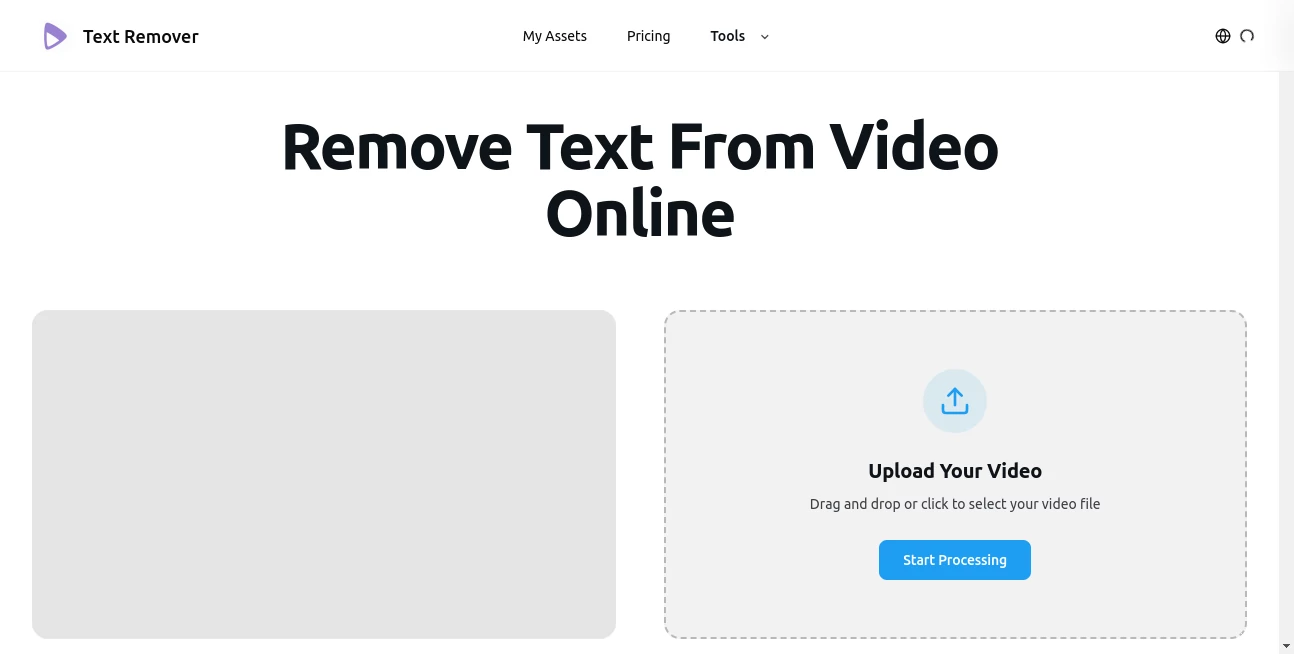
The design is refreshingly simple and focused. You drag your video file into a large, clear upload area, the tool quickly scans for text, and then shows you a clean preview. You can select specific text regions if needed or let it handle everything automatically. Processing progress is easy to follow, and the final download is just one click away. It never overwhelms you with options—it just gets the job done efficiently and intuitively.
Accuracy & Performance
The text detection is impressively sharp, catching even small or stylized fonts without missing much. The inpainting (the part that fills in the removed areas) blends seamlessly with surrounding pixels, matching lighting, texture, and motion. Processing speed is excellent for most clips, and the quality holds up even on complex backgrounds or moving scenes. In real use, it often produces results that look completely natural, saving hours of manual cleanup work.
Capabilities
It handles subtitles, watermarks, logos, timestamps, and any overlaid text. Supports popular video formats and various resolutions, including 4K. You can process single clips or batch multiple videos. The AI intelligently reconstructs backgrounds behind the text, preserving motion and detail. It works on both static text and moving text, making it versatile for everything from social media clips to professional footage that needs cleaning before final delivery.
Security & Privacy
Your videos are processed securely and not stored longer than necessary. There’s no forced account creation for basic use, and the platform takes a respectful approach to your content. For creators handling client work or personal videos, that privacy focus is genuinely reassuring.
Use Cases
A YouTuber removes hardcoded subtitles from raw footage to create cleaner versions for international audiences. A wedding videographer cleans up client videos that had vendor watermarks. Social media managers strip text overlays from stock footage to make it brand-ready. Filmmakers remove temporary editing markers before final export. Even casual users rescue old family videos that had annoying date stamps. Wherever text is getting in the way of great visuals, this tool quietly fixes the problem.
Pros and Cons
Pros:
- Impressively natural-looking results that blend seamlessly with the background.
- Fast processing even for longer clips.
- Works on many types of text overlays and video styles.
- Simple enough for beginners, powerful enough for regular editors.
- Free tier available to test with your own videos.
Cons:
- Extremely complex or fast-moving text can occasionally need manual touch-ups.
- Very long videos may require processing in segments on the free plan.
- Advanced batch features and higher quality options are in paid plans.
Pricing Plans
The free tier lets you try the tool on several videos so you can see the quality for yourself. Paid plans unlock unlimited processing, longer videos, higher resolution support, and priority speed. The pricing is reasonable considering how much time and frustration it saves compared to traditional editing methods.
How to Use Remove Text from Video
Upload your video file by dragging it in or selecting from your computer. The tool automatically detects text areas and highlights them. Review the selections—if needed, you can adjust or add regions manually. Click process and wait a short while as it removes the text and reconstructs the background. Preview the result, make any small tweaks if desired, then download the clean video. The whole process is usually done in minutes, even for clips that would have taken hours the old-fashioned way.
Comparison with Similar Tools
Many video editors require manual masking and frame-by-frame work, which is time-consuming. Other AI tools often leave obvious artifacts or struggle with motion. This one stands out for its balance of accuracy, speed, and natural-looking fills. It’s simpler than professional software yet more capable than basic online cleaners, making it the practical choice for both quick fixes and regular workflow needs.
Conclusion
Clean video should never be held back by unwanted text. This tool removes that obstacle with impressive intelligence and ease, letting your footage speak for itself. Whether you’re a professional editor, content creator, or someone who just wants their memories to look their best, it delivers results that feel almost magical. In a world full of cluttered videos, the ability to clean them up quickly and beautifully is genuinely valuable. Give it a try with one of your own clips—you’ll likely be surprised at how good the results can be.
Frequently Asked Questions (FAQ)
How long does processing take?
Most videos finish in under a minute, though longer or higher-resolution clips may take a bit more time.
Does it work on videos with moving text?
Yes, it handles both static and moving text overlays effectively.
Can I process multiple videos at once?
Batch processing is available on paid plans for higher efficiency.
What video formats are supported?
It works with the most common formats including MP4, MOV, and AVI.
Is the free version good enough to test?
Absolutely—upload one of your problem videos and see the difference for yourself.
AI Video to Video , Photo & Image Editor , AI Video Editor , AI Video Enhancer .
These classifications represent its core capabilities and areas of application. For related tools, explore the linked categories above.

text-remover Alternatives Product

Photoshoot A…

Ultra Face S…

Sora Waterma…

AI Motion Co…

LongCat Image

Sketchready

FitHairAI

Image Unblur

KlingVideo
