

















KlingVideo
What is KlingVideo?
KlingVideo is a web-based AI video generation platform designed to turn ideas, text prompts, reference images, and motion instructions into polished videos. It brings several modern video-generation models into one creative workspace, including Kling 3.0, Seedance, Veo, Wan, Hailuo, and Grok.
The platform is particularly appealing to creators who want to experiment with cinematic scenes without starting from traditional video-editing software. You can begin with a simple description, animate an existing image, or use motion-control inputs to guide how a subject moves. Free starter credits also make it possible to test the workflow before committing to a paid plan.
Key Features
- Text-to-video generation: Turn written descriptions into complete AI-generated video scenes.
- Image-to-video: Upload a reference image and animate it while maintaining the visual direction of the original frame.
- Motion Control: Transfer reference movement into generated footage for more controlled character and object motion.
- Multi-shot scenes: Kling 3.0 workflows can be used to plan scenes with multiple shots rather than relying only on one continuous generation.
- Character and product consistency: Reference-based workflows help maintain a more consistent appearance across generated content.
- Native dialogue: Supported workflows can generate videos with dialogue, expanding the possibilities for narrative content.
- Multiple video models: Users can work with several supported generation models from the same platform.
- Credit-based generation: Video creation uses credits according to the selected model, duration, quality, and other settings.
User Interface
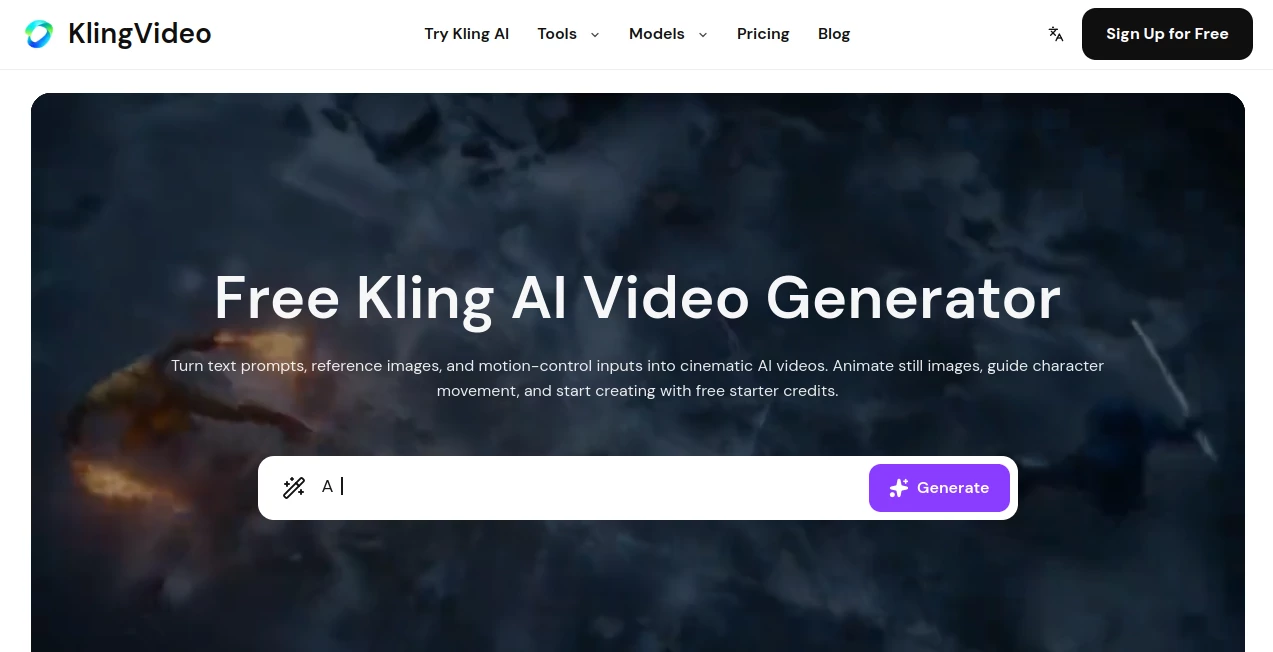
The interface is built around the generation process rather than complicated editing controls. A creator can enter a prompt or provide a reference image, choose a supported model and adjust generation settings before starting the job. This makes the workflow approachable even for someone who has never worked with professional video software.
The model selection area is also useful for experimentation. Instead of being locked into a single generation approach, users can explore different supported models and see which one fits a particular visual idea.
Accuracy & Performance
Video generation quality depends heavily on the prompt, reference material, selected model, duration, and output settings. The platform focuses on prompt fidelity, smoother motion, and stronger visual consistency, with Kling 3.0 offering tools for more structured multi-shot production.
Performance also varies by subscription level. Standard plans use regular generation speeds, while Pro and higher tiers provide faster generation with priority resource allocation. For creators producing multiple clips in a session, this difference can make the workflow considerably more comfortable.
Capabilities
The platform covers several important AI video workflows in one place. A filmmaker can start with a written scene, while a social media creator might animate a product photograph or transform a static character illustration into moving footage. Motion Control adds another layer of direction when simply describing movement is not enough.
The combination of text-to-video, image-to-video, video-to-video, and motion-based workflows gives users room to experiment. For example, a product marketer could begin with a product image, generate movement around it, and then create several variations for different campaigns.
Security & Privacy
The platform's privacy policy states that it collects account information, usage details, device information, cookies, and payment or billing information as needed to operate the service. It also states that security measures such as encryption and access controls are used to protect stored information.
The service says personal information is not sold or traded to outside parties, although information may be shared when required by law or with trusted service providers involved in operating the platform. As with any online service, users should avoid uploading confidential material unless they are comfortable with the platform's stated data practices.
Use Cases
- Content creation: Produce visual material for YouTube, TikTok, Instagram, and other social platforms.
- Marketing: Create promotional videos and product demonstrations without traditional filming equipment.
- Storytelling: Turn written scenes and character concepts into animated sequences.
- Product visualization: Animate product images and create attention-grabbing presentation clips.
- Creative experimentation: Test cinematic concepts, visual effects, characters, and environments before investing in a full production.
- Image animation: Give existing artwork, photographs, and illustrations movement without rebuilding them from scratch.
Pros and Cons
Pros
- Free starter credits are available for new users.
- Supports text-to-video and image-to-video workflows.
- Motion Control provides additional control over movement.
- Multiple AI video models are available from one platform.
- Kling 3.0 supports more structured multi-shot workflows.
- Paid plans can provide faster generation and lower credit costs.
- Supported exports can be delivered without watermarks.
Cons
- Generation consumes credits, with usage varying according to model and settings.
- Higher-quality or longer generations can use substantially more credits.
- Results can vary depending on prompt quality and reference material.
- Users who need extensive traditional timeline editing may still require a dedicated video editor.
Pricing Plans
New users receive free credits when signing up, and a credit card is not required to start generating videos. The platform offers both one-time credit packs and recurring subscription plans.
One-time credit packs are suited to occasional creators because they do not automatically renew. Subscription plans provide recurring monthly credits and can offer lower credit costs, faster queues, and higher output tiers.
Credit consumption depends on factors such as the selected model, duration, resolution, and other billable settings. The pricing information states that Lite generation uses 90% of the base credits, Pro uses 70%, and Premium uses 60%. Annual plans can save up to 50% compared with monthly billing and include commercial-use rights, while monthly plans do not include commercial use.
Users who run out of credits can purchase additional credit packs without changing their existing subscription. Plans can also be canceled at any time, with access continuing through the current billing period.
How to Use the AI Video Generator
- Create an account and use the available starter credits.
- Choose whether you want to begin with a text prompt, reference image, or another supported workflow.
- Select the video model that best fits your intended result.
- Adjust settings such as duration, quality, and other available generation options.
- For image-based projects, upload a suitable reference image and describe the desired movement or scene.
- Use Motion Control when you need more specific movement guidance.
- Click Generate and wait for the video to be processed.
- Review the result and create another variation if the first version does not match your idea.
Comparison with Similar Tools
Many AI video generators focus primarily on turning text prompts into short clips. This platform takes a broader approach by combining text-to-video, image-to-video, video-to-video, and motion-control workflows with access to several supported video models.
That makes it especially interesting for users who like comparing generation approaches instead of relying on a single model. It also has an advantage for creators who want to begin with an existing image and gradually turn it into a moving scene rather than generating everything from text.
It is not necessarily a replacement for every part of a professional video-production workflow. Traditional editors still provide deeper control over timelines, sound mixing, transitions, color grading, and detailed post-production. The strength here is the AI generation stage, where an idea can become a usable visual clip with relatively little manual work.
Conclusion
For creators looking to move quickly from an idea to a cinematic AI video, this platform offers a practical combination of generation models and creative workflows. Text prompts, reference images, motion control, and multi-shot capabilities give it more flexibility than a basic prompt-to-video generator.
The free starter credits are a useful way to explore the system before paying, while subscription options make more sense for people generating videos regularly. Whether the goal is social media content, product promotion, visual storytelling, or simply experimenting with new AI video techniques, it provides a strong starting point for turning static ideas into moving images.
Frequently Asked Questions (FAQ)
What is an AI video generator?
An AI video generator creates video content from inputs such as written prompts, reference images, or motion instructions. Instead of filming every scene manually, users describe or provide the material they want to transform and let the AI generate the footage.
Can I create videos for free?
Yes. New users receive free starter credits after signing up, and no credit card is required to begin generating videos.
Can I turn an image into a video?
Yes. The image-to-video workflow allows users to upload a reference image and animate it while guiding the resulting movement and visual direction.
Does it support Motion Control?
Yes. Motion Control can transfer reference movement into a generated video, giving creators more control when a simple text description is not sufficient.
Are generated videos watermarked?
Supported plans and features can provide exports without watermarks. If a watermark applies to a particular generation or export, the platform states that it will be clearly indicated before export.
How are video credits calculated?
Credit usage depends on factors including the selected model, video duration, resolution, quality, and other generation settings. Different subscription tiers can also change the effective credit cost.
Can I use the generated videos commercially?
Commercial-use rights depend on the selected plan. The pricing information states that annual plans include commercial-use rights, while monthly plans do not.
Is it suitable for professional video production?
It can be useful during the AI generation and pre-production stages of professional projects, especially for concepts, promotional clips, storyboards, and visual experiments. More advanced post-production may still require dedicated editing software.
Which workflow should I choose: text-to-video or image-to-video?
Text-to-video is a good choice when you are starting with an idea and want the system to build the scene. Image-to-video is more suitable when you already have a specific frame, character, product, or visual style that you want to animate.