


















SiteQuest
What is SiteQuest?
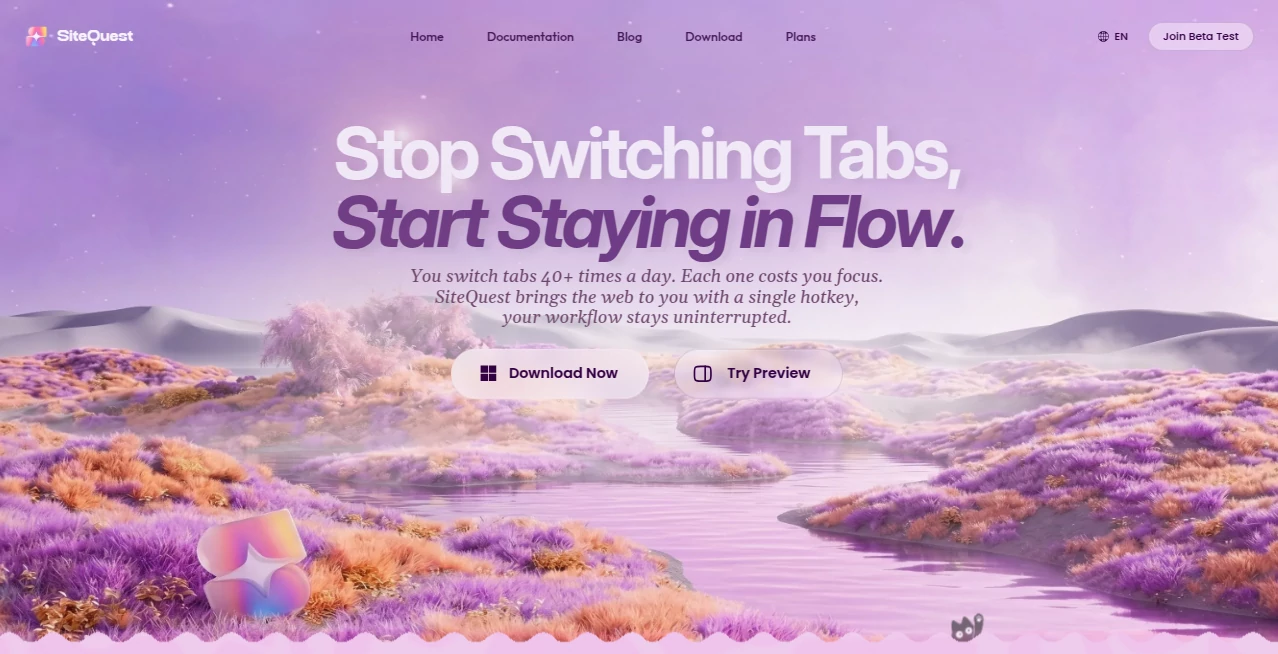
Switching between applications may seem like a small interruption, but over the course of a workday it can consume valuable time and attention. This desktop overlay browser is designed to remove that friction by making websites, documentation, AI assistants, and online tools instantly accessible from anywhere on your screen. Instead of constantly changing windows, users can stay focused while opening the web with a simple keyboard shortcut.
Built for professionals, developers, writers, researchers, students, and anyone who spends hours working across multiple applications, it fits naturally into existing workflows rather than replacing the browser you already use. Whether you're checking documentation, asking an AI assistant for help, or reviewing online resources, everything remains only a keystroke away.
Key Features
User Interface
The interface is intentionally lightweight and distraction-free. A quick keyboard shortcut opens the overlay directly above the current application, allowing users to browse websites or interact with AI services without minimizing their active workspace. The clean design makes navigation feel familiar, reducing the learning curve from the very first launch.
Accuracy & Performance
The application is optimized for speed, allowing web pages and AI-powered services to appear almost instantly. Since it works alongside the user's preferred browser instead of replacing it, everyday browsing habits remain unchanged while productivity receives a noticeable boost. The responsive overlay helps reduce unnecessary context switching and keeps tasks moving forward efficiently.
Capabilities
- Instant overlay browser for Windows and macOS.
- Launch with a customizable keyboard shortcut.
- Access AI assistants without leaving the current application.
- Browse documentation while coding.
- Open websites without interrupting active work.
- Supports modern web applications.
- Works alongside existing browsers.
- Designed for multitasking and productivity.
- Helpful for research, writing, programming, and learning.
- Simple setup with minimal configuration.
Security & Privacy
User privacy is treated as an important part of the experience. The platform provides secure connections for web access and is designed to integrate with existing web services instead of collecting unnecessary user data. Users maintain control over the websites and AI services they choose to access while working in their preferred environment. According to the available information, the service emphasizes secure communication and a privacy-conscious approach. :contentReference[oaicite:0]{index=0}
Use Cases
- Developers reading documentation while writing code.
- Content creators generating ideas with AI tools.
- Students performing quick research during study sessions.
- Writers checking references without changing windows.
- Designers accessing online resources while creating projects.
- Business professionals working with multiple web platforms.
- Researchers comparing information across websites.
- Customer support teams referencing documentation while replying to users.
Pros and Cons
- Pros
- Fast access to websites from any application.
- Reduces constant window switching.
- Supports popular AI web applications.
- Available for both Windows and macOS.
- Easy to learn and integrate into existing workflows.
- No need to replace your primary browser.
- Cons
- Desktop application only.
- Requires internet access for online services.
- Some advanced features may depend on future updates or subscription plans.
Pricing Plans
A freemium pricing model is available, allowing users to explore the core experience before upgrading to premium features if needed. :contentReference[oaicite:1]{index=1}
How to Use SiteQuest
Download and install the application on your computer, launch it once, and assign or use the default keyboard shortcut. Whenever you need quick access to a website, documentation page, or AI assistant, activate the shortcut and the browser overlay appears instantly over your current workspace. Search, read, ask questions, or gather information, then simply close the overlay and continue exactly where you left off without disrupting your workflow.
Comparison with Similar Tools
Unlike traditional web browsers that require switching between separate windows or tabs, this solution focuses on staying invisible until needed. It complements existing browsers instead of replacing them, making it particularly valuable for professionals who frequently reference online information while working inside other applications. Compared with browser-based AI extensions, the overlay approach provides broader flexibility by supporting virtually any web-based resource in one consistent interface. :contentReference[oaicite:2]{index=2}
Conclusion
For users who spend their day moving between applications, online documentation, and AI assistants, this solution offers a practical improvement that quickly becomes part of everyday work. Its lightweight overlay, fast accessibility, and seamless integration help reduce interruptions while keeping productivity high. Whether you're writing code, creating content, researching information, or collaborating with AI, it provides a smoother and more efficient way to stay connected to the web.
Frequently Asked Questions (FAQ)
What operating systems are supported?
It is available for both Windows and macOS.
Does it replace my existing browser?
No. It works alongside your preferred browser and complements your existing workflow.
Can I access AI assistants?
Yes. It is designed to provide quick access to web-based AI assistants and other online tools.
Who can benefit from using it?
Developers, writers, students, researchers, designers, and business professionals who frequently switch between applications.
Is there a free version?
Yes. A freemium model is available for users who want to try the software before upgrading. :contentReference[oaicite:3]{index=3}
AI Workflow Management , AI Chatbot , AI Developer Tools , AI Productivity Tools .
These classifications represent its core capabilities and areas of application. For related tools, explore the linked categories above.
SiteQuest details
Website unavailable — View Alternatives
Pricing
- Freemium
Apps
- Windows App
- Mac App
Categories

SiteQuest Alternatives Product

Enji

Ito AI

Ryne AI

AllInOneTools

Friendify

Embedful

AI Workflow …

FINIITE AI

broop
