

















SJolt
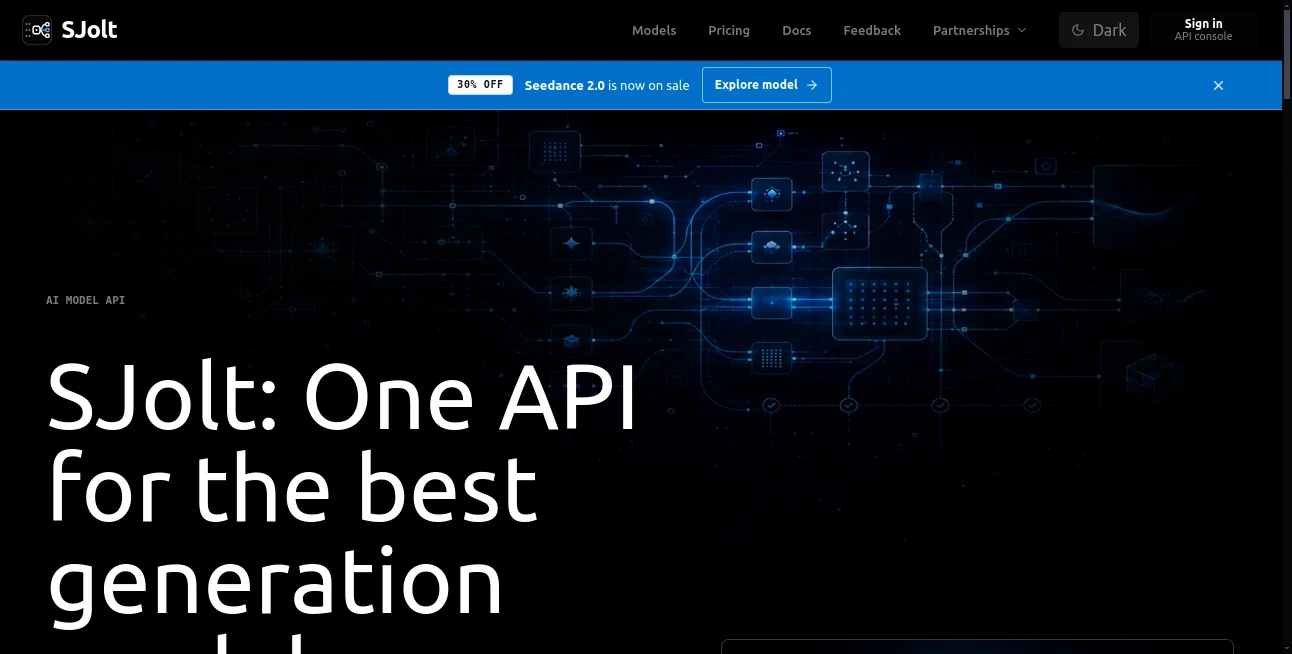
What is SJolt?
Building AI-powered creative applications often means integrating multiple providers, learning different APIs, and constantly comparing model quality, speed, and pricing. This platform removes that complexity by offering a single interface for accessing a wide range of image and video generation models. Instead of rewriting code whenever a better model becomes available, developers can switch providers with minimal effort while keeping the same workflow.
Designed for developers, product teams, startups, and creative businesses, it combines an interactive playground with production-ready APIs. Teams can experiment with prompts, compare outputs, monitor costs, and confidently move successful experiments into real-world applications. Whether the goal is generating marketing visuals, creating AI videos, editing images, or building multimodal products, the platform dramatically shortens development time while improving flexibility.
Key Features
User Interface
The dashboard is clean, modern, and developer-friendly. Models are organized by task, making it simple to browse available options for image generation, image editing, text-to-video, image-to-video, and reference-based workflows. The built-in playground allows users to test prompts before writing a single line of production code, making experimentation both enjoyable and efficient.
Accuracy & Performance
One of the biggest advantages is the ability to compare multiple generation models side by side. This helps teams evaluate visual quality, response speed, and generation costs before selecting the best option for their applications. Support for asynchronous jobs and status polling also makes large-scale production workloads much easier to manage.
Capabilities
- Unified API for multiple AI generation models
- Text-to-image generation
- Image editing workflows
- Image-to-video generation
- Text-to-video creation
- Reference-based generation
- Interactive model playground
- API-ready request examples
- Support for asynchronous tasks
- Job status tracking
- Flexible model selection
- Production-ready integration
- Cost comparison between models
- Quality comparison before deployment
Security & Privacy
The platform is designed with production environments in mind. API-based authentication, structured request handling, and controlled job execution help developers build reliable applications. Since the same request structure can be used from testing through deployment, teams reduce implementation errors while maintaining consistent workflows across projects.
Use Cases
- Building AI image generation applications
- Developing AI video creation platforms
- Creating marketing assets automatically
- Generating product visuals for e-commerce
- Rapid prototyping of creative AI products
- Comparing multiple AI models before deployment
- Developing SaaS products with AI media generation
- Automating creative workflows for agencies
- Creating multimedia content at scale
- Integrating image and video AI into existing software
Pros and Cons
Pros
- Single API for numerous generation models
- Easy migration from experimentation to production
- Model playground simplifies testing
- Supports both image and video workflows
- Compare output quality and pricing before deployment
- Developer-friendly documentation and API examples
- Supports asynchronous processing for scalability
Cons
- Best suited for developers and technical teams
- Usage costs depend on selected AI models
- Some advanced models may require higher usage budgets
Pricing Plans
The platform follows a usage-based pricing model. Costs vary depending on the selected AI model and generation task. Developers can explore supported models, compare pricing, and choose the most cost-effective option for their specific workflow before deploying applications. Premium models naturally incur higher usage fees than standard models.
How to Use SJolt
Start by exploring the model catalog and selecting the desired generation task. Use the playground to test prompts, aspect ratios, durations, or reference assets while comparing output quality and pricing. Once satisfied with the results, copy the provided API request format into your application. Continue monitoring asynchronous jobs through the status endpoint until generated media becomes available for download or further processing.
Comparison with Similar Tools
Unlike platforms that focus on a single AI provider, this solution acts as a unified gateway to multiple leading generation models. Instead of maintaining separate integrations for different vendors, developers interact with one consistent API while retaining the freedom to switch models as quality, pricing, or performance requirements evolve. This significantly reduces engineering effort and future-proofs AI-powered products.
Conclusion
For teams building AI-powered creative products, having flexibility is just as important as having powerful models. This platform delivers both by combining a unified API, an intuitive testing environment, production-ready workflows, and support for multiple image and video generation technologies. The ability to compare quality, control costs, and deploy with minimal integration effort makes it an outstanding choice for startups, SaaS companies, agencies, and developers looking to accelerate AI product development without being locked into a single provider.
Frequently Asked Questions (FAQ)
What is the primary purpose of this platform?
It provides one API that connects developers to multiple AI image and video generation models through a unified interface.
Can developers compare different AI models?
Yes. The built-in playground allows users to compare output quality, pricing, and performance before integrating a model into production.
Does it support video generation?
Yes. It supports text-to-video, image-to-video, reference-based video generation, and additional multimedia workflows.
Is it suitable for production applications?
Absolutely. The platform is designed to move seamlessly from experimentation to production using the same API structure.
Who benefits most from using this platform?
Developers, AI startups, SaaS companies, creative agencies, and product teams building applications that require scalable image or video generation capabilities.
AI Image to Video , AI Video Generator , AI API Design , AI Developer Tools .
These classifications represent its core capabilities and areas of application. For related tools, explore the linked categories above.

SJolt Alternatives Product

WonderShare …

AI text clea…

You.bot

LORY

ShipAhead

AI Baby Video
Kling 3 AI

Veo4
Kling 3.0
