
SonicCaption
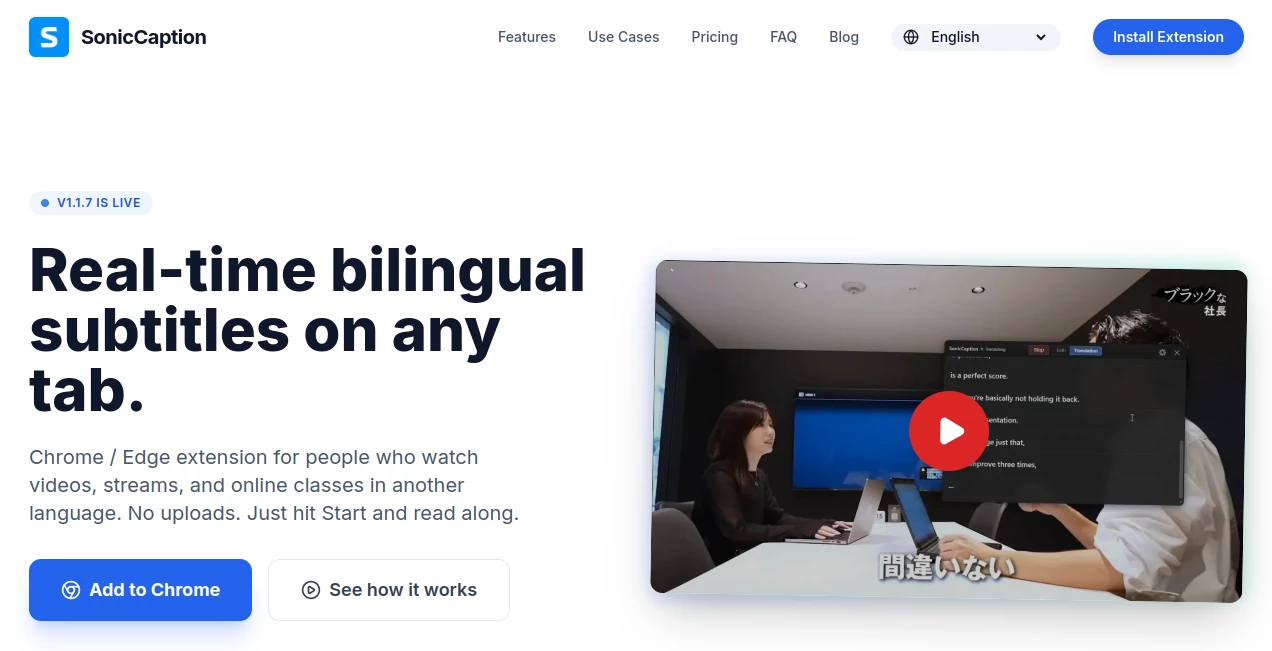
What is SonicCaption?
In today’s fast-moving digital world, video content needs to be clear, accessible, and engaging within seconds. Viewers often scroll past videos that lack captions or fail to communicate instantly. This is where this intelligent captioning solution steps in, helping creators, marketers, and businesses transform spoken content into accurate, readable subtitles without hassle.
Instead of spending hours manually syncing text with video, users can rely on automation that feels surprisingly human. The result is smoother workflows, better audience retention, and content that reaches a wider audience—including those watching without sound.
Key Features
User Interface
The interface is designed with simplicity in mind. Even first-time users can upload a video, generate captions, and export results without confusion. Everything is organized clearly, reducing the learning curve significantly.
Accuracy & Performance
Speech recognition is optimized to handle different accents, speaking speeds, and background noise. This makes the captions more reliable and reduces the need for manual corrections, saving valuable production time.
Capabilities
The platform supports multiple video formats and allows users to customize caption styles. From short-form social videos to longer educational content, it adapts well to different creative needs.
- Automatic speech-to-text conversion
- Custom subtitle styling options
- Multi-format video support
- Fast rendering and export
Security & Privacy
User content is handled with care, ensuring uploaded media remains protected during processing. This makes it suitable for both personal creators and professional teams working with sensitive material.
Use Cases
- Creating captions for social media videos like TikTok, Instagram, and YouTube Shorts
- Improving accessibility for educational or training content
- Enhancing marketing videos for better engagement
- Supporting content repurposing across multiple platforms
Pros and Cons
Pros
- Fast and automated caption generation
- User-friendly experience
- Supports multiple video formats
- Improves content accessibility
Cons
- May require minor manual edits for complex audio
- Advanced customization options may be limited for professional editors
Pricing Plans
The service typically follows a flexible pricing model designed for different user types. Free options may be available for basic usage, while premium plans unlock faster processing, higher accuracy, and advanced customization features.
How to Use SonicCaption
Getting started is straightforward and does not require technical experience. Users simply upload their video, allow the system to process audio into text, and then review or adjust captions if needed before exporting the final file.
- Upload your video file
- Let the system generate captions automatically
- Edit timing or text if needed
- Export and publish your video
Comparison with Similar Tools
Compared to traditional manual captioning software, this solution focuses heavily on automation and speed. While some tools prioritize advanced editing features, this platform balances simplicity with accuracy, making it ideal for content creators who need quick turnaround times.
It stands out particularly for users who want reliable captions without spending hours on synchronization and transcription work.
Conclusion
For creators and businesses looking to streamline video production, this captioning solution offers a practical and efficient workflow. It removes the friction of manual subtitle creation and allows users to focus more on content quality rather than technical editing tasks.
In a content-driven world where attention spans are short, tools like this play an important role in making videos more engaging, accessible, and professional.
Frequently Asked Questions (FAQ)
- Is this tool suitable for beginners? Yes, it is designed with simplicity in mind and requires no technical skills.
- Does it support different video formats? Most common video formats are supported for easy upload and processing.
- Can captions be edited manually? Yes, users can adjust text and timing after generation.
- Is it useful for social media content? Absolutely, especially for short-form videos where captions increase engagement.
AI Content Generator , AI Video Editor , AI Social Media Assistant , AI Captions or Subtitle .
These classifications represent its core capabilities and areas of application. For related tools, explore the linked categories above.
SonicCaption details
Website unavailable — View Alternatives
Pricing
- Free
Apps
- Web App
- Chrome Extensions
Categories

SonicCaption Alternatives Product

HappyHorse A…

Sora Waterma…

promptcat

Nodu AI

SnapVee Stud…

bridger west…

XreplyAI

Miroir AI

UPDF AI