
















HappyHorse AI Video Generator
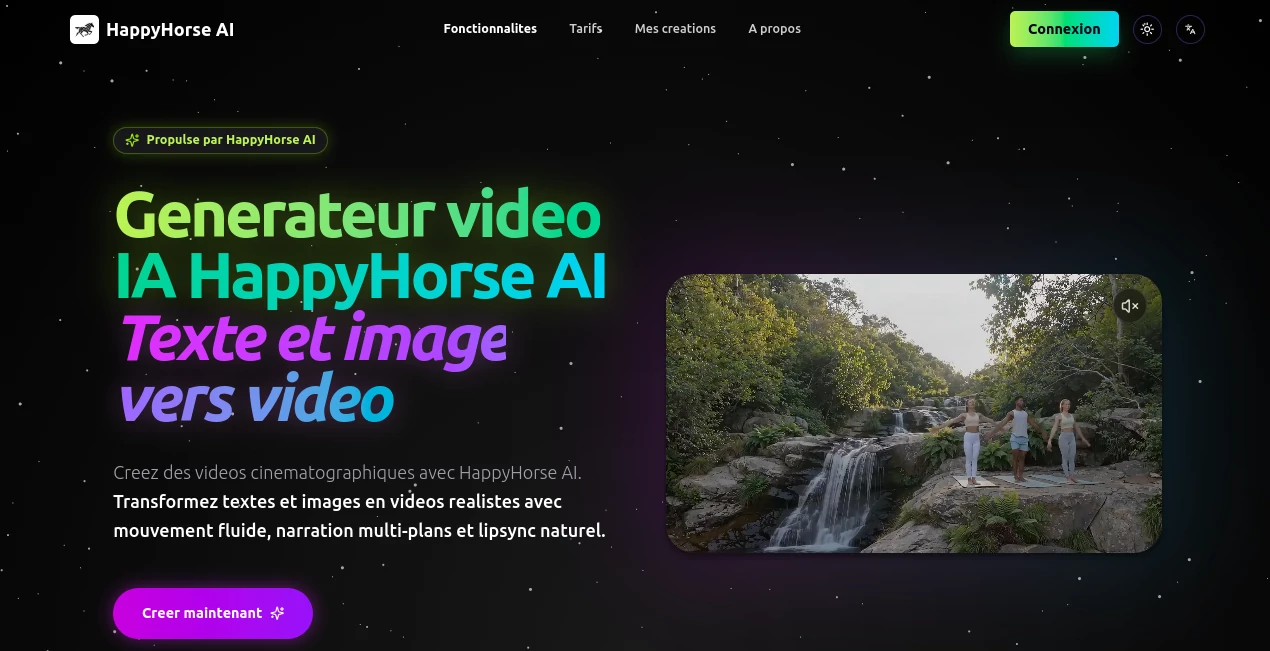
What is HappyHorse AI Video Generator?
There’s a new player in town, and honestly, it’s about time someone did this right. We've all seen those AI-generated clips that look cool for half a second before a hand melts into a face or someone’s eyes go cross-eyed. It’s frustrating, right? But things just changed. A truly powerful yet surprisingly accessible platform has arrived, and it’s not just about generating random footage. It’s about telling actual stories. You know, the kind with emotion, pacing, and characters that don't suddenly turn into abstract paintings.
Imagine writing a script about a rainy night in a cyberpunk city, or a heartfelt reunion in a Parisian café, and watching it come to life—complete with genuine lip movements and background ambiance—in just a few minutes. That’s the reality now. This isn't just another "toy" for tech enthusiasts. This is a professional-grade engine that’s already beating heavily hyped competitors in blind tests. I spent a weekend throwing my craziest ideas at it—from Kung Fu fights to claymation cats—and I walked away genuinely impressed. Let’s break down why this might just be the most important tool you add to your creative stack this year.
Key Features
You’ve probably heard the technical jargon thrown around. "Multi-modal architecture," "15-billion parameter model," blah, blah, blah. Here’s what actually matters: it works. The team behind this built something that processes sound and vision simultaneously, not as two separate steps glued together at the end. This results in videos that just feel more real. The lips actually sync with the dialogue. The sound of rain matches the frame. It’s cohesive.
User Interface
Let’s be real: a lot of professional AI tools feel like you need a computer science degree just to change the aspect ratio. That’s not the case here. The dashboard is clean, fast, and refreshingly human. You type your prompt, pick your settings, and hit generate. It even has a "Community Templates" section where you can just click "Do This" on a style you like, swap your subject, and boom—you’re a director. It lowers the barrier to entry without dumbing down the capability. Whether you are on the web version or using the API, the flow is intuitive. You focus on the creativity, not on wrestling with the software.
Accuracy & Performance
This is where the 'horse' really earns its hay. In recent blind leaderboard rankings, it scored incredibly high for semantic understanding. What does that mean? It means when you ask for "shallow depth of field" or "Michael Bay explosion," it doesn't just guess. It knows. I tested a prompt that read: "A 50-year-old astronomer, calloused hands, whispers 'Eureka' with tears in her eyes, 35mm film grain." The result wasn't just a person talking. The lens breathing, the specific focus pull, and the subtle chin wobble during the whisper were all there. While it isn't perfect with extreme physics like bowling ball collisions yet, for human emotion and cinematic framing, it’s currently beating giants like Sora in public votes [citation:1][citation:4].
Capabilities
You can generate videos in several ways. Text-to-Video for raw imagination, Image-to-Video to animate your static paintings, and even Subject-to-Video where you upload a specific person or object to keep it perfectly consistent across multiple shots. You can chain up to five different shots in a single generation! Imagine writing a 15-second mini-movie where the character walks away from an explosion, turns around, and smiles, all in one go without breaking identity. Plus, the multilingual lip-sync is a game-changer. It handles English, Mandarin, Japanese, French, and even Cantonese instantly [citation:6][citation:8].
Security & Privacy
For businesses worried about leaks or copyright, this is handled properly. As a product developed by a major cloud provider, the infrastructure is enterprise-grade. When you use the platform, your data isn't just floating around in the void. They offer standard protections and rights to commercial use for your generated content, which takes a huge weight off the shoulders of small business owners who fear legal gray areas.
Use Cases
Who is this actually for? Well, almost anyone touching moving images.
- Marketing & Advertising: Imagine generating a 15-second spot for a new perfume or a car without renting a studio, hiring actors, or waiting for rendering. You can iterate five versions of an ad in an hour. One digital agency reported cutting concept-to-delivery time by over 60% using this workflow.
- Short-Form Content Creators: TikTok, Reels, and YouTube Shorts demand constant output. Instead of stock footage, you can generate bespoke cinematic B-roll for your faceless channels or historical documentaries instantly.
- Independent Filmmakers: Need a specific monster for your horror short but have no CGI budget? Need a specific establishing shot of a city that doesn't exist? This acts as your personal VFX and location scout.
- E-commerce: Turn a simple product shot of a shoe into a lifestyle video of someone hiking a mountain trail in golden hour light. It boosts conversion rates dramatically when customers see products "in action."
Pros and Cons
Pros:
+ Insane cinematic quality (shallow DOF, lighting, texture) that looks like a real camera.
+ Native audio generation means lip-sync is seamless, not an afterthought.
+ Excellent value for money, especially with the Pro membership discounts.
+ Supports up to 5 distinct shots in one single generation (multi-scene consistency).
+ 1080p output up to 15 seconds is perfect for most social/commercial needs.
Cons:
- While great at faces and emotions, it sometimes struggles with complex physics (splashing water, breaking glass).
- Currently limited to 15 seconds max, so don't try to make a full-length feature film with just this (yet).
- The free tier gives you a taste, but to really work, you’ll want the Pro plan.
Pricing Plans
This is where it gets really friendly. They have a free tier for curious users (daily credits to test the waters). But for professionals, the membership is shockingly affordable. The standard plan starts removing watermarks and increasing renders. The "Pro" plan is the sweet spot. While the standard rate is $0.9 per second for 720p, Pro members get it for as low as $0.44 per second [citation:1][citation:3]. A 10-second high-quality video costs you less than a fancy coffee. They offer monthly or annual subscriptions with significant discounts, plus pay-as-you-go via API for developers [citation:9].
How to Use This Tool
Getting started is laughably easy. Head to the main website and hit "Try Now." You’ll likely get some free credits just for signing up. Once inside, you have a few options. If you’re new, go to the "Community" tab. Find a video style you like—maybe "Anime Cyberpunk" or "Gold Rush Era"—and click "Try." You can then swap the prompt with your own idea. If you want full control, use the "Create" tab: Type your prompt (be specific! Mention the lens, the lighting, and the emotion), choose 16:9 or 9:16, and hit generate. Wait about 2-5 minutes, and you're a director [citation:5].
Comparison with Similar Tools
Look, we all know about the big names: Kling, Seedance, and the now-departed Sora. How does this stack up? Kling is great for speed and action, but often feels "video game-like." Seedance 2.0 handles complex multi-shot 15-second scenes very well and is a beast for long-form narratives. However, in blind tests for visual quality and "cinematic feel," this specific model often ranks #1 for the first frame and single shots [citation:1]. It beats the competition in pricing by a significant margin (competitors often charge double per second) and offers wider language support for lip-sync. If you care about "film grain," "bokeh," and actors who look like humans rather than wax figures, this is the current champion [citation:10].
Conclusion
We are moving past the era of "look what AI can do, isn't it funny?" and into the era of "look what I made with AI, isn't it moving?" This tool represents that shift perfectly. It respects the craft of filmmaking—lighting, composition, timing—while removing the exorbitant costs. Is it perfect? No. It still stumbles on complex action sequences sometimes. But for 90% of commercial and creative needs, it delivers shockingly high-quality results that used to cost thousands of dollars. If you are a marketer, a YouTuber, or just someone with stories to tell, this is the tool to learn right now.
Frequently Asked Questions (FAQ)
Q: Is it really free to try?
A: Yes. When you sign up, you receive a welcome gift of credits. This allows you to generate several videos entirely for free to test the quality before you commit a penny.
Q: Can I use the videos for my YouTube channel or business?
A: Absolutely. The standard license allows for commercial use of the content you create. You own the output.
Q: Does it support different aspect ratios?
A: Yes, fully. You can generate widescreen (16:9) for YouTube, vertical (9:16) for TikTok/Reels, or square (1:1) for Instagram feeds and product shots.
Q: Why did my video come out weird?
A: AI is still a toddler learning physics. If you ask for "a sword fight with 20 complex flips," the AI might get confused. Try breaking down complex actions into simpler, cinematic descriptions (e.g., "Close up on hands reaching for a sword"). Using the "Community" templates is a great way to learn the prompt language.