Stamps Maker
What is Stamps Maker?
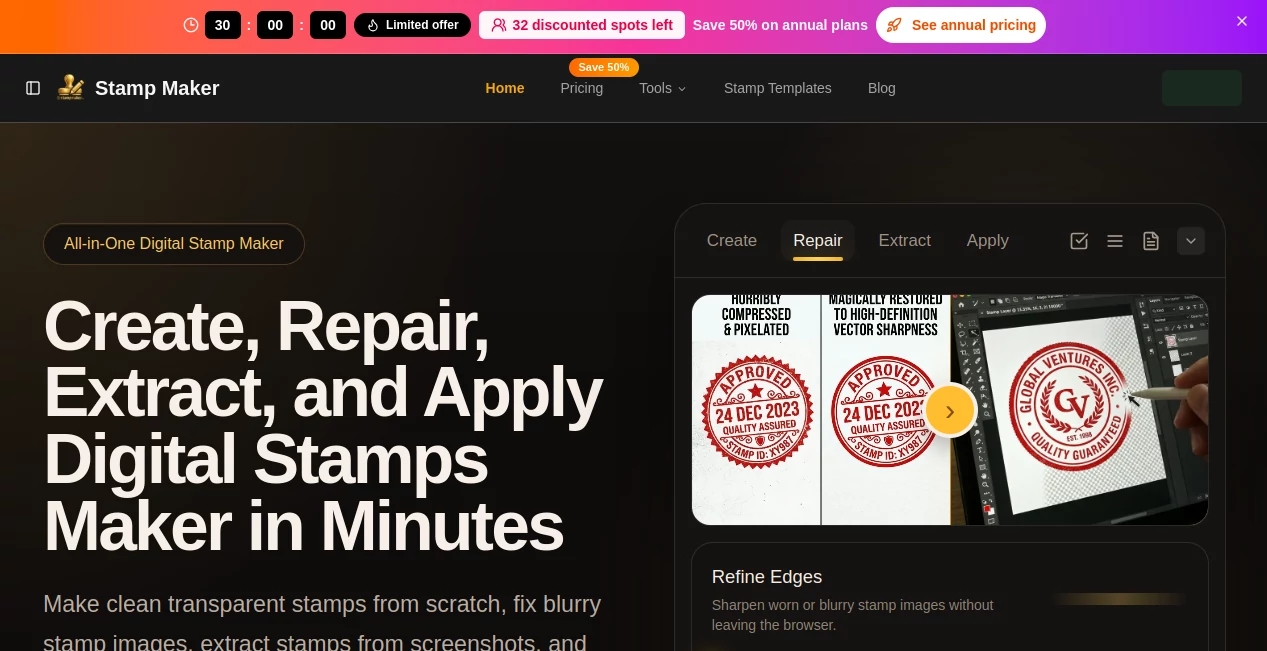
Designing professional stamps no longer requires complex software or graphic design skills. This platform makes it surprisingly simple for anyone to create clean, printable stamp designs in just a few clicks. Whether you are a small business owner, freelancer, or someone who enjoys personalized stationery, it offers a fast and intuitive way to bring your ideas to life.
The experience feels smooth from the very beginning. You are guided through a simple creation flow where you can choose styles, adjust layouts, and preview your design instantly. It removes the friction usually associated with traditional design tools and replaces it with speed and clarity.
Key Features
User Interface
The interface is minimal and user-friendly. Everything is arranged in a way that even beginners can understand without tutorials. You can start designing immediately without feeling overwhelmed by unnecessary options.
Accuracy & Performance
Design rendering is fast and precise. Every adjustment you make appears instantly, allowing you to fine-tune details without delays. This makes the workflow efficient, especially for users working on multiple designs.
Capabilities
- Custom text-based stamp creation
- Shape and layout customization
- Instant preview generation
- Download-ready design export
- Reusable templates for quick creation
Security & Privacy
User-generated designs are handled securely, ensuring that your creative work remains private. The platform does not require unnecessary personal data, making it suitable for quick and safe usage.
Use Cases
- Business branding and invoice stamps
- Personal craft and DIY projects
- Office documentation and approvals
- Creative stationery design
Pros and Cons
Pros:
- Extremely easy to use
- Fast design generation
- No design experience required
- Clean and minimal interface
Cons:
- Limited advanced editing features
- Focused mainly on stamp-related designs
Pricing Plans
The platform typically follows a simple pricing structure, often including free basic features with optional premium upgrades for advanced templates and export options. This makes it accessible for both casual users and professionals.
How to Use This Tool
- Open the design workspace
- Select a stamp style or template
- Add your custom text or elements
- Adjust layout and spacing
- Preview your design in real time
- Download or export the final version
Comparison with Similar Tools
Compared to traditional graphic design software, this platform is much faster and more focused. While advanced tools offer deeper customization, they often require technical skills and time. This solution prioritizes simplicity and speed, making it ideal for quick, professional-looking stamp creation without complexity.
Conclusion
For anyone who needs clean and customizable stamp designs without dealing with complicated software, this platform is a practical choice. It balances simplicity with functionality, making it suitable for both personal and business use. The overall experience is smooth, fast, and efficient, especially for users who value time and convenience.
Frequently Asked Questions (FAQ)
Is this platform suitable for beginners?
Yes, it is designed specifically for users with no design experience.
Can I download my stamp designs?
Yes, designs can be exported in a ready-to-use format.
Do I need to install any software?
No, everything works directly in the browser.
Is it useful for business purposes?
Yes, it is commonly used for invoices, branding, and official documentation.
Can I reuse my previous designs?
Yes, templates and saved designs can be reused for future projects.
AI Icon Generator , AI Logo Generator , AI Design Generator , AI Graphic Design .
These classifications represent its core capabilities and areas of application. For related tools, explore the linked categories above.

Stamps Maker Alternatives Product
![FLUX.2 [max] Image Generator - AI image generator with prompt gallery and production-ready editing workflows.](/media_submitaitools/telegram/flux2max.app-favicon.webp)
FLUX.2 [max]…

AI Clothes

Normal Map G…
DaVinci AI

Freepik

AI Image Edi…
Maginary

Logo Teddy
genie3