TalkToText
What is TalkToText?
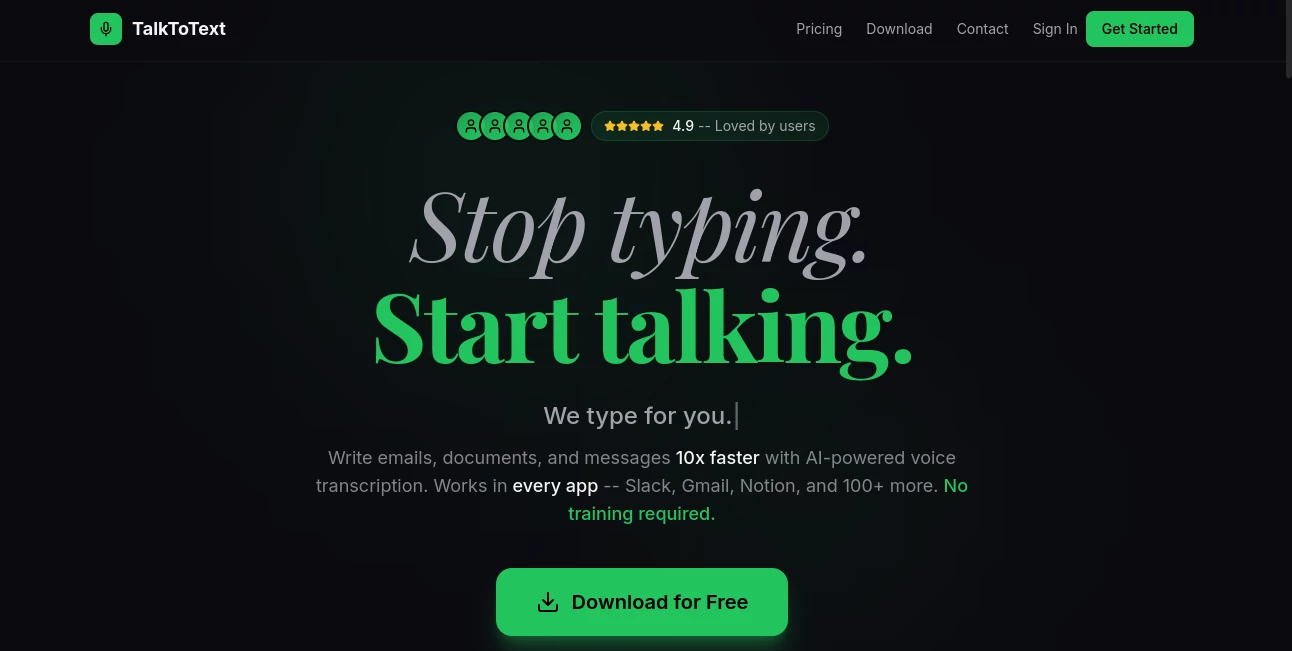
In a world where speed and efficiency define productivity, turning spoken words into clean, readable text has become more important than ever. This tool is designed to bridge that gap with a simple yet powerful approach to voice transcription. Whether you're a student, content creator, business professional, or someone who just prefers speaking over typing, it helps you convert your thoughts into text instantly without unnecessary friction.
What makes it stand out is its focus on simplicity. Instead of overwhelming users with complex dashboards or unnecessary settings, it offers a clean and intuitive experience that works right away.
Key Features
User Interface
The interface is minimal and distraction-free. Users can start recording or uploading audio with just a click. The layout is designed so that even first-time users can understand it without guidance. Everything feels lightweight and responsive.
Accuracy & Performance
The transcription engine is optimized for clarity and speed. It performs well with natural speech patterns, meetings, lectures, and even casual voice notes. Background noise handling is solid enough for everyday environments, making it reliable for general use cases.
Capabilities
- Real-time speech-to-text conversion
- Audio file transcription support
- Multi-purpose usage for notes, meetings, and content creation
- Fast processing with minimal delay
- Editable output for quick corrections
Security & Privacy
User privacy is treated seriously. Audio data is processed securely, and the platform is designed to avoid unnecessary data retention. This makes it suitable for users who deal with sensitive conversations or private recordings.
Use Cases
- Students converting lecture recordings into study notes
- Business professionals summarizing meetings and calls
- Content creators drafting articles or scripts through voice
- Journalists capturing interviews on the go
- Anyone who prefers speaking over typing for faster workflow
Pros and Cons
Pros
- Simple and beginner-friendly interface
- Fast transcription processing
- Works for both live speech and audio files
- Useful for multiple professional scenarios
Cons
- May struggle with heavy accents in noisy environments
- Advanced editing features are limited
- Requires stable internet for best performance
Pricing Plans
The platform typically offers flexible access options, including free usage for basic transcription needs and premium plans for users who require higher limits, faster processing, or advanced features. This makes it suitable for both casual users and professionals.
How to Use TalkToText
- Open the platform in your browser
- Select whether you want live transcription or audio upload
- Start speaking or upload your file
- Wait a few seconds for processing
- Copy, edit, or export your text
Comparison with Similar Tools
Compared to many traditional transcription solutions, this tool focuses more on simplicity and speed rather than complex enterprise-level configurations. While some competitors offer deep customization and integrations, this platform prioritizes quick access and ease of use. It is especially appealing for individuals and small teams who want results without a learning curve.
Conclusion
For anyone looking to convert speech into text without complications, this solution delivers a balanced experience between speed, usability, and accuracy. It does not try to overwhelm users with unnecessary complexity. Instead, it focuses on doing one thing well: turning voice into clear, usable text in seconds. That simplicity is exactly what makes it valuable in everyday workflows.
Frequently Asked Questions (FAQ)
Is it suitable for professional use?
Yes, it works well for meetings, interviews, and content creation, especially where fast transcription is needed.
Does it support different accents?
It performs well with most common accents, though accuracy may vary in very noisy environments.
Can I edit the transcribed text?
Yes, users can easily edit and refine the output after transcription.
Do I need to install anything?
No installation is required as it works directly through the browser.
Is my data stored?
The system is designed with privacy in mind and avoids unnecessary long-term storage of user audio.
AI Speech Recognition , AI Transcription , AI Speech to Text , AI Voice Assistants .
These classifications represent its core capabilities and areas of application. For related tools, explore the linked categories above.

TalkToText Alternatives Product

LPM 1.0

Omni Voice

mp3tourl
Adobe Podcast

LorePanic

Zeemo AI
Video To Text

Maestra

Gpt Realtime