


















Ad Studio
What is Ad Studio?
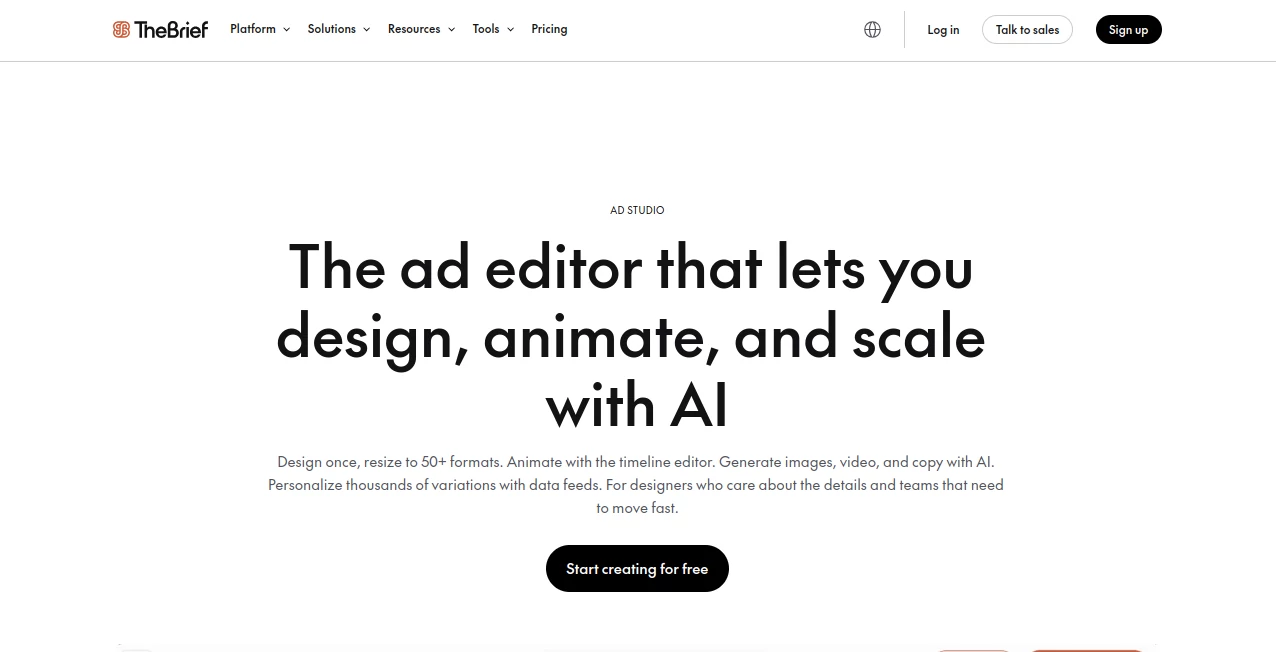
The Brief's Ad Studio is an advanced workspace for creating professional advertising creatives without having to jump between several design, animation, and campaign tools. It brings design, AI generation, resizing, personalization, animation, and publishing into one workflow.
The idea is refreshingly practical: create a strong master design once, then adapt it for the different formats and channels your campaign needs. Instead of manually rebuilding a banner for every placement, the platform can resize designs for more than 50 formats while helping preserve the visual hierarchy. It is particularly useful for marketing teams, agencies, and designers who regularly deal with large numbers of advertising assets.
It also goes beyond static graphics. Users can create animated creatives, generate images and video, write advertising copy, connect data feeds, and prepare HTML5 ads for advertising networks. For a team working under a tight campaign deadline, having these pieces together can make a noticeable difference.
Key Features
- AI Smart Resize for adapting designs to 50+ advertising formats.
- AI-powered image, video, and advertising copy generation.
- Timeline-based animation with keyframes, transitions, easing, and looping.
- Dynamic data feeds for generating large numbers of personalized ad variations.
- Brand Kits for managing colors, fonts, logos, assets, and brand voice.
- Support for more than 30 languages for brand-consistent copy.
- HTML5, MP4, GIF, JPG, PNG, WEBP, PDF, and AMP export options.
- Direct publishing capabilities for platforms such as Meta and Google Ads on supported plans.
- Frame-level commenting, version history, permissions, and collaborative review tools.
- Support for widgets, custom JavaScript, HTML5 embeds, maps, countdown timers, and other interactive layers.
User Interface
The interface is designed around a large multi-artboard workspace where different ad sizes can be viewed and managed together. Designers can work across multiple formats at once or switch into a focused editing mode when a single creative needs more attention.
The timeline editor is another strong part of the experience. Animations can be arranged using visual keyframes rather than requiring a separate animation application. Text reveals, slide transitions, easing curves, and other motion effects can be adjusted directly inside the design environment.
For experienced designers, the availability of layers, masks, blending modes, filters, crops, widgets, and custom code provides plenty of room for detailed work. At the same time, AI-assisted features handle many of the repetitive jobs that normally consume valuable production time.
Accuracy & Performance
One of the platform's most useful strengths is consistency across advertising formats. Smart Resize does more than simply stretch a canvas. It can reposition elements, adjust text sizing, and maintain the intended visual hierarchy when a design moves from one aspect ratio to another.
This becomes especially valuable when a campaign needs square, vertical, landscape, feed, story, display, and IAB-standard formats at the same time. Instead of treating each variation as a separate project, designers can start from one master creative and refine the generated versions.
For dynamic campaigns, data feeds add another practical layer. A spreadsheet or live feed can provide different prices, product images, locations, headlines, colors, or other values, allowing thousands of variations to be produced from a single template. That approach can dramatically reduce repetitive production work for large campaigns.
Capabilities
The platform combines conventional creative control with AI-assisted production. Users can generate product photography, create video clips, produce advertising copy, remove backgrounds, expand images, and modify visual assets while remaining inside the same workspace.
Animation is handled through a visual timeline with in, middle, and out sequences. Finished work can be exported as HTML5 for display advertising or as MP4 and GIF files for social campaigns.
Another notable capability is dynamic personalization. A template can contain placeholder layers for elements such as product images, prices, headlines, and legal text. Once a CSV or live data source is connected, each row can become an individual advertising variation.
For agencies, the combination of separate Brand Kits, role-based permissions, reusable components, approval workflows, and version history is particularly useful. It gives teams a way to maintain creative consistency even when several people are working across multiple client brands.
Security & Privacy
Security is an important consideration for teams uploading brand assets, campaign materials, and customer-related information. The company states that its infrastructure uses security controls including role-based permissions, SSO, two-factor authentication, encrypted data transmission, and isolated cloud infrastructure.
The service also states that it follows privacy requirements such as GDPR and CCPA and maintains ISO 27001 certification. Its infrastructure is hosted on Amazon Web Services, with data protection and disaster-recovery measures in place.
Businesses should still review the current privacy policy and data-processing terms before uploading sensitive information. As with any cloud-based creative platform, the safest approach is to use appropriate access controls and avoid placing unnecessary personal information into advertising assets or data feeds.
Use Cases
Digital advertising campaigns: Marketing teams can create a master advertisement and adapt it to the formats required by different advertising platforms. This is useful when a single campaign needs many sizes without rebuilding each design manually.
Personalized e-commerce advertising: A retailer can connect product information through a CSV or live data source and generate variations containing different products, prices, images, or locations. A campaign with thousands of combinations can therefore be managed from a single template.
Animated display advertising: Designers can create HTML5 banner animations using the visual timeline and export them for supported advertising networks. This removes the need to rely on a developer for many standard animation tasks.
Agency production: Agencies handling multiple brands can keep separate Brand Kits, permissions, templates, and approval processes in one environment. This makes it easier to prevent one client's visual identity from accidentally appearing in another client's campaign.
Social media advertising: Teams can generate visual assets and adapt them to different aspect ratios, while exporting designs as formats such as MP4, GIF, JPG, PNG, or WEBP.
Pros and Cons
Pros
- Combines professional ad design and AI-assisted creation in one workspace.
- Supports more than 50 preset advertising sizes.
- Strong tools for creating animated and HTML5 advertisements.
- Dynamic feeds make large-scale personalization practical.
- Useful brand management and collaboration features for teams.
- Supports direct publishing to selected advertising platforms.
- AI image, video, copy, resizing, translation, and background tools are integrated into the creative workflow.
Cons
- The large number of professional features may feel overwhelming to users who only need simple social media graphics.
- Advanced publishing, ad serving, and high-volume capabilities are aimed more at professional and business users.
- Teams with very simple design requirements may not need the depth of the full editor.
- Some collaboration and high-volume capabilities depend on the selected subscription.
Pricing Plans
The current pricing structure includes plans for individual creators as well as teams and enterprises. The Pro plan is listed at $29 per month when billed annually and includes the full Ad Studio, AI generation, exports, five Brand Kits, and 250 GB of storage.
The Ultra plan is listed at $79 per month when billed annually and is designed for higher-volume production. It adds expanded AI and export capacity, ad serving, publishing to Meta and Google Ads, AI translation, automated A/B testing, performance reports, 20 Brand Kits, and 1 TB of storage.
For teams, the Team plan starts at $49 per seat per month when billed annually and supports shared workspaces, roles and permissions, collaboration, shared brand systems, and additional advertising capabilities. Enterprise pricing is custom and is intended for organizations requiring large-scale production, API distribution, DAM integrations, governance, SSO, and dedicated support.
A free trial is available, and the current individual plans advertise a 7-day trial without requiring a credit card. Pricing and included capabilities can change, so businesses should check the latest plan details before subscribing.
How to Use It
Start by creating a project and choosing a new design. You can work from a blank canvas, an existing brand template, or one of the available templates. For more advanced work, select the full editor and choose either a single design or a design set.
Once the master creative is ready, select the advertising sizes required for the campaign. Smart Resize can generate versions for different placements, after which each variation can be reviewed and adjusted individually.
To add motion, use the animation timeline and define keyframes, transitions, and timing for individual elements. If the campaign needs AI-generated content, images, video clips, backgrounds, or advertising copy can be created directly inside the workflow.
For large campaigns, prepare a CSV or connect an appropriate data feed. Map columns such as product name, price, image URL, location, or headline to the corresponding layers in the template. Preview the generated variations before exporting or publishing them.
Finally, review the campaign with teammates or clients, use frame-level comments when necessary, and export the finished creatives in the format required by the destination platform.
Comparison with Similar Tools
Many online design platforms are excellent for creating individual graphics, but large advertising campaigns often require a different workflow. The main advantage here is the combination of detailed creative control, AI generation, multi-format resizing, animation, data-driven personalization, and campaign delivery.
Compared with a basic graphic design editor, it is better suited to teams that need dozens or thousands of advertising variations. Compared with a traditional desktop design workflow, the browser-based collaboration and automated resizing can remove several manual steps. And compared with tools focused purely on AI image generation, it provides considerably more control over the final advertising layout and production process.
The strongest fit is therefore not someone looking for a quick social post, but a designer, marketer, agency, or advertising team that needs to repeatedly turn one creative concept into a complete, consistent campaign.
Conclusion
Ad production becomes complicated surprisingly quickly. One campaign can require multiple platforms, dozens of dimensions, several languages, different products, animated versions, and constant revisions. Managing all of that manually is where creative teams lose a lot of time.
This platform takes a more production-focused approach. Its value comes from connecting the creative stages rather than offering another isolated AI generator. Designers retain control over the details while AI handles repetitive work such as resizing, generating visual assets, translating copy, removing backgrounds, and creating variations.
For freelancers and smaller marketing teams, the integrated workflow can make campaign production more manageable. For agencies and larger organizations, features such as Brand Kits, permissions, data feeds, collaboration, version history, HTML5 advertising, and direct publishing make it considerably more compelling.
If your work involves producing advertising creatives at scale rather than designing one-off graphics occasionally, this is a platform worth considering.
Frequently Asked Questions (FAQ)
What is Ad Studio used for?
It is designed for creating, animating, resizing, personalizing, and delivering digital advertising creatives. It supports static designs, video, animated banners, HTML5 ads, and data-driven variations.
Can it create multiple ad sizes automatically?
Yes. AI Smart Resize can adapt a master design to more than 50 preset formats, including social, display, feed, story, video, and IAB advertising sizes.
Can I create animated ads without coding?
Yes. The visual timeline editor allows users to create animations with keyframes, transitions, easing curves, text effects, and looping controls without writing code for standard animation workflows.
Can I generate personalized ads from a spreadsheet?
Yes. Data feeds can connect spreadsheet-style information to template layers. Different rows can generate different combinations of products, prices, images, headlines, colors, locations, and other campaign data.
Does it support AI-generated video?
Yes. AI video generation is available inside the creative workflow, including text-to-video and image-to-video options. Generated clips can be incorporated into advertising designs and exported as finished video content.
Does it support HTML5 advertising?
Yes. Users can create animated HTML5 advertisements and export packages for supported advertising networks. The export workflow can also generate required click tags and fallback images.
Is there a free trial?
Yes. The current pricing page lists a 7-day free trial for the individual plans without requiring a credit card.
Is it suitable for advertising agencies?
Yes. Agencies can use separate Brand Kits, role-based permissions, reusable components, client review links, frame-level comments, version history, and multi-brand workflows to manage campaigns for different clients.
Which export formats are supported?
Supported formats include JPG, PNG, WEBP, GIF, HTML5, MP4, PDF, and AMP, with availability depending on the specific workflow and plan.
Does it offer AI copywriting?
Yes. AI can generate advertising copy using different tone presets and supports more than 30 languages, making it useful for campaigns that need localized messaging.
AI Ad Creative Assistant , AI Ad Generator , AI Advertising Assistant .
These classifications represent its core capabilities and areas of application. For related tools, explore the linked categories above.

Ad Studio Alternatives Product

ModelsLab

SalesPageNow

LogoAI

ARKADS

Sprokl

Lutains

Orchestra

Ad Suite AI

Quso AI
