


















Trainn
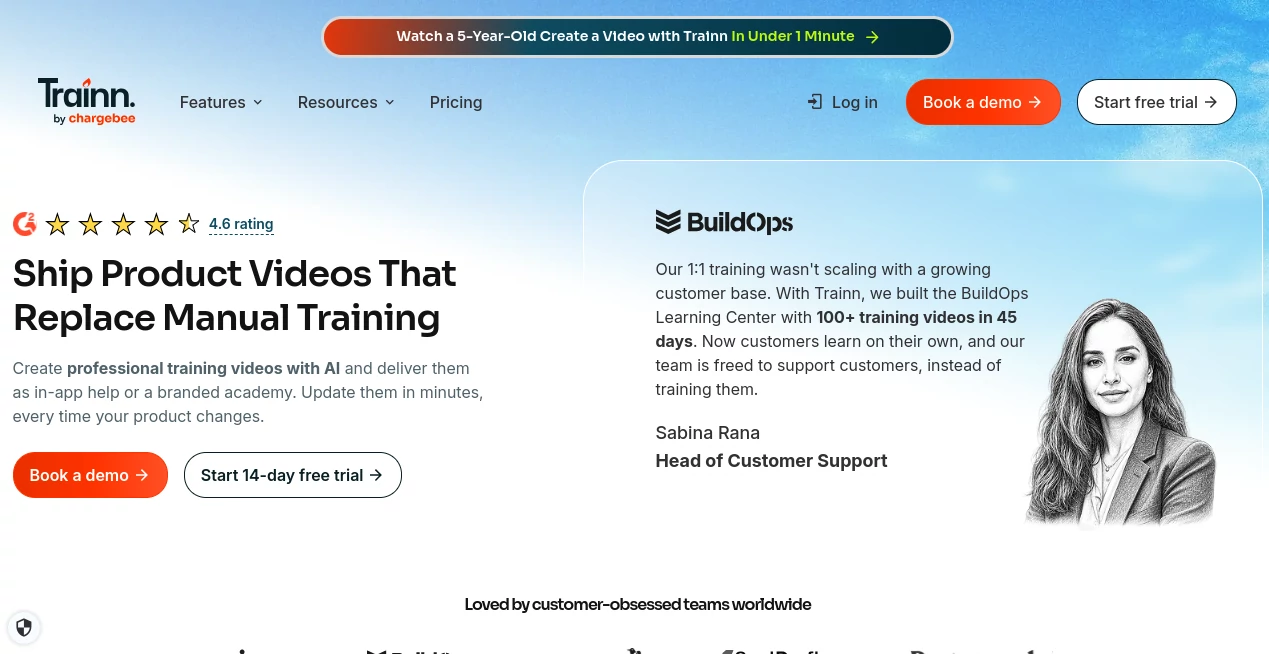
What is Trainn?
I used to dread creating product tours and training videos. Hours of recording, clunky editing software, and the final result still looked amateur. Then I started using this platform and everything changed. You record your screen once, and it turns that into a beautiful, interactive walkthrough complete with voiceover, annotations, and clickable steps. The first time I sent a polished demo to a prospect instead of a boring PDF, their reply was immediate: “This is exactly what we needed.” It’s one of those tools that makes you look more professional with way less effort.
Introduction
Trainn makes creating customer-facing videos and interactive guides surprisingly simple. Whether you’re onboarding new users, helping your support team, or creating sales demos, it turns raw screen recordings into polished, engaging content that actually gets watched. No steep learning curve, no expensive video editors, and no more generic slides. It’s built specifically for SaaS teams and product people who need to explain complex features clearly and quickly. The difference between a forgettable video and one that actually helps users is huge — and this platform consistently delivers the good kind.
Key Features
User Interface
The interface is clean and focused on speed. You start recording with one click, and the smart editor appears right after. Everything is visual — you can trim clips, add text, arrows, blur sensitive areas, and even insert interactive steps without leaving the flow. It feels more like writing than editing video, which is exactly why busy teams love it. No timeline hell or complicated layers, just intuitive tools that get the job done fast.
Accuracy & Performance
The AI features are genuinely useful. Auto-transcription is accurate, smart blur suggestions work well on sensitive data, and the voiceover generation sounds natural. Rendering is fast even for longer videos, and the final output looks professional across devices. Users regularly mention how much time they save compared to traditional tools while getting noticeably better results.
Capabilities
You can create interactive demos where viewers can click through steps, add branching paths, generate voiceovers in multiple languages, and export in various formats. It supports team collaboration, custom branding, analytics on viewer engagement, and easy embedding. Perfect for product tours, feature announcements, support articles, and customer onboarding flows. The interactive element is especially powerful — people learn by doing, not just watching.
Security & Privacy
Your recordings and data stay secure with enterprise-grade controls. You can set password protection, control who can view or edit specific projects, and everything is encrypted. For companies handling sensitive product information or customer data in demos, these safeguards provide important peace of mind.
Use Cases
A SaaS founder records a product tour once and turns it into an interactive demo that lives on their website and reduces support tickets. A customer success team creates personalized onboarding videos for new clients that actually get completed. A product manager builds feature explainers that marketing can reuse across channels. Support agents create quick how-to guides for common questions. It fits naturally into any team that needs to explain how their product works clearly and consistently.
Pros and Cons
Pros:
- Turns raw recordings into professional, interactive content extremely fast.
- Interactive steps and branching make learning more effective than passive video.
- Excellent built-in AI tools (transcription, voiceover, smart editing).
- Team collaboration and branding features work really well.
- Analytics show exactly how people engage with your content.
Cons:
- Advanced interactive features and unlimited storage are on higher plans.
- Very long or highly complex demos can require some manual polishing.
Pricing Plans
It offers a generous free tier that’s actually useful for individuals and small teams to get started. Paid plans unlock unlimited recordings, advanced interactivity, team workspaces, custom domains, and priority support. Pricing is reasonable for the time it saves and the quality it delivers — many teams say it pays for itself by reducing support load and speeding up sales cycles.
How to Use Trainn
Start a new project, record your screen while explaining the feature, and stop when you’re done. The editor opens automatically — trim clips, add text and arrows, blur anything sensitive, and insert interactive steps. Generate a voiceover if you want, review the flow, and publish. Embed the final interactive guide on your website, share via link, or export as video. The entire process from recording to published guide usually takes under 30 minutes.
Comparison with Similar Tools
Traditional screen recorders give you flat videos that people often don’t finish watching. Other interactive tools feel either too simple or overly complex. Trainn hits a sweet spot: powerful enough for real product teams, simple enough that anyone can use it effectively. The combination of speed, interactivity, and polished output makes it stand out from both basic recording tools and heavier enterprise solutions.
Conclusion
Explaining how your product works shouldn’t be harder than building the product itself. This platform makes creating clear, engaging, and interactive guides remarkably easy while delivering professional results. Whether you’re growing a SaaS business, supporting customers, or training your own team, it helps you communicate more effectively and build better experiences. In a world where attention is scarce, tools that make your explanations actually land are worth their weight in gold.
Frequently Asked Questions (FAQ)
How long does it take to create a guide?
Most users create a complete, polished interactive demo in 15–30 minutes.
Can viewers interact with the demo?
Yes — you can add clickable steps and branching paths for a truly hands-on experience.
Is it suitable for large teams?
Absolutely — team workspaces, permissions, and collaboration features are built in.
Do I need to be on camera?
No — you can do voiceover only, use AI voice, or record screen only.
AI Tutorial , AI Course , AI Video Generator , AI Productivity Tools .
These classifications represent its core capabilities and areas of application. For related tools, explore the linked categories above.

Trainn Alternatives Product

Happyhorse

mainaro

Wan 2.7

Seedance2 Vi…

Kling 4.0 AI

Seedance 2 A…

seedance 2

VO4 AI

ekstrakt
