
TryTableConverter
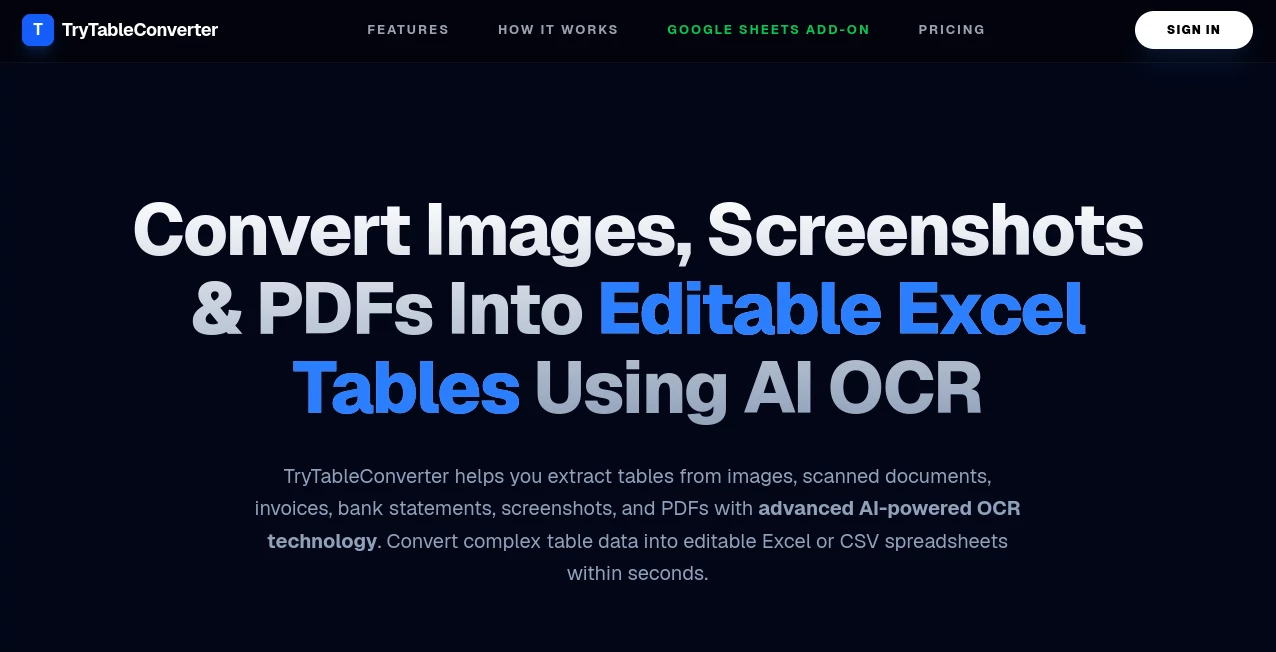
What is TryTableConverter?
Working with structured data often means moving information between spreadsheets, databases, documentation platforms, and development environments. What sounds simple can quickly become frustrating when every platform expects a different format. This tool solves that challenge by providing a fast and reliable way to transform tabular data into dozens of widely used formats without requiring complex software or technical expertise.
Whether you are a developer exporting database records, a content creator preparing documentation, or a business professional organizing spreadsheet data, the platform streamlines the entire conversion process. Instead of manually reformatting tables and fixing broken layouts, users can focus on their work while the conversion engine handles the heavy lifting.
One of the most impressive aspects of the platform is its ability to support a large collection of formats while maintaining a clean and approachable experience. It combines practical functionality with speed, making it a valuable addition to any productivity-focused workflow.
Key Features
User Interface
The interface is designed with simplicity in mind. Users can paste data directly from Excel, upload files, edit content inside a built-in table editor, and instantly preview the output before exporting it. Navigation is straightforward, allowing even first-time visitors to complete conversions within seconds.
The integrated editor provides spreadsheet-like functionality, making it easy to modify rows, columns, and values before generating the final output. This reduces the need to switch between multiple applications.
Accuracy & Performance
Data conversions are processed quickly and with a high level of consistency. Complex tables containing headers, special characters, and structured datasets maintain their integrity across different formats. This helps reduce formatting errors that often occur during manual conversion.
Performance remains responsive even when handling larger datasets, making the platform suitable for both personal and professional projects.
Capabilities
- Convert data between dozens of popular formats.
- Support spreadsheet, database, documentation, and markup workflows.
- Generate outputs suitable for websites, applications, and reports.
- Edit and validate table data before export.
- Create developer-friendly formats such as JSON, SQL, XML, and YAML.
- Generate documentation-ready tables for Markdown and HTML projects.
- Export structured information for analytics and reporting purposes.
Security & Privacy
Privacy is an important consideration when dealing with business or customer data. The platform emphasizes secure processing practices and allows users to convert information without unnecessary complexity. For professionals handling sensitive datasets, this creates additional confidence during daily use.
Use Cases
- Converting spreadsheet data into JSON for web applications.
- Creating Markdown tables for documentation and knowledge bases.
- Generating SQL statements for database imports.
- Transforming HTML tables into spreadsheet-compatible formats.
- Preparing datasets for analytics and reporting tools.
- Migrating information between different business systems.
- Formatting structured content for technical articles and tutorials.
Pros and Cons
Pros
- Supports a large variety of data formats.
- Easy-to-use interface suitable for beginners.
- Useful built-in editing capabilities.
- Fast conversion process.
- Helpful for developers, analysts, and content creators alike.
- Reduces manual formatting work.
Cons
- Advanced users may require specialized features available only in dedicated enterprise software.
- Very large datasets may require additional processing considerations depending on workflow complexity.
- Some niche formats may require further customization after export.
Pricing Plans
The platform offers free access to many of its core conversion capabilities, making it an attractive choice for individuals, students, and professionals who need quick and reliable table transformations. Users can begin working immediately without a lengthy setup process.
Pricing structures and premium offerings may evolve over time, so checking the official platform for the latest details is recommended.
How to Use Table Convert Online
- Open the platform in your browser.
- Paste table data or upload a supported file.
- Review the imported information inside the editor.
- Select the desired output format.
- Preview the generated result.
- Copy, download, or export the converted data.
The entire workflow typically takes less than a minute, even for users with no technical background.
Comparison with Similar Tools
Many conversion utilities focus on only one or two formats, forcing users to jump between different services for different tasks. This platform stands out by bringing numerous conversion options together in a single environment.
Compared with basic spreadsheet converters, it offers broader format compatibility and a more versatile editing experience. Developers appreciate the technical outputs, while content teams benefit from documentation-ready exports. This balance makes it useful across multiple industries rather than serving a single niche.
Another notable advantage is the combination of usability and flexibility. Instead of overwhelming users with technical complexity, it presents powerful functionality through a streamlined workflow.
Conclusion
For anyone who regularly works with structured data, having a dependable conversion solution can save countless hours. This platform simplifies the process of transforming tables into formats suitable for development, documentation, reporting, and business operations.
The combination of extensive format support, intuitive editing tools, reliable output quality, and efficient performance makes it a practical choice for professionals and casual users alike. Whether you need to convert a small spreadsheet or prepare data for a larger project, it delivers a smooth experience from start to finish.
Frequently Asked Questions (FAQ)
What types of formats are supported?
The platform supports numerous formats commonly used in spreadsheets, databases, programming, documentation, and web development.
Can beginners use the tool?
Yes. The interface is designed to be simple enough for non-technical users while still offering features appreciated by professionals.
Is it useful for developers?
Absolutely. It can generate formats such as JSON, SQL, XML, YAML, HTML, and other developer-friendly outputs.
Can I edit data before converting it?
Yes. The built-in editor allows users to review and modify table content before exporting the final result.
Who benefits most from this platform?
Developers, data analysts, technical writers, content creators, researchers, and business professionals can all benefit from its conversion capabilities.
AI Data Mining , AI Productivity Tools , AI Developer Tools , AI Spreadsheet .
These classifications represent its core capabilities and areas of application. For related tools, explore the linked categories above.
TryTableConverter details
Website unavailable — View Alternatives
Pricing
- Free
Apps
- Web App
Categories

TryTableConverter Alternatives Product

CodeProt

Grok 4

HostFinder

ClawBridge

BetterAntisp…

DocReplacer

eesel AI

Referent

Where Is Thi…