Unstability
What is Unstability?
There’s a special kind of freedom when an AI image tool doesn’t constantly say “no” to your ideas. You describe exactly what’s in your head—bold, artistic, intense, or playful—and it actually delivers instead of watering everything down. This platform has built a strong following precisely because it trusts creators to know what they want. Whether you’re exploring artistic concepts, generating striking visuals for projects, or just having fun pushing creative boundaries, the results often feel more alive and honest than what you get from heavily filtered alternatives.
Introduction
Unstability grew out of the desire to give artists and creators full creative range without constant guardrails getting in the way. It uses powerful diffusion models to turn detailed text prompts into high-quality images, supporting styles from realistic to highly stylized, and everything in between. What sets it apart is the balance: strong enough quality to be useful for real work, open enough that you rarely hit frustrating content blocks. Many users say it finally lets them create the kind of work they actually imagined instead of compromised versions. It’s become a go-to for people who want speed and quality without someone else deciding what’s “allowed.”
Key Features
User Interface
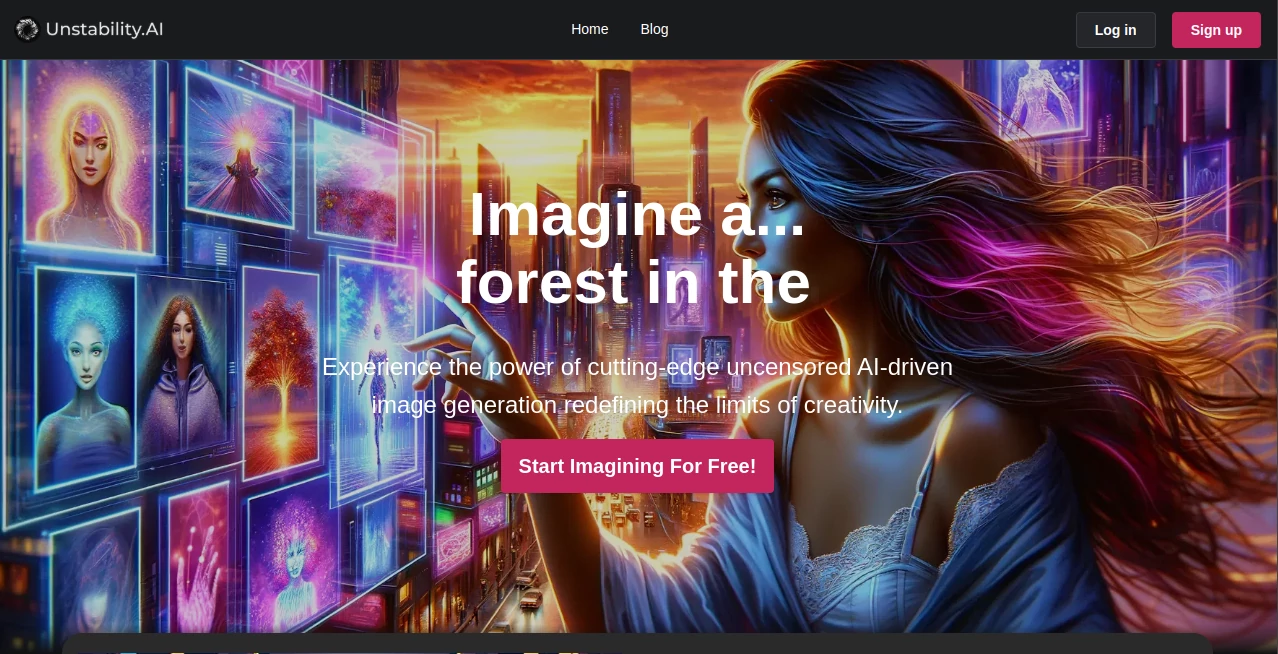
The interface is clean and focused. A large prompt box takes center stage, with helpful options for aspect ratio, quality level, and style guidance appearing when you need them. You can upload reference images for stronger control, adjust parameters easily, and see previews without waiting forever. It feels fast and responsive—exactly what you want when you’re deep in a creative flow and don’t want the tool slowing you down.
Accuracy & Performance
The model understands complex prompts remarkably well, handling detailed scenes, specific art styles, lighting, and composition with impressive coherence. Generation quality stays high even on ambitious ideas, and the output rarely suffers from the common issues of distorted anatomy or mismatched elements. Speed is solid too—most images appear quickly enough that you can experiment and refine without losing momentum.
Capabilities
It excels at both safe-for-work and more adult-oriented content, giving users genuine creative freedom. You can generate realistic portraits, fantasy scenes, concept art, product visuals, and highly stylized illustrations. Reference image support, negative prompts, and style modifiers give fine control when you need it, while the basic flow stays simple for quick ideas. The range of what you can create here is noticeably broader than on more restricted platforms.
Security & Privacy
Your generations are private by default. The platform processes prompts and images without using them to train public models unless you explicitly opt in. This balance of openness in content and respect for user privacy makes it comfortable for both casual experimentation and more serious creative work.
Use Cases
Digital artists use it to rapidly prototype concepts and explore styles they wouldn’t normally have time to test. Marketers generate eye-catching visuals and ad concepts without expensive photoshoots. Writers bring characters and scenes to life for inspiration or book covers. Adult creators appreciate the lack of heavy censorship that lets them work freely within their niche. The common thread is people who value speed, quality, and creative liberty in one place.
Pros and Cons
Pros:
- Genuinely uncensored approach gives creators real freedom.
- Strong prompt understanding and high-quality output.
- Fast generation times that support quick iteration.
- Clean, intuitive interface that doesn’t get in the way.
- Good balance between artistic control and ease of use.
Cons:
- Some very complex or highly specific scenes may still need prompt refinement.
- Free tier has usage limits (paid plans remove them).
- Like most generative tools, results improve dramatically with good prompting.
Pricing Plans
It offers a generous free tier so you can test quality and workflow before committing. Paid plans provide higher limits, faster generation, priority access during busy times, and additional features. Pricing is competitive for the level of freedom and quality provided—many users find the upgrade worthwhile once they start relying on it regularly for projects.
How to Use Unstability
Sign up (quick and optional for basic use), head to the generator, write a clear prompt describing what you want, and optionally add a reference image or style keywords. Adjust settings like aspect ratio or quality level, then generate. Review the results, refine your prompt if needed, and download your favorites. With a bit of practice, you’ll learn which words and structures give the best output for your style—then the real fun begins.
Comparison with Similar Tools
Many mainstream image generators apply heavy safety filters that block or weaken creative ideas. This platform stands out by offering far more freedom while still delivering competitive quality and speed. It’s less restrictive than big corporate tools but more polished and accessible than pure open-source setups. For creators who want both power and convenience without constant censorship, it often becomes the preferred choice.
Conclusion
Unstability delivers something many creators have been quietly hoping for: an AI image tool that respects your vision and gives you room to explore it fully. It combines strong technical quality with genuine creative freedom, making the whole process feel exciting again instead of frustrating. Whether you’re making art for fun, work, or personal projects, it’s a platform that consistently helps turn ideas into compelling visuals—without unnecessary limitations getting in the way.
Frequently Asked Questions (FAQ)
Is it really uncensored?
Yes—it’s built to allow much broader creative range than heavily filtered mainstream tools.
Do I need to sign up to try it?
You can start generating without an account, though signing up unlocks saving and higher limits.
How fast are generations?
Most images appear within seconds to under a minute, depending on current demand and settings.
Can I use the images commercially?
Check the current terms, but paid plans generally offer broad usage rights for generated content.
What makes it different from Stable Diffusion?
It focuses on an uncensored experience with a polished, easy-to-use interface and consistent quality.
AI Photo & Image Generator , AI Art Generator , AI Design Generator , AI Image to Image .
These classifications represent its core capabilities and areas of application. For related tools, explore the linked categories above.

Unstability Alternatives Product

AIGAZOU

String Art G…
Flux 2 Klein

Uni-1
GPT Image 2 …
Z Image
Ai Home Desi…

Artguru
Nano Banana …