
Yaw
What is Yaw?
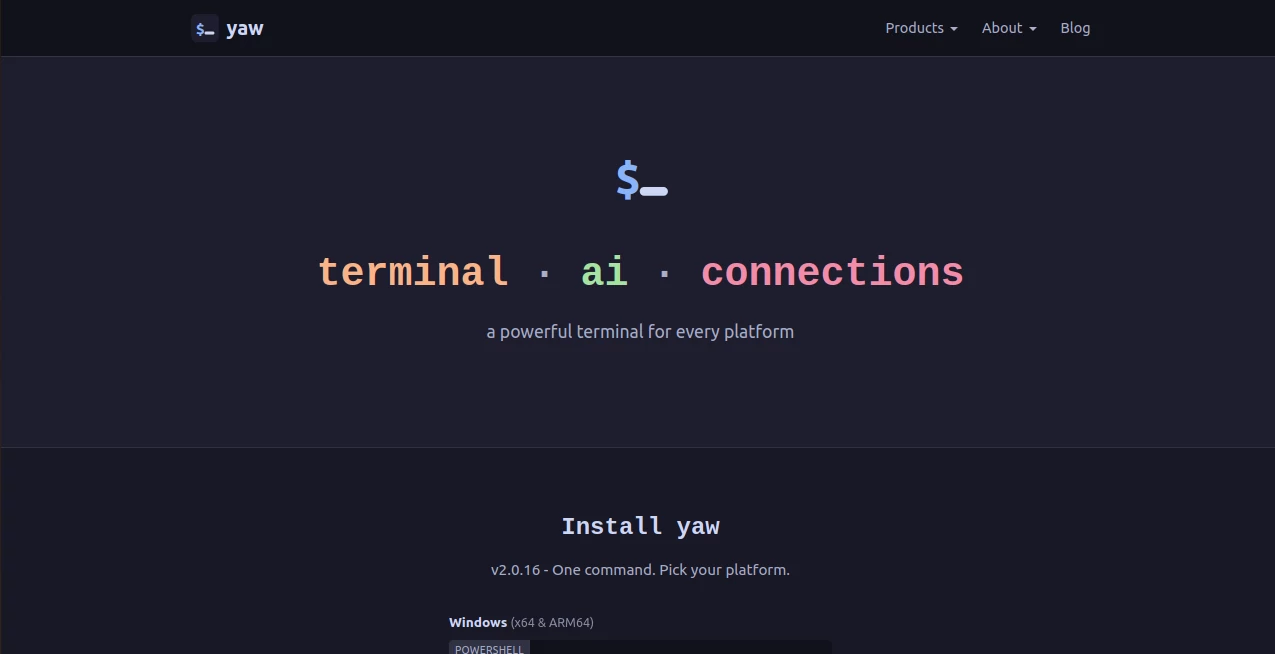
Modern development workflows often require multiple applications just to complete everyday tasks. A terminal for commands, a database client for queries, an SSH application for remote access, and a browser window for AI assistance quickly create unnecessary complexity. This platform brings everything together in a single workspace, making development faster, cleaner, and significantly more enjoyable.
Designed for developers, DevOps engineers, system administrators, and technical teams, it combines an advanced terminal, built-in file editing, AI-powered assistance, secure remote connections, and database management into one streamlined application. The result is a workflow that feels natural, reduces context switching, and allows professionals to stay focused on solving problems instead of managing tools.
Its cross-platform availability ensures the same experience across Windows, macOS, and Linux, while its privacy-first approach means users remain in complete control of their data, API keys, and credentials. Whether working locally or managing production infrastructure, it offers an impressive balance of performance, convenience, and security.
Key Features
User Interface
The interface is thoughtfully designed for productivity. Multiple tabs, split panes, keyboard shortcuts, command palettes, session restoration, and an integrated file editor allow developers to perform complex workflows without leaving the application. Everything feels responsive and optimized for daily professional use.
Accuracy & Performance
The built-in AI assistant can understand terminal output, logs, and command results, allowing it to provide highly relevant explanations and suggestions. Support for multiple AI providers gives users flexibility to work with their preferred models while maintaining fast performance through direct API connections.
Capabilities
- Cross-platform terminal for Windows, macOS, and Linux.
- Integrated AI assistant with support for multiple AI providers.
- Built-in file editor for editing files without leaving the terminal.
- SSH client and secure remote server management.
- Native connections for PostgreSQL, MySQL, SQL Server, MongoDB, and Redis.
- Split-pane workflows for AI coding assistants.
- Session restoration and advanced terminal management.
- Command palette and customizable keyboard shortcuts.
- Support for AI coding tools including popular CLI assistants.
- Connection management with encrypted local credentials.
Security & Privacy
Privacy is one of its strongest advantages. The software does not require account registration for normal use, avoids usage tracking, and keeps credentials encrypted locally on the user's device. API keys communicate directly with the selected AI provider instead of passing through third-party servers, giving developers greater confidence when working with sensitive projects and infrastructure.
Use Cases
- Managing production servers through secure SSH connections.
- Developing software with AI-assisted coding workflows.
- Editing configuration files directly from the terminal.
- Managing multiple databases from one application.
- Debugging application logs using AI explanations.
- Running DevOps and infrastructure automation tasks.
- Working with cloud environments and remote development.
- Daily software engineering and system administration.
Pros and Cons
- Pros
- Combines terminal, AI, database tools, and file editing in one application.
- Excellent cross-platform support.
- No mandatory account registration.
- Strong privacy-first architecture.
- Supports numerous AI providers and coding assistants.
- Fast, responsive interface with professional workflow features.
- Cons
- Advanced features may require some learning for beginners.
- AI capabilities depend on external API keys for supported providers.
Pricing Plans
The application is fully functional for free with no feature limitations. Users who wish to support development can purchase a one-time perpetual license that removes occasional reminders while keeping all functionality unchanged. There are no recurring subscription requirements for the desktop application.
How to Use Yaw
Download the application for your operating system and complete the installation. Launch the terminal, configure optional AI provider API keys, and begin creating connections to servers or databases as needed. Open projects directly from the terminal, edit files using the built-in editor, ask the integrated AI for help with code or terminal output, and organize work through tabs and split panes for an efficient development experience.
Comparison with Similar Tools
Many modern terminal applications focus on only one aspect of development, such as remote access or AI assistance. This platform stands out by combining terminal functionality, secure connections, integrated editing, database management, and AI-powered workflows into a single cohesive environment. Its privacy-first philosophy, local credential storage, and support for multiple AI providers make it particularly attractive for developers who value flexibility and control over their workflow.
Conclusion
For developers seeking a modern workspace instead of juggling multiple disconnected applications, this solution delivers an impressive experience. It successfully blends professional terminal capabilities with intelligent AI assistance, secure infrastructure management, and practical productivity features. The thoughtful design, strong privacy protections, and generous free offering make it an excellent choice for individuals as well as engineering teams looking to simplify their daily workflow.
Frequently Asked Questions (FAQ)
Is the application free to use?
Yes. All core functionality is available without payment, while a one-time license is offered for users who want to support development and remove reminder messages.
Which operating systems are supported?
It is available for Windows, macOS, and Linux with a consistent user experience across all platforms.
Can it connect to remote servers?
Yes. It includes a built-in SSH client along with secure connection management for remote infrastructure.
Does it support databases?
Yes. Native connections are available for PostgreSQL, MySQL, SQL Server, MongoDB, and Redis.
Are AI API keys stored securely?
Yes. Credentials are encrypted locally, and AI requests are sent directly to the selected provider instead of passing through intermediary servers.
AI DevOps Assistant , AI Code Assistant , AI Developer Docs , AI Developer Tools .
These classifications represent its core capabilities and areas of application. For related tools, explore the linked categories above.

Yaw Alternatives Product

Vibe Coding

Verne
HostFinder

Latency Atlas

Claude and C…

Website Audi…

TruthSpine

volume shade…

Sendmux