
Roadmark
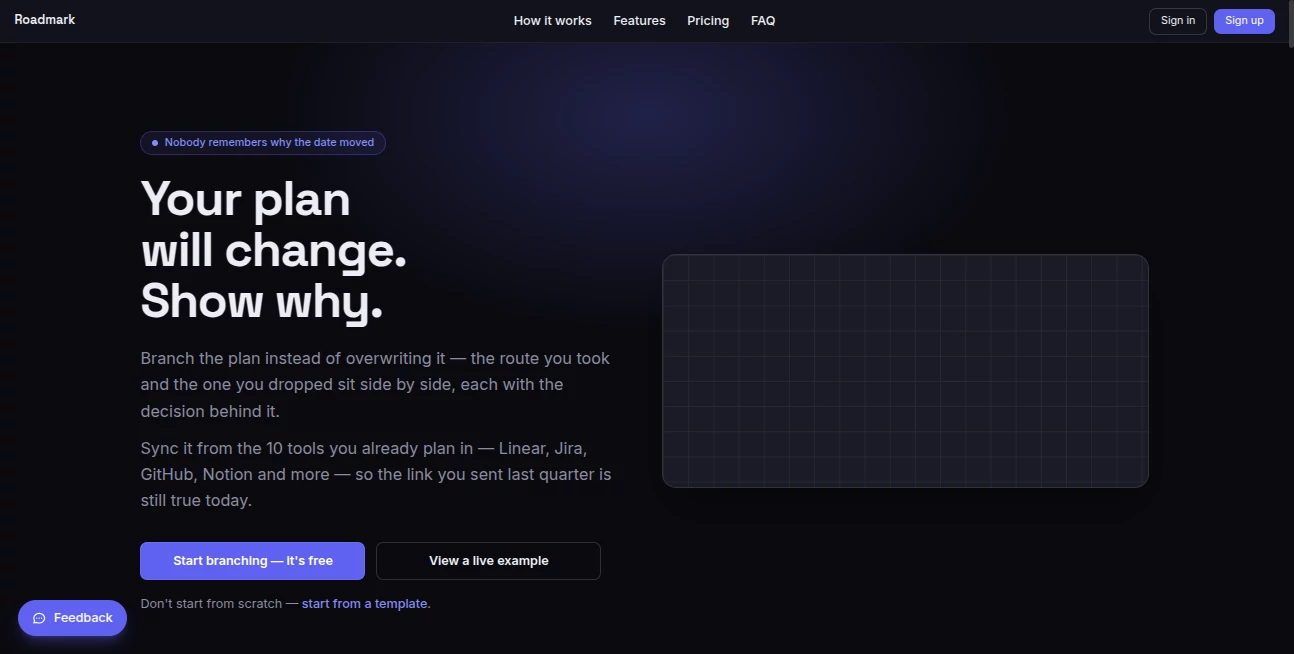
What is Roadmark?
Planning is easy when everything goes according to schedule. The real challenge begins when priorities shift, customer feedback changes the direction of a project, or a new opportunity appears. Instead of hiding those changes in outdated documents or endless spreadsheets, this platform transforms every strategic decision into part of the roadmap itself, making progress far more transparent and meaningful.
Built for founders, product teams, startups, creators, and ambitious professionals, it introduces a refreshing approach to roadmap management by allowing every pivot to become part of the project's story rather than something that gets erased. Teams can import existing plans, collaborate in real time, generate milestones with AI assistance, and share a living roadmap that always reflects the latest direction.
Whether preparing investor updates, managing product launches, or documenting long-term goals, the experience feels practical instead of overwhelming. The visual branching system gives every decision context, making it easy to understand not only where a project is going but also why previous directions changed.
Key Features
User Interface
The interface focuses on clarity with an interactive visual canvas where milestones are connected naturally. Branches make alternative paths easy to follow, while timelines remain organized even after multiple strategy changes. Public sharing, collaboration controls, and roadmap templates reduce setup time for both individuals and teams.
Accuracy & Performance
Roadmaps remain synchronized by importing information from popular development and project management platforms including GitHub, GitLab, Jira, Linear, Notion, Asana, monday.com, Azure DevOps, Shortcut, YouTrack, and CSV files. Teams avoid manually rebuilding project timelines while keeping the original data source untouched. AI-generated milestone suggestions also provide a practical starting point that users can review and refine before publishing.
Capabilities
- Create visual roadmaps with branching decision paths.
- Record the reasoning behind every pivot using built-in decision logs.
- Generate milestone drafts with AI.
- Import existing projects from multiple productivity platforms.
- Collaborate with teammates in real time.
- Create public read-only roadmap links.
- Protect shared links with passwords and expiration dates on premium plans.
- Export roadmaps as PNG, SVG, and PDF.
- Track releases and automatically prepare investor updates.
- Collect community feedback through milestone voting and notifications.
Security & Privacy
Privacy is built into the workflow. Boards remain private unless intentionally shared, while role-based permissions allow owners, editors, and viewers to access only what they need. Sensitive credentials such as AI provider keys and integration tokens are encrypted, and imported project data is read-only, preventing accidental changes to external services.
Use Cases
- Startup founders presenting roadmap progress to investors.
- Product managers documenting feature evolution.
- Software teams planning releases and milestones.
- Open-source maintainers sharing transparent development plans.
- Content creators building products in public.
- Students organizing long-term learning goals.
- Entrepreneurs managing business pivots with historical context.
- Agencies coordinating projects across multiple stakeholders.
Pros and Cons
Pros
- Unique branching roadmap system with decision history.
- Clean visual interface suitable for technical and non-technical users.
- Supports numerous project management integrations.
- Excellent collaboration and public sharing capabilities.
- Useful AI-powered milestone generation.
- Investor-focused reporting features save valuable time.
Cons
- Advanced collaboration features require paid plans.
- Managed AI generations are limited by subscription tier.
- Organizations with very simple planning needs may not require all available functionality.
Pricing Plans
The service offers a generous Free plan that includes up to three roadmaps, unlimited milestones, branching, imports, AI drafting using personal API keys, exports, and public sharing. New users also receive a 14-day Pro trial without providing a credit card.
The Pro subscription adds unlimited roadmaps, real-time collaboration, managed AI generations, roadmap releases, investor updates, password-protected sharing, and additional collaboration tools. The Team plan expands collaboration further with unlimited members, analytics, audit logs, audience insights, and a higher AI generation allowance.
How to Use Roadmark
- Create a new roadmap or import an existing project.
- Add milestones or generate them with AI assistance.
- Organize objectives along the visual timeline.
- Create branches whenever project direction changes.
- Record the reason behind every strategic decision.
- Invite collaborators if working with a team.
- Publish a secure read-only roadmap for investors, customers, or stakeholders.
- Track progress and continue updating the roadmap as projects evolve.
Comparison with Similar Tools
Traditional planning software generally focuses on task management, timelines, or Gantt charts. This solution takes a different approach by preserving the complete history behind strategic changes instead of replacing previous plans. Decision logs, branching roadmaps, AI milestone generation, stakeholder sharing, and investor reporting create an experience that feels especially valuable for startups and fast-moving product teams where pivots are part of everyday business.
Conclusion
Modern product development rarely follows a straight line, and successful teams benefit from tools that acknowledge that reality. Instead of treating roadmap changes as something to overwrite, this platform turns every adjustment into valuable knowledge that improves communication, accountability, and transparency. Combined with AI-assisted planning, flexible collaboration, secure sharing, and broad integration support, it becomes an excellent solution for founders, product managers, creators, and organizations looking to build with confidence while keeping every important decision visible.
Frequently Asked Questions (FAQ)
Can existing projects be imported?
Yes. Projects can be imported from multiple popular project management and development platforms, including GitHub, Jira, Linear, Notion, Asana, GitLab, Azure DevOps, and several others.
Does importing modify the original project?
No. Imports are read-only snapshots, so the original project remains unchanged.
Can roadmaps be shared publicly?
Yes. Boards can be published as read-only links, with premium plans also supporting password protection and expiration dates.
Is AI included?
Yes. AI can generate roadmap milestones, helping users start planning more quickly while allowing complete manual review before publishing.
Who is this platform best suited for?
It is particularly valuable for startups, product teams, founders, software companies, creators, and anyone who wants to document both project progress and the reasoning behind strategic decisions.
AI Productivity Tools , AI Team Collaboration , AI Workflow Management , AI Project Management .
These classifications represent its core capabilities and areas of application. For related tools, explore the linked categories above.

Roadmark Alternatives Product

KronoPrompt

Manifestly C…

VisualGPT

LaunchBoard

David One

Duct Tape AI…

Maestra

AI Entity

YouMind