
Antares
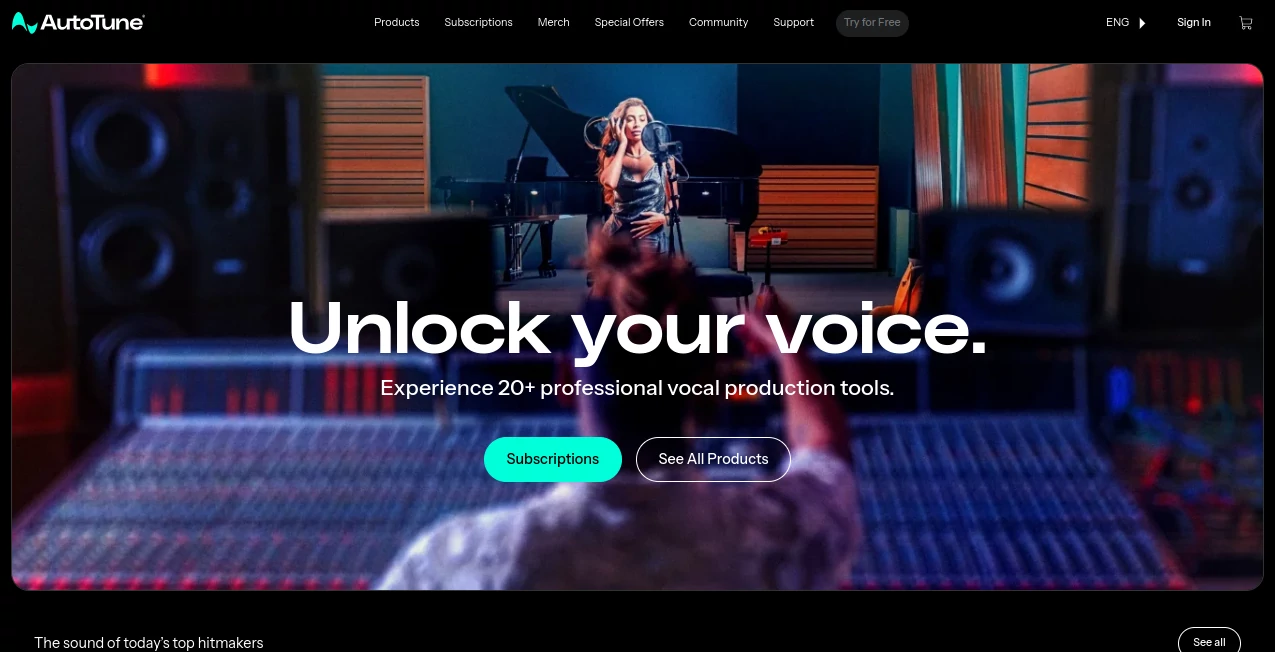
What is Antares?
Antares is a professional vocal production platform built for musicians, producers, vocalists, and creators who want more control over the sound of their recordings. With more than 30 years of experience behind its technology, the platform brings together pitch correction, AI-powered vocal mixing, creative vocal effects, and dedicated tools for modern music production.
The product lineup is designed to cover different stages of vocal work rather than forcing creators into a single workflow. From correcting pitch and shaping harmonies to cleaning recordings and adding character, users can choose the tools that fit their production style. The current collection includes more than 20 professional vocal production tools, including the latest AutoTune generation, AI-assisted vocal processing, and creative effects.
Key Features
- Professional pitch correction with real-time tuning and detailed graph editing.
- AI-powered vocal mixing tools for cleanup, EQ, compression, de-essing, and reverb.
- Creative vocal effects for harmony generation, doubling, microphone emulation, and vocoder-style processing.
- Low-latency processing designed for tracking and live performance workflows.
- Automatic key, scale, and tempo detection through the dedicated key-detection workflow.
- AI vocal transformation with ethically sourced vocal models in supported products.
- Support for different levels of production, from quick vocal polishing to detailed studio editing.
User Interface
The interfaces are designed around the needs of music producers rather than general-purpose audio editing. The newer generation puts particular emphasis on a cleaner and more approachable workflow, making common vocal adjustments easier to reach without removing advanced controls.
This matters when working under time pressure. A producer can move from basic tuning to more detailed editing when necessary, instead of having to switch between several unrelated applications. Different plugins naturally have different layouts, but the overall product family is built to fit into established DAW-based production workflows.
Accuracy & Performance
Pitch correction is one of the platform's strongest areas. The available tools support real-time correction, graph-based editing, harmony generation, formant shifting, and low-latency operation. This gives users the option of making subtle corrections or creating more pronounced vocal effects.
AI-assisted processing is also used in the vocal mixing range. For example, the vocal cleanup workflow can help separate a singer's voice from unwanted background material, while the dedicated de-essing tool is designed to reduce harsh sibilance without unnecessarily damaging the character of the performance.
Capabilities
The platform goes well beyond traditional pitch correction. Its vocal chain includes tools for cleaning recordings, adjusting tonal balance, controlling dynamics, reducing sibilance, and creating vocal ambience. Creative products add another layer, with features such as harmony generation, vocal doubling, microphone emulation, and vocoder-style effects.
One particularly interesting addition is AI-powered vocal transformation. The supported transformation workflow can process vocals locally inside a DAW and use professionally recorded vocal models. This makes it possible to experiment with different vocal characteristics while retaining the performance and timing of the original recording.
For producers who regularly move between songwriting, recording, mixing, and sound design, having these functions available within one ecosystem can make the overall workflow considerably more convenient.
Security & Privacy
Privacy characteristics depend on the individual product and processing method. One notable example is the AI vocal transformation technology, which can operate locally within the DAW without requiring an internet connection or a token-based usage system. This approach can be particularly useful for creators who prefer processing sensitive or unreleased recordings on their own computer.
Licensing and activation are handled through the platform's official software management system, with support for iLok-based activation on supported products. Users should review the licensing and privacy documentation for the specific plugin they intend to use, since requirements can differ across products.
Use Cases
- Music Production: Correct vocal pitch, refine performances, and prepare vocals for a finished mix.
- Songwriting: Experiment with harmonies, vocal textures, and different creative effects while developing a song.
- Vocal Recording: Monitor and process vocals with low-latency tools during tracking.
- Mixing: Clean recordings, shape vocal tone, control dynamics, reduce sibilance, and add ambience.
- Sound Design: Create unusual vocal textures using transformation, vocoder, doubling, and other creative effects.
- Content Creation: Improve spoken or sung recordings for videos, social content, and other digital productions.
- Professional Studios: Build repeatable vocal-processing workflows using a broad collection of specialized plugins.
Pros and Cons
Pros:
- More than 20 professional vocal production tools across several product families.
- Strong pitch-correction and vocal-editing capabilities.
- AI-assisted tools for modern vocal cleanup and mixing.
- Creative effects that extend beyond conventional vocal correction.
- Options suitable for both quick workflows and detailed production.
- Some AI processing can operate locally within the DAW.
- Both subscription and individual perpetual-license options are available for supported products.
Cons:
- The large product range can take some time for newcomers to understand.
- Individual plugins have different functions, licensing options, and system requirements.
- Professional features may be more than casual users need.
- Users working primarily outside a DAW may find the plugin-based workflow less convenient.
Pricing Plans
Pricing depends on the individual product and license type. The platform offers individual perpetual licenses for supported plugins as well as the AutoTune Unlimited subscription.
The subscription provides access to the current AutoTune lineup, Auto-Key, AI-powered vocal mixing tools, and a broad collection of creative vocal effects. The official subscription information currently lists monthly and annual options, with the annual plan offering a lower effective monthly cost. A 14-day trial is also available for the subscription.
For example, the current subscription pricing lists the monthly option at $35 per month and the annual option at $210 per year. Individual products can have separate pricing, promotional discounts, or perpetual-license options, so checking the current product page is recommended before purchasing.
How to Use the Platform
- Choose the vocal production or creative effect that matches your goal.
- Install the required plugin and activate the appropriate license.
- Open the plugin inside your compatible digital audio workstation.
- Load or record the vocal track you want to process.
- Start with the presets or automatic processing options when you want a quick result.
- Fine-tune the controls manually when the vocal needs a more precise treatment.
- Compare the processed signal with the original recording before finalizing the mix.
A practical approach is to avoid over-processing at the beginning. For a natural vocal, start with subtle pitch correction and cleanup, then add compression, EQ, de-essing, or reverb according to what the recording actually needs. More experimental settings can be introduced later when the creative direction calls for them.
Comparison with Similar Tools
There are many vocal plugins available today, but this platform stands out through the breadth of its ecosystem. Some competing solutions focus primarily on pitch correction, while others concentrate on AI voice generation, audio cleanup, or individual mixing functions.
Here, those areas are brought together under one product family. A producer can use pitch correction for a performance, move into AI-assisted vocal mixing, and then add harmonies or creative effects without rebuilding the entire workflow around unrelated software.
That does not mean every user needs the complete collection. Someone looking only for basic pitch correction may prefer a simpler and less extensive solution. For producers who regularly work with vocals, however, the combination of correction, mixing, transformation, and creative processing makes the ecosystem considerably more compelling.
Conclusion
For creators who take vocal production seriously, having the right tools can make the difference between simply fixing a recording and shaping a convincing performance. This ecosystem combines established pitch-correction technology with newer AI-assisted processing and a broad selection of creative vocal effects.
Its biggest advantage is flexibility. A songwriter can use it for quick ideas, a producer can build detailed vocal chains, and a professional studio can incorporate specialized plugins into an established DAW workflow. With subscription access, individual licenses, AI-powered processing, and creative effects all available across the product range, it offers a well-rounded toolkit for modern vocal production.
Frequently Asked Questions (FAQ)
What is this platform mainly used for?
It is primarily designed for vocal production, including pitch correction, vocal mixing, vocal cleanup, harmony creation, creative effects, and vocal transformation.
Does it only work for professional music producers?
No. While the tools are suitable for professional studios, they can also be useful for independent musicians, vocalists, songwriters, content creators, and anyone working with recorded vocals.
Does it offer AI-powered tools?
Yes. The current product lineup includes AI-powered vocal mixing and vocal transformation technologies alongside traditional audio-processing features.
Can AI vocal processing work without an internet connection?
Some supported products can process vocals locally within the DAW. For example, the vocal transformation workflow is designed to operate without an internet connection or token system.
Is there a subscription option?
Yes. The AutoTune Unlimited subscription provides access to a broad collection of current vocal production tools, including AutoTune editions, Auto-Key, AI-powered vocal mixing tools, and creative vocal effects.
Can individual plugins be purchased?
Yes. Supported products can also be purchased individually with perpetual licenses, giving users the option to own specific tools without subscribing to the complete collection.
Who would benefit most from using these tools?
Music producers, recording engineers, vocalists, songwriters, content creators, and studios that regularly record or mix vocals can all benefit from the available tools.
What makes the newer tools different from traditional vocal plugins?
The newer products combine established audio-processing techniques with AI-assisted functions, allowing tasks such as vocal cleanup, de-essing, mixing assistance, and vocal transformation to become more streamlined.
AI Voice Changer , AI Voice Cloning , AI Music Generator , AI Voice & Audio Editing .
These classifications represent its core capabilities and areas of application. For related tools, explore the linked categories above.

Antares Alternatives Product

SongFromShort

Flow Song

ModelsLab

Qwen3 TTS

AI Voice Clo…

PureMIDI

Blinkly AI

Custom Gift …

MP3toMIDI