


















askee
What is askee?
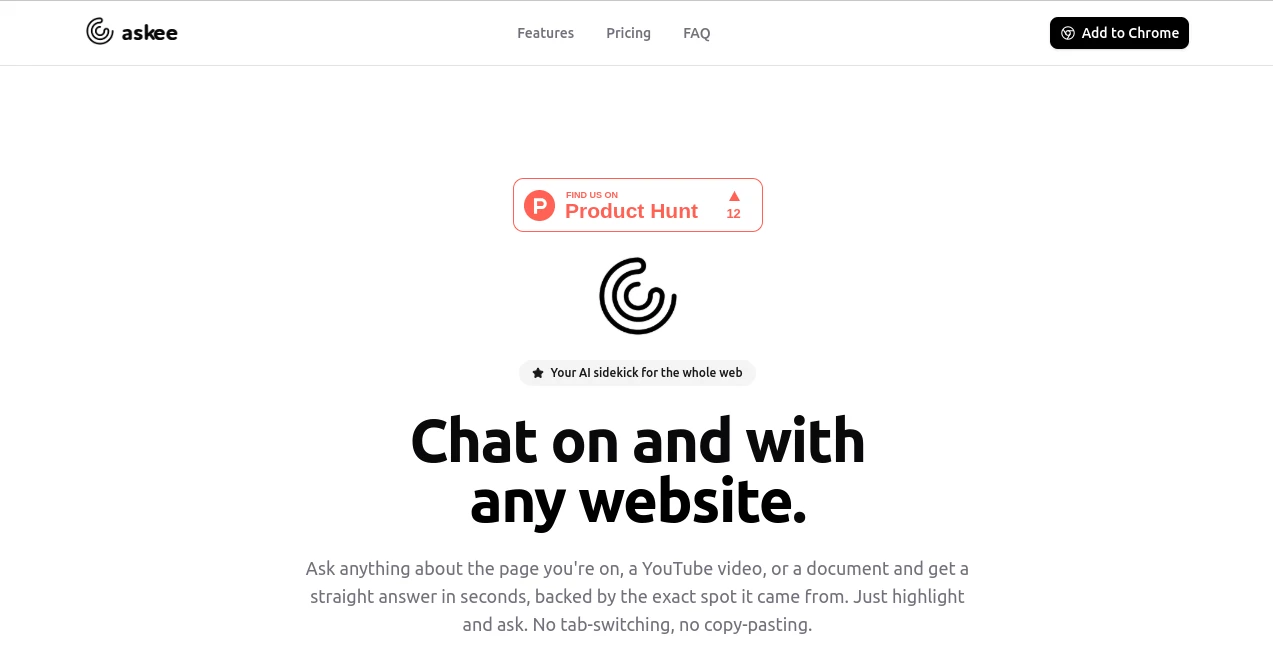
Finding specific information inside long articles, documents, or videos often takes more time than it should. This intelligent assistant changes that experience by allowing users to ask questions directly about the content they are viewing. Instead of manually searching through paragraphs or replaying videos, users can simply highlight a section, ask a question, and receive an immediate answer with references to the exact location where the information was found.
Designed for researchers, students, professionals, and everyday internet users, the platform transforms websites, YouTube videos, PDFs, and other online resources into interactive conversations. It removes the need to switch tabs, copy and paste text into external chatbots, or waste valuable time hunting for details. Whether someone is reading technical documentation, reviewing contracts, studying educational material, or exploring online articles, the experience becomes significantly faster and more enjoyable.
Its clean workflow makes information retrieval feel natural. Rather than acting like a traditional search engine, it understands context, summarizes complex ideas, and provides trustworthy answers backed by the original source, making it an excellent productivity companion for anyone who spends hours online.
Key Features
User Interface
The interface is intentionally simple. Users can highlight text on a webpage, PDF, or video transcript and immediately start a conversation without leaving the current page. The lightweight design minimizes distractions while keeping every interaction intuitive, allowing both beginners and experienced users to become productive within minutes.
- Chat directly with websites and online documents.
- Works alongside YouTube videos for instant question answering.
- Highlight text to begin conversations.
- No copy-paste workflow required.
- Fast responses inside the current browsing session.
Accuracy & Performance
One of the strongest aspects of the platform is its ability to provide answers with source references. Instead of generating unsupported responses, it points users to the exact section where the information originated. This improves confidence, reduces misinformation, and allows quick verification without searching through the entire page again.
The response speed is impressive even when handling lengthy articles or complex documents, making it useful for research-intensive tasks.
Capabilities
The assistant supports multiple content formats, making it much more than a webpage chatbot. Users can explore long-form documentation, summarize reports, understand difficult concepts, review video content, and quickly locate facts hidden inside lengthy resources.
- Question answering from websites.
- Document analysis.
- YouTube content understanding.
- Context-aware summarization.
- Information extraction.
- Research assistance.
- Learning support.
- Knowledge discovery.
Security & Privacy
Source-backed responses help users verify information independently instead of relying on unexplained AI-generated answers. By working directly with the selected content, users maintain better visibility into where every answer originates, making the experience more transparent and trustworthy for professional and educational use.
Use Cases
- Researching academic articles without reading every paragraph.
- Understanding long YouTube tutorials through targeted questions.
- Reviewing business documents more efficiently.
- Extracting important information from reports.
- Learning complex technical topics faster.
- Reading legal or policy documents with AI assistance.
- Finding precise answers inside lengthy web pages.
- Improving everyday browsing productivity.
Pros and Cons
Pros
- Answers include references to the original source.
- Works with websites, documents, and YouTube videos.
- No need to leave the current webpage.
- Simple and intuitive workflow.
- Saves considerable research time.
- Excellent for students and professionals.
Cons
- Performance depends on the quality of the original content.
- Some advanced capabilities may require account access.
- Internet connection is required for real-time functionality.
Pricing Plans
The platform offers a free experience for users who want to explore its core capabilities. Additional features and higher usage limits may be available through premium subscription plans depending on future updates.
How to Use Askee
- Install or open the service.
- Visit any supported website, document, or YouTube video.
- Select or highlight relevant content.
- Ask a question in natural language.
- Review the generated answer together with its referenced source location.
- Continue the conversation for deeper exploration.
Comparison with Similar Tools
Unlike traditional AI chat assistants that require users to copy text into a separate conversation window, this solution keeps interactions directly inside the browsing experience. The addition of source-backed answers also provides greater transparency than many general-purpose AI chatbots. For researchers, students, analysts, and professionals who regularly consume online content, this workflow significantly reduces friction while improving confidence in every response.
Conclusion
This browser-based AI assistant turns passive reading into an interactive conversation. Instead of spending valuable time searching through webpages, videos, or documents, users can simply ask questions and receive precise, referenced answers within seconds. The seamless browsing experience, reliable source attribution, and support for multiple content types make it a valuable productivity tool for learning, research, and professional work. Anyone who frequently works with online information will appreciate how naturally it fits into their daily workflow.
Frequently Asked Questions (FAQ)
What types of content can it understand?
It can interact with websites, online documents, PDFs, and supported YouTube content.
Does it provide evidence for its answers?
Yes. Responses are linked to the exact location within the original content whenever possible.
Is it useful for research?
Absolutely. It helps users locate facts, summarize information, and verify answers much faster than manual searching.
Can beginners use it easily?
Yes. The interface is simple and requires only highlighting content and asking a question.
Who benefits the most from this tool?
Students, researchers, educators, business professionals, knowledge workers, and anyone who regularly reads online content can gain significant productivity improvements.
AI Knowledge Management , AI Productivity Tools , AI Research Tool , AI Chatbot .
These classifications represent its core capabilities and areas of application. For related tools, explore the linked categories above.
askee details
Website unavailable — View Alternatives
Pricing
- Free
Apps
- Web App
- Chrome Extensions
Categories

askee Alternatives Product

Nifty

LongTerMemory

Sourcetable

David One

ToolIMG

VideoLens

Une Amie à P…

Caspian

Odysseus AI
