Bitrig
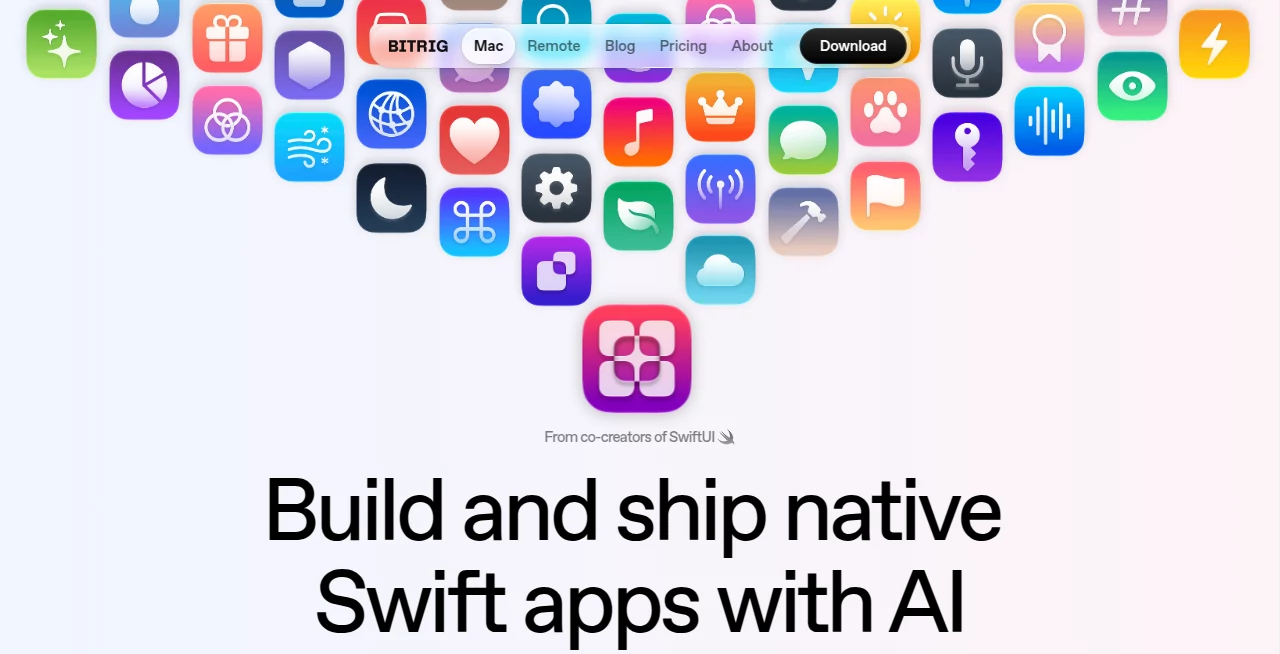
What is Bitrig?
Building a polished Apple app usually means moving between Swift, Xcode, simulators, App Store Connect, signing tools, and a long list of development tasks. Bitrig takes a different approach by putting AI-assisted development much closer to the actual app-building process. You describe what you want to create, and the platform turns that idea into real Swift code and a complete Xcode project.
What makes the approach particularly interesting is its focus on native Apple development rather than simply generating a web wrapper or a basic prototype. The platform is designed for apps that can take advantage of Apple's frameworks, including widgets, Live Activities, App Intents, Shortcuts, Siri, Spotlight, and other native capabilities.
It is also built by people with deep experience in Apple's development ecosystem. The team includes co-creators and longtime members of the SwiftUI team, giving the product a particularly strong connection to modern Swift and native app development.
Key Features
- AI-powered Swift development: Describe an app or feature in natural language and generate real Swift code for native Apple applications.
- Frontier Agents: The platform uses Claude Code and Codex to assist with building and refining applications.
- Built-in 3D simulators: Applications can be viewed inside interactive, photorealistic 3D device frames.
- Full Xcode projects: Projects are created using the full Xcode toolchain and current SDKs, allowing developers to continue working in Xcode whenever needed.
- GitHub integration: Developers can incorporate changes into an existing GitHub-based workflow.
- Backend support: CloudKit and Supabase can be used for applications that need data synchronization, accounts, or backend functionality.
- App Store and TestFlight support: Builds can be archived and uploaded for distribution, while app listings can be managed as part of the project.
- Native monetization: In-app purchases, subscriptions, StoreKit paywalls, and RevenueCat integrations are supported.
- Remote development: The companion mobile experience allows users to connect to their Mac environment from an iPhone or iPad.
User Interface
The interface is built around a conversational development workflow rather than forcing users to start by manually assembling every project component. This makes the experience approachable for someone who has an app idea but does not want to begin with a blank Xcode project.
The built-in simulator is another practical touch. Instead of looking only at source code, developers can interact with the generated application in a device-style environment. The system can tap, scroll, and type through an app as part of its review process, which gives the workflow a more hands-on feel.
Accuracy & Performance
Code generation alone is rarely enough for a serious application. Small interface problems, broken interactions, or unexpected states can quickly turn a promising prototype into a frustrating project. The platform addresses this by testing applications through simulated user interactions and attempting to fix issues it discovers.
Its use of Claude Code and Codex also gives the development workflow access to modern coding agents rather than relying on a simple text-to-code generator. The resulting projects are intended to be genuine Swift applications built with Apple's development toolchain, which is an important distinction for developers who want to move beyond a quick mockup.
As with any AI-assisted coding environment, generated code should still be reviewed before release. Complex business logic, permissions, payments, and production requirements deserve human testing and validation.
Capabilities
The strongest part of the platform is the breadth of native Apple functionality it can work with. Developers can build applications for Apple's ecosystem while working with technologies such as Swift Packages, Dynamic Island, Metal, PencilKit, gyroscope features, location services, haptics, SF Symbols, and Apple Intelligence-related capabilities.
The workflow also extends beyond a standard application. Widgets, Live Activities, Controls, App Intents, Shortcuts, Siri integrations, Spotlight features, and Apple Watch complications can be incorporated into projects. Support for Apple TV and visionOS also opens the door to applications targeting more than just iPhone and iPad.
For developers building connected applications, CloudKit and Supabase provide options for storing and synchronizing data. The platform can also help with the less glamorous parts of shipping software, including code signing, provisioning, build uploads, App Store listings, and screenshots.
Security & Privacy
Security is especially important when an AI development environment is connected to source code, accounts, backend services, or publishing workflows. The service requires an account, and its terms explain that users are responsible for keeping their credentials secure. Developers should review the service's current privacy policy and terms before connecting sensitive projects or third-party accounts.
For production applications, developers should also maintain their own security review process. AI-generated code should not automatically be considered secure simply because it compiles or passes basic interaction tests. API keys, authentication logic, database permissions, payment functionality, and user data handling should be checked carefully before release.
Use Cases
- Rapid iOS prototyping: Turn an app concept into a working native Swift project without starting every component manually.
- Independent developers: Reduce repetitive development work while retaining access to real Swift and Xcode projects.
- Startup MVPs: Build and refine an early version of a native application before investing heavily in a larger engineering workflow.
- Existing developers: Use AI agents to speed up feature development, debugging, editing, and experimentation.
- Apple ecosystem projects: Create apps that extend into widgets, Live Activities, Siri, Shortcuts, Apple Watch, Apple TV, or visionOS.
- Subscription applications: Add native purchase screens, subscriptions, in-app purchases, and RevenueCat functionality.
- Connected applications: Develop apps backed by CloudKit or Supabase for synchronized user data and account-based experiences.
Pros and Cons
Pros
- Focused specifically on native Swift application development.
- Produces full Xcode projects rather than limiting users to a visual prototype.
- Uses Claude Code and Codex for AI-assisted development.
- Includes an interactive 3D simulator.
- Can test application interactions and identify certain interface problems.
- Supports App Store and TestFlight publishing workflows.
- Includes CloudKit and Supabase support.
- Supports modern Apple platform features and multiple Apple devices.
- Can connect with existing Claude or ChatGPT subscriptions.
Cons
- The Mac application requires macOS 15 or later and Apple silicon.
- AI-generated applications still require human review and testing.
- Some publishing and device-distribution features require a paid Apple Developer Account.
- The workflow is primarily aimed at Apple's ecosystem rather than cross-platform development.
- Developers who prefer complete manual control may still want to work directly in Xcode for certain projects.
Pricing Plans
The service currently offers a Free plan at $0 per month. It includes 10 daily messages, up to 60 monthly credits when using the included usage allowance, the ability to connect an existing Claude or ChatGPT subscription, native Swift app development, Bitrig Remote, and code export.
The Pro plan costs $25 per month and adds unlimited daily messages, up to 200 monthly credits when using the service's supported subscription workflow, TestFlight and App Store distribution, and device installation through Bitrig Remote. App Store distribution and device installation require a paid Apple Developer Account.
The Free plan is a useful way to test the development workflow before committing to a subscription, while Pro is more appropriate for developers who intend to take projects through testing and publication.
How to Use the Tool
- Download and install the Mac application on a compatible Mac running macOS 15 or later with Apple silicon.
- Start a new project and describe the application or feature you want to build.
- Let the AI development agents generate the initial Swift implementation.
- Run the project using the built-in simulator and interact with the application.
- Review the generated code and request changes or refinements when something does not behave as expected.
- Connect services such as CloudKit, Supabase, GitHub, or RevenueCat when the project requires them.
- Continue editing the resulting Xcode project directly when more detailed control is needed.
- When the application is ready, prepare its App Store or TestFlight distribution and complete the required Apple Developer steps.
Comparison with Similar Tools
Many AI coding products are designed around generating snippets, assisting with existing source files, or producing web applications. This platform takes a narrower but more specialized route: native Apple software.
That specialization can be valuable for developers who care about Swift, SwiftUI, Xcode projects, Apple SDKs, and the details of distributing an application through Apple's ecosystem. Rather than stopping when the code has been generated, the workflow continues into simulation, refinement, screenshots, App Store preparation, and monetization.
For someone building a web application or a cross-platform product, a general-purpose AI coding environment may be a better fit. For a native Apple application, however, the focus on Swift and Apple's development stack makes this approach particularly compelling.
Conclusion
AI-assisted development is becoming much more useful when it handles more than writing a few lines of code. This platform brings together code generation, interactive testing, native Apple frameworks, backend options, Xcode projects, publishing tools, and monetization features in one workflow.
The biggest advantage is its clear focus. It is not trying to be everything for every developer. Instead, it aims to make the journey from an idea to a polished native Apple application considerably shorter. For independent developers, designers with technical ambitions, startups, and experienced Swift developers who want to eliminate repetitive work, that can be a very practical advantage.
It is not a replacement for thoughtful engineering, testing, or Apple's developer requirements. But when used as an intelligent development partner, it can remove much of the initial friction between having an app idea and seeing that idea running as a real native application.
Frequently Asked Questions (FAQ)
What does this AI development platform do?
It helps users create native Swift applications by describing what they want to build in natural language. It generates real Swift code and complete Xcode projects that can be refined and prepared for distribution.
Can I use my existing Claude or ChatGPT subscription?
Yes. The service supports connecting an existing Claude or ChatGPT subscription rather than requiring users to rely exclusively on a separate per-token API billing model.
Does it create real Xcode projects?
Yes. Projects are built using the full Xcode toolchain and current SDKs, and the resulting source can be opened in Xcode for further development.
Can it publish apps to the App Store?
Yes. The Pro plan supports TestFlight and App Store distribution, including build archiving and uploading. A paid Apple Developer Account is required for distribution.
Can it build apps for platforms other than iPhone?
Yes. The platform supports native Apple development beyond standard iPhone applications, including iPad, Apple Watch, Apple TV, and visionOS projects, along with features such as widgets and Live Activities.
Does it support databases and backends?
Yes. Projects can use CloudKit or Supabase for capabilities such as synchronized data, user accounts, and backend functionality.
Can it add subscriptions and in-app purchases?
Yes. The platform supports in-app purchases, subscriptions, StoreKit-based paywalls, and RevenueCat integrations for applications that need monetization.
Is there a free plan?
Yes. The Free plan costs $0 per month and provides daily messages, monthly credits, native Swift development, Bitrig Remote, and code export.
What are the Mac requirements?
The Mac application currently requires macOS 15 or later and an Apple silicon Mac.
Should developers review AI-generated code?
Absolutely. AI can significantly accelerate development, but generated code should still be reviewed, tested, and checked for security, performance, accessibility, and App Store requirements before a production release.
AI App Builder , AI No-Code & Low-Code , AI Code Generator , AI Developer Tools .
These classifications represent its core capabilities and areas of application. For related tools, explore the linked categories above.

Bitrig Alternatives Product

Vibebot.gg

Project Mela

Reverse Imag…

Somnio

Devplan

DeepSeek

Interview Co…
Fugte

Ideavibes AI