
Crop.photo
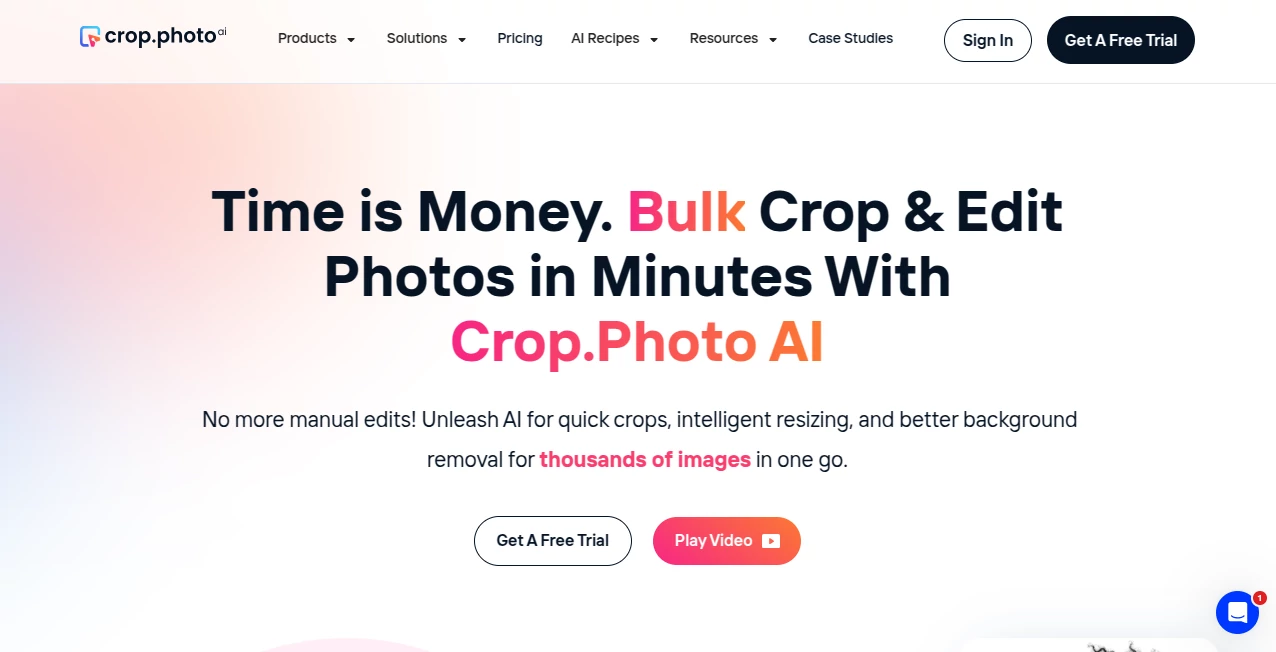
What is Crop.photo?
Crop.photo is a smart online photo editing platform designed to make image preparation faster and easier for creators, businesses, and everyday users. It helps users improve, resize, and adjust images without requiring advanced editing skills or complicated software.
Whether you need to prepare product images for an online store, optimize visuals for social media, or quickly adjust personal photos, this tool provides a simple workflow that saves time while maintaining professional-looking results.
Key Features
User Interface
The platform focuses on simplicity and accessibility. Its clean interface allows users to upload images, make adjustments, and complete editing tasks without dealing with unnecessary menus or complicated controls. The straightforward experience makes it suitable for beginners while still being useful for professionals who need quick results.
Accuracy & Performance
The tool is built to deliver accurate image adjustments with a focus on speed and consistency. Users can quickly prepare images while keeping important details clear and visually balanced. This makes it especially useful for workflows where multiple images need to be processed efficiently.
Capabilities
The platform provides practical image editing capabilities that help users crop, resize, and optimize visuals for different purposes. From preparing marketing graphics to improving personal photographs, it offers essential tools for creating polished images without requiring expert design knowledge.
Security & Privacy
User privacy is an important part of modern online editing tools. The platform provides a browser-based experience that allows users to work with images conveniently while keeping the process simple and secure.
Use Cases
This image editing solution can be valuable in many situations, including:
- Preparing product photos for e-commerce stores
- Optimizing images for websites and blogs
- Creating better visuals for social media platforms
- Adjusting personal photos quickly
- Helping marketers and designers speed up repetitive editing tasks
- Improving image consistency across digital projects
Pros and Cons
Pros
- Simple and beginner-friendly workflow
- Fast image editing process
- No need for advanced design skills
- Useful for personal and business projects
- Helps save time on common photo adjustments
Cons
- May not replace advanced professional editing software
- Advanced customization options may be limited compared with full design platforms
Pricing Plans
The platform offers an accessible approach to online image editing. Users can explore available features directly through the website and choose the option that best fits their image editing needs.
How to Use Crop.photo
Using the platform is simple:
- Upload an image that you want to edit
- Select the required adjustment or editing option
- Customize the image according to your needs
- Download the final result and use it for your project
Comparison with Similar Tools
Compared with traditional photo editing applications, this solution focuses on speed and simplicity. While professional software provides deeper control for experienced designers, lightweight online editors are often more practical for users who need quick improvements without spending time learning complex features.
It is a strong choice for entrepreneurs, content creators, and marketers who need reliable image preparation as part of their daily workflow.
Conclusion
Crop.photo provides a convenient way to handle everyday image editing tasks with less effort. Its simple workflow, practical features, and focus on efficiency make it a useful option for anyone who wants better-looking images without complicated editing processes.
For businesses, creators, and individuals who regularly work with digital images, this platform can help streamline visual content creation and improve productivity.
Frequently Asked Questions (FAQ)
What is Crop.photo used for?
It is used for making quick image adjustments such as cropping, resizing, and improving photos for different digital purposes.
Do I need professional editing experience?
No. The platform is designed to be easy to use for beginners and users who need fast results.
Can businesses use it for product images?
Yes. Online stores and businesses can use it to prepare cleaner and more suitable images for digital platforms.
Is it suitable for social media content?
Yes. It can help creators prepare images that are better formatted for online publishing and social platforms.
Photo & Image Editor , AI Photography .
These classifications represent its core capabilities and areas of application. For related tools, explore the linked categories above.

Crop.photo Alternatives Product

AI Signature…

Picnana

GPT Image 2

Berrioo

Fahhh Meme

Image Text E…

Picture to L…

AI Thumbnail…

Blur & Unblu…