


















FireCut
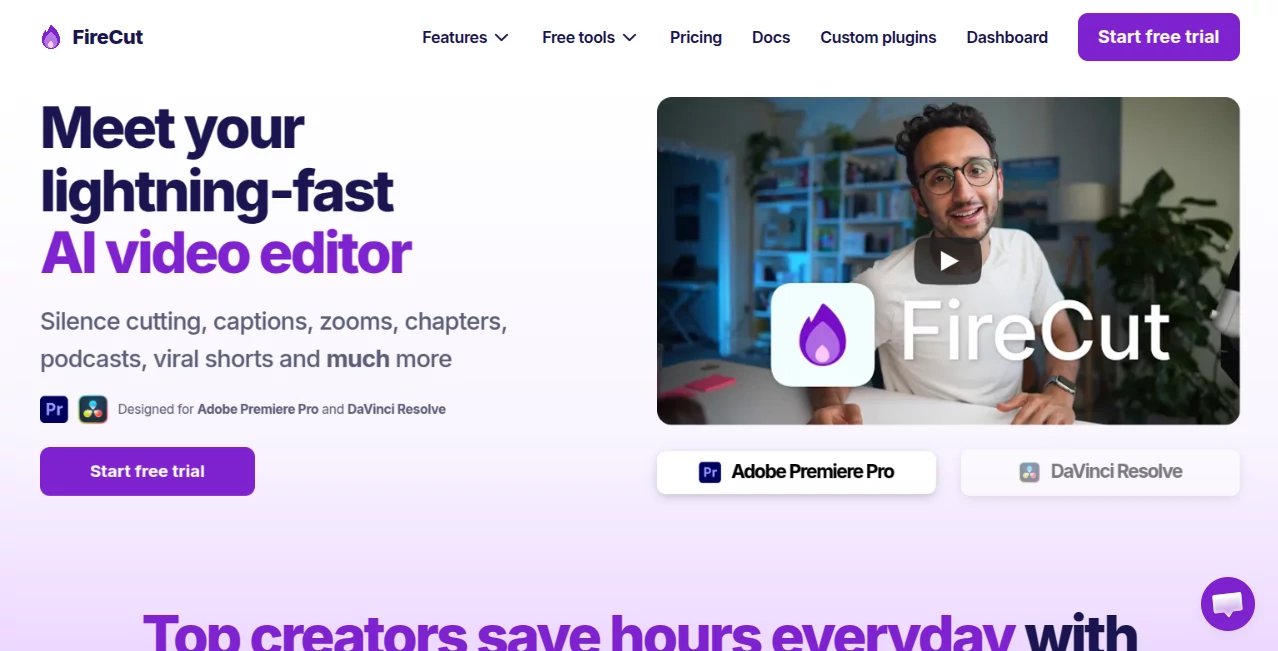
What is FireCut?
FireCut is an AI-powered video editing solution designed to speed up repetitive editing work inside Adobe Premiere Pro and DaVinci Resolve. Instead of replacing the editor with a separate online workspace, it brings automation directly into professional editing workflows.
The biggest appeal is simple: less time spent cleaning timelines and more time spent shaping the actual story. Silence removal, captions, zoom cuts, chapters, podcast editing, highlights, B-roll and other production tasks can be handled with much less manual work.
For a creator editing podcasts, interviews, YouTube videos, educational content or social clips every week, that difference can add up quickly. A task that normally involves repeated timeline cuts can become a much faster part of the workflow.
Key Features
- Automatic silence cutting: Remove unwanted pauses from footage with one-click or advanced controls.
- AI captions: Generate captions in more than 50 languages, with styling, emojis and word-level editing options.
- Podcast editing: Automatically switch cameras based on spoken content and work with multi-track recordings.
- Zoom cuts: Add automated zooms at appropriate moments to create a more dynamic presentation.
- Chapter detection: Analyze spoken content to identify chapters and help prepare YouTube-oriented titles, descriptions and timestamps.
- B-roll search: Find relevant stock footage through integrated sources and insert suitable material into the editing workflow.
- Highlight creation: Identify engaging moments from long-form content and turn them into short-form sequences.
- Fillers, repetition and profanity cleanup: Detect common spoken-language issues and make cleanup considerably faster.
- AI voice generation: Paid plans can add AI-generated voiceovers directly to the editing workflow.
User Interface
The interface is designed around the editing environments creators already know. Rather than asking users to learn an entirely new video editor, the software works as a plugin for Adobe Premiere Pro and DaVinci Resolve, keeping the timeline at the center of the process.
This approach is particularly useful for professional editors who already have established workflows. You can continue working with your normal projects while using automation for repetitive operations such as removing pauses, creating captions or adding zooms.
Accuracy & Performance
Performance is one of the strongest reasons to consider an automated editing workflow. The software can process tasks that would otherwise require substantial manual timeline work, while features such as silence detection offer controls for adjusting how aggressively footage is cleaned.
Transcription supports more than 50 languages, and the company states that its transcription system is designed for a lower error rate and broader language coverage. As with any automated editing system, editors should still review important cuts, captions and generated content before publishing.
User feedback on the official site also highlights the time-saving effect. Several creators report processing long recordings much faster and reducing the amount of manual editing required for podcasts and other video projects.
Capabilities
The feature set goes well beyond simple silence removal. It covers several stages of a modern video workflow, from cleaning raw recordings to preparing captions, chapters, B-roll and short-form clips.
For podcast creators, automatic camera switching and multi-track tools can reduce tedious editing. For YouTube creators, chapter detection, captions and zoom cuts can help turn a basic recording into a more polished production. For agencies, the ability to process repetitive edits faster can make a noticeable difference when multiple client projects are involved.
Security & Privacy
Because some AI-powered functions rely on transcription and online processing, an internet connection is required for certain features. Users working with confidential client recordings should review the provider's privacy policy and documentation before processing sensitive material.
It is also sensible to check the specific requirements of each feature, particularly when working with commercially sensitive interviews, private meetings or unreleased content.
Use Cases
- YouTube creators: Speed up talking-head edits, captions, chapters and dynamic zooms.
- Podcast producers: Simplify camera switching, silence removal and multi-track editing.
- Video agencies: Reduce repetitive editing time across recurring client projects.
- Course creators: Clean educational recordings and produce readable captions more efficiently.
- Social media teams: Turn longer recordings into short-form clips and highlights.
- Interview editors: Clean pauses, repetitions and unwanted speech while keeping the original editing environment.
- Content teams: Create more variations of existing long-form footage without rebuilding every edit manually.
Pros and Cons
- Pros: Works inside professional editing software, automates many repetitive tasks, supports 50+ caption languages, includes podcast-focused features, offers short-form highlight creation and provides a free trial.
- Pros: Useful controls for silence removal, captions, zooms and transcript-based editing make it suitable for both individual creators and professional teams.
- Cons: The main plugin experience depends on Adobe Premiere Pro or DaVinci Resolve rather than functioning as a completely independent desktop editor.
- Cons: Some advanced features require paid plans, and AI transcription features require an internet connection.
- Cons: Automated edits should still be reviewed manually, especially for professional projects where timing and context matter.
Pricing Plans
The Premiere Pro plans currently start with a 7-day free trial. The Starter plan is listed at $10 per month when billed yearly and includes silence cutting and J-cuts. The Pro plan is listed at $20 per month when billed yearly and adds features such as captions, automatic podcast editing, highlights, B-roll, background music, cleanup tools, chapter detection and zoom cuts.
A Team plan is available at $34 per user per month with monthly billing. It includes both Premiere Pro and DaVinci Resolve plugins, team administration, centralized billing, usage monitoring and priority support.
There is also an optional AI speech generation add-on listed at $10 per month, including 25,000 characters per month. A lifetime license can be requested as a one-time purchase. Pricing may change, so users should check the current plans before subscribing.
How to Use It
- Start the free trial and choose the editing environment you already use.
- Install the appropriate plugin for Adobe Premiere Pro or DaVinci Resolve.
- Open an existing project or import your video footage.
- Choose an automation feature such as silence cutting, captions, zoom cuts or chapter detection.
- Review the generated edits and adjust anything that does not match your creative direction.
- Continue with your normal editing process and export the finished video from your editing application.
Comparison with Similar Tools
Many AI video products focus on creating videos from text, templates or prompts. This solution takes a different route by concentrating on editing existing footage within professional editing applications.
That distinction makes it especially interesting for editors who already work with Premiere Pro or DaVinci Resolve. Instead of moving footage to another platform for every automated task, they can use AI-assisted functions alongside their existing timeline, media and editing tools.
It is therefore less of a replacement for a full professional editor and more of an automation layer for editors who want to remove repetitive work from their day-to-day process.
Conclusion
For creators who spend hours cutting pauses, creating captions, switching podcast cameras or preparing short clips, AI-assisted automation can have a practical impact. The strongest part of this solution is its focus on those everyday editing tasks rather than trying to reinvent the entire production process.
Its support for both Premiere Pro and DaVinci Resolve, combined with transcription, captions, podcast editing, B-roll, chapters, zooms and short-form features, gives it a broad range of uses. If your editing workload involves a lot of repetitive timeline work, the free trial is a sensible way to see how much time it can actually save in your own projects.
Frequently Asked Questions (FAQ)
What is this AI video editor used for?
It is primarily used to automate repetitive video editing tasks such as removing silence, creating captions, adding zooms, detecting chapters, editing podcasts and generating short-form highlights.
Does it work with Adobe Premiere Pro?
Yes. The plugin supports Adobe Premiere Pro 2022 and later on Windows and macOS.
Does it work with DaVinci Resolve?
Yes. Dedicated functionality is also available for DaVinci Resolve, including AI-assisted editing, captions, podcast tools and other automated workflows.
How many languages are supported for captions?
The service supports captions and transcription across more than 50 languages. English is fully supported, while a broad selection of additional languages is listed as experimental support.
Can it edit podcasts?
Yes. Podcast workflows include automatic camera switching, multi-track processing and tools for cleaning spoken recordings.
Can it create short videos from long-form content?
Yes. Its highlight features can identify engaging sections of longer recordings and create short-form sequences with elements such as captions and B-roll.
Is there a free trial?
Yes. Individual plans currently include a 7-day free trial with no commitment.
Is an internet connection required?
An internet connection is required for AI transcription and related online processing features.
Is it suitable for professional video editors?
Yes. Its plugin-based approach is particularly useful for editors who already use Premiere Pro or DaVinci Resolve and want to automate repetitive production tasks without abandoning their existing workflow.
AI Podcast Assistant , AI Video Editor , AI Short Clips Generator , AI Captions or Subtitle .
These classifications represent its core capabilities and areas of application. For related tools, explore the linked categories above.

FireCut Alternatives Product

Wan 2.6

SlideStorm AI

VideoLens

AI ASMR Gene…

Banana 2 Edi…

Screenify St…

AI Subtitle …

Gemini Omni …

Image to Vid…
