
FLUX 3
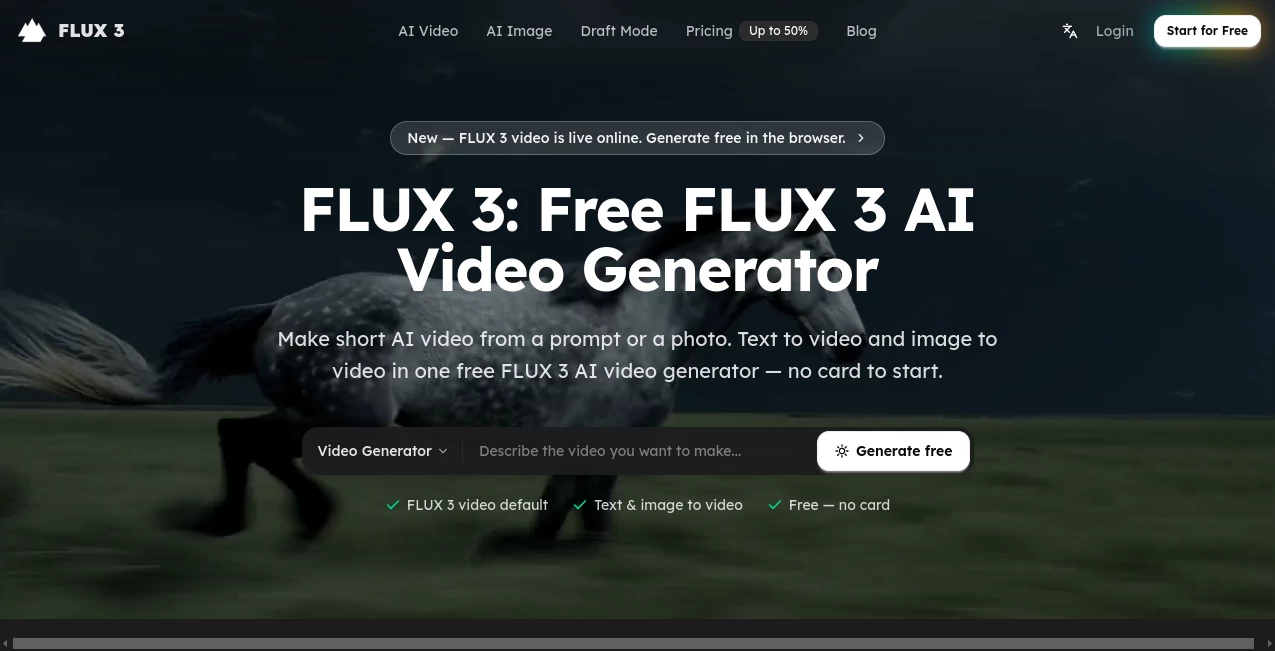
What is FLUX 3?
FLUX 3 is a browser-based AI video generation platform designed for creators who want to turn simple ideas or existing images into short videos without opening a traditional editing application. The service supports both text-to-video and image-to-video workflows, making it useful whether you are starting with a written concept or already have a product photo, character image, poster, or visual frame ready to animate.
One of its biggest advantages is the low barrier to entry. Users can start with a free quota and no credit card, write a prompt in everyday language, and generate a short clip directly from the browser. The workflow feels particularly well suited to social content, product demonstrations, advertising concepts, and quick creative experiments.
For someone who simply wants to see an idea moving on screen rather than spend time learning a complex timeline editor, this approach makes a lot of sense.
Key Features
- Text-to-video generation from natural-language prompts.
- Image-to-video generation for animating existing visuals.
- Multiple video and image models available through the model picker.
- Browser-based generation with no software installation.
- Free starting tier with no credit card required.
- Personal library for saving and revisiting generated clips.
- Prompt regeneration for experimenting with different results.
- Automatic credit refunds for failed generation jobs.
- Commercial licensing on paid plans, subject to the platform's terms.
User Interface
The interface keeps the main creative action straightforward: describe what should happen, upload an image when appropriate, choose a model, and generate. This is a welcome setup for beginners because there is no need to understand a complicated editing timeline before producing the first result.
The same workspace can handle text-to-video and image-to-video projects, while the library provides a place to return to previous generations. Users who enjoy experimenting can also make small prompt changes and regenerate rather than starting an entire project from scratch.
Accuracy & Performance
Performance naturally depends on the complexity of the prompt, the selected model, and available generation capacity. The platform is focused on short clips rather than replacing a full professional video-production suite, which helps keep the workflow quick and focused.
The text-to-video mode is particularly convenient for early concepts. A prompt can describe the subject, movement, environment, and general feeling of a shot, giving creators a practical starting point for social posts, storyboards, product concepts, or advertising ideas.
Image-to-video can be even more useful when visual consistency matters. Instead of recreating a product or character from a text description, you can provide an existing image and use it as the starting point for motion.
Capabilities
The platform's strongest capability is its combination of two common AI video workflows in one place. Text-to-video is useful when the idea exists only in your head, while image-to-video works well when you already have a visual asset worth preserving.
The model picker also gives users the option to experiment with different generation models. This is useful when one model produces a look that is close to the target but another may handle a particular visual style or motion requirement better.
There is also a practical history and library system. Finished generations can be saved, searched, reopened, and regenerated with prompt adjustments. For creators producing many variations of an advertisement or social-media concept, this can save considerable time.
Security & Privacy
The service operates as a web-based application, so users do not need to install a desktop program to generate videos. The website also provides legal and policy pages that govern use of the service and generated content.
Users should still avoid uploading confidential, sensitive, or personally identifiable material unless they have reviewed the platform's current terms and privacy documentation and are comfortable with the applicable data practices. Commercial users should also check the licensing conditions associated with their specific plan before using generated material for clients or advertising.
Use Cases
Social Media Content: Short clips can be created for social posts, stories, reels, and promotional hooks without filming a new scene.
E-commerce: A static product photograph can be turned into a moving presentation, giving catalog images a more engaging format for advertisements and product pages.
Marketing: Marketing teams can create multiple creative directions from short prompts and use them as early concepts for campaigns or A/B testing.
Agencies and Freelancers: A quick generated video can help communicate an idea to a client before investing time in a complete production.
Storytelling: Writers and visual creators can turn individual scene descriptions into short visual experiments and iterate on them before developing a larger project.
Education: Course creators can transform simple explanations or visual concepts into short clips that make lessons more dynamic.
Product Demonstrations: Existing product imagery can be animated to create short demonstrations or promotional material without rebuilding the original visual.
Pros and Cons
Pros
- Free tier available without requiring a credit card.
- Supports both text-to-video and image-to-video.
- Runs directly in a web browser.
- Simple workflow suitable for beginners.
- Useful library and generation history.
- Multiple models can be tested within the same workspace.
- Paid plans include commercial-use licensing under the stated terms.
Cons
- The service is primarily focused on short AI-generated clips rather than full-length video editing.
- Generation results can vary depending on the prompt and selected model.
- Higher-volume production requires a paid credit plan.
- Users looking for advanced manual editing tools will still need a dedicated video editor.
Pricing Plans
A free option is available, allowing users to experiment with the service without entering payment information. This is a useful way to understand the generation quality and workflow before committing to a subscription.
The Basic plan is listed at $19.90 per month, with an annual promotional rate of $14.90 per month when billed annually. It includes 800 credits per month, access to the models available on the platform, unlimited storage, and commercial-use licensing under the applicable terms.
The Standard plan is listed at $29.90 per month, with an annual promotional rate of $19.90 per month. It provides 2,000 monthly credits, faster generation, priority support, unlimited storage, and commercial-use licensing.
The Pro plan is listed at $99.90 per month, with an annual promotional rate of $49.90 per month. It provides 8,000 monthly credits along with access to the available models, faster generation, priority support, unlimited storage, and commercial-use licensing.
Because promotional pricing can change, users should check the current pricing page before subscribing.
How to Use the Tool
Start by opening the video-generation workspace in your browser. You can begin with the free tier, so there is no need to purchase a plan before testing the workflow.
For a text-to-video project, describe the scene you want to create. A simple prompt can mention the subject, action, location, and visual mood. For example, you might describe a runner crossing a rainy city street at night with reflections from neon signs.
If you already have an image, choose the image-to-video workflow and upload the visual. This is particularly useful for product photography, character artwork, posters, and other images where you want to preserve the original visual direction.
Next, select the desired model and start generation. Once the clip is ready, you can save it to your library, download it, or make another version by adjusting the prompt. This iterative process is often the quickest way to move from a rough idea to a usable result.
Comparison with Similar Tools
Compared with traditional video editors, this platform takes a fundamentally different approach. Instead of manually placing footage on a timeline, the user describes a desired scene or provides an existing image and lets the generation system create the motion.
Compared with other AI video generators, its combination of text-to-video and image-to-video in a single browser workspace is particularly convenient. The additional model picker is also helpful for creators who want to compare different generation approaches without maintaining separate accounts across multiple services.
It is not intended to replace a professional nonlinear editor for detailed cuts, sound mixing, color grading, or complex post-production. Its real strength is earlier in the process: turning an idea or still image into a short piece of moving content quickly.
Conclusion
For creators who want a straightforward way to experiment with AI-generated video, this platform offers an appealing balance of accessibility and creative flexibility. Text-to-video handles ideas that begin as words, while image-to-video gives existing artwork and product imagery a new sense of movement.
The free starting tier makes experimentation easy, and the browser-based workflow removes much of the friction associated with traditional production software. Add the model selection, generation history, and paid commercial-use options, and it becomes a practical choice for social creators, marketers, freelancers, educators, and businesses producing short-form visual content.
It is best viewed as a fast creative generation environment rather than a complete replacement for professional video-editing software. For getting a concept from a sentence or still image to a moving clip, however, it provides a refreshingly direct workflow.
Frequently Asked Questions (FAQ)
Is the tool free to use?
Yes. A free tier is available, and users can start without entering a credit card.
Can I generate videos from text?
Yes. The text-to-video workflow allows you to describe a scene using a natural-language prompt and generate a short video from that description.
Can I animate an existing image?
Yes. The image-to-video feature lets you upload a still image and use it as the starting point for an animated clip.
Do I need to install software?
No. The service runs in the browser, so video generation does not require a desktop application.
Can I use generated videos commercially?
Paid plans include commercial-use licensing according to the platform's stated terms. Free-tier content is subject to the restrictions specified by the service.
Does it support multiple AI models?
Yes. The model picker provides access to the platform's available video and image models, allowing creators to experiment with different generation options.
What happens if a generation fails?
The platform states that credits are automatically refunded for failed generation runs, helping prevent unsuccessful jobs from unnecessarily consuming the available balance.
Is it suitable for professional video editing?
It is better suited to AI video generation, concept development, short-form content, product visuals, and creative experimentation. Advanced timeline editing and detailed post-production still require dedicated editing software.
AI Image to Video , AI Video Generator , AI Text to Video .
These classifications represent its core capabilities and areas of application. For related tools, explore the linked categories above.

FLUX 3 Alternatives Product

seedance 2

Seedance

GenVideo AI

aiiStudio

Vidmix

Veo 3.2 AI V…

happyhorsevi…

Voor AI

Overchat AI