


















Furnea
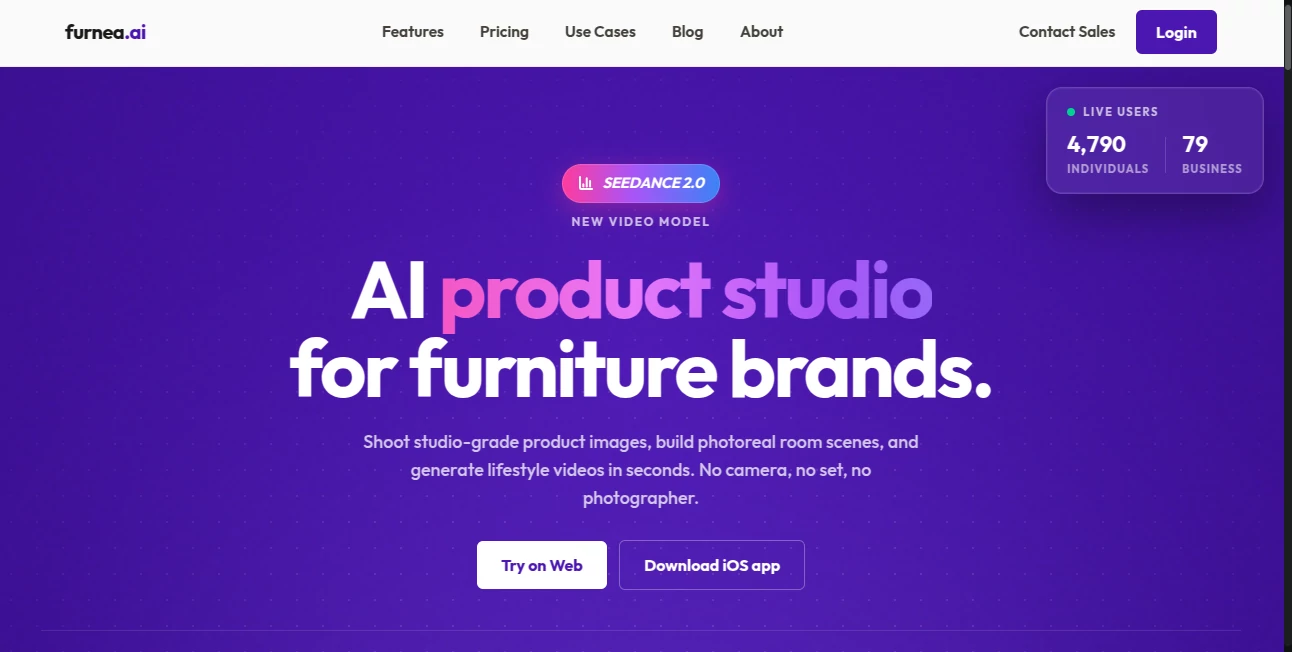
What is Furnea?
Professional furniture photography used to mean expensive photoshoots, studio rentals, and days of post-production work. This platform quietly changes that reality. You upload a product photo or even a simple shot taken on your phone, and it turns it into polished, catalog-ready images in seconds. Suddenly your sofa looks like it belongs in a high-end showroom, placed in beautiful rooms with perfect lighting. Furniture brands and sellers I’ve spoken with say it’s one of the smartest investments they’ve made — cutting costs while dramatically improving their visual content.
Introduction
Good product visuals can make or break a furniture sale online. Customers want to see how a piece looks in a real space, with the right lighting and styling. Furnea makes this possible without the traditional headache and expense. It offers a full suite of specialized AI tools built specifically for the furniture industry — from clean product shots to realistic room staging and even short videos. What sets it apart is how well it understands furniture: proportions, materials, fabrics, and how pieces sit in a space. It’s not a general photo editor; it’s a dedicated studio that speaks the language of sofas, dining tables, and lighting fixtures.
Key Features
User Interface
The dashboard feels purpose-built and intuitive. You upload your product image once, then choose from clear, well-labeled tools like Photo Studio, Room Maker, or Video Studio. Everything is one or two clicks away, with helpful previews so you can see changes in real time. No steep learning curve — even team members who aren’t tech-savvy can get great results quickly. The clean layout keeps the focus on your furniture, not on wrestling with complicated menus.
Accuracy & Performance
The AI excels at understanding real furniture physics and materials. It places pieces naturally in rooms without floating or awkward angles, matches lighting realistically, and handles fabric textures and wood grains with impressive detail. Processing is fast enough that you can iterate quickly — generate a few room variations and pick the best one in minutes instead of days. The consistency across different product types (sofas, chairs, beds, lighting) is excellent.
Capabilities
You get a complete creative toolkit: professional product photography, realistic room staging, imaginative “dream scene” concepts, automatic product videos, instant material and finish changes, fabric swapping, and quality enhancement. It supports both single products and full collections, making it perfect for updating catalogs or launching new lines. The outputs look like they came from a professional studio — ready for your website, ads, or social media.
Security & Privacy
Your product images and designs stay secure. The platform is built for business use with appropriate data handling practices, giving furniture brands confidence when uploading their latest collections. You retain full ownership of the generated visuals, which is essential when working with proprietary designs.
Use Cases
A small furniture brand replaces expensive photoshoots with consistent, high-quality images for their entire catalog. An online retailer stages new arrivals in trendy room settings to help customers visualize purchases. A manufacturer tests different fabric options and finishes on existing models without physical samples. Interior designers quickly mock up client spaces with chosen pieces. The common benefit is speed, cost savings, and the ability to create more visuals than ever before.
Pros and Cons
Pros:
- Dramatically reduces photography costs while improving visual quality.
- Specialized tools built specifically for furniture — not a generic editor.
- Fast iteration lets you test many variations quickly.
- Results look professional and realistic enough for major brand use.
- Time savings that let teams focus on sales and design instead of production.
Cons:
- Best results come from reasonably good source photos (though it handles imperfect ones well).
- Some advanced video or complex scene features may require practice.
- Heavy daily usage benefits from higher-tier plans.
Pricing Plans
It offers flexible options starting with a free or trial tier so you can test the quality on your own products. Paid plans scale with your needs — from small shops doing occasional work to larger brands with high-volume requirements. Many users report that the investment pays for itself quickly through saved photography costs and increased sales from better visuals.
How to Use Furnea
Upload a clear photo of your furniture piece. Choose the tool that fits your goal — Photo Studio for clean product shots, Room Maker for realistic room placements, or Video Studio for short clips. Adjust settings like lighting, angle, or material if needed. Generate and review the results. Download the high-quality files ready for your website or marketing materials. The workflow is fast enough that you can refresh an entire product line in a single focused session.
Comparison with Similar Tools
General AI photo editors often struggle with furniture-specific details like fabric drape or proper room scaling. This platform stands out because it was built from the ground up for the furniture industry, delivering more accurate and realistic results in this niche. While some tools focus only on background removal or basic enhancement, Furnea offers a complete studio experience tailored to how furniture businesses actually sell products.
Conclusion
Great furniture sells better when customers can clearly visualize it in their homes. Furnea makes creating those compelling visuals faster, cheaper, and more consistent than traditional methods. It levels the playing field for smaller brands while giving larger ones new creative freedom. If you’re tired of expensive photoshoots or mediocre product images, this tool offers a smarter, more efficient way forward. The difference in your listings and sales can be remarkable once you start using it regularly.
Frequently Asked Questions (FAQ)
How good do my source photos need to be?
Clear, well-lit photos work best, but the AI handles imperfect shots surprisingly well.
Can I change fabrics and materials?
Yes — one of the strongest features is instant material and fabric swapping.
Is it suitable for large catalogs?
Absolutely — batch processing and consistent results make it ideal for bigger collections.
Are the images print-ready?
Yes, outputs are high-resolution and suitable for both digital and print use.
Photo & Image Editor , AI Design Generator , AI Product Description Generator , AI Interior & Room Design .
These classifications represent its core capabilities and areas of application. For related tools, explore the linked categories above.

Furnea Alternatives Product

Sora Waterma…

Nano Banana …

AI Image Enh…

Edit Stamp

Kynelio

Ai Home Desi…

Nano Banana 2

OGimage

MakeMyOC
