
















GPT Image Prompts
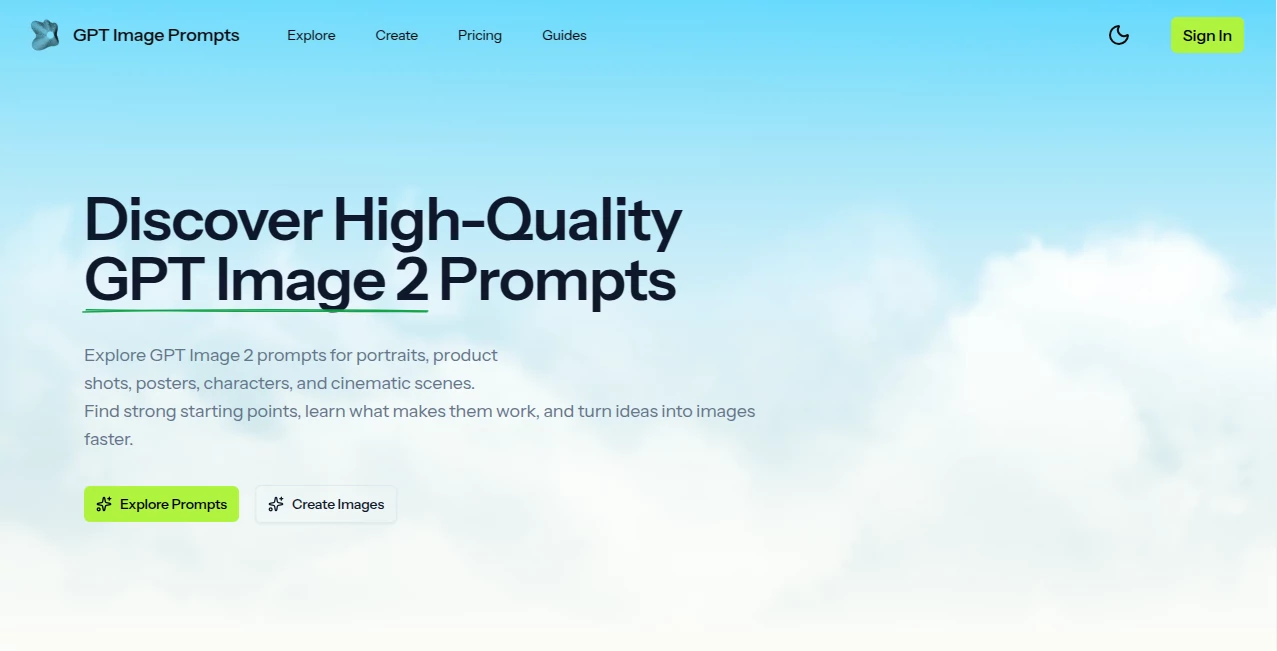
What is GPT Image Prompts?
Let’s be honest for a second. You’ve probably stared at a blank prompt box before, feeling like your brain just froze. You know exactly the kind of image you want: maybe a cinematic portrait, a sleek product shot for an online store, or a vibrant anime character. But when it comes to typing out those magic words, everything comes out flat or just… wrong. It’s frustrating, and it wastes precious time.
That empty feeling is exactly why this platform was built. It’s not another complicated AI tool with a steep learning curve. It’s a breath of fresh air for anyone who has ever struggled to communicate with an image generator. Think of it as your creative co-pilot. You get access to a massive, hand-curated library of prompts that actually work. Instead of fighting with syntax and keywords, you just browse, copy, tweak a little, and paste. Within seconds, you go from a blank page to a production-ready visual. It honestly feels like cheating, but in the best possible way.
Key Features
What makes this resource stand out from the crowd isn't just one thing—it's the whole package. It’s designed to remove the guesswork and let you focus on what you do best: being creative. You won't find any bloated software here, just pure, high-quality inspiration that gets the job done.
User Interface
Nobody likes clicking through five menus just to find a simple prompt. The layout here is refreshingly straightforward. Everything is organized into clear categories so you can find what you need without any headache. Want a portrait? Click the Portraits section. Need a logo concept? Head over to Branding. The "copy" button is right there next to every prompt. One click, and it's on your clipboard. It’s so intuitive that you won’t need a tutorial or a manual. You just jump in and start creating, which is exactly how it should be.
Accuracy & Performance
This is where the platform really shines. We’ve all seen those generic prompts that produce weird hands or distorted faces. The prompts in this library are battle-tested. They include specific instructions for lighting, composition, mood, and camera angles. When you use one of these as a base, the results are consistently high-quality. The library is constantly updated with fresh examples, so you are always working with prompts that understand the latest capabilities of modern AI image generators. It dramatically cuts down on the trial-and-error process, saving you dozens of wasted generations.
Capabilities
The range of styles covered here is seriously impressive. It goes far beyond just "art" or "photos." You have dedicated sections for just about every modern visual need. This includes cinematic scenes for storytelling, product photography for e-commerce, logos and branding assets, posters for events, social media visuals for Instagram or TikTok, and even architectural concepts. You can find prompts for realistic portraits, 3D renders, anime styles, and commercial-grade marketing materials. No matter what industry you are in, you will likely find a starting point that is 80% of the way to your final goal.
Security & Privacy
Since this is a library of text prompts and not a generation tool itself, your privacy is naturally protected. You aren't uploading your secret projects or personal data to a server. You simply browse the website, copy the text, and paste it into your preferred AI image generator (like Midjourney, DALL-E, or Adobe Firefly). This means your final images and your specific workflows remain entirely under your control. You get all the inspiration without any of the privacy concerns.
Use Cases
I was talking to a friend who runs a small skincare brand last week. She spends hours trying to photograph her products, and the lighting is always off. I showed her this site, and within ten minutes, she had copied a "soft natural light product shot" prompt, swapped out the generic item for her moisturizer bottle, and generated a hero image that looked like it cost a thousand dollars to produce. That is the power of having the right words.
Here are just a few ways creators are using this every day:
- Content Creators & Social Media Managers: Stop spending hours searching for stock photos. Generate unique thumbnails, viral-worthy quote cards, and branded feed images instantly.
- E-commerce Owners: Create consistent, high-converting product photography without renting a studio. Generate lifestyle images that show your product in action.
- Graphic Designers: Use the prompts as a "rough draft" for client work. Generate mood boards, logo concepts, and poster layouts in seconds to speed up your brainstorming phase.
- UI/UX Designers: Quickly generate App icon concepts, dashboard illustrations, and hero banners for your mockups without opening a vector editor.
- Hobbyists & TTRPG Players: Generate character portraits, epic battle maps, and concept art for your next Dungeons & Dragons campaign without needing to be a professional artist.
Pros and Cons
Nothing is perfect, but this tool comes pretty close. Let’s break down what works great and what you should keep in mind.
What Works Well (The Pros)
- Massive Time Saver: It turns a 30-minute prompt engineering session into a 30-second copy-paste job.
- Educational Value: Even if you don’t use the prompts directly, reading them teaches you how to write better ones yourself. You learn the structure of a good prompt.
- Diverse Categories: Whether you need anime, realism, or 3D rendering, the variety is vast.
- Completely Free Access: You can browse the entire library without spending a dime.
- Universal Compatibility: These prompts work with pretty much any major AI image generator on the market.
Things to Consider (The Cons)
- Requires a Generator: This is a library, not a generator. You still need a separate subscription (like Midjourney or ChatGPT Plus) to actually make the images.
- Specificity Might Be Needed: Sometimes you will need to adjust the prompts heavily for very niche or specific character designs.
Pricing Plans
Here is the best part: access to the core library is completely open. You can browse all the categories, read the examples, and copy the prompts to your heart's content without ever entering a credit card. It is designed to be an accessible resource for everyone.
For creators who want to take things to the next level, there are premium options or extended libraries available, but the free tier is genuinely useful on its own. You get a massive head start for zero cost. It’s rare to find a resource this valuable that doesn’t lock basic features behind a paywall.
How to Use This Resource
Getting started takes less than a minute. First, head to the website and just look around. Pick a category that matches your project, like "Product Photography" or "Cinematic Scenes."
Once you find an image style you like, click the copy button next to the prompt text. Then, open your favorite AI image tool—Midjourney, DALL-E 3, Playground, or whatever you prefer. Paste the prompt into the message box.
Here is the secret sauce: don't just hit send. Customize it a little. Change the color of the dress. Swap "coffee shop" for "library." Change the lighting from "golden hour" to "neon noir." Once you are happy, generate the image. If it’s not perfect, just tweak a few more words. You will be shocked at how much better your results look compared to starting from scratch.
Comparison with Similar Tools
You might be wondering, "Can't I just find prompts for free on Reddit or Twitter?" You can, but it’s a mess. Social media prompts are often random, low-quality, or outdated. You have to dig through endless threads to find one decent example.
Other prompt marketplaces charge per prompt or require a subscription just to view the text. This platform stands out because it organizes everything like a professional database. It is clean, categorized, and curated. While other tools focus on building "prompt generators" that mix random words, this library focuses on human-written, high-quality examples that actually make sense. It’s the difference between shopping at a well-organized boutique and digging through a discount bin.
Conclusion
If you use AI image generators even semi-regularly, this website is a total game-changer. It removes the friction between your imagination and the final result. You stop wrestling with syntax and start focusing on the fun part: creating.
Whether you are a small business owner trying to market your products, a designer battling a tight deadline, or just someone who loves making cool art for fun, having a solid prompt library is like having a key to a secret shortcut. It respects your time, boosts your quality, and actually helps you learn the craft of prompt writing along the way. Don't waste another afternoon staring at a blinking cursor. Go grab a prompt that works right now and see what you can make.
Frequently Asked Questions (FAQ)
Do I need to pay to use these prompts?
No, the vast majority of the prompt library is free to access and copy. You only pay for the AI image generator you choose to paste the prompts into.
Which AI art tools work best with these prompts?
These prompts are designed to be versatile. They work great with Midjourney, DALL-E 3 (in ChatGPT), Stable Diffusion, Adobe Firefly, and Leonardo AI. You might need to adjust a word or two for specific models, but the core structure is solid.
Can I sell the images I make using these prompts?
Yes, typically. However, you must check the specific terms of service for the generator you are using (like Midjourney or OpenAI). The prompts themselves are just text instructions, so you generally hold the commercial rights to the output based on your generator's policy.
I need an image of a very specific object. Will I find it here?
You will find the style you need. For example, you might not find "Vintage 1965 Mustang engine bay," but you will find "Cinematic car photography, dramatic lighting, garage setting." You can simply swap out the subject while keeping the prompt's structure for lighting and quality.