
















Humanize AI

What is Humanize AI?
You’ve probably been there. You ask an AI tool to write something for you—a blog post, an email, a social media caption. The output comes back grammatically perfect, well-structured, and… painfully robotic. It’s stiff, repetitive, and somehow just feels off. You can tell it was written by a machine before you even finish the first sentence.
That’s exactly where this tool steps in to save the day. Instead of spending hours rewriting every single sentence yourself, trying to add some life back into the text, you can let the technology do the heavy lifting. It takes that cold, mechanical output and breathes warmth into it. The meaning stays exactly the same, but the delivery becomes something you’d actually want to read.
I’ve tested quite a few so-called “humanizers” over the past year, and most of them just swap out a few words here and there. This one actually gets it. The difference isn’t subtle—it’s like comparing a textbook to a conversation with a friend who really knows their stuff.
Key Features
What makes this tool stand out from the growing crowd of AI rewriters out there? Let me walk you through the features that actually matter when you’re trying to produce content that doesn’t scream “I was generated by a bot.”
User Interface
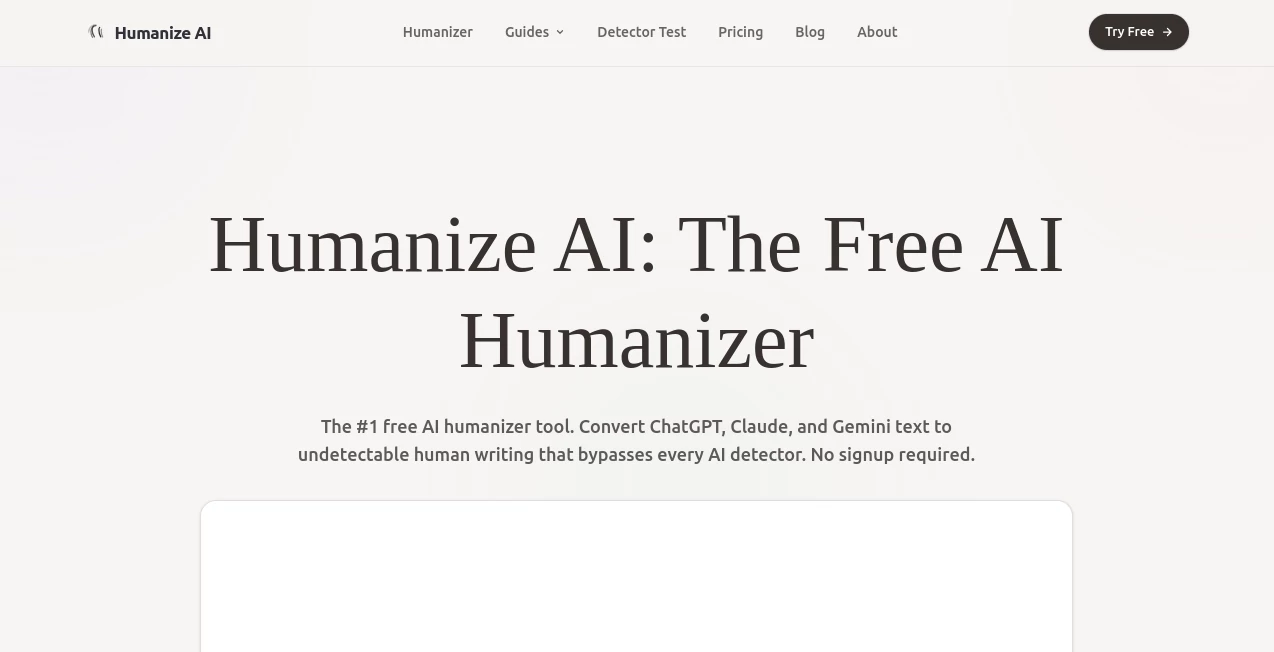
First things first—you don’t need a manual to figure this out. The design is clean, modern, and honestly refreshing compared to some clunky alternatives I’ve tried. You’ve got a simple text box where you paste your AI-generated content, a dropdown menu to pick your preferred style, and a big button that starts the magic. That’s it.
There’s also a dark mode option, which might sound like a small thing, but if you’re doing a lot of writing late at night, your eyes will thank you. Everything loads fast, there’s no lag between clicks, and the whole process takes seconds from start to finish. No account required to test it out, no annoying paywalls blocking basic functionality.
Accuracy & Performance
Here’s where things get interesting. The tool offers multiple humanization modes depending on what you need. The Standard mode works great for everyday content like blog posts and articles. Natural mode gives you a more conversational, relaxed tone—perfect for social media or personal emails. And Academic mode keeps things formal and scholarly while still removing that obvious AI fingerprint.
In terms of performance, the processing is lightning fast. You paste your text, click the button, and within a few seconds, you’ve got a rewritten version ready to go. The neural engine behind it actually understands context, which means it doesn’t just randomly swap synonyms like some basic paraphrasing tools do. It restructures sentences, adjusts rhythm, and varies sentence length to match how real people actually write.
One thing worth mentioning—the tool is specifically designed to bypass popular AI detectors like Originality.ai, GPTZero, and Turnitin. Does it work every single time? No tool can promise 100% success across every detector out there, because detection algorithms keep changing. But in my experience and according to user feedback, it performs consistently well against the major ones.
Capabilities
The tool handles multiple languages, not just English. So if you’re creating content for international audiences or working with text in Spanish, French, German, or other major languages, you’re covered. It also preserves SEO keywords during the transformation process, which is crucial if you’re optimizing for search engines and don’t want to lose your hard-won rankings.
Another capability worth highlighting is the custom style modeling. You can actually provide a writing sample—something you’ve written before or a piece that captures the tone you’re going for—and the tool will learn from it. The output then mirrors your unique voice, sentence patterns, and stylistic preferences. That’s a level of personalization you don’t see in most free or budget-friendly options.
For Chrome users, there’s also a browser extension available. It integrates directly into your workflow so you don’t have to keep switching between tabs. Paste, humanize, copy, done.
Security & Privacy
Nobody wants their drafts or sensitive content floating around somewhere it shouldn’t be. The platform processes your data securely, and importantly, it doesn’t store your text longer than necessary. Once your session is done, the information is gone. There’s no hidden data mining, no selling your content to train models, none of that sketchy stuff.
The developer has also been responsive to user feedback on platforms like AppSumo, actively engaging with customers to address issues and improve the product over time . That kind of transparency matters when you’re trusting a tool with your work.
Use Cases
So who’s actually using this thing, and for what? The list is pretty broad, but here are the most common scenarios:
- Content creators and bloggers – You’re pumping out articles, listicles, and guides. AI gets you a decent first draft, but it reads like a robot wrote it. Run it through the humanizer, and suddenly it sounds like you actually sat down and wrote every word yourself.
- Students and academics – Whether you’re using AI to help outline a paper or refine your own writing, the academic mode ensures your submissions sound professional and original without triggering detection software .
- Marketing and SEO professionals – Email campaigns, landing pages, product descriptions. You need volume, but you also need authenticity. The tool keeps your keywords intact while making the copy feel less like boilerplate and more like a real person talking to real customers.
- Social media managers – Captions, threads, posts. The conversational tone from the Natural mode is perfect for platforms where audiences expect personality and relatability.
- Email marketers – Nobody wants to read an email that sounds like it was generated by a corporate AI. The humanizer makes your sequences feel more personal, which directly impacts open rates and engagement.
Pros and Cons
Let’s be real—no tool is perfect. Here’s what works really well and where there’s still room for improvement.
Pros:
- Fast processing – results in seconds, not minutes
- Multiple humanization modes for different contexts
- Preserves SEO keywords and original meaning
- Works across multiple languages
- Clean, intuitive interface with dark mode
- Responsive customer support and active development
- Free tier available to test before committing
Cons:
- The free version has a monthly word limit (around 500 words), which is fine for testing but not for regular use
- Sometimes requires CAPTCHA verification on the free plan, which can get annoying if you’re using it frequently
- No built-in plagiarism checker or grammar tool—you’ll need separate software for that
- Results can vary depending on the original text quality and length
- The Chrome extension, while convenient, doesn’t offer all the customization options that the web version does
Pricing Plans
The pricing structure is straightforward, which I appreciate. No confusing tiers with hidden limits or surprise fees.
- Free tier – $0 per month. You get 500 words monthly to test the service. It includes basic humanization features but requires CAPTCHA verification each time you use it. Perfect for trying it out or handling very occasional tasks.
- Basic plan – Around $12 per month. This bumps up your word limit significantly and removes the CAPTCHA requirement. Processing is faster, and you get access to standard humanization modes .
- Pro plan – Approximately $19 to $34 per month, depending on billing cycle. This includes all advanced modes (Academic, Natural, Custom Style), priority support, and much higher word limits. Some sources list the starting Pro price at $19 per month .
- Enterprise plan – Custom pricing for teams and organizations. Includes API access, unlimited words, team management features, and dedicated support.
There’s also a 7-day free trial for the paid plans, plus a 30-day money-back guarantee. So you can really test drive it before deciding whether to commit.
How to Use Humanize AI
Using the tool is about as simple as it gets. Here’s the step-by-step:
- Step 1: Go to the website or open the Chrome extension. No account required for the free tier, though creating one lets you save your preferences.
- Step 2: Copy the AI-generated text you want to humanize and paste it into the input box. This could be from ChatGPT, Jasper, Claude, or any other AI writer.
- Step 3: Select your preferred mode. Standard for general use, Natural for conversational pieces, or Academic for formal writing. If you’ve uploaded a custom style sample, that option will appear here too.
- Step 4: Click the “Execute Humanization” button or equivalent. Wait 2-5 seconds while the neural engine does its thing.
- Step 5: Review the output. In most cases, you can copy and use it immediately. Some users like to run longer pieces through a second time for extra polish—that’s optional but can help with very dense or technical content.
- Step 6: Paste the humanized version into your document, CMS, email client, or wherever it needs to go.
A quick tip: For best results, start with reasonably well-written AI output. Garbage in, garbage out still applies. If your original text is a mess of contradictions and nonsense, no humanizer is going to save it.
Comparison with Similar Tools
I’ve tested a handful of other humanizers, including StealthWriter, QuillBot’s humanizer feature, and GPTHuman. Here’s how they stack up.
StealthWriter performed respectably in independent tests—one reviewer found it was the only tool that consistently fooled multiple AI detectors after a few passes . The ability to re-run the same text multiple times to increase the “human score” is a nice feature. However, the interface isn’t as polished, and it lacks the custom style modeling that this tool offers.
QuillBot’s paraphrasing tool is better known, but it’s fundamentally a paraphraser, not a dedicated humanizer. The difference matters. QuillBot focuses on changing words and sentence structures without much regard for natural rhythm or detector evasion. In tests, its humanized versions still scored 83-100% AI-detected .
GPTHuman showed mixed results—it fooled one detector completely but was spotted immediately by another . That inconsistency is a problem if you can’t predict which detector someone might use on your content. This tool has more reliable cross-detector performance according to user feedback.
Grammarly’s tone suggestions are helpful for minor tweaks, but it’s not designed for humanization. It can fix awkward phrasing but won’t fundamentally restructure text to remove AI patterns. It’s a companion tool, not a replacement.
Where this tool pulls ahead is the combination of speed, multiple specialized modes, and custom style learning. Most competitors give you one generic option. Having Standard, Natural, and Academic modes ready to go means you’re not forcing every type of content through the same filter.
Conclusion
Look, AI writing tools are here to stay. They save time, beat blank page syndrome, and help you produce drafts at scale. But the output almost always needs a human touch before it’s ready for real readers. That’s the gap this tool fills.
It won’t turn terrible writing into a masterpiece. It won’t fact-check your claims or fix your grammar mistakes. What it will do is take content that sounds mechanical, repetitive, and obviously machine-generated, and make it sound like a reasonably competent human wrote it. The rhythm improves, the sentence length varies, the tone becomes conversational or formal as you need it, and the AI detectors have a much harder time flagging your work.
For bloggers, marketers, students, and anyone who regularly works with AI-generated text, it’s genuinely useful. The free tier lets you test it without risk, and the paid plans are reasonably priced compared to alternatives. Give it a shot on your next AI draft. You might be surprised how much of a difference a few seconds of processing can make.
Frequently Asked Questions (FAQ)
Is there a completely free version?
Yes, there’s a free tier that gives you 500 words per month. It’s enough to test the service and handle occasional small tasks. For regular use, you’ll want one of the paid plans .
Does it work with languages other than English?
Yes. The tool supports multiple major languages including Spanish, French, German, Chinese, and more. The quality is generally very good, though as with any AI tool, results can vary slightly by language.
Will this guarantee my content passes AI detection?
No tool can guarantee 100% evasion because AI detectors are constantly updating their algorithms. However, this tool is specifically designed to bypass the most popular detectors like Originality.ai, GPTZero, and Turnitin, and user reports indicate it performs reliably against them .
Is my data safe and private?
Yes. The platform processes your text securely and doesn’t store it longer than necessary. Your content isn’t used to train models or shared with third parties .
Can I use it for academic writing?
Yes, the Academic mode is specifically designed for scholarly and formal writing. However, always check your institution’s policies regarding AI assistance. The tool helps make AI-generated drafts sound more natural, but you’re still responsible for the final content .
Is there a browser extension?
Yes, there’s a Chrome extension available that integrates the humanizer directly into your browser. It offers the core functionality without needing to visit the main website .
What’s the refund policy?
Paid plans come with a 30-day money-back guarantee. If you’re not satisfied for any reason, you can request a refund within that window .