


















ImageToVideoAI
What is ImageToVideoAI?
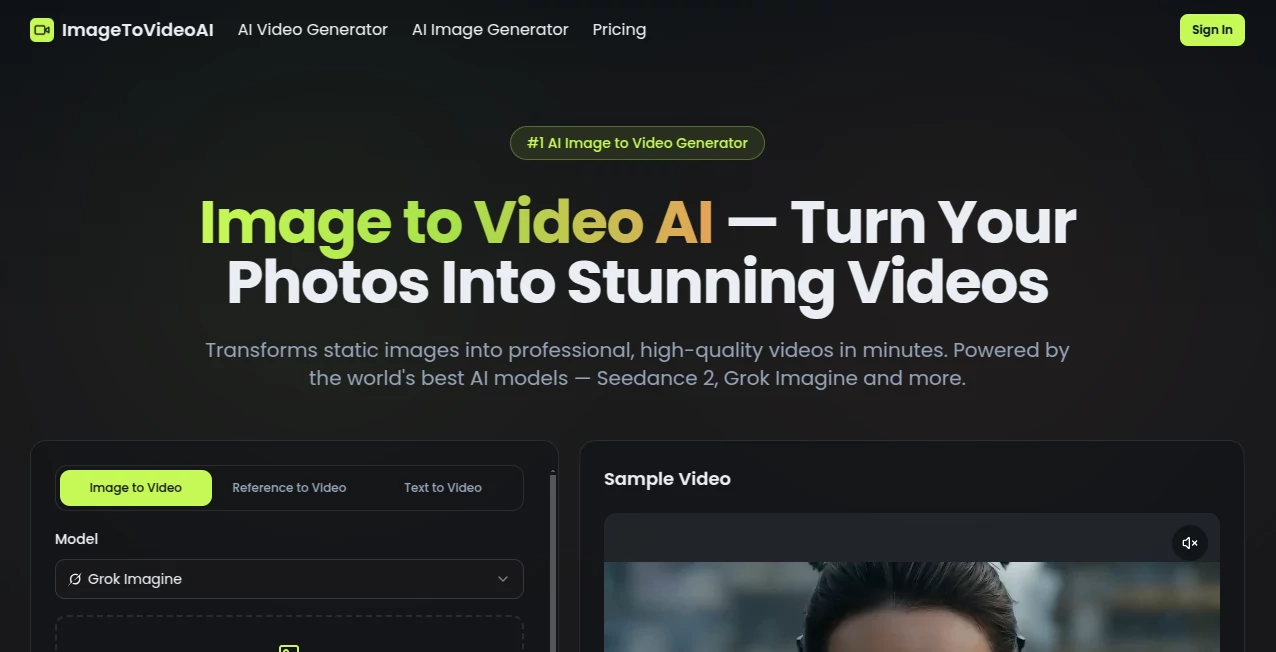
Creating engaging videos no longer requires advanced editing skills or hours of manual work. This platform transforms ordinary images into dynamic, high-quality videos using some of the most advanced AI video generation models available today. Whether you are producing marketing content, social media posts, educational presentations, or creative storytelling projects, it provides a fast and enjoyable workflow that delivers impressive visual results.
Instead of building animations frame by frame, users simply upload one or more images, describe the desired motion, choose an AI model, and let the system generate polished video clips within minutes. The result feels cinematic, smooth, and suitable for both personal and commercial projects.
One of its strongest advantages is flexibility. Different AI models offer different visual styles, allowing creators to experiment with realistic movement, artistic animation, cinematic effects, and imaginative storytelling without switching between multiple editing applications.
Key Features
- Convert static photos into realistic animated videos.
- Support for multiple leading AI video generation models.
- Create professional-quality videos within minutes.
- Simple prompt-based motion control.
- High-resolution video generation.
- Natural camera movements and cinematic transitions.
- Fast cloud-based processing.
- Works for marketing, social media, education, and entertainment.
- No professional editing experience required.
- Modern browser-based workflow without software installation.
User Interface
The interface focuses on simplicity. Uploading images is straightforward, and every step of the workflow is clearly organized. Model selection, prompt writing, and video generation are presented in a clean layout that reduces confusion for first-time users. Even creators with no background in video production can start generating polished results after only a few minutes of exploration.
Accuracy & Performance
The generated motion appears smooth and believable, especially when clear source images and descriptive prompts are provided. Advanced AI models understand movement, lighting, depth, and camera positioning remarkably well, producing clips that often look far more refined than traditional slideshow animations. Processing speed is also competitive, making it practical for both individual creators and busy content teams.
Capabilities
The platform goes beyond simple animation. It can simulate camera pans, zoom effects, character movement, environmental motion, and cinematic transitions that help transform still photographs into immersive visual experiences. This makes it useful for product showcases, storytelling, concept visualization, advertisements, promotional videos, and creative experiments.
Security & Privacy
Cloud-based processing helps users generate videos without requiring powerful local hardware. Professional users appreciate being able to create projects from virtually any modern browser. As with any online creative service, users should review the platform's privacy policy and terms before uploading confidential or sensitive materials.
Use Cases
- Create eye-catching social media videos from product photos.
- Produce promotional content for brands and businesses.
- Turn travel photographs into cinematic memories.
- Generate educational visual demonstrations.
- Create engaging marketing campaigns.
- Visualize creative concepts before full production.
- Produce animated portfolio presentations.
- Create content for YouTube, TikTok, Instagram, and other platforms.
- Enhance storytelling with animated scenes.
- Build professional presentations with moving visuals.
Pros and Cons
Pros
- Easy for beginners.
- Professional-quality video output.
- Multiple advanced AI models available.
- Fast generation process.
- Modern and intuitive interface.
- Suitable for both personal and commercial content.
Cons
- Generation quality depends on the uploaded images.
- Complex scenes may require prompt refinement.
- Cloud processing requires an internet connection.
Pricing Plans
The service offers multiple usage options designed for different types of creators. Available plans may include free access with limited generation alongside premium subscriptions that unlock additional credits, higher-quality output, faster processing, and access to more advanced AI models. Users should check the official pricing page for the latest details.
How to Use Image to Video AI
- Upload one or more images.
- Select your preferred AI video generation model.
- Describe the desired movement using a text prompt.
- Adjust available generation settings if needed.
- Start the generation process.
- Preview the finished video.
- Download the completed result and share it wherever needed.
Comparison with Similar Tools
Unlike many image animation platforms that rely on a single generation engine, this solution offers access to multiple state-of-the-art AI models. That flexibility allows creators to experiment with different visual styles and select the output that best fits each project. The streamlined workflow also makes it faster to move from idea to finished video, helping content creators spend more time publishing and less time editing.
Conclusion
Turning still images into engaging video content has become dramatically easier thanks to recent advances in artificial intelligence. This platform combines powerful generation models with an approachable interface, making professional-quality video creation accessible to marketers, designers, educators, businesses, and everyday creators alike. For anyone looking to breathe life into static photos without investing countless hours in traditional editing software, it represents an excellent creative solution.
Frequently Asked Questions (FAQ)
Can beginners create videos without editing experience?
Yes. The workflow is designed to be simple enough for first-time users while still providing professional results.
Can I generate marketing videos from product images?
Yes. The platform is well suited for promotional content, advertisements, and social media campaigns.
Does it support different AI generation models?
Yes. Users can choose from multiple advanced AI models depending on the style and quality they want to achieve.
How long does video generation usually take?
Most projects are completed within a few minutes, although processing time depends on demand and project complexity.
Can the videos be used for commercial projects?
Commercial use depends on the selected subscription plan and the platform's licensing terms, so users should review the official documentation before publishing commercial work.
AI Animated Video , AI Image to Video , AI Video Generator , AI Text to Video .
These classifications represent its core capabilities and areas of application. For related tools, explore the linked categories above.

ImageToVideoAI Alternatives Product
KissGen AI

Seedance 2.5…

VidiOne

AI Dance Vid…

Veo

Veo 3.1

OmniGemini
Kling 4.0 AI
animearc
