

















OmniGemini
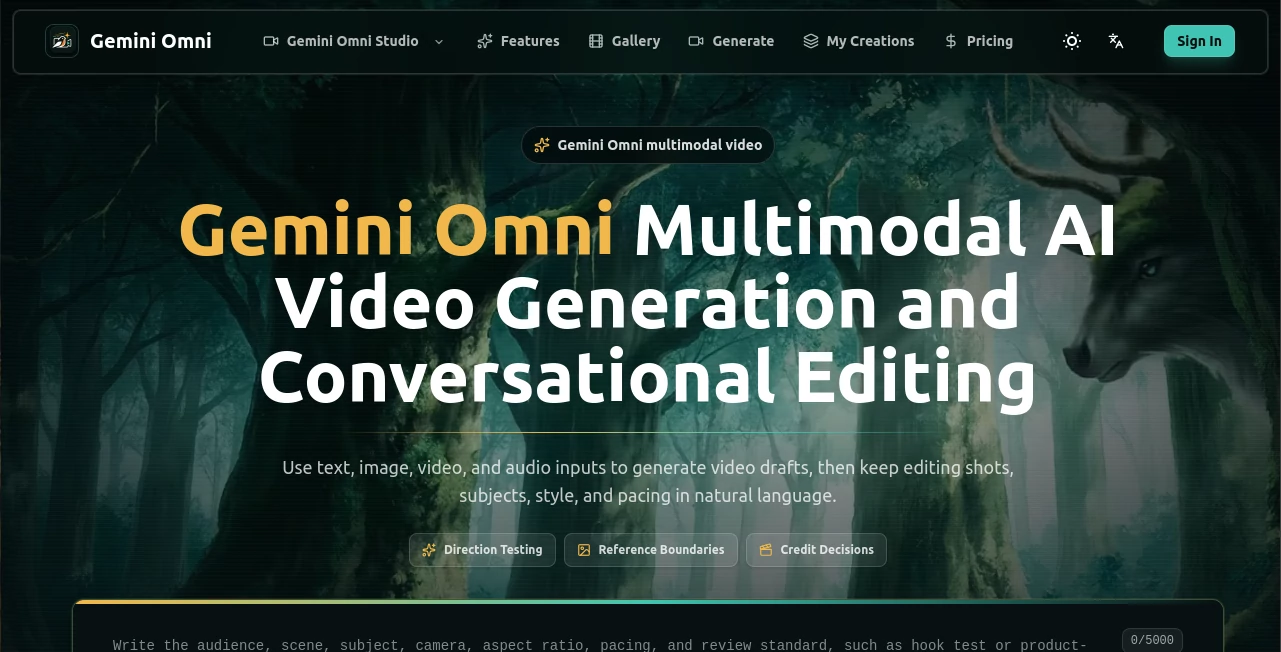
What is OmniGemini?
There’s a special kind of excitement when you describe a scene in plain words, drop in a reference photo or clip, and get back footage that actually feels directed—proper lighting, natural motion, consistent subjects, and emotional tone. This platform turns that experience into something reliable. It doesn’t just generate random clips; it helps you test ideas, refine shots through conversation, and make decisions before you commit real production time. I’ve watched creators go from vague concepts to shareable prototypes in minutes, and the results often look thoughtful enough to spark real discussion instead of polite nods.
Introduction
Making video used to mean storyboards, shoots, and endless revisions. Most AI tools still feel like lucky dice rolls—sometimes impressive, often chaotic. This one changes the game by combining powerful multimodal generation with conversational editing. You can start with text, images, video, or audio, generate a draft, then keep refining in natural language: “make the camera slower,” “warm up the lighting,” “keep the product more visible.” It’s built for people who need to see ideas quickly and make smart choices early—marketers testing hooks, filmmakers prototyping beats, creators iterating Reels. The focus on direction and reference control makes outputs feel intentional rather than accidental.
Key Features
User Interface
The workspace is clean and purpose-driven. You state your shot goal, lock reference assets (people, products, style), set a budget in credits, and generate. Everything stays in one flow—prompts, references, outputs, and review notes live together. Previews load fast, and conversational editing lets you describe changes without starting over. It feels like having a patient collaborator who remembers context and helps you iterate without frustration.
Accuracy & Performance
Subject consistency is strong—faces, products, and branding stay recognizable across shots. Motion respects physics and pacing, lighting feels motivated, and edits preserve what you liked while fixing what you didn’t. Generations are quick enough for real iteration, and the model understands practical constraints like hook strength or product visibility. The results reduce the usual AI surprises, so you spend less time fixing and more time deciding.
Capabilities
It handles text-to-video, image-to-video, video-to-video, and multimodal inputs (text + image + audio). You can generate short tests or build multi-shot sequences, then edit through conversation: change camera movement, tone, timing, or emphasis. Strong reference control keeps key elements stable. It’s excellent for ad testing, creator briefs, product storytelling, explainer prototypes, and mood checks—any situation where seeing the direction early saves time and money.
Security & Privacy
Your prompts, references, and generated clips stay within your workspace. The system is designed for professional use with attention to rights, brand safety, and data handling. You control what gets saved and shared, which matters when working with client material or sensitive concepts.
Use Cases
A growth team tests three different hooks for a new product before building the full ad set. A creator visualizes tone and framing for a brand deal before filming. A founder prototypes a feature explainer to see if the steps make sense visually. An e-commerce operator checks how packaging reads in motion. In every case, it helps teams validate ideas cheaply and confidently before investing in full production.
Pros and Cons
Pros:
- Strong reference control keeps characters, products, and style consistent.
- Conversational editing feels natural and productive.
- Fast enough for real iteration and direction testing.
- Multimodal inputs give precise creative control.
- Helpful for teams that need to see before they shoot.
Cons:
- Best results still depend on clear prompts and good references.
- Clip length focuses on short, purposeful tests rather than long-form.
- Higher quality and volume require paid credits.
Pricing Plans
Free access lets you test the core experience and run limited generations. Paid plans unlock higher resolutions, faster queues, more credits, and advanced features for heavier use. Credit-based pricing means you pay for what you actually generate, which keeps costs aligned with real testing needs. Many teams find the investment pays for itself by catching weak directions early.
How to Use Gemini Omni
Start by naming your test goal (“test first-three-second hook” or “check product visibility in motion”). Add your main reference (photo, clip, or style guide). Write a clear prompt describing the shot. Review the credit estimate, then generate. Watch the result, note what works and what doesn’t, then edit conversationally (“slow the pan, warm the lighting, keep the logo clearer”). Repeat until the direction feels right, then export or move to final production. The workflow encourages small, cheap tests before big commitments.
Comparison with Similar Tools
Many AI video generators focus on raw creation but struggle with consistency or meaningful iteration. This one stands out by combining strong generation with practical direction testing and conversational editing. It’s less about one lucky render and more about a repeatable process that helps teams decide what deserves further investment. The reference control and review structure feel built for real workflows rather than just impressive demos.
Conclusion
Good video starts with good decisions. This tool helps you make those decisions earlier and cheaper by making ideas visible quickly. It respects the craft of filmmaking while removing unnecessary friction, giving creators and teams a practical way to test, refine, and validate before committing serious time or budget. In a world where video is essential but expensive, that kind of smart acceleration is incredibly valuable.
Frequently Asked Questions (FAQ)
How long are the generated clips?
Focused on short, purposeful tests—typically a few seconds to around 10 seconds, ideal for direction screening.
Do I need perfect references?
Good references help, but the system is forgiving and improves results significantly when you provide them.
Can I edit existing videos?
Yes—upload a clip and describe changes conversationally for targeted refinements.
Is it suitable for commercial use?
Yes, especially on paid plans—always check rights for any reference material you use.
What makes it different from other AI video tools?
The combination of multimodal generation, strong reference control, and conversational editing focused on direction testing sets it apart.