InsMelo
What is InsMelo?
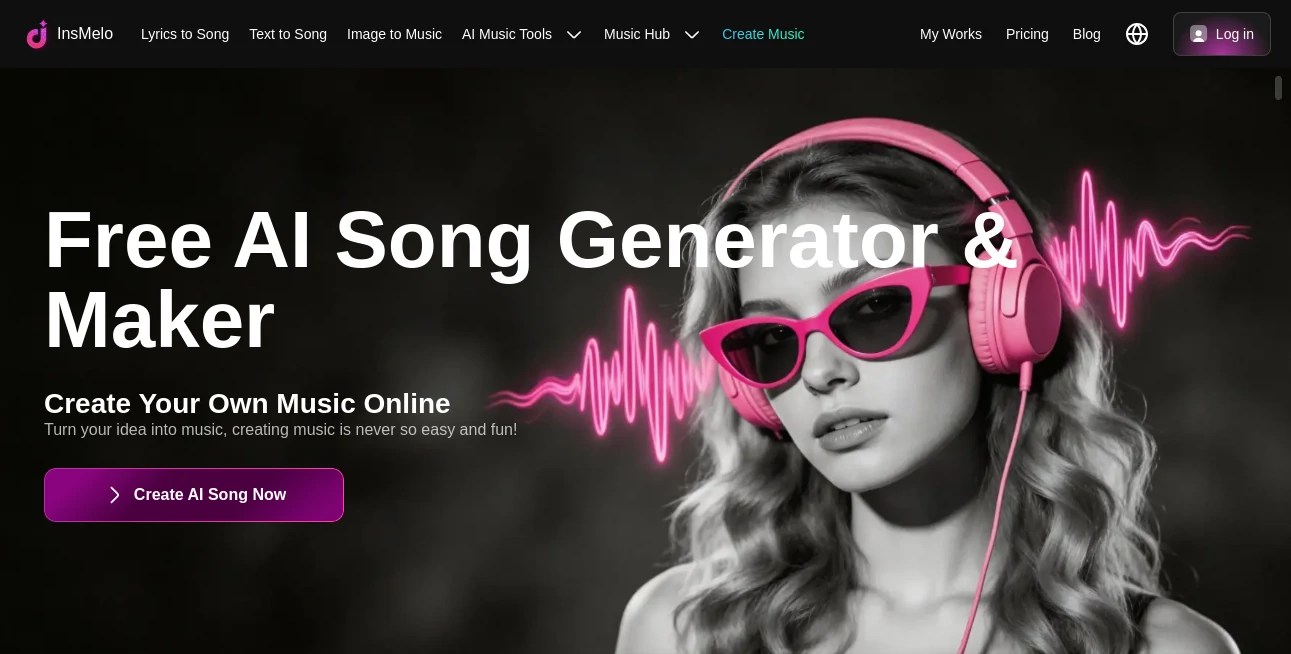
Creating original music no longer requires years of production experience or expensive studio equipment. This platform gives creators a fast and enjoyable way to transform ideas into complete songs using artificial intelligence. Whether the inspiration begins with lyrics, a short text prompt, or even an image, the system can turn that creative spark into a polished soundtrack within minutes.
Designed for musicians, content creators, marketers, educators, game developers, and hobbyists, the platform removes technical barriers while preserving creative freedom. With support for more than 400 music genres and styles, users can experiment with everything from cinematic orchestral pieces and lo-fi beats to energetic pop, rock, hip-hop, and electronic music. The result is an accessible music studio that helps people focus on creativity instead of complicated production workflows. :contentReference[oaicite:0]{index=0}
Key Features
User Interface
The interface is designed to make music generation approachable for beginners while remaining efficient for experienced creators. A simple workflow guides users from selecting an input method to choosing genres, voices, moods, and musical styles before generating a finished track. The clean layout reduces distractions and allows users to move from concept to completed music in only a few steps. Mobile applications also provide a consistent experience for creating songs on the go. :contentReference[oaicite:1]{index=1}
Accuracy & Performance
The music engine produces complete compositions quickly while maintaining impressive consistency across different genres. Users can generate songs from text descriptions, written lyrics, or reference images, with AI adapting melodies, arrangements, and vocal styles to match the intended mood. The platform also supports royalty-free music creation, making generated tracks suitable for many creative and commercial projects under eligible plans. :contentReference[oaicite:2]{index=2}
Capabilities
- Create complete songs from text prompts.
- Transform lyrics into fully produced music.
- Generate music inspired by uploaded images.
- Choose from more than 400 music genres and styles.
- Create AI song covers using thousands of voice models.
- Clone custom voices from short audio samples.
- Generate lyrics and song titles automatically.
- Remove vocals or separate instrumental tracks.
- Create AI sound effects.
- Download songs in MP3 and WAV formats.
- Access projects across web and mobile devices.
Security & Privacy
User privacy is treated seriously through published policies that explain how personal information and generated content are handled. Uploaded assets are processed to provide requested features, while users can request data deletion when needed. The service also outlines security practices, account protections, and commercial licensing information for subscribers. :contentReference[oaicite:3]{index=3}
Use Cases
- Produce background music for YouTube videos.
- Create original soundtracks for podcasts.
- Generate custom music for games and apps.
- Develop unique advertising jingles.
- Create personalized songs for special occasions.
- Experiment with songwriting ideas.
- Generate educational music projects.
- Produce royalty-free music for commercial content.
- Create AI voice covers for entertainment.
- Build social media content with original music.
Pros and Cons
Pros
- Extremely easy for beginners.
- Supports text, lyrics, and image-based music creation.
- Large library of musical genres.
- Includes multiple AI music utilities beyond song generation.
- Available on both web and mobile platforms.
- Fast generation process.
- High-quality downloadable audio.
Cons
- Commercial usage depends on the selected subscription.
- Advanced customization may require experimentation.
- Free usage includes generation limits.
Pricing Plans
A free plan allows new users to explore the platform and generate a limited number of songs before upgrading. Premium subscriptions unlock additional generations, commercial licensing, expanded creative features, and higher production limits for professional creators. Pricing options may change over time, so checking the official pricing page is recommended before purchasing. :contentReference[oaicite:4]{index=4}
How to Use InsMelo
- Choose whether to start from lyrics, text, or an image.
- Describe the desired style, mood, or genre.
- Select vocal preferences and music settings.
- Generate the complete song.
- Preview the result.
- Download the finished track or continue refining it.
Comparison with Similar Tools
Unlike many AI music generators that focus on only one input method, this platform combines lyrics-to-song, text-to-song, image-to-music, AI voice generation, song covers, voice cloning, sound effects, and music editing tools in one ecosystem. This all-in-one approach reduces the need for multiple separate applications and creates a smoother workflow for creators who regularly produce audio content. Its extensive genre library and cross-device availability also make it attractive for both casual users and professionals. :contentReference[oaicite:5]{index=5}
Conclusion
This platform successfully makes music production accessible to anyone with an idea. Instead of requiring technical expertise, it allows creativity to become the starting point. The combination of AI-powered songwriting, voice technologies, music generation, editing utilities, and broad genre support creates a flexible environment suitable for creators across many industries. Whether producing background music, experimenting with songwriting, or building commercial content, it offers an efficient path from inspiration to finished audio.
Frequently Asked Questions (FAQ)
Can beginners create music without production experience?
Yes. The platform is designed so anyone can generate complete songs with only a few simple inputs.
Can generated music be used commercially?
Commercial usage is available with eligible paid plans according to the licensing terms.
What types of input are supported?
Users can create songs from lyrics, text descriptions, or uploaded images.
How many music genres are available?
The platform supports more than 400 genres and musical styles.
Are mobile applications available?
Yes. Dedicated mobile apps allow users to create and manage projects across multiple devices.
AI Music Generator , AI Voice & Audio Editing , AI Voice Cloning , AI Text to Music .
These classifications represent its core capabilities and areas of application. For related tools, explore the linked categories above.

InsMelo Alternatives Product

Soniq Chat

Lyria.run

FluentDictat…
sam tts

Lyrics to So…

SongFromShort

Sonicker
Voice To Ins…

SAM Audio