
Janus
What is Janus?
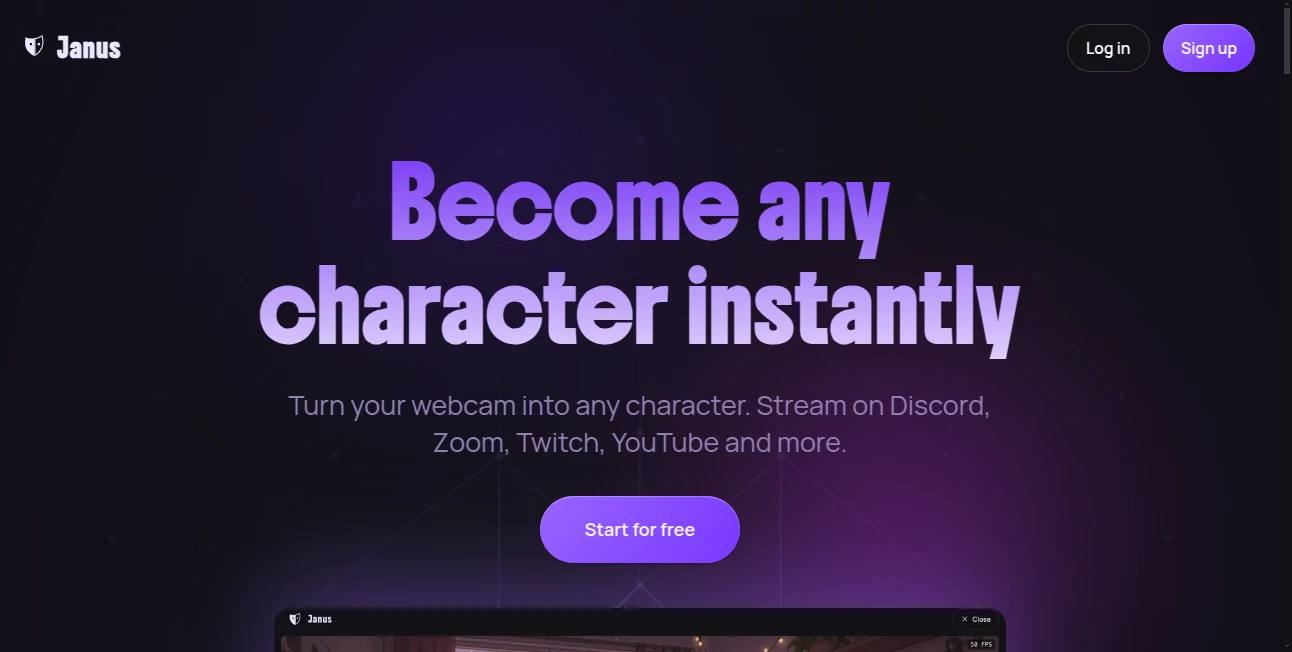
Creating an engaging online presence no longer requires expensive motion-capture equipment or complex animation software. This innovative AI-powered platform transforms a single photo into a fully animated virtual character that mirrors your facial expressions in real time. Whether you're hosting a livestream, joining a video meeting, or creating content for social media, it makes character-based communication feel surprisingly natural.
Everything runs directly in the browser, making setup refreshingly simple. Instead of spending hours configuring software, users can upload a photo, activate their webcam, and begin streaming within minutes. The result is a smooth experience that feels accessible for beginners while offering enough flexibility for experienced creators who want professional-looking virtual avatars.
Key Features
User Interface
The interface is clean, modern, and designed around speed. Avatar creation follows a straightforward workflow, allowing users to generate a character from either a photo or prompt before customizing hairstyles, clothing, accessories, and backgrounds. Navigation is intuitive, making it easy to switch between editing and live streaming without unnecessary complexity.
Accuracy & Performance
Real-time facial tracking delivers responsive animations that closely match natural expressions and head movements. Since rendering happens locally on the user's device instead of relying on cloud processing during live sessions, latency remains extremely low while supporting Full HD rendering. This local approach also enables long streaming sessions without noticeable delays.
Capabilities
- Create animated avatars from photos.
- Generate characters from text prompts.
- Use avatars during livestreams.
- Appear as virtual characters in video meetings.
- Support streaming through OBS.
- Work with Discord, Zoom, YouTube, Google Meet, and Twitch.
- Customize outfits, hairstyles, accessories, and backgrounds.
- Render avatars locally for smooth performance.
- Support green screen mode for professional productions.
- Produce high-quality 1080p+ avatar rendering.
Security & Privacy
Privacy is one of the strongest aspects of the platform. Webcam processing occurs in real time, while avatar rendering runs locally during streaming sessions. Uploaded images used for avatar generation are not permanently stored, helping users maintain greater control over personal data. This approach is especially valuable for creators who prefer keeping their identity private while remaining expressive online.
Use Cases
- Anonymous Twitch and YouTube streaming.
- Virtual meetings with animated avatars.
- Gaming content creation.
- Educational presentations.
- Podcast video production.
- Social media content.
- Entertainment and roleplay streams.
- Online community events.
- Brand mascot presentations.
- Creative storytelling.
Pros and Cons
Pros
- Extremely easy to start.
- Works directly inside the browser.
- No expensive hardware required.
- Real-time facial animation.
- Supports major streaming platforms.
- Unlimited streaming on the free plan.
- Runs locally for low latency.
- Highly customizable avatars.
Cons
- Some premium features require a paid subscription.
- Avatar creation consumes credits.
- A modern browser provides the best experience.
- Performance depends on local device hardware.
Pricing Plans
A free plan includes unlimited streaming together with starter credits for avatar creation, making it easy for newcomers to test the platform. Users can purchase additional credits whenever needed without committing to a subscription. A Pro plan unlocks premium capabilities such as higher frame rates, green screen support, watermark-free exports, expanded customization options, and additional creative tools.
How to Use Janus
Start by uploading a selfie or creating a character from a text description. Customize the appearance until it matches your preferred style, then connect your webcam and microphone. The platform tracks facial expressions automatically and animates the avatar in real time. Finally, connect through OBS or the browser extension to appear in livestreams, online meetings, or content creation workflows.
Comparison with Similar Tools
Unlike many avatar generators that focus only on creating static images or pre-recorded animations, this platform emphasizes real-time interaction. Local rendering significantly reduces latency while eliminating the need for cloud processing during live sessions. Compared with traditional VTuber software that often requires complicated setup or specialized equipment, the browser-based workflow makes professional-quality avatar streaming much more accessible without sacrificing performance.
Conclusion
For creators who want personality without revealing their face, this solution offers an impressive balance of simplicity, performance, and flexibility. From livestreams and video conferences to gaming and educational content, it removes many of the technical barriers that once made virtual avatar production difficult. Fast setup, responsive animation, strong privacy practices, and extensive customization make it an appealing choice for anyone looking to bring digital characters to life in real time.
Frequently Asked Questions (FAQ)
Can I stream without showing my real face?
Yes. The platform animates a virtual avatar using your webcam while keeping your real appearance hidden.
Do I need professional motion-capture equipment?
No. A standard webcam and microphone are sufficient for creating expressive real-time avatars.
Which platforms are supported?
It supports popular services including Discord, Zoom, Twitch, YouTube, Google Meet, OBS, and other applications that work with virtual cameras.
Is there a free version?
Yes. Users receive free credits for avatar creation and can stream without time limits using the free plan.
Are my uploaded photos stored permanently?
No. Uploaded images are processed for avatar generation and are not permanently stored according to the platform's privacy information.
AI Character , AI Avatar Generator , AI Video Generator , AI Video Recording .
These classifications represent its core capabilities and areas of application. For related tools, explore the linked categories above.

Janus Alternatives Product

Fuser Studio

Consistent C…

MiniMax H3

Wurt.app

kling 3 AI

VO4 AI

AI Happy Hor…

Yodayo AI

sulphur 2