Kittl
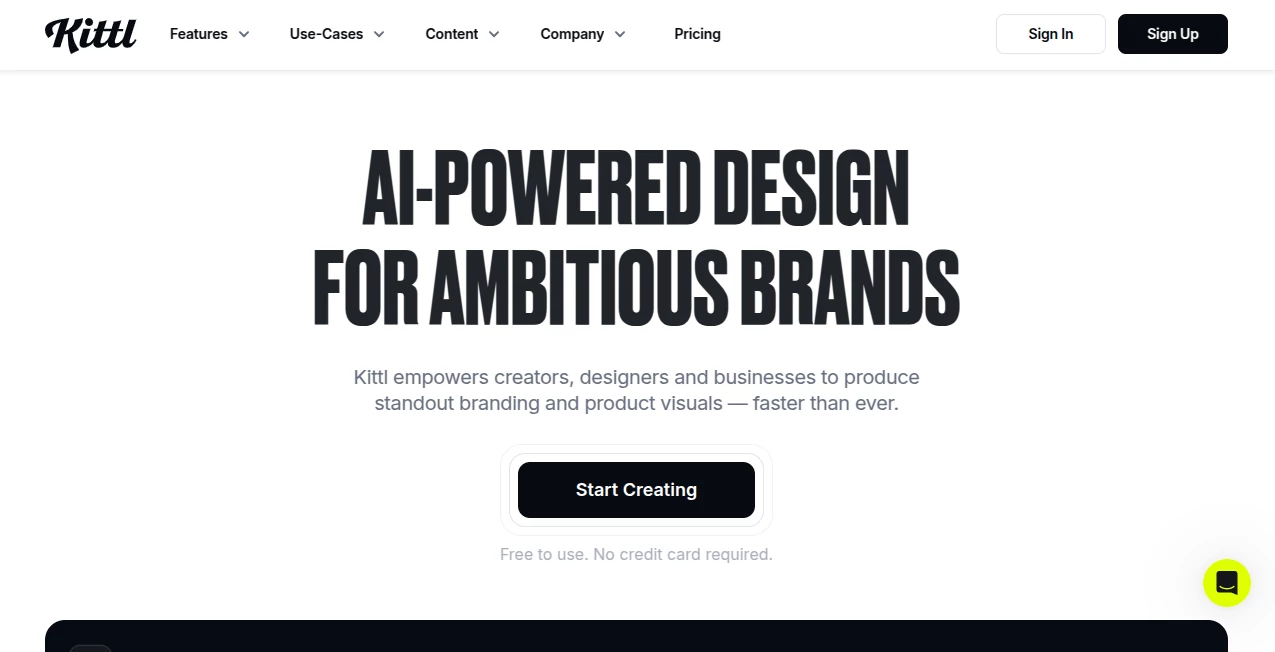
What is Kittl?
There’s something incredibly satisfying about opening a design tool and actually enjoying the process instead of fighting it. Kittl delivers exactly that feeling. Whether you’re a complete beginner who gets overwhelmed by complex software or a seasoned designer tired of repetitive tasks, this platform strikes a rare balance: powerful enough for real work, approachable enough that you’ll actually look forward to using it. People keep coming back because it turns design from a chore into something creative and joyful again.
Introduction
Kittl was built for the reality of modern design — fast deadlines, frequent requests, and the need to look professional without spending hours learning complicated tools. It combines beautiful vector editing with smart AI features that remove the boring parts of design. From creating bold social media graphics to full brand identity packages, it gives you high-quality results quickly. What surprises most new users is how polished everything looks right from the start — clean typography, smart spacing, and professional templates that don’t feel generic. It’s become a favorite for entrepreneurs, marketers, content creators, and even experienced designers who want speed without sacrificing quality.
Key Features
User Interface
The workspace feels clean and inviting. Everything important is visible but never overwhelming. The left panel gives you quick access to elements, text, and uploads, while the right side shows smart properties that change based on what you’ve selected. You can drag, resize, and adjust with confidence because the snapping and alignment tools actually work well. It’s the kind of interface that makes you feel capable from the very first project, rather than frustrated.
Accuracy & Performance
The vector engine is smooth and responsive, even when working with complex illustrations or many layers. AI features (like background removal, image generation, or auto-tracing) deliver consistent, high-quality results without the usual weird artifacts. Text handling is excellent — kerning, line spacing, and font suggestions feel thoughtful. Performance stays fast whether you’re designing a simple logo or a detailed poster with dozens of elements.
Capabilities
You get full vector design tools, thousands of beautiful templates, an integrated AI image generator, powerful text tools with effects, bulk editing, brand kit management, and easy export in multiple formats. The magic tools (auto-design suggestions, smart resize, background remover) save enormous time. It’s particularly strong for merchandise design, social media content, branding, presentations, and print materials. You can start from scratch or heavily customize templates — whatever fits your workflow.
Security & Privacy
Your designs stay private by default. Brand kits and uploaded assets are protected, and the platform follows solid security practices. For freelancers and agencies handling client work, this peace of mind matters — you’re not constantly worrying about where your files live or who might access them.
Use Cases
A small business owner creates their entire brand identity (logo, business cards, social templates) in one afternoon. A content creator designs scroll-stopping thumbnails and carousels that actually increase engagement. A t-shirt seller generates multiple design variations for new drops in minutes instead of hours. Marketing teams build consistent campaign assets across platforms without losing brand voice. It shines anywhere speed and quality need to coexist.
Pros and Cons
Pros:
- Intuitive enough for beginners, powerful enough for professionals.
- Beautiful, modern templates that don’t look cookie-cutter.
- Strong AI tools that actually save meaningful time.
- Excellent typography and vector tools.
- Fast performance even on detailed projects.
Cons:
- Some advanced illustration features still lag behind dedicated vector software.
- Free plan has limitations that serious users quickly outgrow.
- Export options, while good, could be more extensive for enterprise needs.
Pricing Plans
The free plan is genuinely useful for trying things out and small personal projects. Pro unlocks everything most creators need — unlimited designs, full AI features, premium assets, and commercial usage rights. Higher tiers add team collaboration, advanced brand controls, and priority support. Many users say the Pro plan pays for itself quickly through time saved and better-looking output.
How to Use Kittl
Sign up and start a new project. Browse templates or begin with a blank canvas. Drag in elements, type text, or use the AI generator to create images. Use smart tools to remove backgrounds, suggest layouts, or resize designs automatically. Build your brand kit once so colors and fonts stay consistent across projects. When finished, export in the format you need (PNG, SVG, PDF, etc.). The learning curve is gentle — most people create something impressive on their very first try.
Comparison with Similar Tools
Unlike heavy professional software that requires weeks to learn, Kittl feels approachable while still delivering professional results. Compared to other browser-based tools, it offers stronger vector capabilities and better AI integration without sacrificing design quality. It sits in a sweet spot: more powerful than simple template tools, more enjoyable than complex industry standards.
Conclusion
Great design shouldn’t be reserved for people with years of training or expensive subscriptions. Kittl proves that beautiful, effective graphics can be created quickly by almost anyone who has an idea. It respects your time, rewards creativity, and consistently produces work you’re proud to share. Whether you design every day or once in a while, it makes the process feel exciting again — and the results speak for themselves.
Frequently Asked Questions (FAQ)
Is Kittl suitable for complete beginners?
Yes — the interface and templates are designed to help newcomers create professional-looking work quickly.
Can I use it for commercial projects?
Absolutely. Paid plans include full commercial rights for your designs.
How good is the AI image generation?
It’s one of the stronger built-in generators — fast, style-consistent, and useful for concepting and final assets.
Does it support team collaboration?
Yes, on higher plans with shared brand kits and real-time editing features.
What file formats can I export?
PNG, JPG, SVG, PDF, and more — suitable for web, print, and merchandise.
AI Design Assistant , AI Graphic Design , AI Design Generator , AI Image to Image .
These classifications represent its core capabilities and areas of application. For related tools, explore the linked categories above.

Kittl Alternatives Product

Omoglow

GPT IMAGE2
Sento AI

Face Shape D…

AnividAI
Image Text E…
SeeDream 4.5

Imagine2

AI Family Ph…