Mental Note
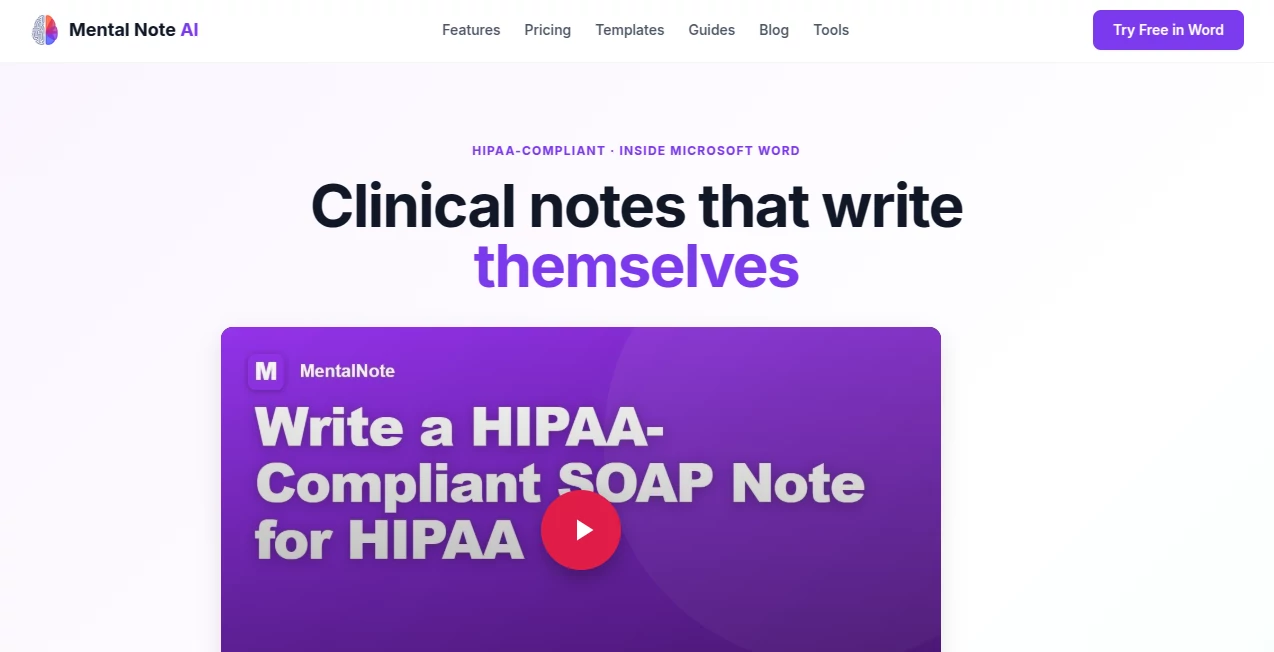
What is Mental Note?
After a long day of back-to-back sessions, the last thing any therapist wants to do is spend another hour writing notes. Yet documentation is non-negotiable. This tool changes that exhausting reality. It lives right inside Microsoft Word as an add-in, so you can speak, type, or paste your session notes and watch a full, well-structured clinical note appear in under a minute. I’ve heard from clinicians who went from dreading evenings of charting to finishing notes during the session or right after—finally getting their evenings back with family or simply resting. It feels like having a highly trained documentation assistant who actually understands clinical language.
Introduction
Mental health professionals pour their energy into client care, but the paperwork often steals it back. SOAP, DAP, BIRP, SIRP, GIRP, PIE—whatever format your supervisor, payer, or agency demands—this platform drafts it accurately and professionally, directly in Word. It’s fully HIPAA-compliant with zero data retention after generation, and it understands context like diagnosis, session type, and clinical nuance. No new apps to learn, no uploading sensitive recordings, no copy-paste nightmares. Just install the add-in and start reclaiming your time. For solo practitioners and group practices alike, it has become one of those rare tools that genuinely improves both work quality and personal wellbeing.
Key Features
User Interface
The integration is seamless. Once installed in Word, a clean panel appears in your ribbon. You type or dictate your session summary, select the note format you need, and the AI generates a complete draft right there in your document. You stay in the familiar Word environment—no switching tabs, no new learning curve. The interface is straightforward and respectful of clinical workflow, with clear options for editing, accepting, or regenerating sections. It feels like a natural extension of your existing process rather than something bolted on.
Accuracy & Performance
The notes read like something a careful clinician would write—professional tone, proper clinical language, and attention to medical necessity. It handles different formats cleanly and adapts to specific client contexts (ADHD, trauma, couples work, etc.). Generation usually takes 30–60 seconds, which means you can complete documentation while details are still fresh. Therapists consistently report high accuracy with only light editing needed for personalization, dramatically cutting down total charting time.
Capabilities
It supports all major formats: SOAP, DAP, BIRP, SIRP, GIRP, PIE, plus free-form progress notes. You can generate intake assessments, treatment plans, discharge summaries, and even pre-authorization letters. It works with telehealth notes, in-person sessions, and group work. Everything stays editable as normal Word text, so you retain full control and can make it your own. The AI is tuned specifically for mental health documentation, making outputs payer-ready and audit-friendly.
Security & Privacy
HIPAA compliance is built in from the ground up. Processing happens securely within your Microsoft 365 environment, with zero PHI retention after the note is generated. A Business Associate Agreement (BAA) is available, and the whole system is designed so client data never leaves your secure tenant. For therapists and practices handling sensitive information, this level of thoughtful security is reassuring and essential.
Use Cases
A private practice therapist finishes a 45-minute telehealth session and has a polished SOAP note ready before the next client arrives. A group practice director equips their whole team with consistent, audit-ready documentation that meets CARF standards. A school counselor quickly generates progress notes that satisfy district requirements. Clinicians working with complex cases use it to ensure medical necessity and treatment goal connections are clearly documented. Across settings, it frees up hours every week that can go back to client care or personal life.
Pros and Cons
Pros:
- Works directly inside Microsoft Word—no new apps or workflow disruption.
- Strong clinical accuracy tailored to mental health documentation.
- Significant time savings—many clinicians reclaim 5–10 hours per week.
- Excellent HIPAA compliance and zero data retention.
- Generous free tier to test with real sessions.
Cons:
- Best results come from clear session summaries (though it handles shorthand well).
- Very complex or unusual cases may still need more manual refinement.
- Advanced team features and higher volume live in paid plans.
Pricing Plans
The free plan offers 2,000 words per month forever—no credit card required—which is enough for lighter caseloads or testing. Professional and Group plans provide unlimited usage, faster processing, team features, and priority support. Many practices find the paid tier pays for itself quickly through reclaimed time and reduced burnout. It’s priced thoughtfully for clinicians and small-to-medium practices.
How to Use Mental Note AI
Install the add-in from Microsoft AppSource directly in Word. After a session, open a new document, type or paste your raw notes or session summary into the panel. Select your preferred note format, and the AI generates a full draft in seconds. Review the output, make any personal touches (it’s all editable Word text), and save. For recurring clients, you can build on previous notes for better continuity. The whole process becomes a natural part of your session closeout routine.
Comparison with Similar Tools
Many AI note tools require separate apps, audio uploads, or force you out of your familiar workflow. This one stands out by living inside Word, maintaining full clinician control, and prioritizing HIPAA-grade security with zero retention. While some competitors focus on transcription, this excels at turning your own clinical notes into structured, payer-ready documentation. For therapists who value staying in their existing environment, it offers a cleaner, more integrated experience.
Conclusion
Documentation shouldn’t drain the same energy you bring to your clients. This tool respects the heart of clinical work by handling the mechanics efficiently and accurately, so you can focus on what matters most—the therapeutic relationship. It’s practical, secure, and thoughtfully built for real-world mental health practice. If you’re tired of evenings lost to notes, this could be the relief you’ve been waiting for. Many clinicians describe it not just as a time-saver, but as something that gives them their evenings—and peace of mind—back.
Frequently Asked Questions (FAQ)
Is it really HIPAA compliant?
Yes—fully compliant with zero PHI retention and BAA available.
Do I have to change my workflow?
No—it runs inside the Microsoft Word you already use every day.
How accurate are the generated notes?
Highly accurate for standard cases; most clinicians only make light personal edits.
Can my whole practice use it?
Yes—Group plans are designed for practices of all sizes with team management tools.
What note formats are supported?
SOAP, DAP, BIRP, SIRP, GIRP, PIE, and free-form progress notes.
AI Documents Assistant , AI Healthcare , AI Notes Assistant .
These classifications represent its core capabilities and areas of application. For related tools, explore the linked categories above.

Mental Note Alternatives Product

Create Filla…

Visual Field…

mainaro

Myjourney

AfterSession
markdown to …

Markdown to …
justmarkdown
LongTerMemory