


















Mother Brain
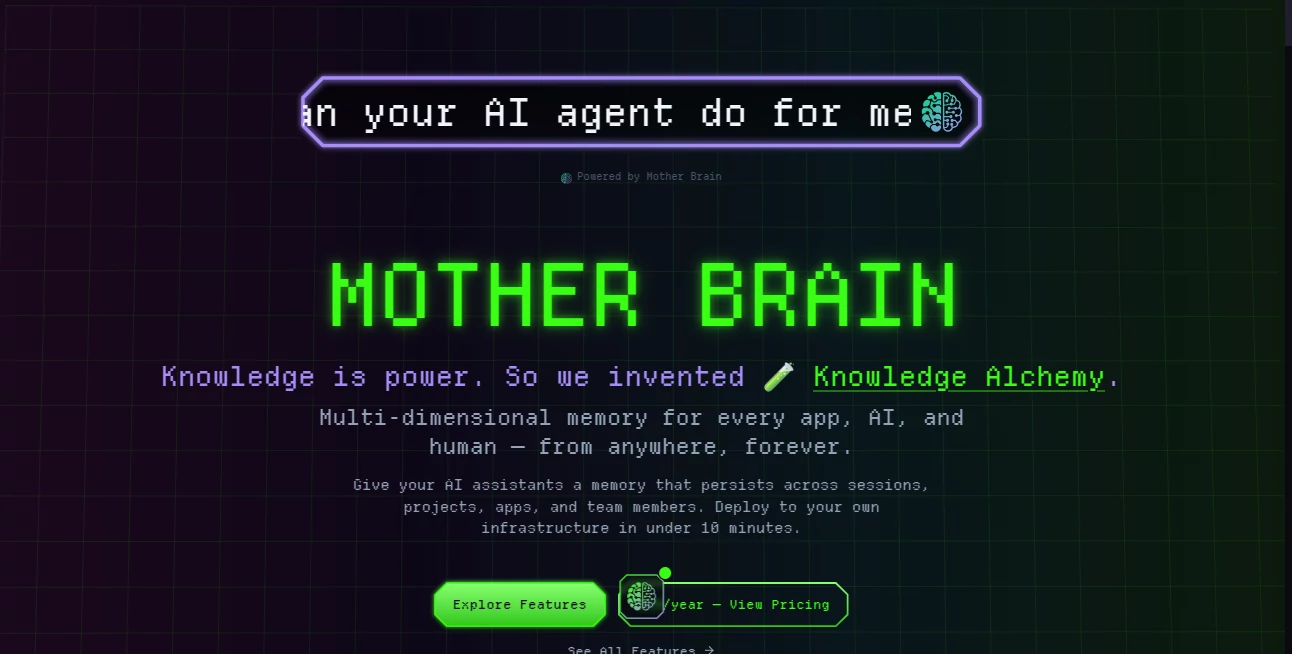
What is Mother Brain?
AI coding assistants are remarkably useful, but they often lose track of what happened yesterday. A developer may have already explained an architecture decision, solved a difficult bug, or discussed a project convention with an AI assistant, only to repeat the same context in the next session. Mother Brain takes a different approach by giving coding assistants persistent memory across sessions, projects, and team members.
Designed as a local-first memory layer for software development, the platform brings codebases, conversations, documentation, and project knowledge into a searchable environment. It is particularly interesting for developers who work on long-running projects where continuity matters as much as generating code.
Key Features
- Persistent AI memory: Keeps relevant knowledge available across different sessions, projects, and team members.
- Codebase indexing: Indexes project files so coding assistants can retrieve useful technical context when needed.
- Total Recall: Makes previous conversations searchable, helping developers recover earlier decisions, debugging discussions, and useful context.
- Semantic search: Uses VMVA semantic vector search to find information based on meaning rather than relying only on exact keywords.
- MCP compatibility: Connects with MCP-compatible tools and popular development environments including Zed, Cursor, and VS Code.
- Local-first architecture: Uses embedded PostgreSQL with pgvector, allowing the memory layer to operate locally rather than depending entirely on a remote cloud service.
- Team knowledge sharing: Project memory can be shared across engineering teams and AI agents.
- Access control: Role-based access controls help manage access for people, agents, and teams.
User Interface
The interface is built around the practical needs of developers rather than presenting memory as another complicated productivity dashboard. The setup focuses on connecting a codebase and development tools, then making stored knowledge accessible through the memory layer and MCP servers.
That approach makes sense for developers who would rather keep their existing workflow and add persistent context to it. Once project information and conversations have been indexed, searching for an old decision or piece of context becomes much more practical than manually digging through folders or chat histories.
Accuracy & Performance
The quality of a developer memory system depends heavily on how well it can retrieve relevant information. Semantic vector search is used to locate related code and knowledge even when the wording of a search does not exactly match the original material.
The platform is designed around persistent retrieval rather than simply storing large amounts of information. This is especially useful when a project contains years of discussions, changing architecture decisions, and a growing codebase. No independent benchmark was found on the product site, so performance should ultimately be judged against the size and complexity of an individual development workflow.
Capabilities
The platform goes beyond remembering individual conversations. It can serve as a shared knowledge layer for codebases, documentation, AI interactions, and other project information. Developers can use it to recover previous debugging context, recall architecture decisions, search technical discussions, and give AI agents a more consistent understanding of an ongoing project.
Its support for MCP-compatible tools also gives it a useful place in modern AI-assisted development workflows. Instead of replacing an editor or coding assistant, it adds a persistent memory layer that those tools can access.
Security & Privacy
Privacy is one of the more notable aspects of the approach. The platform is designed as a local-first solution and can operate with embedded PostgreSQL and pgvector, reducing the need to send project memory to a third-party cloud service.
This model can be particularly attractive for developers and engineering teams working with proprietary source code or internal technical knowledge. Role-based access controls also provide a way to separate access between humans, AI agents, and teams. Users should still review the current product documentation and their own deployment configuration before using it with sensitive material.
Use Cases
- Long-running software projects: Keep architectural decisions and technical context available between development sessions.
- AI-assisted coding: Give coding assistants access to previous project knowledge instead of starting every conversation from scratch.
- Debugging: Search previous conversations to recover how an earlier problem was investigated or resolved.
- Team development: Preserve useful engineering knowledge that would otherwise remain scattered across individual conversations.
- Project onboarding: Help developers understand existing decisions, documentation, and codebase context more quickly.
- AI agent workflows: Provide persistent project memory to compatible AI agents and development tools.
Pros and Cons
Pros
- Persistent memory across sessions and projects
- Local-first architecture
- Semantic search for code and project knowledge
- Searchable historical conversations
- Integration with MCP-compatible tools
- Support for popular development environments
- Useful for both individual developers and engineering teams
Cons
- The concept is primarily focused on software development rather than general-purpose personal memory.
- Setting up a complete project memory layer may require more technical involvement than a simple cloud AI application.
- Users looking for a conventional cloud-hosted collaboration platform may prefer a different approach.
- Independent performance benchmarks are limited, making hands-on testing important for larger codebases.
Pricing Plans
The published pricing information lists an annual license at $25 per year, including the available features, 12 months of updates, community support, and commercial use. A beta lifetime-access option has also been listed at $25 as a one-time purchase. Availability of purchasing options may change while the product is in beta, so developers should check the current offer before making a purchase.
How to Use It
- Download and install the application for your development environment.
- Connect the codebase or projects you want the memory layer to understand.
- Connect compatible development tools such as an MCP-supported editor or coding assistant.
- Allow the platform to index relevant project files and conversation history.
- Use semantic search and stored memory to retrieve previous decisions, code context, and technical discussions.
- Share appropriate project knowledge with teammates or AI agents when working collaboratively.
Comparison with Similar Tools
Traditional AI coding assistants generally excel at generating and explaining code within the current context, but their memory between separate sessions can be limited. General knowledge-management applications, meanwhile, are often designed around human notes and documents rather than the needs of a software repository.
This platform sits between those two approaches. Its focus is persistent engineering memory: codebase indexing, conversation recall, semantic retrieval, MCP connectivity, and team-oriented project knowledge. Developers who already rely heavily on AI coding assistants may therefore find the additional memory layer more useful than switching to another standalone note-taking system.
Conclusion
Persistent context is becoming an increasingly important part of AI-assisted software development. Remembering code, conversations, decisions, and project history can make an AI assistant considerably more useful when a project extends beyond a single coding session.
With local-first storage, semantic codebase search, conversation recall, MCP compatibility, and support for collaborative engineering workflows, this platform offers a focused solution to that problem. It is especially worth considering for developers who are tired of repeatedly explaining the same project to their AI tools and want their development environment to retain useful knowledge over time.
Frequently Asked Questions (FAQ)
What does this platform do?
It provides persistent AI memory for software development, allowing coding assistants to retain and retrieve information from codebases, conversations, documentation, and project history.
Can it remember previous AI conversations?
Yes. Its Total Recall functionality is designed to make previous conversations searchable so developers can recover earlier discussions and decisions.
Does it work with coding editors?
It supports MCP-compatible tools and has been designed to connect with development environments such as Zed, Cursor, and VS Code.
Does it require the cloud?
The platform follows a local-first approach and can use embedded PostgreSQL with pgvector, allowing the memory layer to operate locally rather than requiring all project data to be stored in a remote cloud service.
Is it useful for teams?
Yes. Shared project memory, role-based access controls, and collaboration capabilities make it suitable for engineering teams that want to preserve technical knowledge across people and AI agents.
How much does it cost?
The published pricing has included a $25 annual license and a $25 one-time beta lifetime-access offer. Pricing and purchase availability can change during the beta period.
Who is it best suited for?
It is best suited to developers, software teams, and organizations that use AI coding assistants and need persistent access to project context across multiple sessions and projects.
AI Team Collaboration , AI Knowledge Management , AI Knowledge Base , AI Developer Tools .
These classifications represent its core capabilities and areas of application. For related tools, explore the linked categories above.

Mother Brain Alternatives Product

freellm

KarmaGuy

Futurwise

Agent Grid

Sourcetable

Candidate Sc…

Firefox

Velokey

AllInOneTools
