

















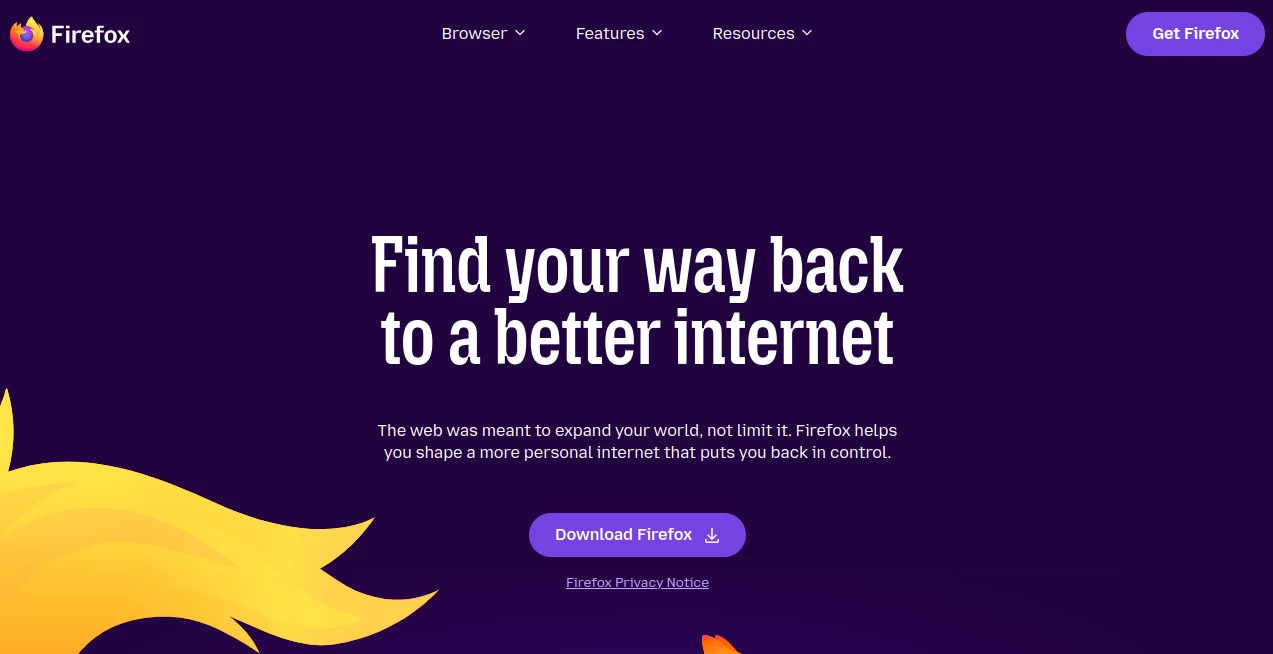
What is Firefox?
Modern web users expect more from a browser than simply loading pages. Speed, privacy, convenience, and customization have become essential parts of the browsing experience. This browser has built a strong reputation by focusing on those priorities while maintaining an open and user-focused approach.
Developed by Mozilla, it offers a refreshing alternative for people who value online privacy without sacrificing performance. From built-in tracking protection to seamless synchronization across devices, it combines everyday usability with powerful security features. Whether someone is browsing casually, managing work projects, researching online, or streaming media, it provides a smooth and reliable experience.
One of its most appealing qualities is the balance between simplicity and advanced functionality. New users can get started immediately, while power users have access to extensive customization options, extensions, and privacy controls.
Key Features
User Interface
The interface is clean, modern, and easy to navigate. Tabs are organized efficiently, menus are straightforward, and customization options allow users to personalize the browser according to their preferences. Themes, toolbar adjustments, and extension support make it suitable for both casual and advanced users.
Features such as pinned tabs, bookmark management, picture-in-picture mode, and built-in PDF editing contribute to a productive browsing environment without overwhelming the user.
Accuracy & Performance
Performance remains one of its strongest advantages. Pages load quickly, navigation feels responsive, and memory management has improved significantly over recent years. The browser is optimized to handle multiple tabs efficiently while maintaining stable performance.
Built-in translation tools, password management, and synchronized browsing across devices help users stay productive while reducing the need for third-party solutions.
Capabilities
The browser includes an impressive collection of built-in tools designed to enhance daily browsing.
- Advanced bookmark management
- Integrated PDF viewing and editing
- Cross-device synchronization
- Built-in translation functionality
- Picture-in-picture video support
- Extension and add-on ecosystem
- Password generation and storage
- Custom themes and personalization options
These capabilities make it suitable for professionals, students, content creators, researchers, and everyday internet users.
Security & Privacy
Privacy is one of the defining characteristics of this browser. Enhanced Tracking Protection automatically blocks many trackers that follow users across websites. Additional technologies such as cookie isolation, fingerprinting protection, HTTPS-only browsing options, and phishing detection create multiple layers of security.
Unlike many browsing platforms that rely heavily on collecting user information, its privacy-first philosophy focuses on giving users greater control over their data. Features are designed to protect personal information while maintaining a smooth browsing experience.
Use Cases
- Secure everyday web browsing
- Research and academic work
- Business and professional productivity
- Managing multiple online accounts
- Streaming videos while multitasking
- Privacy-conscious internet usage
- Web development and testing
- Cross-device browsing synchronization
Pros and Cons
Pros
- Strong privacy protections built into the browser
- Fast and responsive browsing experience
- Available on major desktop and mobile platforms
- Highly customizable interface
- Large collection of extensions and add-ons
- Integrated PDF editing and translation tools
- Open-source foundation promotes transparency
Cons
- Some websites are optimized primarily for Chromium-based browsers
- Certain advanced privacy settings may require user configuration
- A few browser extensions may have better support on competing platforms
Pricing Plans
The browser is completely free to download and use. Most core features, including synchronization, privacy protections, password management, and customization tools, are available without cost.
Additional privacy-related services offered by the broader ecosystem may include optional premium subscriptions, but the browser itself remains free for all users.
How to Use Firefox
Getting started is simple:
- Download and install the browser on your preferred device.
- Launch the application and configure basic settings.
- Import bookmarks, passwords, and browsing history if desired.
- Sign in to synchronize data across multiple devices.
- Customize the interface with themes and extensions.
- Adjust privacy settings according to your preferences.
- Start browsing with enhanced security and performance.
Comparison with Similar Tools
Compared with many mainstream browsers, this solution places a stronger emphasis on privacy and user control. While some competitors focus heavily on ecosystem integration or proprietary services, it prioritizes transparency and customization.
Its built-in tracking protection, extensive extension support, open-source development model, and independent browser engine provide advantages for users seeking a more privacy-focused browsing experience. The combination of performance and security makes it a compelling option for both casual and professional users.
Conclusion
For anyone looking for a reliable, fast, and privacy-conscious browser, this platform remains one of the most attractive choices available today. Its thoughtful balance of usability, security, performance, and customization creates an experience that appeals to a wide range of users.
Whether the goal is safer browsing, improved productivity, or greater control over personal data, it delivers a polished experience that continues to evolve with the needs of modern internet users.
Frequently Asked Questions (FAQ)
Is it free to use?
Yes, the browser can be downloaded and used completely free of charge.
Does it support extensions?
Yes, users can install a wide variety of extensions and add-ons to expand functionality.
Can browsing data be synchronized across devices?
Yes, bookmarks, passwords, tabs, and browsing history can be synchronized between supported devices.
Is it suitable for privacy-focused users?
Absolutely. Built-in tracking protection, cookie isolation, and advanced privacy controls make it one of the strongest options for privacy-conscious browsing.
Can it be customized?
Yes, users can personalize themes, toolbars, extensions, and numerous browser settings.