MusGen
What is MusGen?
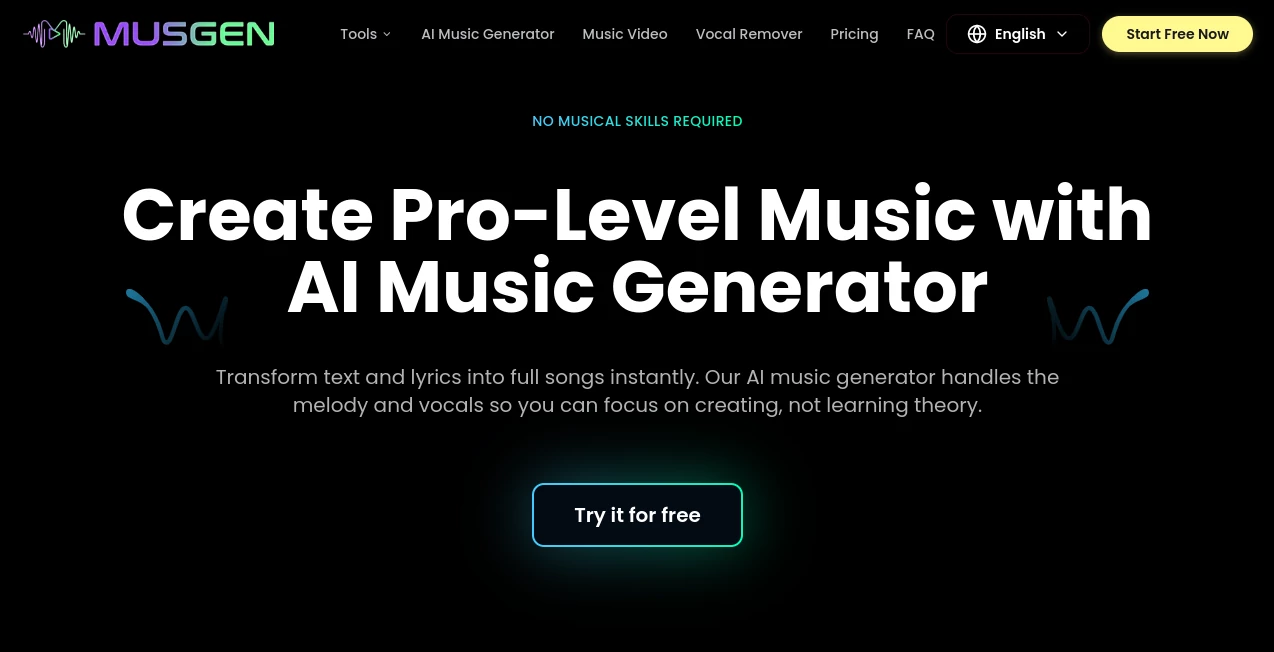
There’s a special kind of joy in hearing an idea in your head turn into actual music — chords swelling, melody flowing, drums kicking in just right. For most of us, turning that spark into something real used to mean years of practice or expensive studio time. This platform removes those barriers. You describe what you want in plain words, pick a style or mood, and it generates full tracks with vocals, instruments, and structure that actually feel complete. I’ve watched friends who “can’t play a note” create songs they’re genuinely proud of and share with others. It’s not just generating noise — it feels like collaborating with a talented, tireless musician who gets your vision.
Introduction
Making music should be about emotion and ideas, not technical hurdles. Musgen understands this and puts powerful AI music creation into the hands of anyone with a spark of inspiration. Whether you’re a complete beginner, a bedroom producer, a content creator needing background tracks, or a songwriter looking for quick demos, it delivers surprisingly high-quality results fast. The AI handles structure, instrumentation, and even convincing vocals, while still leaving room for you to guide the direction. It’s become a favorite for people who always wanted to make music but never had the time or gear to do it properly.
Key Features
User Interface
The interface is clean and welcoming. You type a description like “upbeat pop song about summer nights with female vocals” or upload a short audio reference, choose a genre or mood, and hit generate. The preview loads quickly so you can listen and decide whether to refine or download. No intimidating timelines or music theory required — just straightforward controls that let you focus on creativity instead of learning software.
Accuracy & Performance
The results often surprise people with how coherent and musical they sound. Melodies feel intentional, chord progressions make sense, and the vocals have natural emotion and timing. Generation is fast enough that you can create several variations in one session and pick the best one. It handles many genres well — from electronic and hip-hop to acoustic and cinematic — while keeping the output polished and ready to use.
Capabilities
You can generate full songs with lyrics and vocals, instrumental tracks, stems for further editing, and even extend or remix existing clips. It supports custom prompts, style references, and different vocal types. The output quality is high enough for social media content, demos, background music, or even releasing tracks. For creators who need music on demand, it’s an incredibly versatile companion.
Security & Privacy
Your prompts and generated tracks stay private unless you choose to share them. The platform focuses on delivering great music without unnecessary data collection or sharing your creations. This respectful approach gives creators peace of mind when experimenting with personal or commercial ideas.
Use Cases
A content creator needs royalty-free background music for a YouTube video and gets a perfect match in minutes. An aspiring songwriter generates melody ideas and vocal demos to develop into full songs. A small business wants custom hold music or ad jingles that match their brand. A gamer creates original soundtrack elements for their project. It fits anywhere someone needs original, high-quality music without the traditional barriers.
Pros and Cons
Pros:
- Turns simple text descriptions into surprisingly complete, musical tracks.
- Fast generation that keeps creative momentum going.
- Strong vocal quality and natural-sounding instrumentation.
- Great for both quick background music and more serious songwriting starts.
- Accessible for complete beginners while still useful for experienced creators.
Cons:
- Very specific or experimental styles may need several tries to get right.
- Longer or more complex arrangements sometimes work better in shorter segments.
Pricing Plans
It offers a generous free tier so you can test the quality and create several tracks without paying. Paid plans unlock higher usage, commercial rights, more generation minutes, and access to premium models. The pricing feels reasonable for the creative freedom it provides — many users say even the basic paid tier more than pays for itself in time saved and inspiration gained.
How to Use Musgen
Go to the generator, type a detailed description of the song you want (genre, mood, structure, vocal style), and optionally add a short audio reference. Choose any specific preferences like length or energy level, then hit generate. Listen to the result, regenerate with small tweaks if needed, and download when you’re happy. You can also generate instrumental versions or separate stems for further editing. The whole process is fast and addictive once you start experimenting.
Comparison with Similar Tools
While many AI music tools focus on short loops or simple melodies, this one stands out by creating more complete song structures with convincing vocals and coherent arrangement. It balances ease of use with musical quality better than most, making it especially strong for creators who want usable, full-sounding tracks rather than just raw ideas.
Conclusion
Music has always been one of the most magical forms of expression. This platform makes that magic accessible to far more people by removing the traditional technical and financial barriers. Whether you want to create something just for fun, enhance your content, or develop real songs, it gives you a powerful, fast, and enjoyable way to bring your ideas to life. In a world that moves quickly, having the ability to generate great-sounding music on demand feels like a genuine gift for creators everywhere.
Frequently Asked Questions (FAQ)
How long are the generated tracks?
Most songs are 2–4 minutes, with options to extend or generate specific sections.
Can I use the music commercially?
Yes — paid plans include full commercial rights for your generated tracks.
Do I need music experience to use it?
Not at all. Clear text prompts are enough to get great results.
How good are the vocals?
Surprisingly natural and expressive, with multiple voice options available.
Can I edit the generated songs?
Yes — many users export stems or continue refining in their favorite DAW.
AI Text to Music , AI Lyrics Generator , AI Music Generator , AI Voice & Audio Editing .
These classifications represent its core capabilities and areas of application. For related tools, explore the linked categories above.

MusGen Alternatives Product

PureMIDI

Goose Pod

SeedMusic 1.0

Song Lyrics …

Diss Track G…

ModelsLab

MP3toMIDI

AI Rap Gener…

Lyrics to So…