
Nano Banana Bingo
What is Nano Banana Bingo?
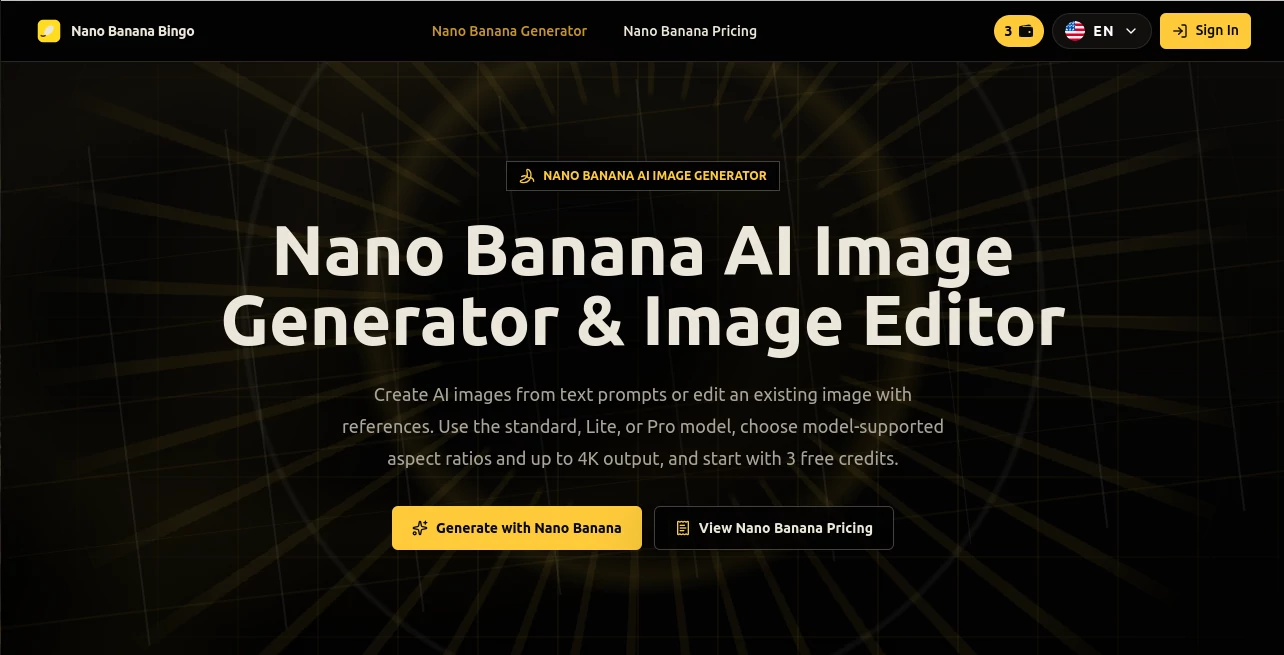
Nano Banana is a browser-based AI image generator and editor designed for people who want more control than a simple text-to-image prompt can provide. It supports both creating new visuals from written descriptions and editing existing images with reference files, making it useful for creators, marketers, designers, photographers, and businesses.
What makes the platform particularly interesting is the way it handles references. Instead of starting from a blank canvas every time, users can provide source images to guide subjects, products, compositions, or visual styles. This makes it easier to maintain a consistent look across a series of images. New accounts also receive 3 free credits, so users can test the workflow before committing to a paid plan.
Key Features
- Text-to-image generation from natural-language prompts
- AI image editing using reference images
- Support for multiple reference images in a single generation
- Character and subject consistency across different scenes
- Conversational image editing through follow-up instructions
- 1K, 2K, and 4K output options on supported models
- Multiple aspect ratios, including portrait, landscape, square, and wide formats
- Style references for controlling color, lighting, texture, and mood
- JPG and PNG output options, with WebP supported by the standard model
- Search grounding options on the standard model
- Private generation mode on paid plans
- Invisible provenance watermark and embedded content credentials
User Interface
The interface is refreshingly straightforward. Users can enter a prompt, upload reference images, select a model, choose an aspect ratio and resolution, and start generating without installing desktop software or configuring a local GPU.
The generator also makes the available controls visible according to the selected model. This is helpful because beginners do not have to understand every technical option before creating their first image. Someone working on a social post can simply choose a suitable frame, while a designer preparing a larger visual can move toward higher-resolution output.
Accuracy & Performance
Performance is one of the practical strengths of the service. The website states that most generations finish within a few seconds, while the different model tiers are designed around different balances of speed, cost, and image quality.
The standard model provides broad control over framing and resolution, while the Lite version is positioned for faster, lower-cost experimentation. The Pro option is aimed at more demanding final images, including 4K output. In everyday use, this model structure makes sense: quick drafts do not need the same resources as a client-ready campaign image.
Reference-based generation is another strong point. The platform can combine several images into a single composition, and the Pro model supports up to 14 reference images while maintaining consistency for up to five people in the same scene.
Capabilities
The range of creative work is broad. Users can generate portraits, product photography, advertising visuals, posters, illustrations, social media graphics, thumbnails, storyboards, infographics, and product visualization concepts.
Editing is equally useful. A user can upload an existing photograph and request changes such as replacing clothing, modifying a background, changing lighting, or introducing a new object while keeping other parts of the composition intact.
Another useful capability is style control. A separate reference image can guide the visual direction while another image establishes the subject. For example, a product photograph could provide the object while another image establishes the desired lighting and color mood.
The platform also emphasizes multilingual text rendering inside generated images, which can be especially valuable for posters, promotional graphics, packaging concepts, and other designs where readable text matters.
Security & Privacy
Privacy-related controls are available through the service, including private generation mode on paid plans. The platform also states that generated images contain an invisible provenance watermark and embedded content credentials. These markers are designed to identify AI-generated content without placing a visible watermark across the finished image.
Users working with personal photographs, customer assets, brand materials, or unpublished product concepts should still review the service's current privacy and terms documentation before uploading sensitive material. Commercial licensing also varies by plan, so businesses should check the applicable plan before using generated material for client work or advertising.
Use Cases
Marketing and advertising: Create campaign concepts, product hero images, promotional posters, and social media visuals without arranging a new photo shoot for every variation.
E-commerce: Turn product references into polished lifestyle scenes, packaging concepts, and presentation-ready promotional imagery.
Social media: Produce portraits, thumbnails, campaign graphics, and platform-specific visuals using the wide range of available aspect ratios.
Brand development: Use a logo or other brand reference as a visual anchor and carry the same identity across different objects and environments.
Creative experimentation: Try different outfits, locations, lighting conditions, compositions, and artistic directions without rebuilding an image from scratch.
Product visualization: Generate exploded-view concepts, technical presentation visuals, and polished product scenes for presentations or early marketing work.
Photography enhancement: Start with an existing photograph and make targeted changes while retaining important parts of the original composition.
Pros and Cons
Pros
- Easy browser-based workflow
- 3 free credits available for new accounts
- Strong reference-image workflow
- Multiple models for different creative needs
- Up to 4K output on supported models
- Wide selection of aspect ratios
- Useful conversational editing workflow
- Private generation mode on paid plans
- Commercial licensing available on selected paid plans
Cons
- Credit consumption increases with higher-resolution generation
- Commercial licensing is not included with the Starter plan
- Available controls differ between models
- Users producing large volumes of images may need a higher-priced plan
- Results can still depend heavily on the quality and specificity of the prompt
Pricing Plans
The service uses a credit-based pricing system. New accounts receive 3 free credits without requiring a card. A 1K text-only generation starts at 2 credits, while generations using reference images start at 3 credits, with higher resolutions requiring more credits.
Starter: $14.90 per month when billed monthly, or $9.90 per month on the annual billing option. It includes 800 credits per month, standard generation speed, private generation, and basic support. Commercial licensing is not included.
Pro: $39.90 per month when billed monthly, or $24.90 per month with annual billing. It provides 1,600 credits, priority generation, private generation, priority support, and commercial licensing.
Max: $99.90 per month when billed monthly, or $59.90 per month with annual billing. The plan includes 4,000 credits, faster generation, private generation, dedicated expert support, and commercial licensing.
Ultra: $299.90 per month when billed monthly, or $249.90 per month with annual billing. It includes 10,000 credits, the fastest generation tier, dedicated expert support, commercial licensing, and a usage multiplier that can expand the plan from 1x to 5x.
How to Use the Tool
1. Choose a model: Select the standard model for flexible everyday creation, the Lite option for faster drafts and experimentation, or Pro when image fidelity and higher resolution are more important.
2. Write your prompt: Describe the subject, composition, lighting, camera angle, atmosphere, and visual style. Specific prompts generally provide better direction.
3. Add references: Upload one or more JPG or PNG images when you need to preserve a person, product, composition, or visual style.
4. Set the output: Select an appropriate aspect ratio and, where supported, choose 1K, 2K, or 4K resolution. The standard model also offers search grounding options.
5. Generate and refine: Review the result and adjust the prompt if something needs changing. Follow-up instructions can be used to make targeted edits rather than starting over.
6. Download: Once the image matches your needs, download the finished result in the supported output format.
Comparison with Similar Tools
Compared with basic text-to-image generators, this platform places more emphasis on reference-driven workflows and controlled editing. That distinction matters when consistency is important. A creator producing ten images for the same campaign, for example, may benefit more from reusable visual references than from generating ten unrelated images from scratch.
It also offers a useful range of output controls. The combination of multiple aspect ratios, several resolution levels, reference fusion, style guidance, and different model tiers gives users more room to adapt the workflow to the project rather than forcing every task through the same generation mode.
For quick experimentation, the Lite model is a sensible starting point. For regular content production, the standard model provides a wider control set, while demanding commercial projects can move toward the Pro workflow and higher-resolution output.
Conclusion
This is a particularly appealing option for anyone who wants AI image generation to feel more like a practical creative workflow than a one-shot prompt box. The ability to combine reference images, preserve subjects, refine results conversationally, and switch between models gives creators considerably more control over the final image.
The free credits make it easy to test the experience, while the paid plans provide a clear path for people producing images regularly. Whether the goal is an e-commerce product scene, a social media campaign, a polished portrait, or an early product concept, the combination of generation and editing makes this a versatile addition to an AI creative toolkit.
Frequently Asked Questions (FAQ)
Is the tool free to use?
New accounts receive 3 free credits without requiring a credit card. Continued usage depends on the available credits and selected plan.
Can I edit an existing photo?
Yes. You can upload a source image and describe the changes you want, including background changes, clothing adjustments, lighting modifications, and other targeted edits.
Can I use multiple reference images?
Yes. Multiple reference images can be combined into one composition. The Pro model supports up to 14 reference images and can maintain consistency for up to five people in the same scene.
Does it support 4K images?
Yes. Supported models offer 1K, 2K, and 4K output. The exact resolution and framing controls depend on the model selected.
Can generated images be used commercially?
Commercial licensing is included with the Pro, Max, and Ultra plans, while the Starter plan does not include a commercial license. The free usage is intended for learning and non-commercial testing, so users should check the current plan terms before publishing work commercially.
Do I need to install software?
No. The service runs directly in a web browser, so users can generate and edit images from a laptop or phone without installing software or using a local GPU.
What types of images can I create?
You can create portraits, product images, advertising graphics, posters, social media visuals, thumbnails, illustrations, storyboards, infographics, and product visualization concepts, among many other styles.
AI Photo & Image Generator , AI Photography , AI Image to Image , AI Text to Image .
These classifications represent its core capabilities and areas of application. For related tools, explore the linked categories above.
Nano Banana Bingo details
Website unavailable — View Alternatives
Pricing
- Free
Apps
- Web App
Categories

Nano Banana Bingo Alternatives Product

Playyy AI

Qwen Image

Gemini AI vi…
onstyle

Pixora

Flux.2 AI

PropFade

Action Figur…

Quant AI