Neural4D
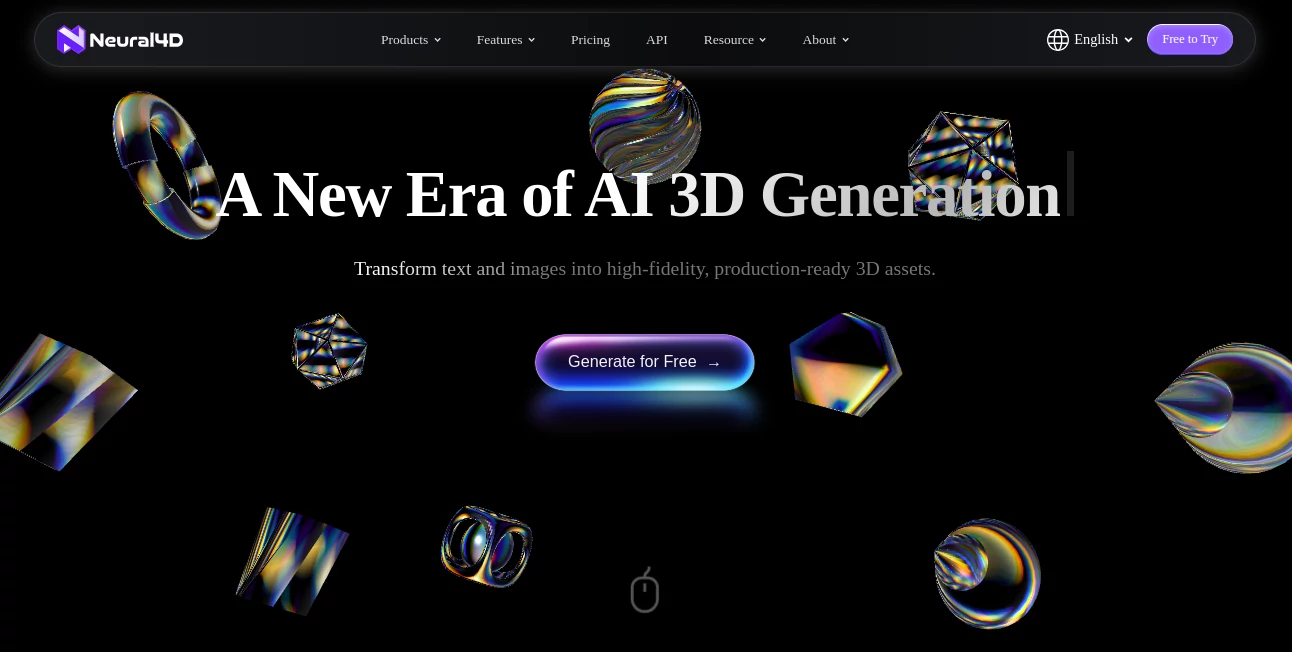
What is Neural4D?
Creating detailed 3D assets usually takes time, experience, and expensive software. This platform changes that by turning simple text prompts or images into production-ready 3D models within seconds. From game development to product design and 3D printing, it helps creators build high-quality assets without the traditional modeling workflow.
Key Features
User Interface
The interface is clean and beginner-friendly. Upload an image or type a prompt, choose the generation option, and receive a ready-to-edit 3D model in just a few clicks.
Accuracy & Performance
The platform produces detailed geometry with impressive speed. Built-in texture generation and export-ready models reduce manual work and help speed up creative projects.
Capabilities
- Generate 3D models from text prompts.
- Convert 2D images into detailed 3D assets.
- Create AI textures from prompts or reference images.
- Automatic rigging and animation support.
- Export to OBJ, FBX, GLB, USDZ, STL, and Blender formats.
Security & Privacy
User-generated assets are protected under modern privacy standards. According to the platform, uploaded content is not used for AI training without permission, and paid users receive commercial usage rights for generated models.
Use Cases
- Game asset creation.
- AR and VR development.
- Product prototyping.
- 3D printing projects.
- Animation and digital art.
Pros and Cons
- Pros: Fast generation, multiple AI workflows, high-quality exports, commercial licensing for paid plans, browser-based access.
- Cons: Advanced downloads require a paid subscription, and some upcoming features are still under development.
Pricing Plans
A free plan includes weekly generation credits for beginners. Paid subscriptions offer significantly higher limits, faster workflows, additional exports, commercial rights, and optional credit top-ups for larger projects.
How to Use Neural4D
Create an account, upload an image or enter a text prompt, generate the model, refine it with AI textures if needed, then download the asset in your preferred 3D format for use in design software or game engines.
Comparison with Similar Tools
Unlike many AI 3D generators that focus only on text or image conversion, this solution combines text-to-3D, image-to-3D, AI texturing, rigging, animation, and production-ready exports in a single workflow, making it suitable for both hobbyists and professional creators.
Conclusion
This platform offers an efficient way to transform ideas into professional 3D assets without the steep learning curve of traditional modeling software. Its combination of speed, quality, and practical export options makes it a valuable choice for creators looking to accelerate their workflow.
Frequently Asked Questions (FAQ)
Can beginners use this platform?
Yes. The interface is designed to make 3D creation accessible even without modeling experience.
Does it support commercial projects?
Yes. Paid plans include commercial usage rights for generated assets.
Which file formats are available?
Models can be exported in formats including OBJ, FBX, GLB, USDZ, STL, and Blender.
Is there a free plan?
Yes. A free plan is available with limited weekly generation credits.
Design & Art , AI 3D Model Generator , AI Text to 3D , AI Image to 3D Model .
These classifications represent its core capabilities and areas of application. For related tools, explore the linked categories above.

Neural4D Alternatives Product

ImageToSTL

3D AI Maker
imagetostl

Image to STL

FaceTo3D

Image to STL

Tripo 3D
Shapify AI

Pixal3D