Ollama
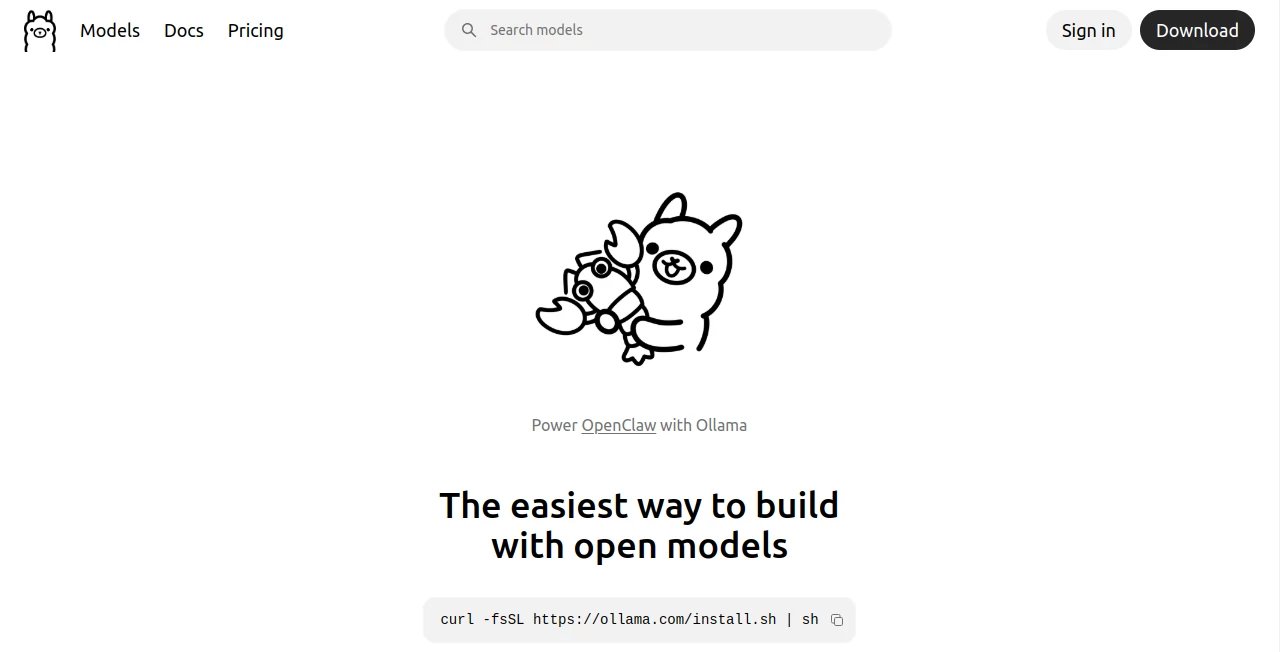
What is Ollama?
In a world where cloud-based AI tools dominate, there is something refreshing about having complete control over your own models and data. This platform brings that idea to life by allowing developers, researchers, and enthusiasts to run large language models directly on their own machines without relying on external APIs or constant internet connectivity.
It is designed for people who want speed, privacy, and flexibility all at once. Whether you are building AI-powered applications, testing models, or experimenting with prompts, this solution creates a smooth bridge between advanced AI capabilities and local computing power.
Key Features
User Interface
The experience is intentionally simple and developer-friendly. Instead of overwhelming dashboards, it focuses on clean command-based interactions and lightweight setup, making it easy to get started even for those who are not deeply experienced with infrastructure-heavy AI systems.
Accuracy & Performance
Performance depends on the local hardware, but optimization is clearly a priority. The system is designed to efficiently run modern language models while balancing memory usage and response speed. On capable machines, it delivers fast and reliable outputs without noticeable lag.
Capabilities
- Run multiple open-source language models locally
- Switch between models with simple commands
- Support for API-like integration into applications
- Offline AI processing without cloud dependency
- Flexible model management for developers
Security & Privacy
One of its strongest advantages is data privacy. Since everything runs locally, no prompts, outputs, or sensitive data need to be sent to external servers. This makes it especially appealing for businesses, researchers, and developers handling confidential information.
Use Cases
- Building AI-powered applications without cloud costs
- Testing and comparing different language models
- Creating offline AI assistants
- Experimenting with prompt engineering
- Running private AI workflows for sensitive projects
Pros and Cons
Pros
- Full data privacy with local execution
- No dependency on external APIs
- Fast response times on good hardware
- Flexible model switching
- Great for developers and researchers
Cons
- Performance depends heavily on hardware
- Not ideal for beginners without technical familiarity
- Requires manual setup and model management
Pricing Plans
The platform itself is free to use, which makes it highly attractive for developers and AI enthusiasts. However, the overall cost depends on the hardware you use to run models locally. High-performance GPUs or machines may be required for larger models.
How to Use the Tool
Getting started is straightforward for developers. After installation, users can pull models, run them locally, and interact through simple terminal commands or integrate them into applications using available interfaces. The workflow is designed to reduce friction between model selection and execution.
Comparison with Similar Tools
Compared to cloud-based AI platforms, this solution offers unmatched privacy and offline capability. While cloud tools may provide faster scalability and managed infrastructure, they often come with usage limits and subscription costs. In contrast, this approach gives full ownership and control, making it ideal for experimentation and private deployments.
Conclusion
This platform stands out as a powerful option for anyone who values control, privacy, and flexibility in AI development. It may not replace cloud AI services for every use case, but it fills an important gap for local-first AI computing. For developers who enjoy working close to the system level, it feels both practical and empowering.
Frequently Asked Questions (FAQ)
Is it suitable for beginners?
It is more tailored toward developers, but motivated beginners can still learn it with basic command-line knowledge.
Does it require internet access?
Once models are downloaded, it can run completely offline.
Can it be used in production applications?
Yes, many developers use it for prototyping and even production-level integrations depending on requirements.
What makes it different from cloud AI tools?
The main difference is local execution, which ensures privacy and removes dependency on external APIs.
Does it support multiple models?
Yes, users can switch between different open-source models depending on their needs.
AI Code Assistant , Large Language Models (LLMs) , AI Developer Tools , AI DevOps Assistant .
These classifications represent its core capabilities and areas of application. For related tools, explore the linked categories above.

Ollama Alternatives Product

Tate-A-Tate

Prava Ai

PZERO

NetlifyAPP

Mage

Website Audi…

GPTLocalhost

Vibe Code Pi…

Klyra AI