

















PDF Inspector
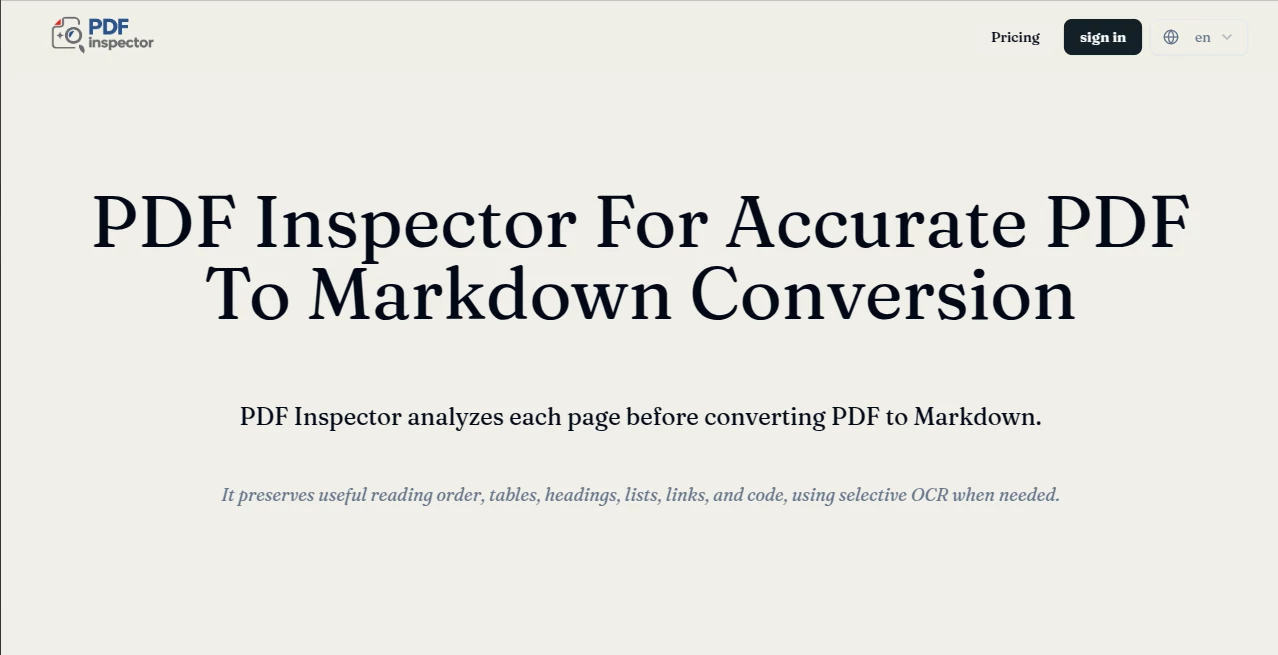
What is PDF Inspector?
Working with PDF documents can quickly become frustrating when formatting breaks, headings disappear, or tables become unreadable after extraction. This solution is built to eliminate those problems by analyzing document structure before producing clean, organized Markdown that is ready for editing, publishing, documentation, or AI workflows.
Instead of delivering plain text with broken layouts, it preserves the logical structure of documents, making exported content significantly easier to read and reuse. Whether the goal is preparing documentation, creating knowledge bases, building Retrieval-Augmented Generation (RAG) systems, or migrating content into Markdown editors, the conversion process focuses on maintaining hierarchy and readability rather than simply extracting text.
Developers, technical writers, researchers, and businesses can all benefit from reliable document parsing that reduces manual cleanup. Even lengthy technical manuals or reports become easier to process when headings, lists, paragraphs, and tables remain properly organized throughout the conversion.
Key Features
- Inspects the internal structure of PDF documents.
- Converts PDFs into clean, structured Markdown.
- Preserves document hierarchy and headings.
- Maintains tables and organized layouts whenever possible.
- Produces Markdown suitable for AI and LLM workflows.
- Reduces formatting errors during document extraction.
- Supports documentation and knowledge base creation.
- Improves readability compared to raw text extraction.
- Suitable for technical documents, reports, and manuals.
- Simplifies document migration into Markdown editors.
User Interface
The interface keeps the workflow straightforward. Users simply upload a PDF and receive structured output without navigating through unnecessary settings. This minimal approach makes the platform accessible for beginners while remaining efficient for professionals handling documents every day.
Accuracy & Performance
The conversion engine prioritizes document structure instead of extracting isolated text. Headings, paragraphs, and document flow are reconstructed into organized Markdown, reducing the amount of manual editing normally required after PDF conversion. This structure-aware approach provides cleaner results for documentation projects and AI applications that rely on high-quality input data.
Capabilities
Beyond simple text extraction, the platform helps transform PDFs into content that can be reused across many environments. Markdown output is ideal for documentation platforms, developer portals, note-taking applications, static websites, content management systems, and modern AI pipelines where structured text produces better downstream results. The platform is especially valuable for preparing documents for Retrieval-Augmented Generation (RAG) and large language model workflows. These capabilities align with the tool's focus on PDF inspection and structured Markdown conversion for AI-ready content.
Security & Privacy
Document privacy is an important consideration whenever sensitive files are processed. Users should always review the service's current privacy policy before uploading confidential material. For general business documents, manuals, educational resources, and public reports, the platform provides a practical way to transform PDFs into reusable structured content while supporting modern document-processing workflows.
Use Cases
- Preparing documents for AI assistants and LLMs.
- Building Retrieval-Augmented Generation (RAG) datasets.
- Creating searchable documentation.
- Migrating PDF content into Markdown-based websites.
- Importing documentation into knowledge management systems.
- Converting research papers into editable Markdown.
- Preparing technical manuals for developers.
- Archiving business documents in structured formats.
- Improving document accessibility for editors.
- Reducing manual formatting work.
Pros and Cons
Pros
- Produces organized Markdown instead of messy plain text.
- Maintains document hierarchy for better readability.
- Useful for developers, researchers, and technical writers.
- Supports modern AI documentation workflows.
- Saves significant editing time after conversion.
Cons
- Complex graphical layouts may still require manual review.
- Highly customized PDF designs can present formatting challenges.
- Some advanced document elements may need additional adjustments after export.
Pricing Plans
Pricing details may change over time. Users should visit the official website to view the latest plans, available features, usage limits, and licensing information before selecting a subscription. :contentReference[oaicite:0]{index=0}
How to Use PDF Inspector
- Open the official website.
- Upload the PDF document.
- Allow the document structure to be analyzed.
- Review the generated Markdown.
- Copy or download the structured output.
- Use the Markdown in documentation, AI projects, or publishing workflows.
Comparison with Similar Tools
Many PDF converters focus only on extracting raw text, often producing broken paragraphs and confusing formatting. This platform stands out by emphasizing document structure and Markdown quality, making the output immediately useful for developers, documentation teams, knowledge bases, and AI applications. Instead of requiring extensive cleanup, the exported content is designed to preserve organization, making it more suitable for professional publishing and machine-readable workflows. :contentReference[oaicite:1]{index=1}
Conclusion
For anyone who regularly works with PDF documents, structured extraction is far more valuable than plain text conversion. By combining PDF inspection with organized Markdown generation, this solution streamlines documentation workflows, improves AI-ready content preparation, and minimizes repetitive editing. Whether managing technical documentation, research papers, internal knowledge bases, or large collections of business documents, it provides a practical and efficient way to transform complex PDFs into clean, reusable content.
Frequently Asked Questions (FAQ)
Can it preserve document headings?
Yes. The conversion process is designed to retain the document hierarchy whenever possible.
Is the generated Markdown suitable for AI workflows?
Yes. Structured Markdown is well suited for knowledge bases, RAG systems, and large language model applications.
Who benefits most from this tool?
Developers, technical writers, researchers, educators, documentation teams, and businesses working with PDF content.
Can it help reduce manual editing?
Yes. By preserving document organization, significantly less cleanup is typically required after conversion.
What types of documents work well?
Reports, manuals, documentation, research papers, guides, and many other text-based PDF documents are good candidates for structured conversion.