

















SeamUI
What is SeamUI?
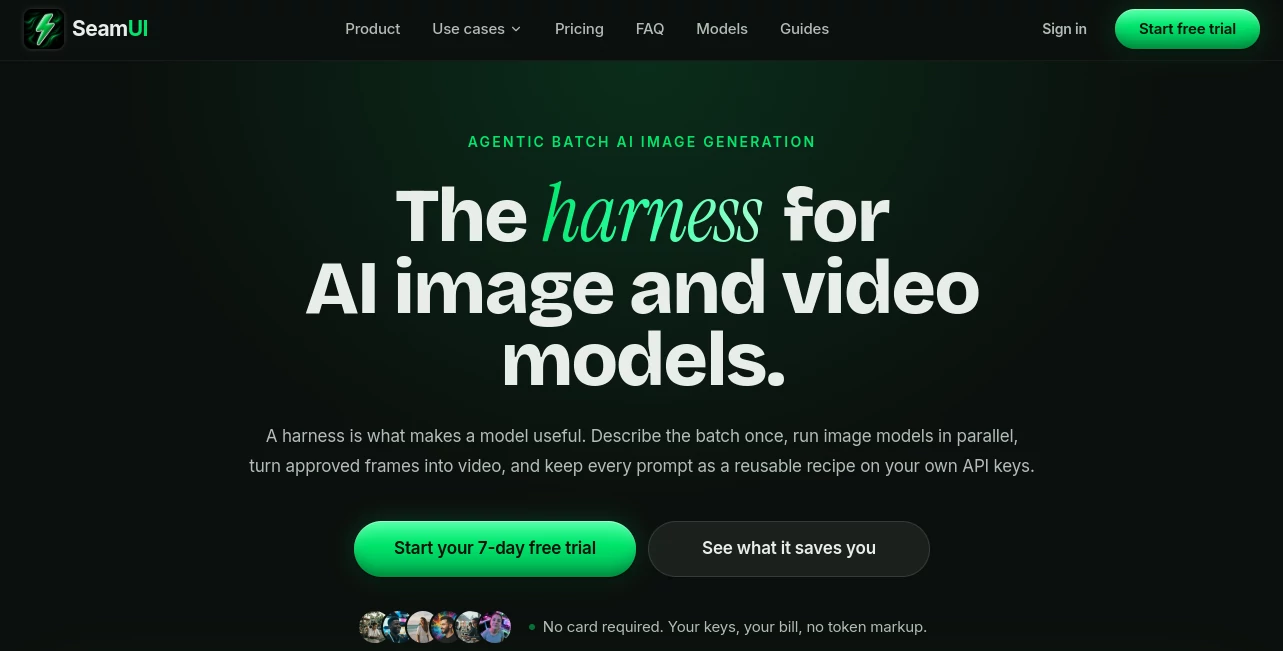
SeamUI is a professional workspace designed to make AI image and video production easier to organize, scale, and repeat. Instead of handling every generation inside a long chat conversation, creators can work with multiple image and video models from one place, keep generated assets inside projects, save prompts as reusable recipes, and run image generations in parallel.
The platform is built around a simple idea: the model is only one part of a creative workflow. When someone is producing product images, social media content, campaign visuals, course graphics, or short promotional videos, the ability to manage prompts, references, versions, and finished assets can be just as important as the generation itself.
Another notable aspect is the use of personal API keys. Model usage is charged by the selected provider rather than being resold through an additional generation markup. This makes the workspace particularly interesting for creators and teams who already use services from providers such as OpenAI, Google, xAI, or other supported model providers.
Key Features
User Interface
The interface is organized around projects, generations, prompts, and editing workflows rather than a traditional chat history. This structure makes it easier to return to an earlier visual, review different versions, and keep related campaign assets together.
For example, a creator working on a product launch can keep reference images, generated product shots, short video clips, and the prompts used to create them inside the same project. That is a more practical workflow than searching through old conversations whenever an earlier version is needed.
Accuracy & Performance
Generation quality depends primarily on the underlying image or video model, the selected settings, the reference material, and the prompt. The workspace does not attempt to replace those models; instead, it provides a structured environment for using them.
One of the strongest workflow features is parallel image generation. Up to ten image variants can be launched at the same time, allowing a creator to explore several directions without manually submitting each request one after another. Generated results can then be reviewed and retained with the recipe that produced them.
Capabilities
The platform supports a broad selection of image and video models. Available image models include options from OpenAI, Google, Black Forest Labs, and xAI, while video workflows include supported models such as Veo and Grok Imagine Video. A Kie.ai aggregation option is also available for users who prefer a single access layer for supported visual models.
Image workflows can use prompts, model parameters, and reference images. Video workflows support text-to-video and image-to-video creation, with additional tools for previewing, trimming, merging, and extracting frames. Saved prompts retain important generation details such as the prompt, model, parameters, and reference images.
Security & Privacy
Users can bring their own provider API keys, and the service states that provider keys are encrypted at rest and scoped to the workspace. Workspace roles can also be used when collaborating with clients or freelancers, allowing different levels of access.
Because model usage is connected to the user's own provider accounts, creators should still review the terms, privacy policies, and API practices of the individual model provider they choose. The platform's role is primarily to organize and operate the creative workflow around those services.
Use Cases
There are several practical scenarios where this type of workspace can save time. Marketing teams can create batches of campaign images and then turn approved frames into short promotional videos. E-commerce sellers can develop product visuals in multiple variations without repeatedly rebuilding the same setup.
Social media creators can prepare several visual concepts for different platforms, while course creators can produce thumbnails, presentation graphics, lesson introductions, and promotional clips from a centralized project.
It can also be useful for agencies and freelancers. A client project can contain the original references, generated alternatives, prompts, and revisions in one place. A client may be given viewer access while a freelancer receives editing permissions, keeping the production process more organized.
Pros and Cons
Pros:
- Supports multiple image and video model providers in one workspace.
- Allows up to ten image generations to run in parallel.
- Supports both text-to-video and image-to-video workflows.
- Prompts and generation settings can be saved as reusable recipes.
- Projects provide a dedicated place for generated assets and revisions.
- Users can bring their own API keys and pay providers directly for model usage.
- Includes video preview, trimming, merging, and frame extraction tools.
- Lifetime plans do not require recurring workspace subscription payments.
Cons:
- Users need their own supported provider API keys for model generation.
- Actual generation costs depend on the external model provider and usage.
- The large selection of models may require some experimentation to determine which model fits a particular workflow.
- The service is focused primarily on organized image and video production rather than being a general-purpose AI chat assistant.
Pricing Plans
The pricing structure uses a one-time payment for the workspace rather than a recurring monthly workspace fee. Model generation is handled through the user's own API keys and is billed by the relevant provider.
The Indie plan costs $99 as a one-time payment and includes 500GB of storage, one seat, project folders, supported image and video models, lifetime access and updates, and six months of prompt history.
The Business plan costs $199 once and provides 1TB of storage, five seats, project folders, CSV image batch generation, and twelve months of prompt history.
The Scale plan costs $249 once and includes 2TB of storage, twenty seats, CSV image batch generation, and twenty-four months of prompt history.
All listed plans include unlimited projects, image batches of up to ten parallel generations, text-to-video and image-to-video workflows, saved image and video prompts, video editing utilities, lifetime access, and encrypted storage of provider API keys.
How to Use the Platform
Start by creating a workspace and connecting a supported provider using your own API key. After selecting an image or video model, enter a prompt and provide any references or model-specific settings required for the project.
For image production, several variants can be generated in parallel. Once a useful result is found, save it together with its prompt and settings so the same creative recipe can be reused later.
For video production, an approved image can become the starting point for an image-to-video workflow, or a video can be created directly from text where supported. Finished clips can then be previewed, trimmed, merged, or used to extract individual frames.
Comparison with Similar Tools
Traditional AI chat interfaces are often convenient for creating a single image or clip, but they can become harder to manage when a project requires dozens or hundreds of assets. Previous prompts may be buried in conversations, and repeated generations can require entering similar instructions again.
A dedicated creative workspace takes a different approach. Instead of treating each generation as an isolated conversation, it treats prompts, references, outputs, and revisions as parts of an ongoing production project. This distinction becomes especially useful when several people need to work with the same assets or when a campaign requires many variations.
The use of personal provider keys also creates a different cost structure from many all-in-one generation subscriptions. The workspace itself is purchased once, while model usage remains connected to the selected provider and its pricing.
Conclusion
For creators who use several AI image and video models, the main value here is workflow organization. Batch generation, reusable prompt recipes, project-based asset management, revisions, and video utilities bring the individual pieces of AI production into one environment.
The approach is particularly well suited to people producing visual content repeatedly rather than generating an occasional image. Marketing teams, agencies, e-commerce sellers, social media creators, course creators, and freelancers can all benefit from having their creative assets and generation settings organized around projects instead of scattered across separate chat histories.
The combination of lifetime workspace access and personal provider keys also gives the product a distinct pricing model. Users pay for the workspace once while continuing to control their own model accounts and generation usage.
Frequently Asked Questions (FAQ)
Is the workspace subscription monthly?
No. The listed Indie, Business, and Scale plans use one-time payments and are presented as lifetime plans without recurring workspace renewals.
Do I need my own API keys?
Yes. The platform is designed around bringing your own provider API keys. Supported providers can then be selected for image and video generation.
Can I generate multiple images at once?
Yes. Image batches can run with up to ten generations in parallel, which is useful when exploring multiple creative variations.
Can I create videos from images?
Yes. Image-to-video workflows are supported alongside text-to-video generation for compatible models.
Can prompts be saved?
Yes. Generation recipes can retain the prompt, selected model, parameters, and reference images, making successful setups easier to reproduce.
Does the platform add a markup to model usage?
The service states that users pay their selected model provider directly at the provider's rate, rather than paying an additional generation markup to the workspace.
Is it suitable for teams?
Yes. The Business and Scale plans provide multiple seats, while workspace roles can be used to give collaborators different levels of access.