
Shotra
What is Shotra?
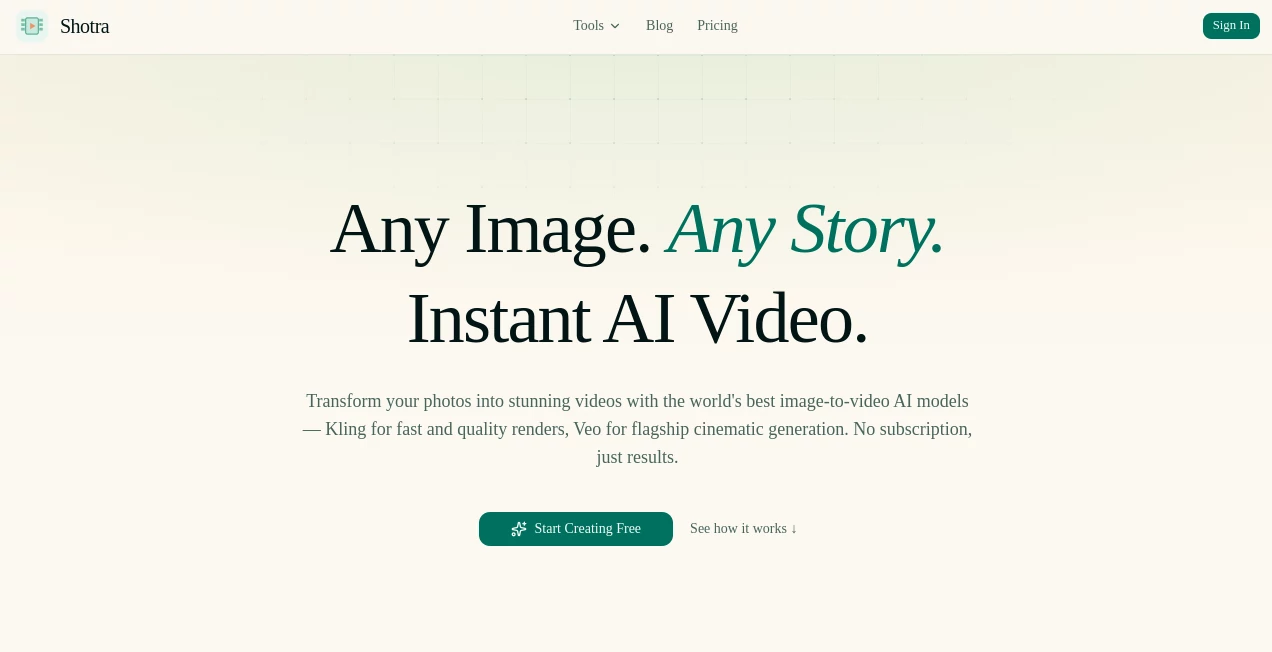
Creating engaging videos from static images has traditionally required editing skills, complex software, and hours of manual work. This AI-powered video creation platform changes that experience by allowing creators to transform images and text prompts into dynamic videos using advanced generative video models.
Designed for marketers, content creators, businesses, and creative professionals, the platform brings multiple leading video generation technologies into one simple workspace. Users can upload an image, choose a generation style, adjust settings, and create professional-looking videos without dealing with complicated production workflows.
The service focuses on making high-quality AI video creation accessible. Whether the goal is turning a product photo into an advertisement, animating a personal image, or creating cinematic visuals from an idea, it provides a streamlined approach for modern content production.
Key Features
User Interface
The interface is designed around simplicity. Users can start creating by uploading an image or entering a text idea, selecting their preferred generation option, and producing a video with only a few steps.
The clean workflow removes unnecessary technical settings while still offering useful controls such as video duration, aspect ratio, resolution, and generation quality. This makes it suitable for beginners while providing flexibility for experienced creators.
Accuracy & Performance
The platform uses advanced AI video models to generate realistic motion, smooth transitions, and visually appealing results. By combining different models, users can select options based on speed, quality, or cinematic output requirements.
Most generations are completed quickly, allowing creators to experiment with multiple concepts without long waiting times. The ability to compare different generation approaches helps users find the best result for each project.
Capabilities
The tool offers a wide range of creative possibilities for image-to-video and text-to-video generation. It can help transform simple visuals into engaging content suitable for social media, advertising campaigns, presentations, and personal projects.
- Convert static images into animated videos
- Create videos from text descriptions
- Generate product showcase videos for e-commerce
- Animate portraits and personal images
- Create cinematic visual concepts
- Support multiple AI video generation models
- Generate content for different aspect ratios and platforms
Security & Privacy
User-created content is handled through a modern cloud-based workflow designed to provide a smooth and reliable creation experience. Generated videos remain available through the user's account dashboard, making it easy to access previous projects.
The platform also focuses on transparent generation costs, showing credit usage before creation so users can better manage their projects and avoid unexpected charges.
Use Cases
This AI video solution can support many creative and professional scenarios. Businesses can create promotional videos from product images, while social media managers can quickly produce engaging visual content for different platforms.
- E-commerce: Turn product photos into attractive marketing videos.
- Social Media: Create short-form videos for posts, reels, and campaigns.
- Marketing: Produce creative advertisements without a full production team.
- Personal Content: Bring personal photos and memories to life.
- Creators: Experiment with cinematic ideas and visual storytelling.
- Professional Profiles: Create animated introduction videos and personal branding content.
Pros and Cons
Pros
- Easy image-to-video creation workflow
- Supports powerful AI video generation models
- No complicated editing skills required
- Useful for both personal and commercial projects
- Flexible generation settings
- Transparent credit-based pricing approach
- Fast video creation process
Cons
- Advanced video generations may require more credits
- Results can vary depending on image quality and prompts
- Professional editors may need additional editing software for complex productions
Pricing Plans
The platform uses a credit-based pricing system instead of requiring a traditional subscription. Users pay according to the amount of content they generate, making it suitable for people who create videos occasionally as well as frequent creators.
New users can start experimenting with the service and purchase additional credits when they need more generations. The pricing structure allows creators to control their spending while accessing advanced AI video capabilities.
How to Use Shotra
Getting started is straightforward:
- Upload an image or enter a text prompt describing the desired video.
- Select a preferred AI generation model and quality level.
- Adjust settings such as duration, resolution, and aspect ratio.
- Generate the video and review the result.
- Download or use the final video for your project.
The simple workflow allows users to move from an initial idea to a finished AI-generated video within minutes.
Comparison with Similar Tools
Many AI video platforms focus on a single generation model or a specific type of content creation. This platform stands out by bringing multiple AI video technologies together in one place, giving users more flexibility when choosing between speed, quality, and creative style.
Compared with traditional video editing software, it removes much of the manual work involved in animation and production. Compared with single-purpose AI generators, it provides a broader creative environment for different types of video projects.
Conclusion
AI-generated video creation is becoming an essential tool for modern creators, and this platform makes the process faster and more approachable. By combining powerful video models with an easy workflow, it helps users transform simple ideas and images into engaging visual experiences.
Whether you are building marketing content, creating social media videos, or exploring new storytelling formats, this solution provides a practical way to produce impressive videos without needing advanced technical skills.
Frequently Asked Questions (FAQ)
What can this AI video generator create?
It can create videos from images and text prompts, including product videos, creative animations, cinematic scenes, and social media content.
Do I need video editing experience?
No. The platform is designed for beginners and allows users to create videos through a simple upload and generation process.
Which types of images work best?
High-quality images with clear subjects usually produce better results. Product photos, portraits, and visually detailed images are especially suitable.
Can generated videos be used commercially?
The generated content can be used for different creative and business purposes depending on the selected plan and applicable usage terms.
How long does video generation take?
Generation time depends on the selected model, quality level, and project settings, but many videos can be created within a short period.
AI Image to Video , AI Video Generator , Video , AI Text to Video .
These classifications represent its core capabilities and areas of application. For related tools, explore the linked categories above.

Shotra Alternatives Product

Kling 3 AI

kling 5.0

RunwayAI

Veo 4

LTX-3 AI

Framepack AI

GenVideo AI

Faceless Ree…

brainrotkit