

















SkipBait
What is SkipBait?
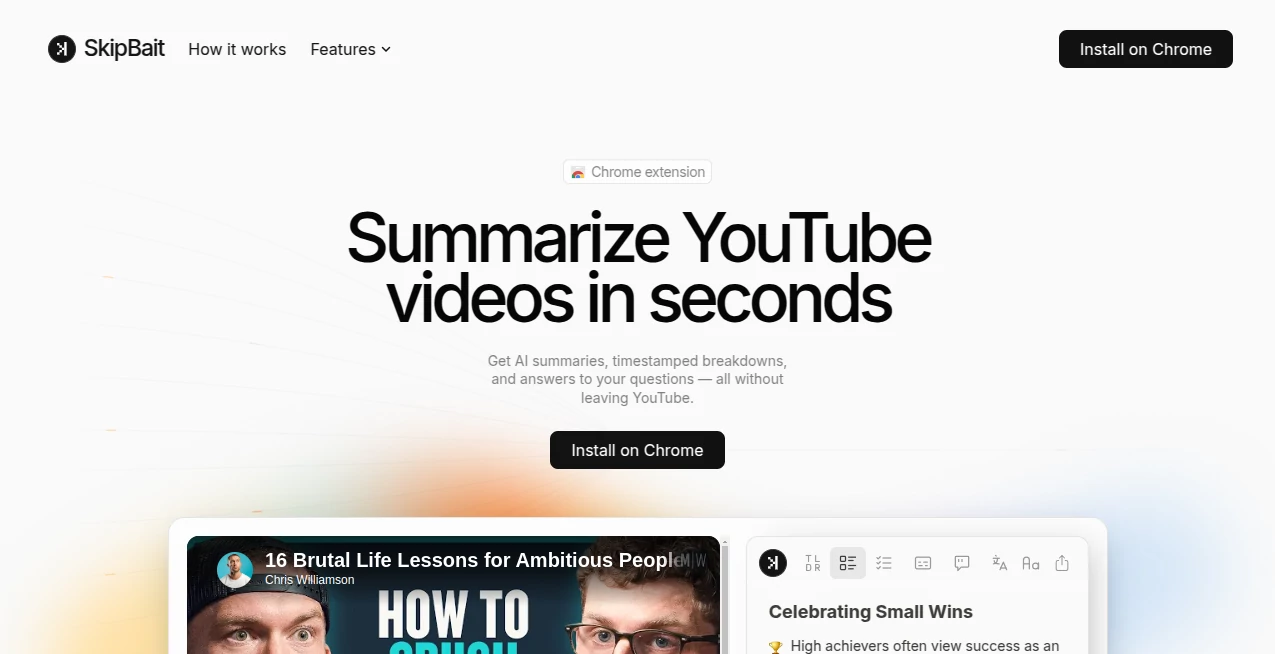
Watching long videos isn't always practical. This smart Chrome extension helps users understand YouTube content faster by creating concise summaries, timestamped highlights, transcripts, and interactive AI-powered conversations directly on the video page. It is an excellent choice for students, researchers, professionals, and anyone who wants to learn more in less time.
Key Features
User Interface
The extension blends naturally into YouTube, making summaries, transcripts, and chat available without opening extra tabs or copying links.
Accuracy & Performance
Summaries are generated within seconds using available video transcripts, while AI chat delivers answers grounded in both the video and relevant web sources for greater reliability.
Capabilities
- Instant AI summaries
- Timestamped video breakdowns
- Interactive AI chat
- Transcript extraction and download
- Actionable key takeaways
- Support for more than 50 languages
Security & Privacy
The extension works directly within supported Chromium-based browsers and primarily processes publicly available video transcript data, allowing users to access information without unnecessary complexity.
Use Cases
- Review long educational videos quickly.
- Extract important points from podcasts.
- Create study notes from lectures.
- Find answers inside lengthy tutorials.
- Save time before deciding to watch a full video.
Pros and Cons
- Pros: Fast summaries, AI chat, transcript downloads, multilingual support, easy Chrome integration.
- Cons: Requires a Chromium-based browser and works best with videos that include transcripts.
Pricing Plans
A free plan includes daily AI summary bundles, unlimited transcript retrieval, and limited AI chat. Additional premium options are available for users who need higher usage limits.
How to Use SkipBait
Install the Chrome extension, open any supported YouTube video, and generate a summary with one click. You can then explore timestamps, download transcripts, or ask follow-up questions through the built-in AI chat.
Comparison with Similar Tools
Unlike many summarization tools that require copying transcripts into another application, this solution works directly inside YouTube. The combination of AI chat, timestamped summaries, actionable insights, and transcript tools creates a smoother experience for everyday learning.
Conclusion
This extension transforms lengthy YouTube videos into clear, organized insights within seconds. Whether you're studying, researching, or simply trying to save time, it offers an efficient way to consume video content without missing the information that matters most.
Frequently Asked Questions (FAQ)
Is it free?
Yes. A free plan is available with daily summaries and transcript access.
Can it summarize any YouTube video?
It supports most videos that provide usable transcript data.
Does it support different languages?
Yes. AI chat supports more than 50 languages, and summaries can be translated into multiple languages.
Which browsers are supported?
It works with Chrome and other Chromium-based browsers such as Edge, Brave, Opera, Arc, and Vivaldi.