SVG Converter
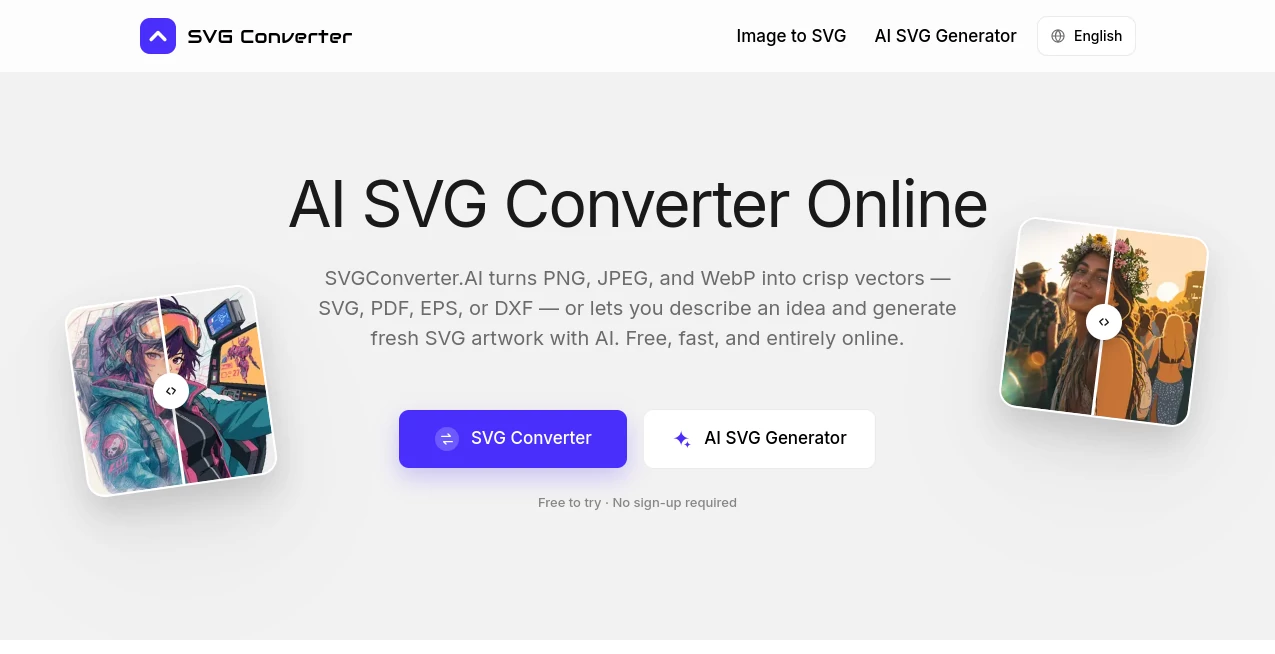
What is SVG Converter?
Turning a small raster image into a clean, scalable graphic can be surprisingly time-consuming, especially when the original file is a PNG, JPG, or WebP. SVG Converter offers a straightforward online solution for designers, developers, marketers, print professionals, and anyone who needs to move between raster and vector formats without installing desktop software.
The platform can convert common raster images into SVG, PDF, EPS, or DXF files, while also supporting the reverse process by converting vector-oriented files into formats such as PNG, JPG, WebP, AVIF, and GIF. There is also an AI-powered generation feature for creating editable SVG artwork from a simple text description.
For everyday work, the biggest advantage is convenience. There is no account to create, no software to install, and no watermark added to the output. A file can be uploaded, processed, and downloaded directly from a browser within a short amount of time.
Key Features
- Convert PNG, JPG, and WebP images into SVG, PDF, EPS, or DXF.
- Convert SVG, PDF, EPS, and DXF files into PNG, JPG, WebP, AVIF, or GIF.
- Generate new SVG artwork from natural-language text prompts.
- Create layered vector artwork with editable paths.
- Preserve colors, proportions, curves, and important visual details during vectorization.
- Reduce the impact of scanner noise and compression artifacts when tracing raster artwork.
- Use the service without creating an account.
- No watermark is added to generated or converted files.
- Works directly in a modern web browser without additional software.
- Supports common desktop and mobile operating systems.
User Interface
The interface is designed around a simple upload-and-convert workflow. Instead of navigating through a complicated collection of settings, users can choose the direction they need, upload their file, select an output format, and download the result.
The AI generation workflow is similarly approachable. Users can describe the artwork they have in mind, such as a minimal mountain badge, a collection of icons, or a simple line-art illustration, and receive vector artwork that can be refined through additional instructions.
This simplicity is particularly useful when a designer needs to convert a single file quickly rather than open a full design application for a task that takes only a few seconds.
Accuracy & Performance
Vectorization quality matters because simply tracing every pixel can produce an unnecessarily complicated file. The platform analyzes artwork before creating vector paths, with attention to edges, colors, stacking order, and node complexity.
The result is intended to remain clean when enlarged, making it suitable for applications where sharp edges and smooth curves matter. Logos, icons, simple illustrations, and other graphic elements can benefit especially well from this approach.
Most conversions are designed to finish within seconds, although processing time naturally depends on the file and the conversion being performed. The ability to work directly in a browser also removes the setup time associated with traditional desktop conversion software.
Capabilities
The range of supported formats makes the platform useful beyond basic SVG conversion. A designer working on a website may need SVG for scalable graphics, while a print workflow may call for PDF or EPS. Someone working with a laser cutter, plotter, or CAD workflow may instead need DXF.
The reverse conversion options are equally practical. Vector files can be exported as PNG or JPG for general use, while WebP and AVIF can be useful for web-focused image delivery. GIF is also available when a simple animated-image format is required.
The AI generation feature adds another useful layer. Rather than starting with an existing image, users can describe an idea and receive vector artwork containing editable paths. This can be helpful for icons, badges, decorative graphics, illustrations, and quick visual concepts.
Security & Privacy
Privacy is an important consideration when uploading client designs, logos, or unpublished artwork. Files are transferred through an encrypted connection and are processed to create the requested download.
According to the service, uploaded files are automatically deleted afterward and are not sold, published, or used for model training. The no-sign-up workflow also means users do not need to create an account simply to perform a conversion.
Use Cases
- Logo vectorization: Convert a raster logo into a scalable vector file for branding and print production.
- Print preparation: Export artwork to PDF or EPS when preparing files for commercial printing.
- Laser cutting and CAD: Convert suitable raster artwork into DXF for compatible cutting, plotting, and CAD workflows.
- Website graphics: Turn raster images into SVG files that can scale cleanly across different screen sizes.
- Icon creation: Generate simple vector icons from written descriptions and refine the concept as needed.
- Marketing materials: Prepare logos, illustrations, and promotional graphics in formats required by different platforms.
- Product listings: Create web-friendly PNG, JPG, WebP, or AVIF versions from vector artwork.
- Design handoffs: Provide editable vector files that can be opened and adjusted in applications such as Illustrator, Affinity Designer, Figma, or Inkscape.
Pros and Cons
Pros:
- Free to use without an account.
- No watermark on the output.
- Supports both raster-to-vector and vector-to-raster workflows.
- Offers several useful professional formats, including EPS, PDF, and DXF.
- Includes AI-generated SVG artwork from text prompts.
- Works directly in a browser.
- Vector results remain editable.
- Useful on desktop and mobile devices.
Cons:
- Extremely detailed photographs may require additional manual cleanup after vectorization.
- Final results can vary depending on the complexity and quality of the source image.
- Professional users working on highly specialized artwork may still prefer dedicated vector-editing software for final adjustments.
Pricing Plans
The service is free to use. There is no account requirement, subscription, trial period, or watermark on converted and generated files. The website states that the available conversion tools can be used for both personal and commercial projects without placing the core functionality behind a paid plan.
For someone who only occasionally needs to vectorize a logo, convert a design for print, export an SVG for a website, or create a quick piece of vector artwork, this free approach can be particularly appealing.
How to Use It
- Open the online converter in a web browser.
- Choose whether you want to convert an existing image or generate SVG artwork with AI.
- For conversion, upload a supported PNG, JPG, WebP, SVG, PDF, EPS, or DXF file.
- Select the output format that matches your intended use.
- Start the conversion and wait for the file to be processed.
- Download the resulting file and open it in your preferred design or editing application if further adjustments are required.
- For AI generation, describe the desired vector artwork in plain language and refine the result with additional instructions when necessary.
Comparison with Similar Tools
Many online image converters focus on a single direction, such as turning JPG files into SVG or exporting SVG files as PNG. This platform takes a broader approach by combining both directions in one place and adding professional formats such as EPS, PDF, and DXF.
Another distinction is the inclusion of AI-generated vector artwork. A traditional converter needs an existing image, while the AI workflow can start with an idea written as a sentence. That makes it useful not only for file conversion but also for creating simple vector assets when there is no suitable source image available.
For users who already work extensively in Illustrator, Affinity Designer, Inkscape, or similar applications, a browser-based converter is unlikely to replace the complete editing environment. Its strength is different: quick conversion, format flexibility, and fast access when installing or opening a full design application would be unnecessary.
Conclusion
For anyone who regularly moves between raster and vector graphics, this online toolkit offers a practical way to simplify an otherwise repetitive part of the design process. The combination of image vectorization, reverse conversion, professional export formats, and AI-generated SVG artwork gives it more range than a basic format converter.
The no-sign-up approach is another strong point. A designer can arrive with a file, perform the required conversion, and leave without managing another account or installing another application. The editable vector output also makes it useful as part of a larger professional workflow rather than simply as a one-time image converter.
Whether the goal is preparing a logo for print, producing an SVG for a website, creating a DXF for a compatible machine, or generating a fresh vector illustration from an idea, the platform provides a convenient starting point with very little friction.
Frequently Asked Questions (FAQ)
Is the service free to use?
Yes. The available tools are free to use, and users do not need to create an account or purchase a subscription to perform conversions.
Which image formats can be converted into vector files?
PNG, JPG, and WebP images can be converted into SVG, PDF, EPS, or DXF files.
Can vector files be converted back into regular images?
Yes. SVG, PDF, EPS, and DXF files can be converted into raster formats including PNG, JPG, WebP, AVIF, and GIF.
Can I create an SVG without uploading an image?
Yes. The AI generation feature allows users to describe an artwork idea using a text prompt and generate vector artwork with editable paths.
Can the generated SVG be edited afterward?
Yes. The vector output can be opened in compatible applications such as Adobe Illustrator, Affinity Designer, Figma, Inkscape, and suitable CAD software for further editing.
Are uploaded files kept permanently?
The service states that uploaded files are transferred through an encrypted connection, processed to create the requested output, and automatically deleted afterward. It also states that uploaded files are not sold, published, or used for model training.
AI Illustration Generator , Image , AI Design Generator , AI Image to Image .
These classifications represent its core capabilities and areas of application. For related tools, explore the linked categories above.

SVG Converter Alternatives Product

Curved Text …

String Art G…

Beardless Fi…
RoomMaxxing
img2img.net

Nano Banana 2

Logo Teddy

Fig0

FitHairAI