


















AI timeline maker
What is AI timeline maker?
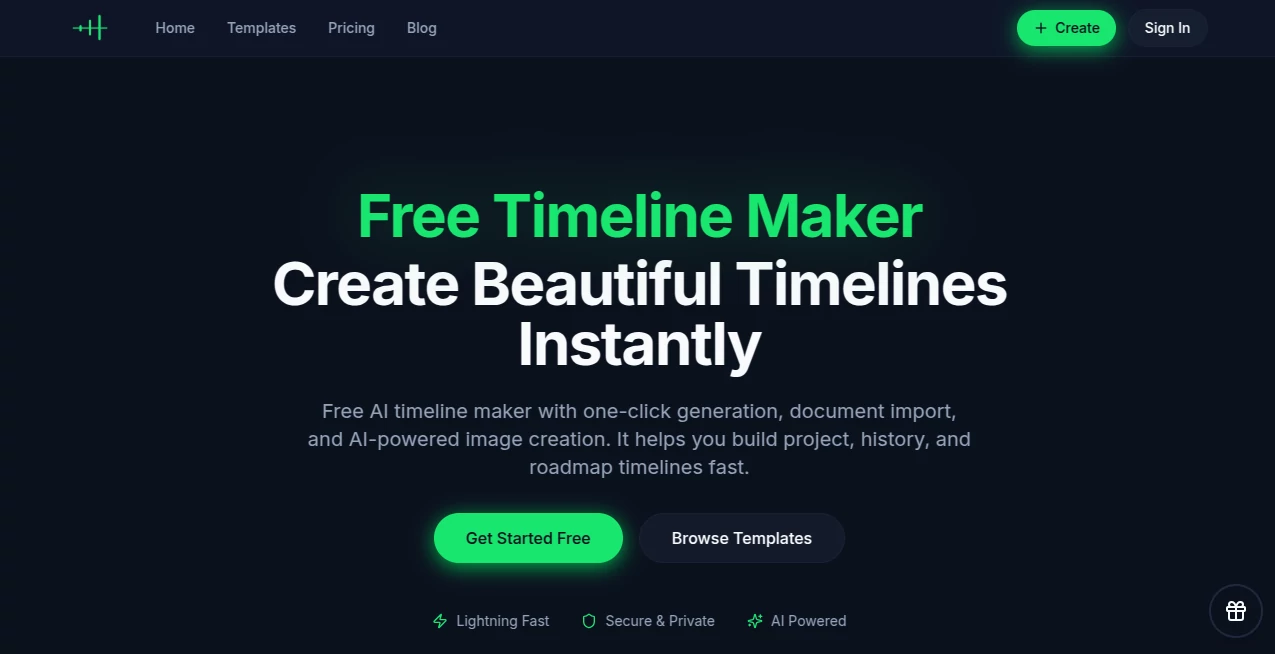
Some stories are too important to leave buried in bullet points or scattered across notes. Whether it’s a company’s journey, a research project, a personal life story, or a product roadmap, seeing events unfold visually changes everything. This tool makes that possible in minutes instead of hours. You can type a rough outline, paste meeting notes, or upload a document, and the AI pulls out the key moments and arranges them into a clean, professional timeline. I’ve watched teams go from confusing spreadsheets to clear visual stories that actually get understood. It feels less like software and more like a thoughtful collaborator who knows exactly how to make your story flow.
Introduction
Most of us have tried building timelines the old way—fighting with PowerPoint templates or endless manual adjustments. This platform changes the game by combining smart AI with an editor designed specifically for timelines. It can read through documents and automatically detect dates and events, saving you the tedious work of organizing everything yourself. Then it gives you powerful tools to refine, collaborate, and export in whatever format you need. From solo creators documenting life milestones to product teams mapping roadmaps, people are discovering how much clearer their stories become when they’re laid out visually. The best part? It doesn’t feel technical—it feels natural.
Key Features
User Interface
The editor is clean and intuitive. You can start from scratch, import a document, or choose from ready templates. Dragging events around feels responsive, and switching between horizontal, vertical, or grid views is instant. The AI assistant sits quietly on the side, ready to suggest improvements or summarize sections. Everything is designed so you spend your energy on the story, not fighting the interface. Even first-time users can create something polished in under ten minutes.
Accuracy & Performance
The AI does an impressive job pulling accurate dates and events from messy notes or long documents. It understands context well enough to avoid mixing up unrelated items. Processing is fast—even longer documents turn into structured timelines quickly. The visual output remains sharp and professional no matter how many events you add. Users consistently mention how much time they save compared to building everything manually.
Capabilities
You can create timelines from text, imported documents (PDF, Word, plain text), or from scratch. Real-time collaboration lets teammates edit and comment together. Export options include high-quality images, PDF, PowerPoint, Word, and Excel. Built-in AI can generate summaries, polish wording, and even create relevant visuals. Multiple layouts, themes, and customization options give you full creative control while keeping everything visually consistent.
Security & Privacy
Your timelines and imported documents stay private by default. Collaboration is controlled—you decide exactly who can view, comment, or edit. The platform focuses on keeping your work secure while still making sharing effortless when you want to. For teams handling sensitive project data or personal stories, that balance feels right.
Use Cases
A product manager turns chaotic meeting notes into a clear roadmap that stakeholders actually understand. A history teacher builds engaging timelines that make events click for students. A researcher imports long papers and gets an instant visual map of key developments. Families create beautiful life story timelines as gifts. Marketing teams map campaign histories or competitor movements. The flexibility means almost any chronological story becomes clearer and more impactful.
Pros and Cons
Pros:
- AI document import saves hours of manual data entry.
- Real-time collaboration works smoothly for teams.
- Export options cover almost every presentation or reporting need.
- Clean, professional designs that look good without extra effort.
- Generous free tier lets you create meaningful timelines right away.
Cons:
- Very complex or ambiguous documents may need some manual cleanup.
- Advanced design features and unlimited exports are on paid plans.
Pricing Plans
The free plan is genuinely useful—you can create and export timelines without feeling restricted right away. Paid plans unlock unlimited creations, advanced AI features, more storage, priority support, and custom branding. Pricing feels fair for the time and clarity it brings, especially for teams that rely on timelines regularly.
How to Use Timeline Maker
Start by creating a new timeline. Either type events manually, paste text, or upload a document—the AI will extract dates and build the first version automatically. Drag events to adjust order, add new ones, or use the AI assistant to refine wording and summaries. Customize colors and layout until it feels right. Invite collaborators if needed. When you’re happy, export in your preferred format and share. The whole process flows naturally from idea to finished visual story.
Comparison with Similar Tools
Many timeline tools are either too basic (limited templates and manual entry) or overly complicated with steep learning curves. This one stands out by combining smart AI assistance with a genuinely pleasant editing experience and strong export options. It removes the pain points without adding new ones, making it especially strong for both quick personal projects and serious team work.
Conclusion
Timelines have the power to turn scattered information into something people actually remember and understand. This tool makes creating them feel approachable and even enjoyable. Whether you’re mapping history, planning the future, or telling a personal story, it helps you do it with clarity and confidence. In a world full of complex information, the ability to present it simply and beautifully is a real advantage—and this platform delivers exactly that.
Frequently Asked Questions (FAQ)
Can the AI really read my documents?
Yes—it extracts dates and key events from PDFs, Word files, and text with impressive accuracy.
Is collaboration truly real-time?
Absolutely. Multiple people can edit and comment at the same time without conflicts.
What export formats are available?
PNG images, PDF, PowerPoint, Word, and Excel—ready for any situation.
Do I need to pay to start?
No—the free plan lets you create and export real timelines right away.
Can I use it for company or client work?
Yes—paid plans support professional use with custom branding and advanced features.
AI Workflow Management , AI Productivity Tools , AI Research Tool , AI Notes Assistant .
These classifications represent its core capabilities and areas of application. For related tools, explore the linked categories above.
AI timeline maker details
Website unavailable — View Alternatives
Pricing
- Free
Apps
- Web App
Categories

AI timeline maker Alternatives Product

FINIITE AI

Slackactivity

MikeSullyToo…

Luffy

ChirpyPet

gemini omni …

Youfiliate

Alloy

obbylist
