Wizardly
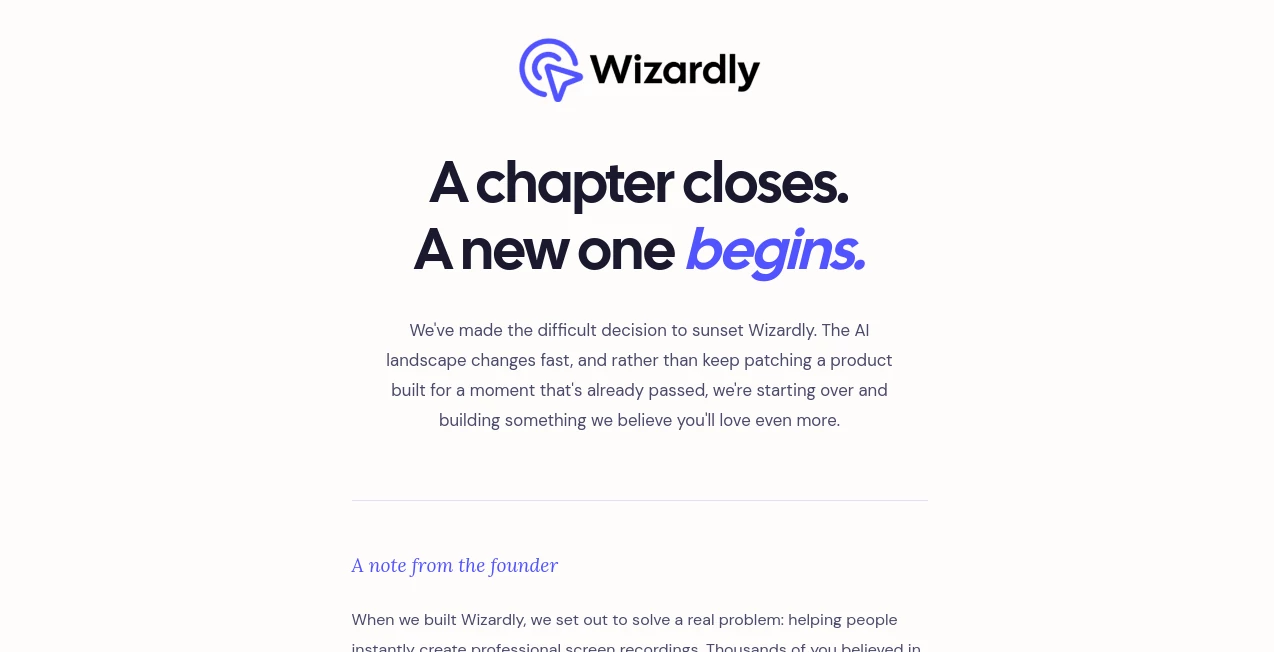
What is Wizardly?
I used to dread creating tutorial videos or product walkthroughs. The setup, the awkward narration, the endless re-recording because I stumbled over words — it always took far longer than it should. Then I started using this tool and everything changed. You record your screen normally, and the AI quietly works its magic: it cleans up audio, adds smooth transitions, suggests b-roll, and even generates natural-sounding voiceovers if you want. The final result looks like something a video editor spent hours polishing. Colleagues started asking me what editing software I was suddenly using. The truth? I barely edited anything at all.
Introduction
Screen recordings are essential for training, support, sales demos, and documentation, but most of them look... well, like quick screen recordings. Wizardly takes that raw footage and turns it into polished, professional-looking videos without forcing you to become a video editor. It’s designed for busy teams who need to communicate clearly and quickly. The AI handles the tedious parts — noise reduction, pacing, visual enhancements — so you can focus on the message instead of the production. For anyone who’s ever felt embarrassed sharing a raw Loom or Zoom recording, this feels like a genuine relief.
Key Features
User Interface
The recording experience is as simple as it gets. Click record, do your thing on screen, and stop when you’re done. The magic happens afterward in a clean editor where AI suggestions appear automatically. You can trim clips, add text overlays, or let the AI propose improvements with one click. Everything stays intuitive — no steep learning curve, just a smooth flow from recording to shareable video.
Accuracy & Performance
The AI does an excellent job understanding context. It removes filler words naturally, improves audio clarity even in noisy environments, and suggests cuts that actually make sense for the content. Voice enhancement works surprisingly well across different accents and microphones. In real use, the first pass is often 80-90% of the way there, which is huge when you’re trying to move fast.
Capabilities
Beyond basic recording, you get automatic chapter markers, smart b-roll suggestions, background noise removal, eye contact correction, and professional-looking transitions. It can generate natural voiceovers if you prefer not to record narration yourself, and the export options cover everything from quick links to high-quality downloads. Teams especially love the shared workspace and commenting features that make collaboration feel seamless.
Security & Privacy
Your recordings stay private by default. The platform uses strong encryption and gives teams fine-grained control over who can view or edit content. For companies handling sensitive internal training or customer demos, that attention to security provides real confidence.
Use Cases
A customer success team creates personalized onboarding videos for new clients in minutes instead of hours. A product manager records feature walkthroughs that look studio-quality for release notes. An HR department builds engaging training modules without hiring video producers. Support agents quickly explain complex solutions to customers with clear, professional recordings. It fits naturally into any workflow where clear visual communication matters.
Pros and Cons
Pros:
- Transforms raw recordings into polished videos with minimal effort.
- Excellent audio enhancement and noise removal.
- Fast workflow that respects your time.
- Great for both individual contributors and teams.
- Professional results without professional skills.
Cons:
- Very long or highly complex recordings may need some manual polishing.
- Advanced team features and unlimited storage live on higher plans.
Pricing Plans
It offers a generous free tier for individuals and light use, with paid plans that scale for teams and heavier workloads. The pricing feels fair for the time and professional appearance it adds to your communications. Many teams say the upgrade pays for itself quickly through saved editing time and better audience engagement.
How to Use Wizardly
Click the record button, share your screen (and camera if you want), and talk through your content naturally. Stop when you’re done. Review the AI-enhanced version, make any small tweaks, add text or b-roll if desired, and share the link or download the video. For team projects, invite collaborators directly in the workspace. The entire process stays fast and focused, letting you create more while stressing less.
Comparison with Similar Tools
Basic screen recorders give you raw footage that needs heavy editing. Traditional video tools require too much time and skill. Wizardly sits in the sweet spot: simple recording experience with intelligent AI post-production that delivers professional results without the usual hassle. It’s less about replacing your voice and more about elevating it.
Conclusion
Communication is at the heart of every team, but creating clear, professional videos shouldn’t slow you down. This tool removes that friction and lets you focus on what you’re actually saying. The results look polished, the process feels natural, and the impact on how your message is received is noticeable. For anyone who needs to explain, teach, or demonstrate on screen regularly, it’s one of those tools that quickly becomes essential.
Frequently Asked Questions (FAQ)
How good is the audio enhancement?
Very good — it cleans up background noise and improves clarity across different recording environments.
Can I edit after the AI processes it?
Yes — you have full control to trim, add text, or make other adjustments.
Is it suitable for teams?
Absolutely — shared workspaces and collaboration features make it great for companies.
Do I need to be on camera?
No — you can record screen only if you prefer.
What file formats can I export?
Standard video formats plus direct shareable links with password protection options.
AI Recording , AI Video Generator , AI Meeting Assistant , AI Productivity Tools .
These classifications represent its core capabilities and areas of application. For related tools, explore the linked categories above.

Wizardly Alternatives Product

Seedance 3.0
GenPPT AI
PZERO

LorePanic
Seedance
Odysseus AI

Seedance 2.0…

VideoLens
TurboScribe