Undetectr
What is Undetectr?
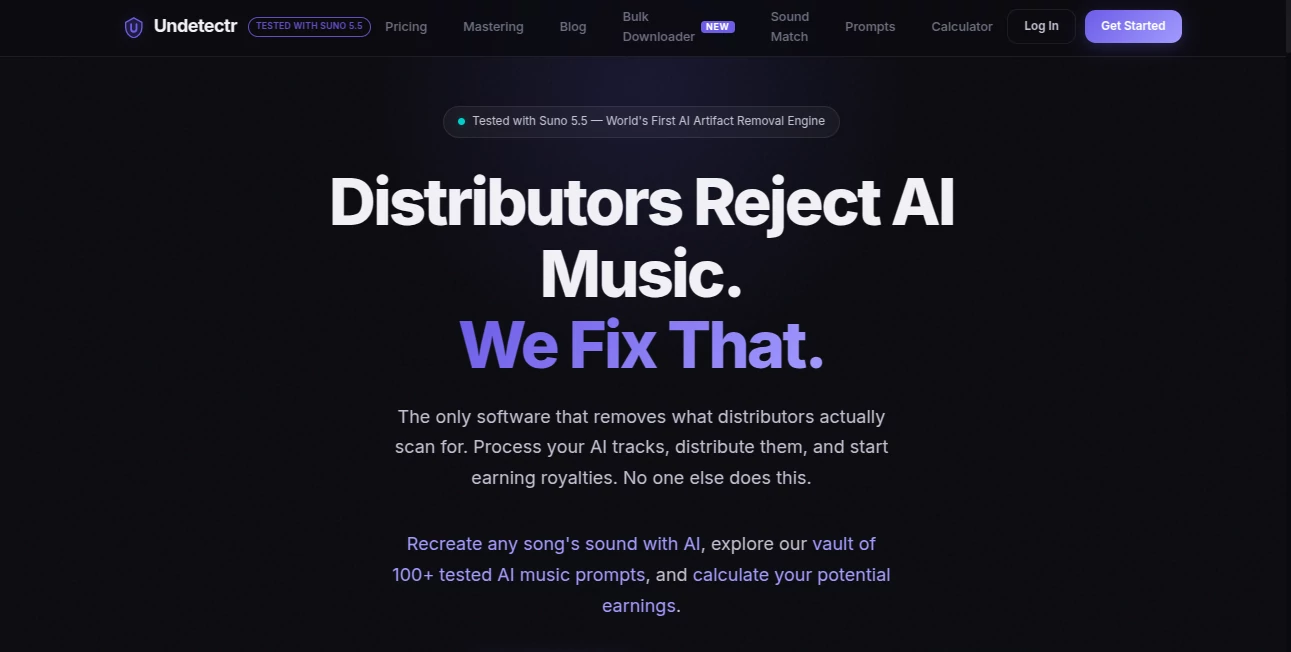
You have finally nailed that beat using Suno or Udio. It sounds like a chart-topper. But every time you try to upload it to Spotify or DistroKid, you get a rejection notice. Frustrating, right? The truth is, most AI music generators leave behind a digital trail invisible to the human ear but glaringly obvious to distribution bots. This is where this platform changes the game entirely. It acts like a sonic invisibility cloak for your tracks. Instead of just detecting if a song is AI-generated, it actually removes the hidden markers causing the rejection. For bedroom producers and content creators tired of fighting algorithms, this tool is the backstage pass you have been waiting for.
Key Features
User Interface
You don't need to be a sound engineer to navigate this space. The dashboard is stripped down to the absolute essentials. You simply upload your file—whether it is an MP3, WAV, or FLAC—and hit process. There are no confusing equalizers or overwhelming sliders. A friend of mine who only makes beats on his phone figured it out in under two minutes. The design prioritizes speed, so you spend less time clicking and more time creating.
Accuracy & Performance
This is where the magic happens. Standard audio cleaners often just muddy the sound to hide imperfections. This service targets very specific spectral fingerprints and timing patterns that distributors like Bandcamp and Apple Music scan for. It removes the "robotic perfect timing" anomalies while keeping the soul of your track intact. In tests, tracks that were previously flagged by CD Baby passed inspection cleanly after processing. It does not degrade your bassline or wash out the vocals; it just cuts the digital fat.
Capabilities
Beyond just scrubbing artifacts, the platform includes intelligent mastering tailored to specific streaming services. You can select a target platform—like Spotify or Tidal—and the engine adjusts the loudness to industry standards (think -14 LUFS for Spotify). It also features a bulk downloader for Suno users and a library of hundreds of tested prompts. You are not just hiding your tracks; you are polishing them for radio-ready distribution across over 150 platforms.
Security & Privacy
Worried about your unreleased demo ending up on the internet? The processing engine respects your ownership. You upload, you process, you download, and then your file is removed from the active servers. There is no sneaky training data clause here. Furthermore, the one-time payment model means you aren't handing over a credit card for a subscription that forgets your projects next month.
Use Cases
The Beats Seller: You produce loops and full tracks using AI tools to sell to rappers or sync libraries. Buyers often run checks to see if the beat is "pure." Running your catalog through this ensures no flags pop up, increasing your sales conversion.
The YouTube Creator: You need background music for a video essay, but copyright claims are a nightmare. Process your generated track to remove fingerprinting, and you avoid the automated claim bots that strike AI music.
The Independent Artist: You wrote the lyrics, but used AI to generate the instrumental. You just want to get it on Spotify playlists. This service bridges that gap, allowing you to distribute without switching distributors.
Pros and Cons
- Pro: The one-time payment model is a breath of fresh air compared to endless monthly fees.
- Pro: Supports lossless formats like FLAC and WAV, ensuring no extra compression is added.
- Pro: Direct integration with platform-specific loudness standards (Spotify vs. Apple Music).
- Con: It is a relatively new domain, so long-term trust metrics are still being established by security crawlers.
- Con: Effectiveness can vary based on how "synthetic" the original AI track sounds.
- Con: Over-processing a very low-quality file might result in hollow sounding mid-tones.
Pricing Plans
You aren't locked into a subscription nightmare. The service operates on a straightforward, one-time purchase model starting at roughly $19 for a set amount of processing. This is ideal for the artist who has a single EP ready to go, rather than a monthly studio commitment. There are no hidden upcharges for mastering or high-quality exports, though bulk processing for full albums might require a higher tier.
How to Use Undetectr
First, ensure your track is fully mixed and rendered from your AI generator. Export it as a WAV for the best results. Head to the website and locate the upload area. Drag and drop your file. Next, select your target distributor (e.g., DistroKid) or streaming platform from the dropdown menu. Hit the "Process" button and wait about 30 seconds to a minute. Finally, download the cleaned file. Upload that new file to your distributor. You will likely see the "Rejected" status turn into "Processing" for the first time.
Comparison with Similar Tools
Most other tools in this space are "detectors." They tell you there is a problem but offer no solution. A service like LALAL.AI focuses on stem separation, not artifact removal. MakeBestMusic generates music but doesn't clean existing AI fingerprints. The difference here is active correction versus passive analysis. While others leave you scrambling to re-record instruments or manually tweak EQs, this tool fixes the hidden metadata and spectral issues automatically. It stands alone as the first dedicated "remover" rather than just a "scanner."
Conclusion
If you are serious about distributing AI-assisted music, you cannot ignore the reality of bot-driven rejection. This platform removes that barrier. It respects your creative process—whether you generated 100% of a track or just used AI to fix a melody. The single-payment model shows confidence in the product, and the technical results speak for themselves. For anyone tired of seeing "AI Detected" on their dashboard, this is the solution you have been searching for.
Frequently Asked Questions (FAQ)
Does this work for vocals or just instrumentals?
It works on full tracks. It targets overall spectral fingerprints, so whether you have singing or just synths, the process remains the same.
Will my music sound robotic or muffled after processing?
No. The goal is to keep the musical character. If you over-process a track, you might notice slight changes, but standard usage typically results in a cleaner, more natural sound.
Which distributors are supported?
The engine is designed to pass inspection by major players like DistroKid, CD Baby, Ditto, Tunecore, Spotify, and Apple Music.
Do I need to pay a subscription?
No. The service emphasizes a one-time payment system, though bulk or enterprise options may vary.
What formats can I upload?
The platform accepts MP3, WAV, and FLAC to ensure high-fidelity processing for professional use.
AI Recording , AI Audio Enhancer , AI Music Generator , AI Voice & Audio Editing .
These classifications represent its core capabilities and areas of application. For related tools, explore the linked categories above.

Undetectr Alternatives Product

Chatterbox T…

SeedMusic 1.0

Lyrics to So…

Lyria 3

AI Song Maker

Voice To Ins…

TonesMatch

Solmi AI

Audio Convert