
VidGenerator.AI
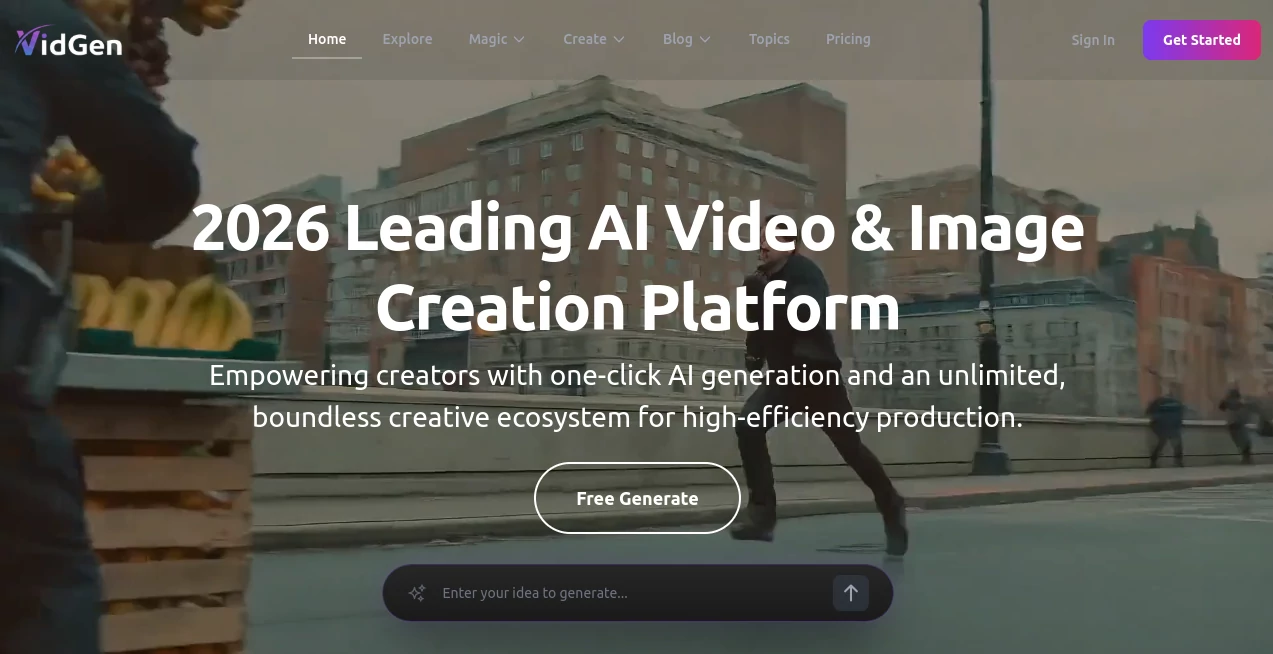
What is VidGenerator.AI?
Creating professional-looking videos has traditionally required time, technical skills, and expensive software. Today, that process is being redefined by intelligent automation. This platform brings a simpler approach to video creation, allowing users to transform ideas into polished visual content without needing editing experience or complex tools.
It is designed for creators, marketers, and businesses who want to produce engaging videos quickly while maintaining a high level of quality. Whether you are building ads, social media content, or product explainers, the workflow feels intuitive and surprisingly fast.
Key Features
User Interface
The interface is clean and minimal, focusing on guiding users rather than overwhelming them with options. Even first-time users can navigate the creation process without needing tutorials or technical guidance. Everything is structured step-by-step, making video production feel natural.
Accuracy & Performance
The system is optimized to generate visually coherent scenes that match the user’s input. Rendering times are efficient, and outputs are typically ready within minutes. This makes it practical for fast-paced workflows such as marketing campaigns or content scheduling.
Capabilities
The platform supports a wide range of video styles, from promotional clips to storytelling formats. Users can create dynamic visuals using text prompts, combine different visual elements, and produce content suitable for multiple digital platforms.
- Text-to-video generation for quick content creation
- Social media-ready video formats
- Marketing and promotional video creation
- Automated scene structuring based on input prompts
Security & Privacy
User-generated content is handled with attention to privacy and data protection. Projects remain accessible only to the creator, ensuring a secure environment for both personal and business use.
Use Cases
This tool is suitable for a wide variety of users and industries. Marketers can create ad creatives in minutes, educators can build visual learning materials, and startups can produce pitch videos without hiring production teams. Content creators also benefit from rapid production cycles, especially when managing multiple platforms.
Pros and Cons
Pros
- Fast and efficient video generation process
- No prior editing skills required
- Suitable for multiple content types
- User-friendly workflow for beginners and professionals
Cons
- Advanced manual editing options may be limited
- Highly complex cinematic control might not be fully customizable
Pricing Plans
The platform typically offers flexible pricing structures designed for different types of users. These may include free access with basic features and premium plans for higher-quality outputs, faster rendering, and additional customization options.
How to Use
Getting started is straightforward. Users begin by entering a short description of the video they want to create. The system then processes the input and generates a structured visual sequence. After reviewing the preview, users can make adjustments or regenerate the output until it matches their expectations.
Comparison with Similar Tools
Compared to traditional video editing software, this solution removes the need for manual editing timelines and complex transitions. While conventional tools offer more granular control, this platform prioritizes speed and simplicity. It sits in a growing category of AI-driven video creation tools that focus on automation rather than manual production.
Conclusion
For anyone looking to produce high-quality video content without investing significant time or technical effort, this platform offers a practical and modern solution. It bridges the gap between creative ideas and finished video content, making production more accessible than ever before.
Frequently Asked Questions (FAQ)
Is prior video editing experience required?
No, the platform is designed for users with no editing background. The process is fully guided and beginner-friendly.
What types of videos can be created?
Users can create promotional videos, social media content, explainers, and short-form visual stories.
How long does it take to generate a video?
Most videos are generated within a few minutes depending on complexity and length.
Can it be used for commercial projects?
Yes, it is suitable for both personal and business use, including marketing and advertising purposes.
AI Video Generator , AI Video Editor , AI Text to Video .
These classifications represent its core capabilities and areas of application. For related tools, explore the linked categories above.
VidGenerator.AI details
Website unavailable — View Alternatives
Pricing
- Free
Apps
- Web App
Categories

VidGenerator.AI Alternatives Product

Gemini Omni …

Sora 2 AI

Wan AI Video…

Happy Oyster

Kling-4 Vide…

veo 4

Veo 4 AI

Faceless vid…

HappyHorse A…