

















Whisk AI
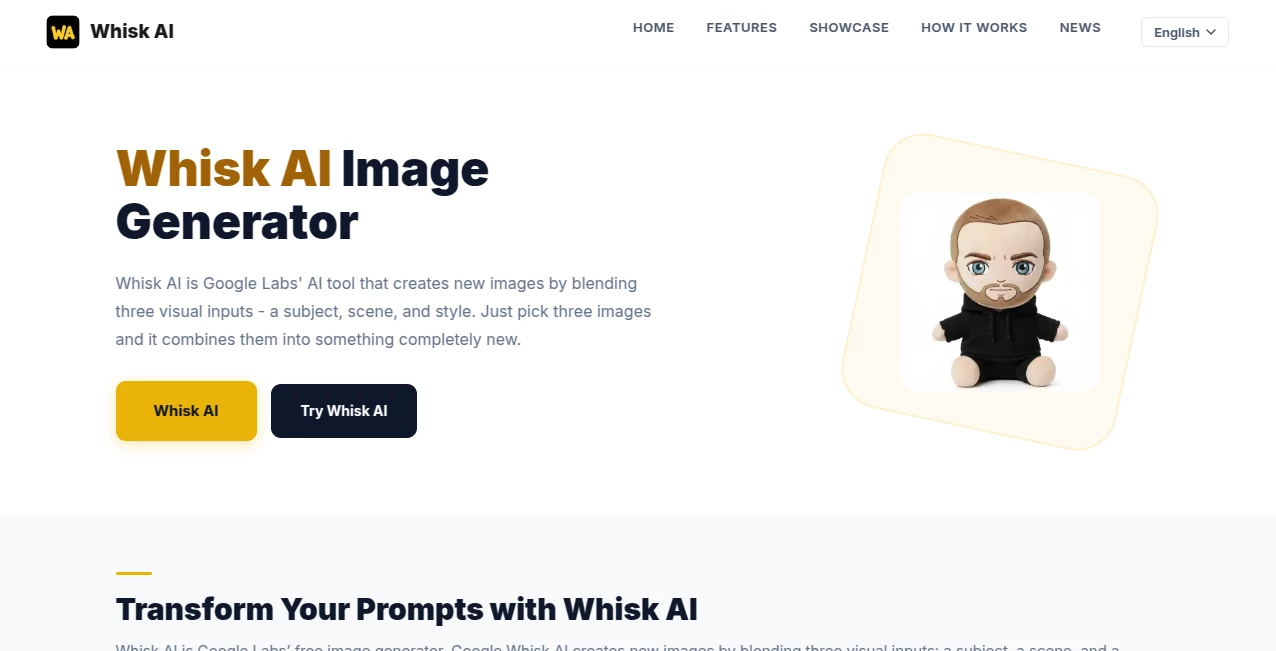
What is Whisk AI?
Creating original visuals often takes time, creative skill, and multiple editing tools. This image generation platform offers a refreshingly simple approach by allowing users to combine three separate visual references into one entirely new creation. Instead of relying only on text prompts, it encourages visual thinking through a subject image, a scene image, and a style image.
The result is an intuitive creative workflow that feels natural for designers, marketers, educators, content creators, and anyone who enjoys experimenting with visual ideas. Whether you are exploring concepts for a campaign, designing illustrations, or simply looking for inspiration, the platform delivers impressive results while keeping the creative process enjoyable.
Its biggest strength is the ability to reinterpret existing visual references instead of copying them directly. Every generated image becomes a fresh composition with its own artistic identity, making it suitable for brainstorming, presentations, social media, and creative projects.
Key Features
- Blend three visual inputs into a completely new image.
- Supports subject, scene, and artistic style references.
- Fast AI-powered image generation.
- Simple workflow with minimal learning curve.
- Produces creative variations instead of direct copies.
- Suitable for concept art, marketing, education, and entertainment.
- High-quality image generation powered by advanced AI models.
- Ideal for visual brainstorming and rapid idea exploration.
User Interface
The interface is clean and welcoming. Uploading three reference images takes only a few moments, and the generation process is presented in a straightforward way. The absence of unnecessary controls makes it easy for beginners while still providing enough flexibility for experienced creators.
The workflow feels closer to building a visual mood board than writing long prompts, making creativity accessible even to users with no design background.
Accuracy & Performance
The platform demonstrates impressive consistency when interpreting visual references. Instead of producing random combinations, it understands the relationships between objects, environments, and artistic styles, resulting in balanced and believable compositions.
Generation speed is suitable for rapid experimentation, allowing users to iterate through multiple ideas without interrupting their creative momentum.
Capabilities
- Create completely original artwork from image references.
- Generate concept illustrations for products or presentations.
- Explore different artistic styles.
- Create social media graphics and promotional visuals.
- Produce creative inspiration for designers and artists.
- Generate fantasy, realistic, or stylized compositions.
- Experiment with visual storytelling.
Security & Privacy
The platform is designed within Google's experimental AI ecosystem, benefiting from modern infrastructure and responsible AI development practices. Users should still avoid uploading confidential or sensitive images unless they fully understand the applicable privacy policies for their projects.
Use Cases
- Marketing campaign visuals.
- Social media content creation.
- Creative brainstorming sessions.
- Illustration concept development.
- Educational visual materials.
- Graphic design inspiration.
- Product mockups.
- Digital storytelling.
Pros and Cons
Pros
- Very easy to use.
- Innovative image-based workflow.
- Excellent creative flexibility.
- Fast image generation.
- Suitable for beginners and professionals.
- Creates unique visual compositions instead of simple copies.
Cons
- Works best when high-quality reference images are provided.
- May offer fewer manual controls than advanced professional image editors.
- Creative output can vary depending on the selected visual references.
Pricing Plans
The platform is available through Google Labs as an experimental AI experience. Availability and access may vary depending on region and Google's current rollout. Users should check the official service for the latest access and pricing information.
How to Use Whisk AI Image Generator
- Select a subject image.
- Choose a scene that represents the desired environment.
- Add a style reference to define the artistic direction.
- Start the generation process.
- Review the generated image.
- Create additional variations until the desired result is achieved.
Comparison with Similar Tools
Unlike traditional AI image generators that depend almost entirely on text prompts, this platform emphasizes visual references as the primary source of creativity. That approach makes it particularly appealing for users who think visually and prefer showing ideas instead of describing them.
Compared with many image generation platforms, the three-image blending workflow provides a faster path from inspiration to finished artwork. Designers can explore multiple concepts with minimal effort while maintaining creative control through carefully selected reference images.
Conclusion
This image generation solution introduces a refreshing way to create digital artwork by combining visual references instead of relying solely on written prompts. The workflow is approachable, the results are imaginative, and the overall experience encourages experimentation without becoming complicated.
Whether you are a designer searching for fresh concepts, a marketer preparing eye-catching campaigns, or a creator exploring new artistic directions, this platform delivers an enjoyable and highly creative experience that stands out among modern AI-powered image generation tools.
Frequently Asked Questions (FAQ)
What makes this platform different from traditional AI image generators?
It creates images by combining three visual references—a subject, a scene, and a style—instead of relying only on text prompts.
Can beginners use it?
Yes. The workflow is simple and requires no previous design or AI experience.
What types of images can be created?
Users can generate illustrations, concept art, marketing graphics, social media visuals, creative experiments, and many other artistic compositions.
Is it suitable for professional creative work?
Yes. It can accelerate concept development and visual brainstorming for designers, marketers, and creative teams.
Does it require writing detailed prompts?
No. The platform primarily focuses on visual references, making image creation faster and more intuitive.
AI Photo & Image Generator , AI Illustration Generator , AI Art Generator , AI Image to Image .
These classifications represent its core capabilities and areas of application. For related tools, explore the linked categories above.

Whisk AI Alternatives Product
Pixfy AI

Nano Banana 2
GPT Image 2 …

MakeMyOC
Lovable

GPT Image 2

MuseArt AI
Gemini AI vi…
Nano Banana 2
